Tag: 5-Axis Machining

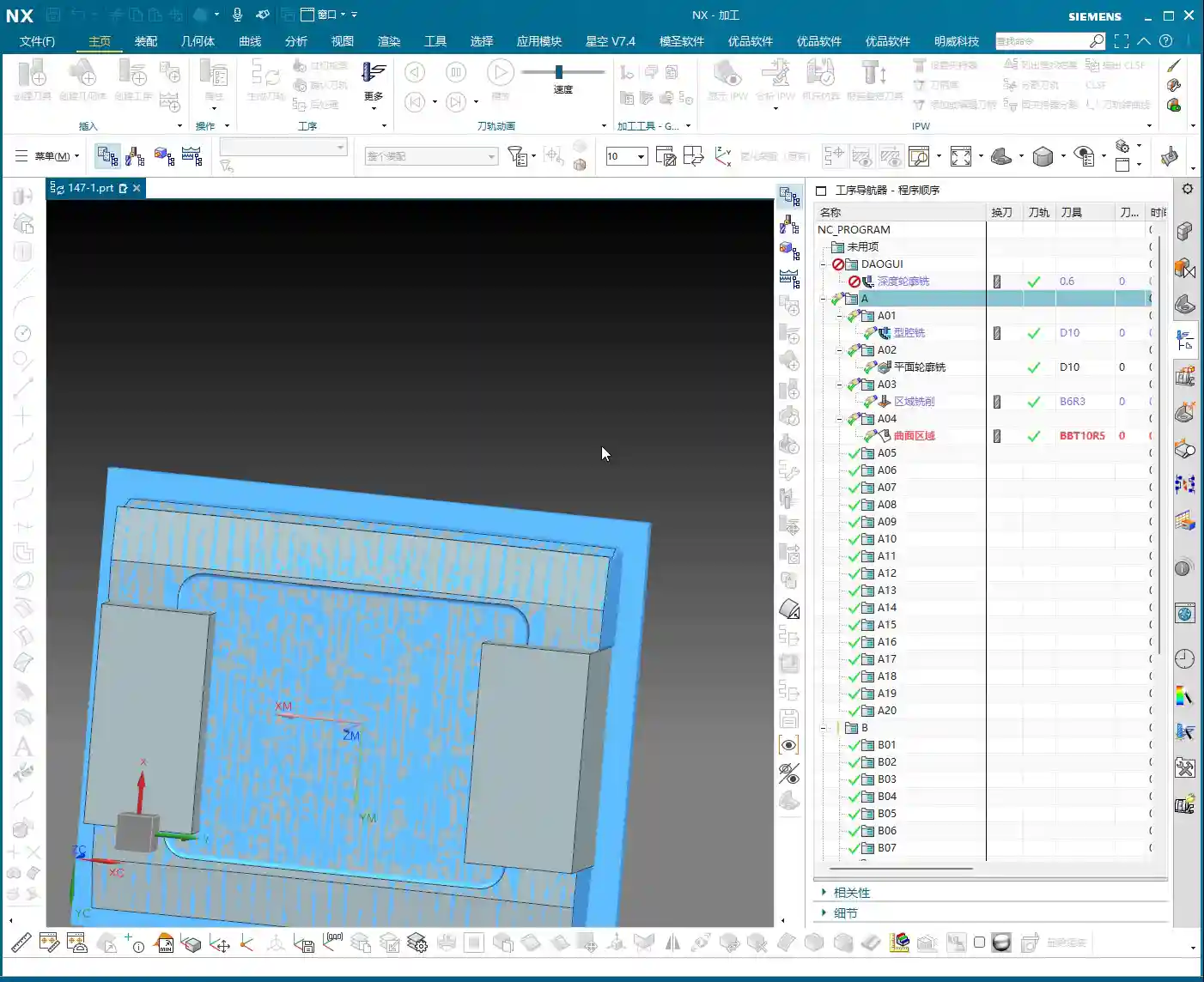
  • Siemens NX Multi-Sided Angle Head First Operation Programming: Master Wang Teaches How to Optimize T

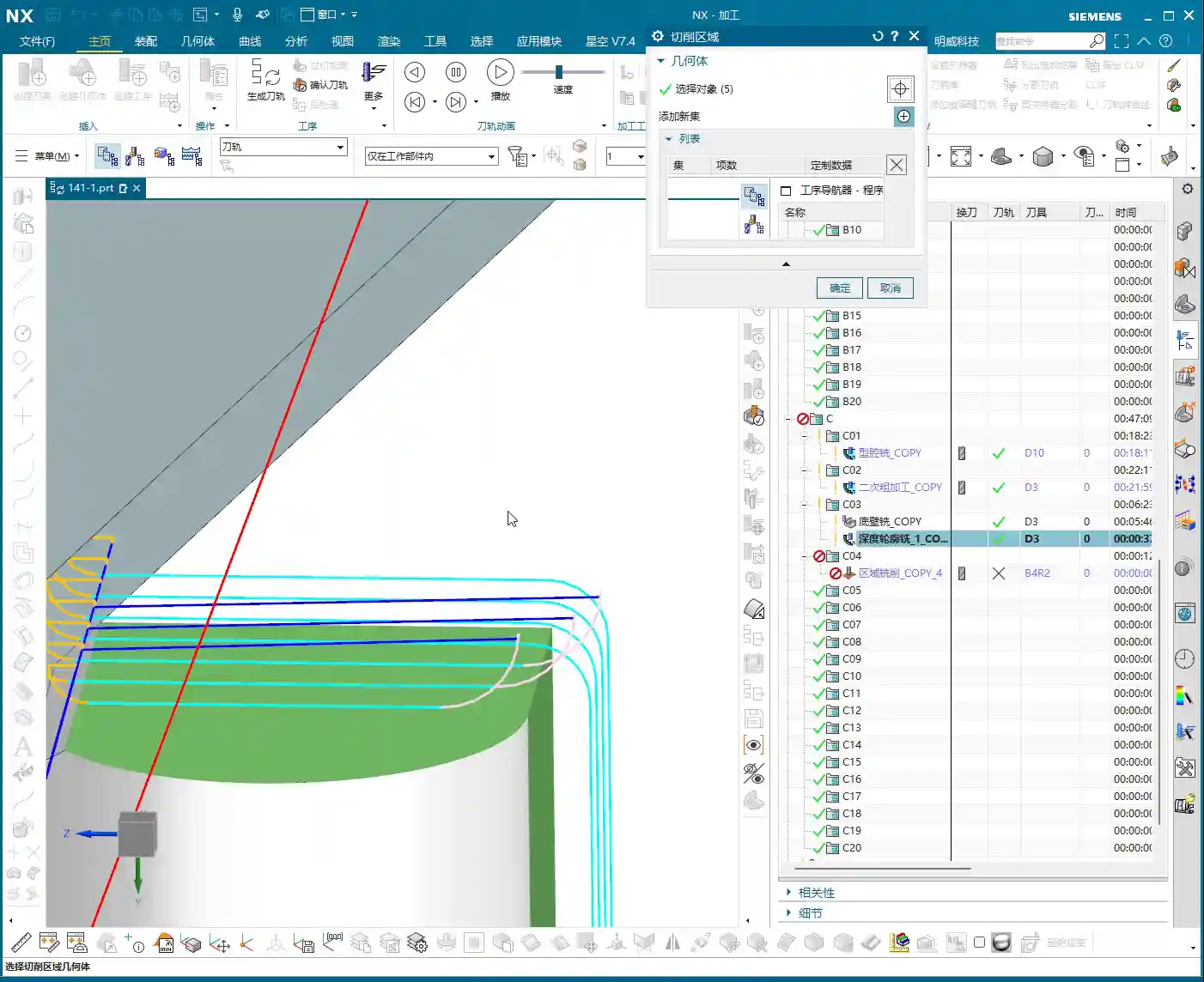
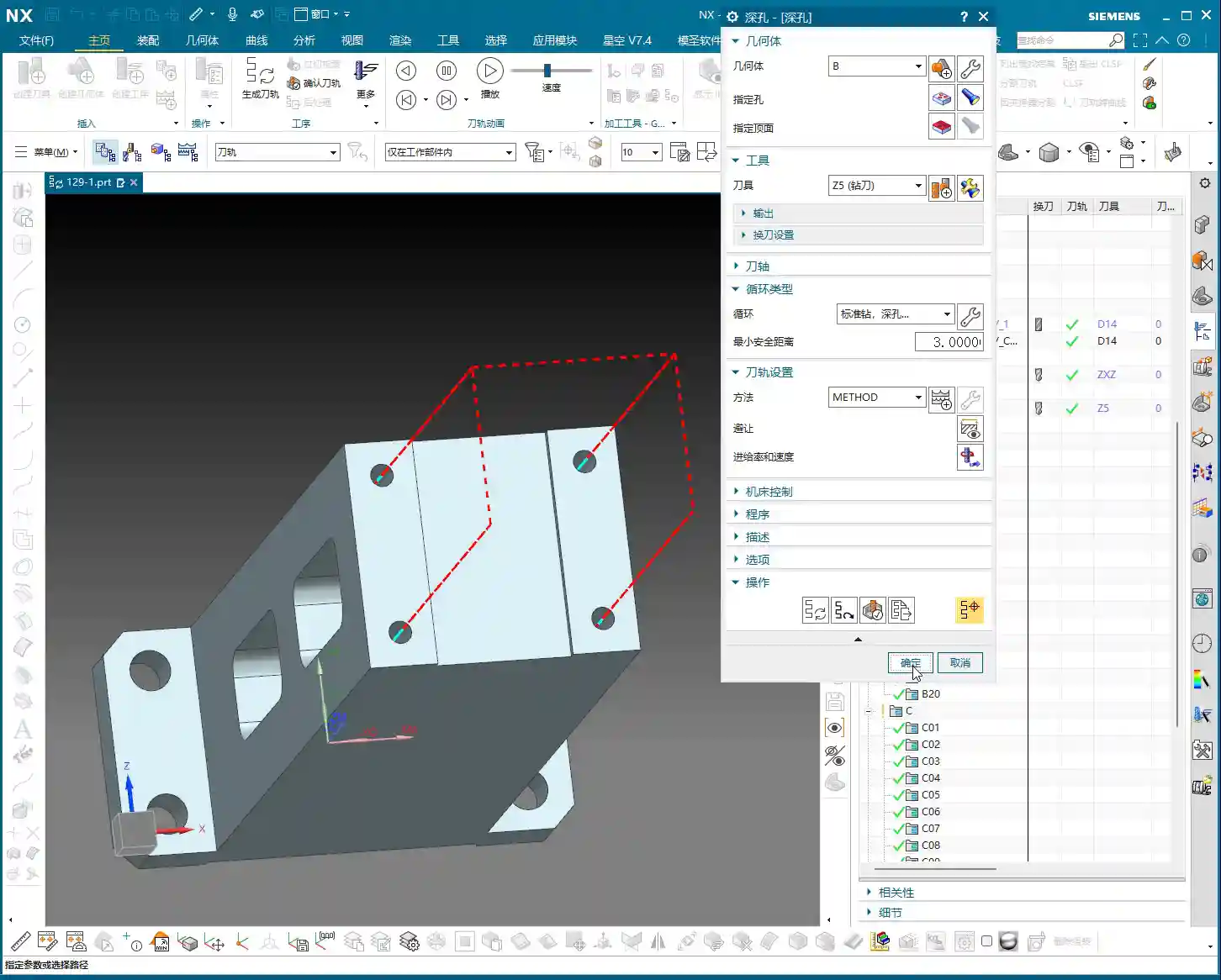
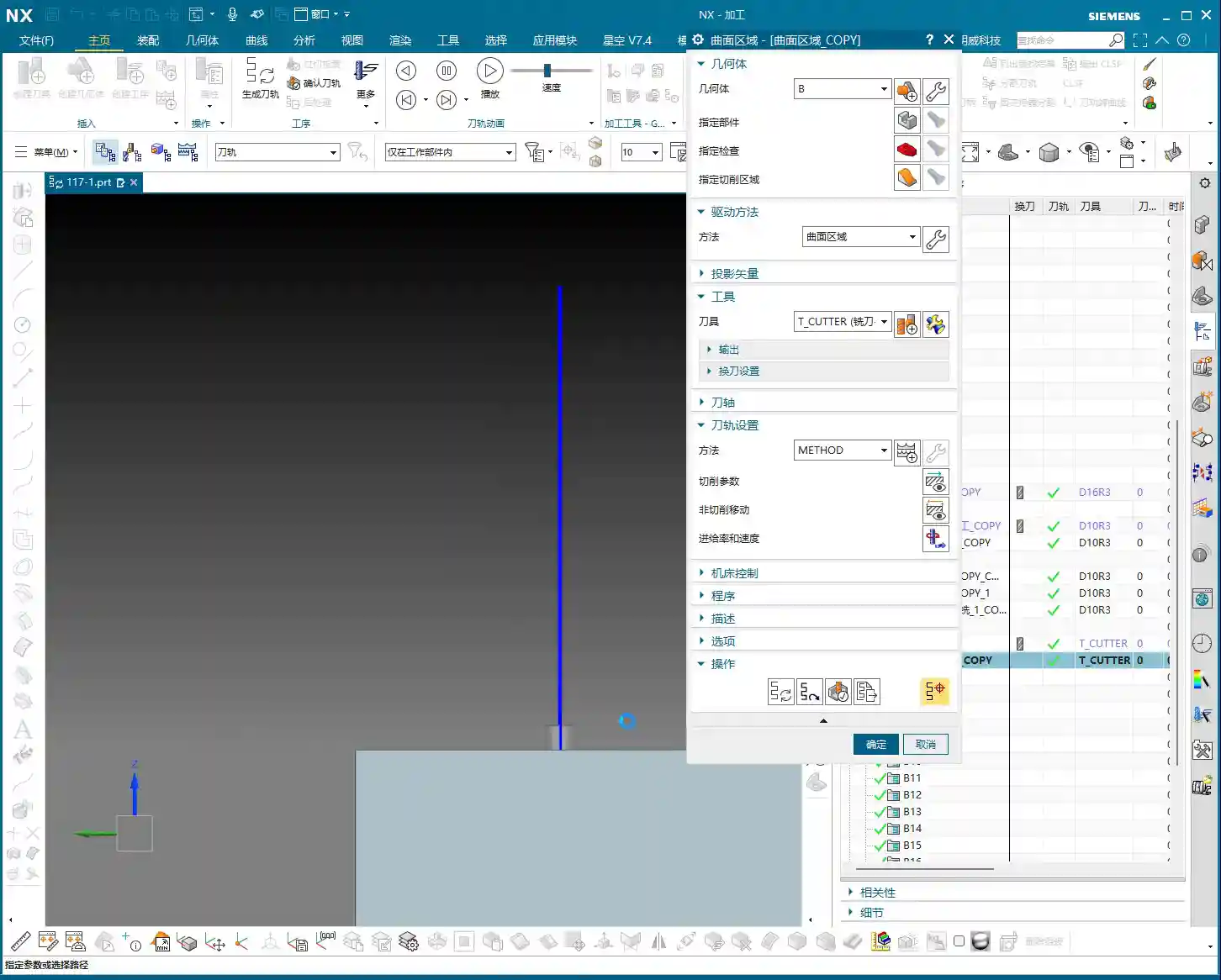
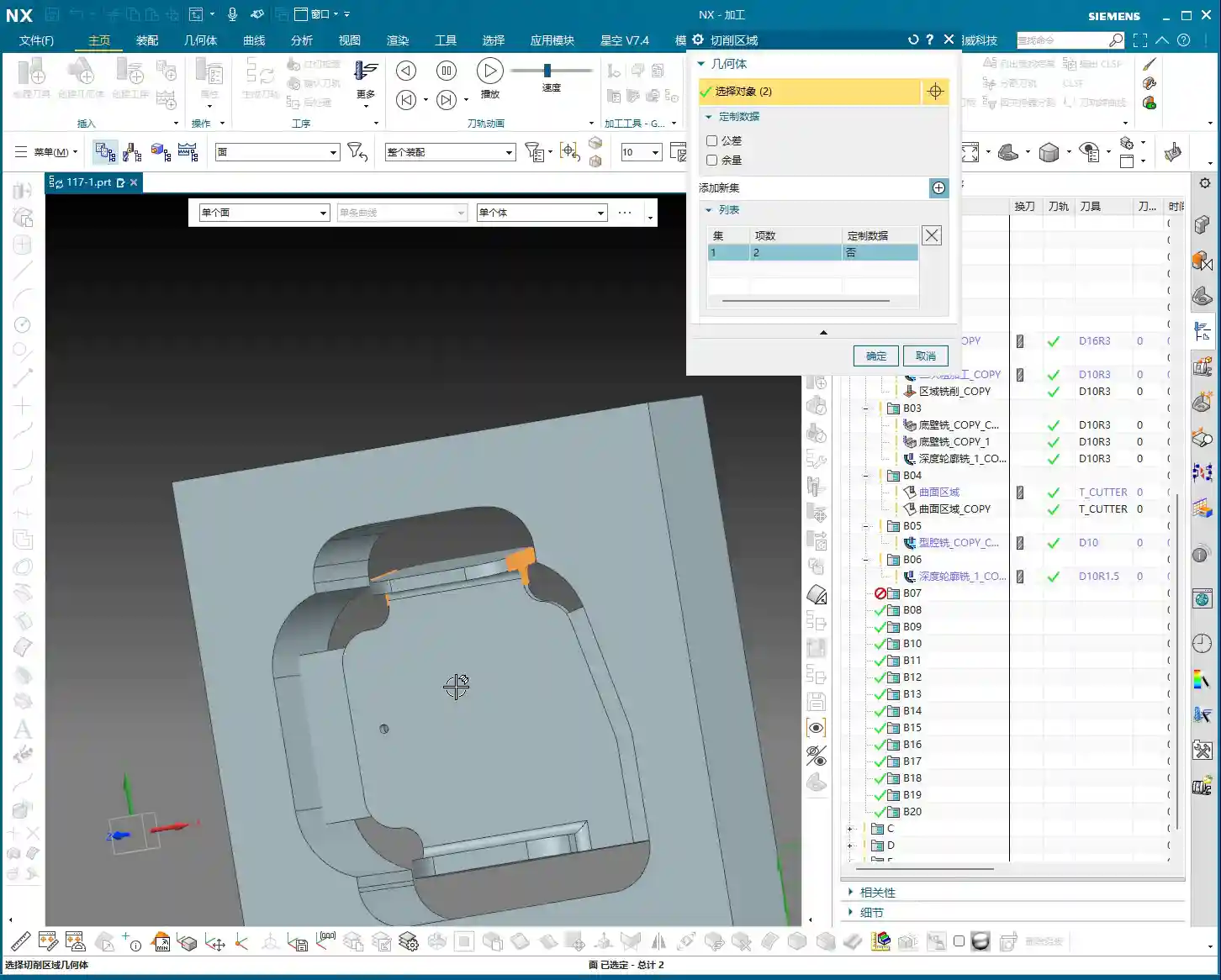
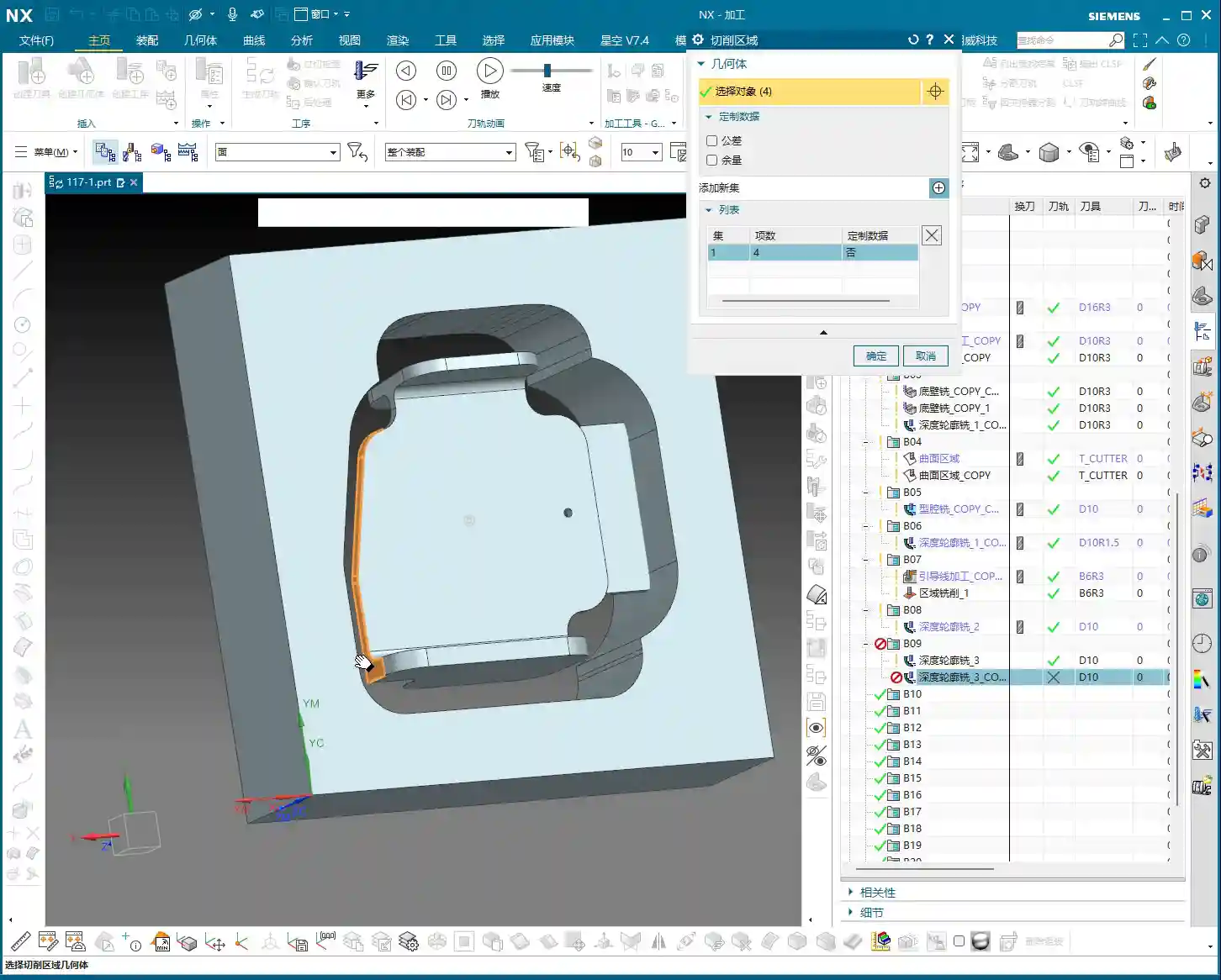
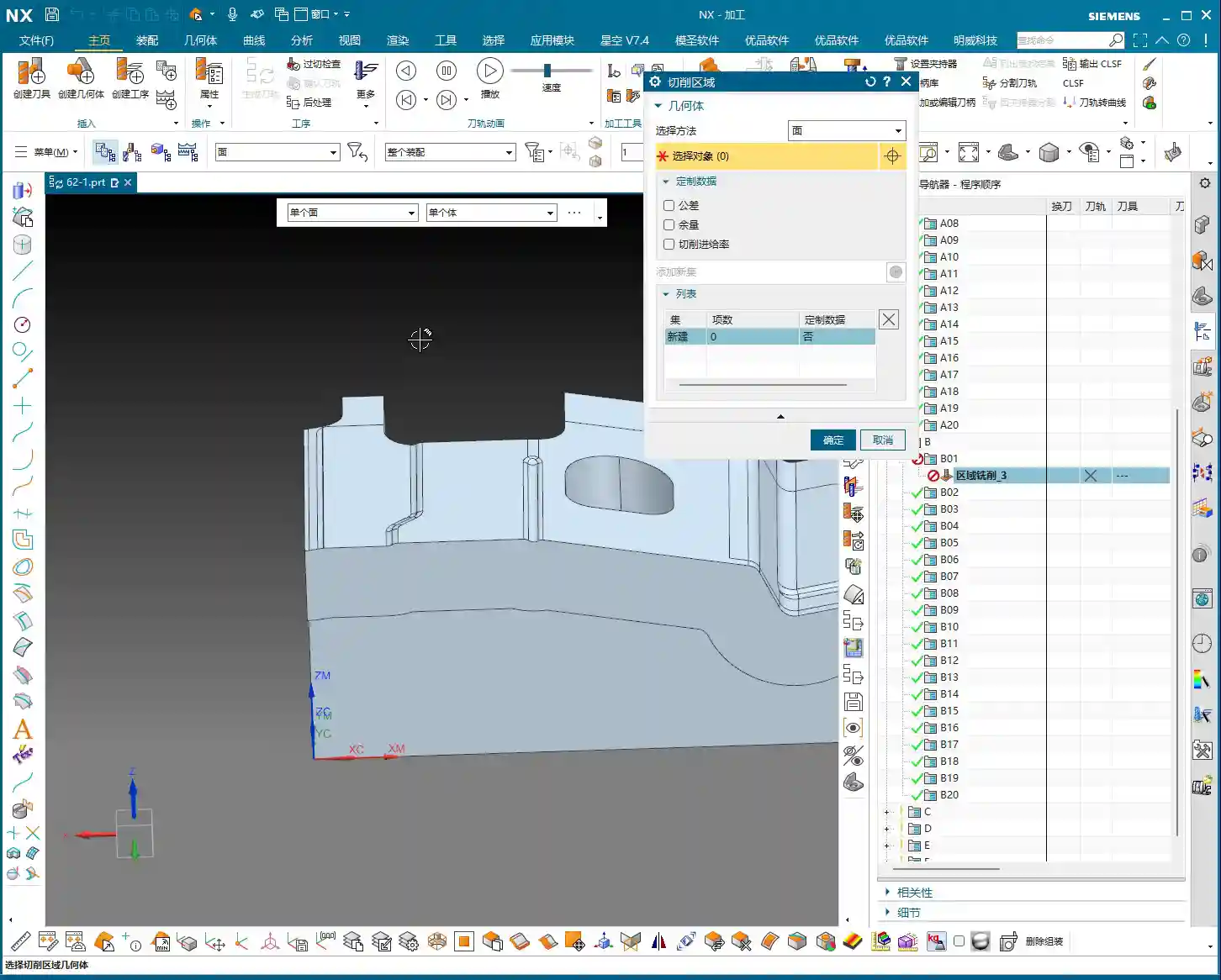
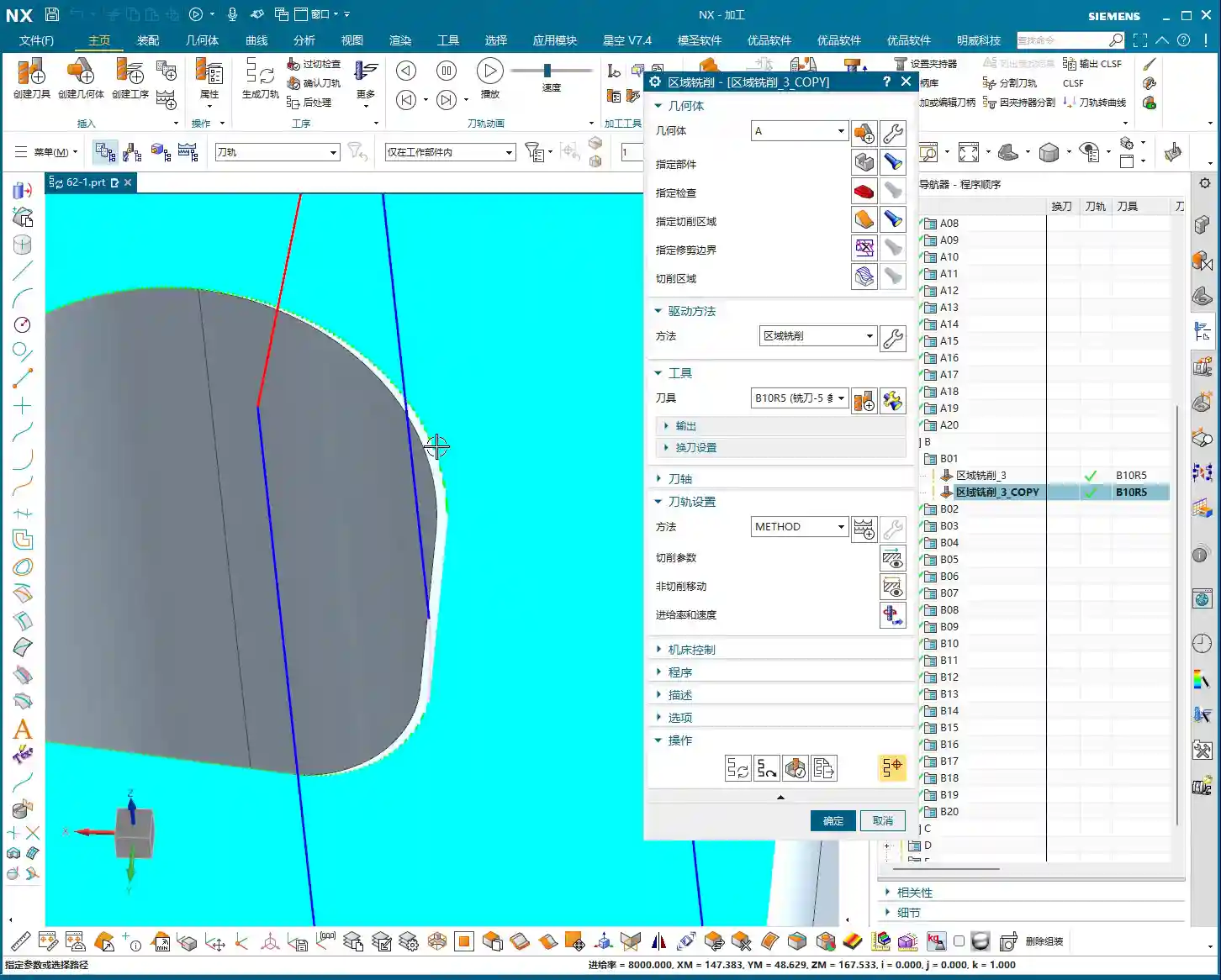
    📝 Key Takeaways: For the first operation programming of multi-sided angle heads, Master Wang emphasizes the flexibility of tool axis settings in NX programming, especially in 4-axis horizontal machining scenarios. The core lies in judiciously choosing Linear interpolation (G01) instead of Rapid move (G00) for tool path output to prevent tool collisions and maintain accuracy. Through roughing, secondary roughing (rest milling), and finishing passes for the bottom and side walls, he elaborates on optimizing retraction strategies and controlling stock allowance to ensure machining efficiency and part accuracy.

    [VIDEO_HERE]

    Listen up, lads. Today, Master Wang is going to walk you through a tough nut to crack – programming the first operation for a multi-sided angle head. Don’t let the name intimidate you; once you grasp the underlying principles, operating it in NX isn’t all that complex. I’ve been doing this for years, seen and heard countless machine issues. What I’m sharing are hard-earned practical experiences, not something you’ll pick up from a textbook.

    Overview: Multi-Sided Machining Strategies and Tool Axis Definition

    Commonalities Between 4-Axis Horizontal Machining and Angle Heads

    Typically, once we get a part and complete the process analysis, we can jump straight into programming. Machining with an angle head is quite similar in principle to 4-axis horizontal machining. It’s essentially about reorienting the tool axis. With a 4-axis horizontal machine, you can rotate the part to the desired angle for machining, which is very convenient. An angle head works on the same principle; it rotates the tool axis, allowing you to cut from the side. So, whether you’re dealing with an angle head or a 4-axis horizontal setup, the programming approach is the same. Don’t overcomplicate it; the core concept is tool axis transformation.

    Remember this: any method that allows the tool to contact the workpiece in the right position and orientation is a good method. Don’t just stare at all the fancy features in the software; focus on how to get the job done efficiently and accurately on the machine.
    Flexible Specification of Tool Axis Direction

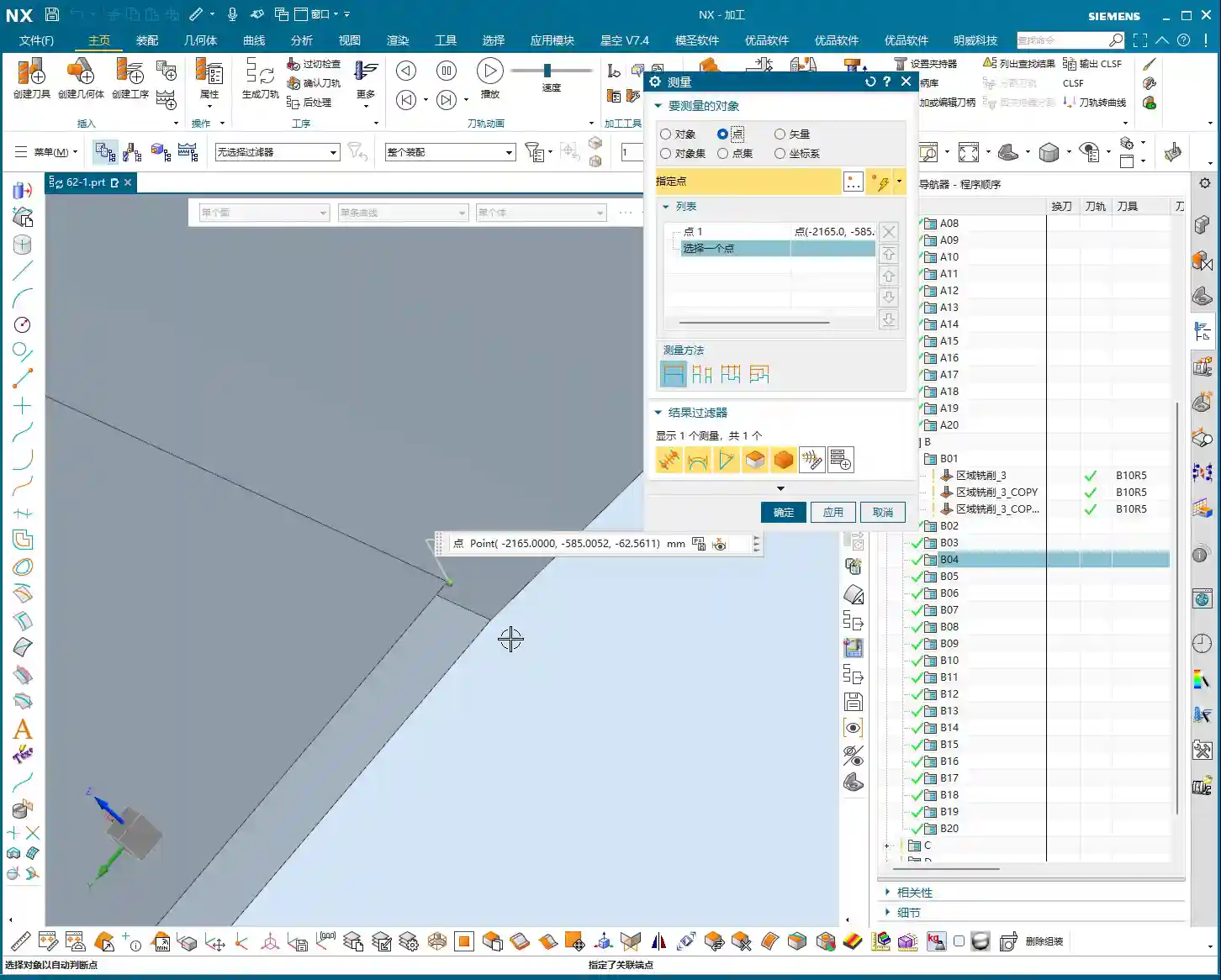
    Specifying the tool axis direction here is crucial. In NX, when selecting the tool axis, you can let it automatically determine the direction, or more reliably, directly select the face you need to machine. For instance, if you’re machining a side face, just click that face, and NX will automatically adjust the tool axis to be perpendicular to it. This is the most direct and least error-prone method. It will orient the tool axis outwards, allowing us to cut along that face.

    Don’t underestimate the tool axis direction; it directly impacts your tool’s cutting force direction, chip evacuation, and even determines whether you can successfully engage the cut. Especially when machining deep cavities or complex surfaces, precise control of the tool axis becomes exceptionally important.

    G-code Output Core Points: Linear Interpolation (G01) and Safe Movement

    Eliminating the Rapid Move (G00) Trap: Enforcing Linear Interpolation (G01)

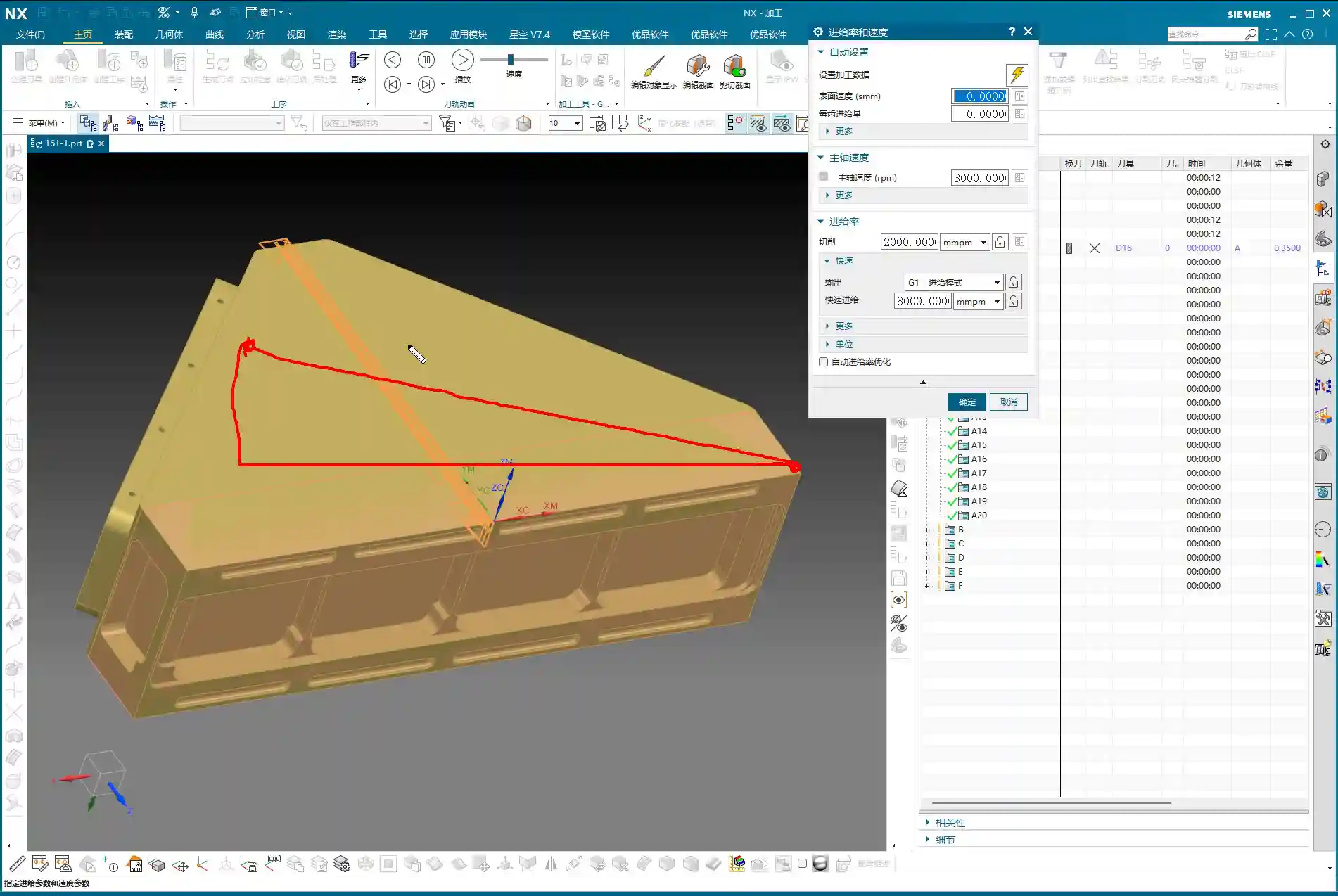
    Listen up! This is what Master Wang wants to emphasize, and textbooks might not tell you this in such detail. In NX programming, especially concerning rapid moves, it’s best, and in fact, essential, to output them using Linear interpolation (G01), not Rapid move (G00)! Why?
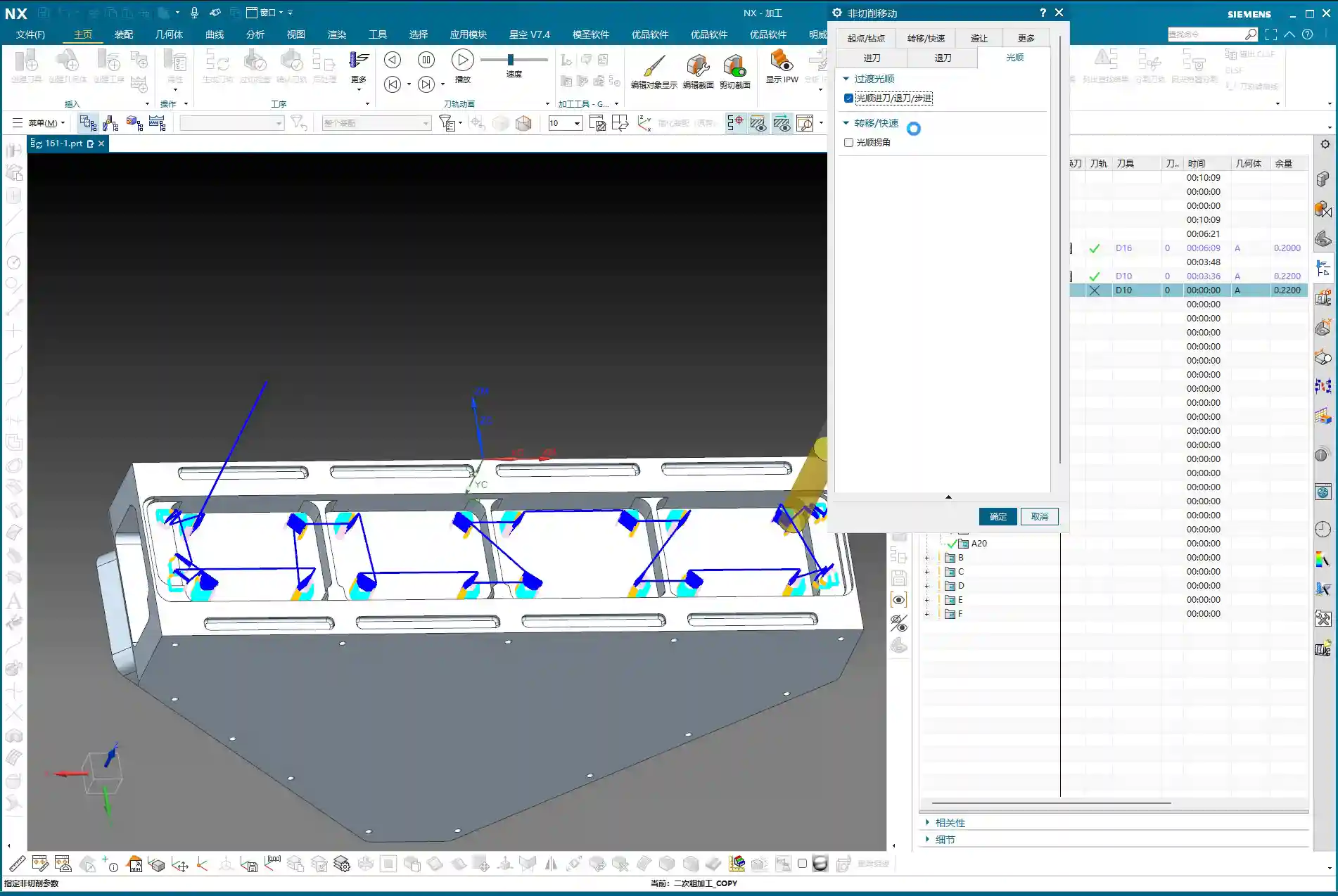
    Because some machine tools, especially older ones, don’t necessarily move in a straight line during a Rapid move (G00). It might move X first, then Y, or Z first, then XY. This can result in a path that looks like “steps” or even takes a wide detour. Your software simulation might look perfect, but once it’s on the machine, you might end up with a hard collision – a tool crash! Even if it doesn’t crash, those sudden changes in speed and travel patterns can easily affect machining accuracy and surface finish. So, for safety and to ensure accuracy, we’ll universally output with Linear interpolation (G01). While it might be slightly slower, the significant increase in safety and stability makes it well worth it!

    Post-Processor and G-code Behavior

    I just mentioned that a Rapid move (G00) might take “steps,” and that’s actually related to your post-processor. Some post-processors, even if you set up rapid movements in NX, will still output Linear interpolation (G01) straight-line movements, which is perfectly fine. However, if your post-processor defaults to outputting Rapid move (G00), and your machine doesn’t execute Rapid move (G00) as a straight line, then you need to be careful. Therefore, always check your post-processor settings to ensure that all rapid movements (such as tool entry/retraction and air moves) are executed as Linear interpolation (G01) or at least as safe, straight-line Rapid move (G00). Don’t just rely on software simulations; you need to see how the actual G-code runs – that’s the real test.

    First Operation Roughing and Retraction Strategies

    Optimizing Retraction Paths: Avoiding Unnecessary Movements

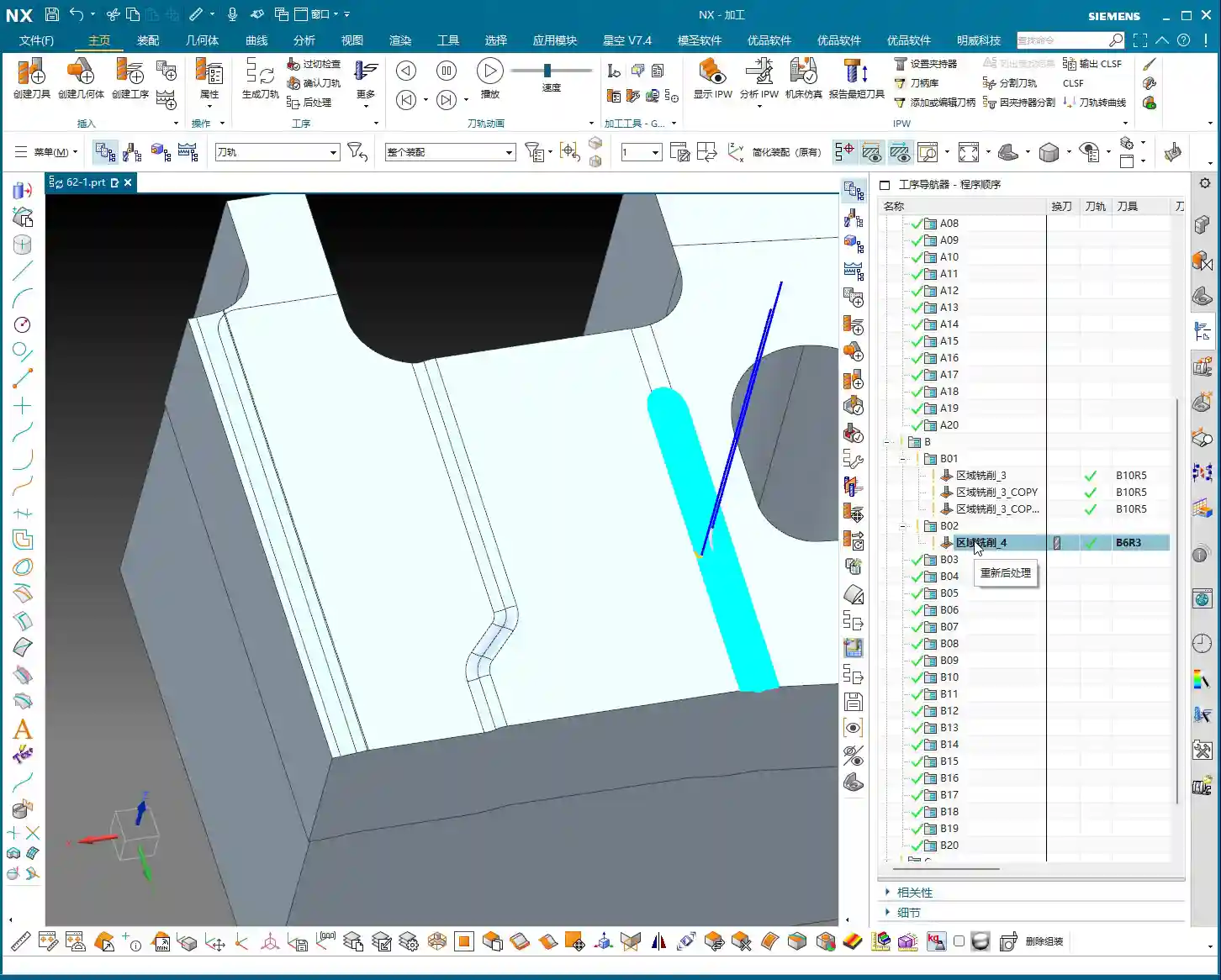
    When we’re programming, there’s one area that often gets overlooked: tool retraction. I see a lot of younger guys setting up retraction paths that are far too long and straight; that’s just a waste of machine time! For example, if a retraction path is too long, we can shorten it or change it to an arc retraction. Say, in your entry/retraction moves, set the retraction to an arc with a radius of 1mm. This makes the tool exit more flexibly and effectively reduces air-cutting time. Don’t underestimate a few seconds here and there; over time, that adds up to significant savings for a machine in a year! So, make it as short as possible, use an arc if you can, be flexible, don’t be rigid.
    Aluminum Roughing Parameter Settings

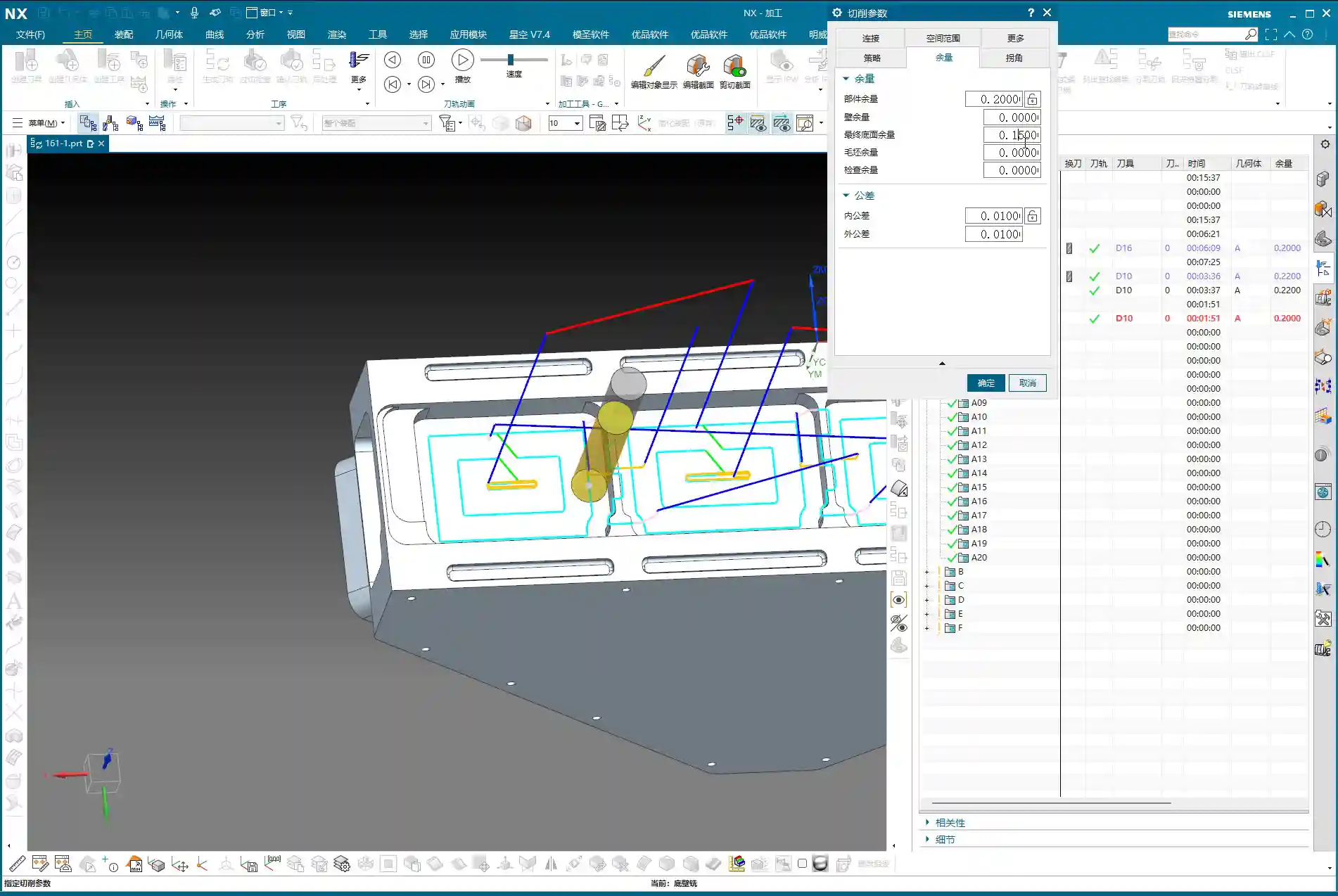
    Let’s assume we’re machining aluminum this time; aluminum is relatively soft and easy to machine. When roughing, tool selection is also critical. We’ll typically choose a larger tool, such as a D16 (16mm diameter) end mill, to quickly remove most of the material. The tool axis direction must be correctly specified, ensuring it’s perpendicular to the side face being machined. Feed rates and spindle speeds should be determined based on the tool, material, and machine capabilities; don’t blindly chase speed. Ensure smooth chip evacuation to prevent chip buildup. The stock allowance should also be set according to the actual blank dimensions; don’t let the tool take too heavy a Depth of Cut (DOC) right at the start, as this can easily cause chipping.

    Secondary Roughing and Finishing Strategies: Smoothing and Accuracy

    The Necessity of Secondary Roughing (Corner Cleanup)

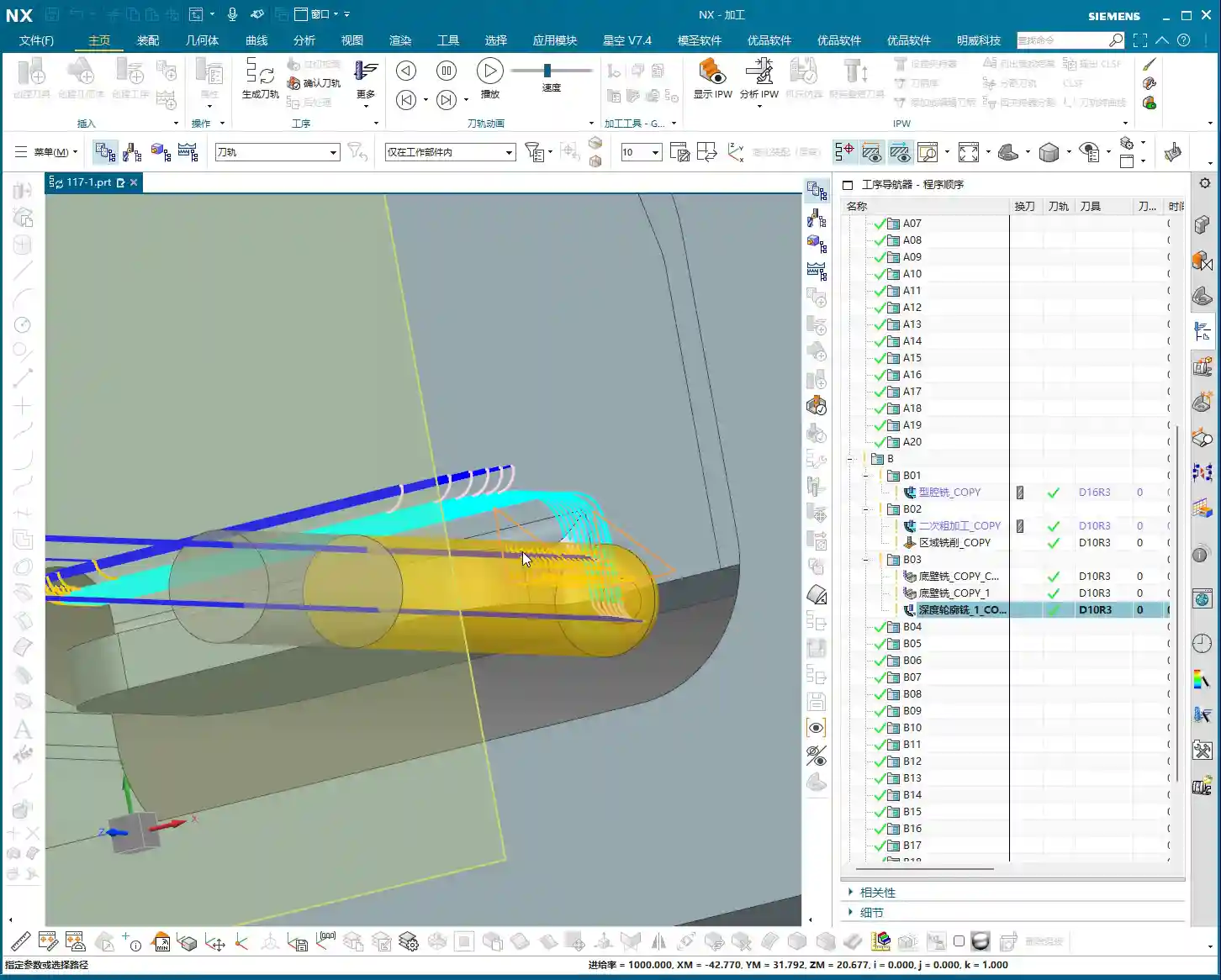
    After roughing, don’t assume everything’s done. When roughing with a large cutter, material will inevitably be left in small corners and fillets. At this point, you need to perform a “secondary roughing” operation, which is essentially Corner Cleanup or Rest Milling. Select a tool one size smaller than your roughing cutter, for instance, a D10 (10mm diameter) or even a D8 (8mm diameter) end mill, to clean out the remaining material in these corners. This is done to reduce the burden on the finishing pass tool, preventing it from taking too heavy a Depth of Cut (DOC), which can affect tool life, cause chipping, or lead to workpiece surface quality issues. All corners that require machining must undergo Corner Cleanup to ensure smooth subsequent finishing passes. This step cannot be skipped; it’s the unsung hero that guarantees final part accuracy and surface quality.

    Smoothing Operations and Maximum Distance Deviation

    After secondary roughing, sometimes we use a “smoothing” function to achieve smoother tool paths and better surface finish. There’s a parameter here called Maximum Distance Deviation; don’t always stick to the default value. This value controls tool path accuracy, but if you want the tool path to be smoother, especially in less critical or transition areas, you can increase it appropriately. For instance, set it to 400%. This results in a cleaner tool path, reduces calculation time, and in actual machining, the impact on the final surface quality might be minimal, or even better. Of course, you must check the machining results; don’t adjust it blindly. A smoother tool path reduces frequent acceleration and deceleration of the machine, which also benefits machine wear.
    Bottom Surface Finishing Pass (Bottom Wall Milling)

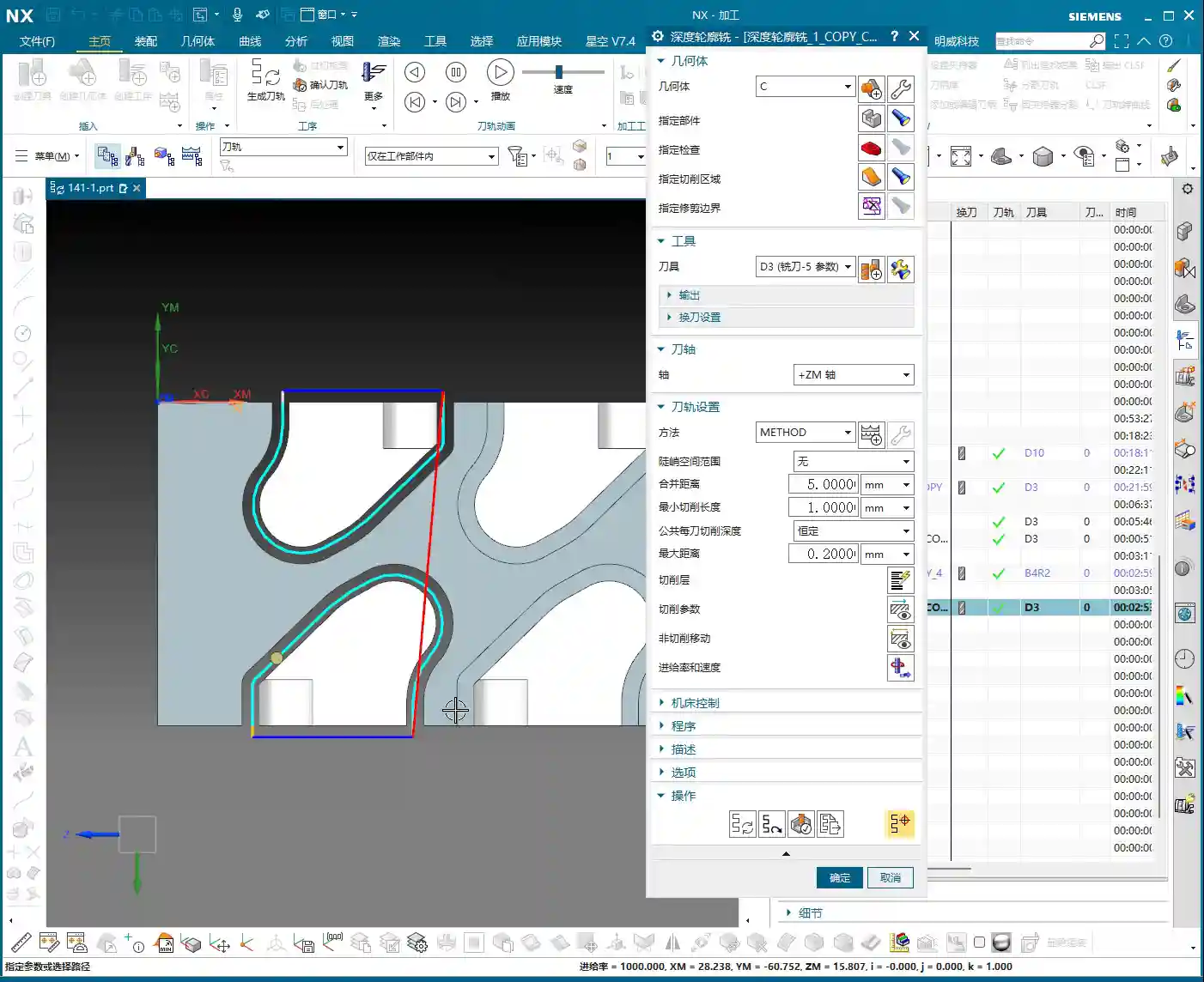
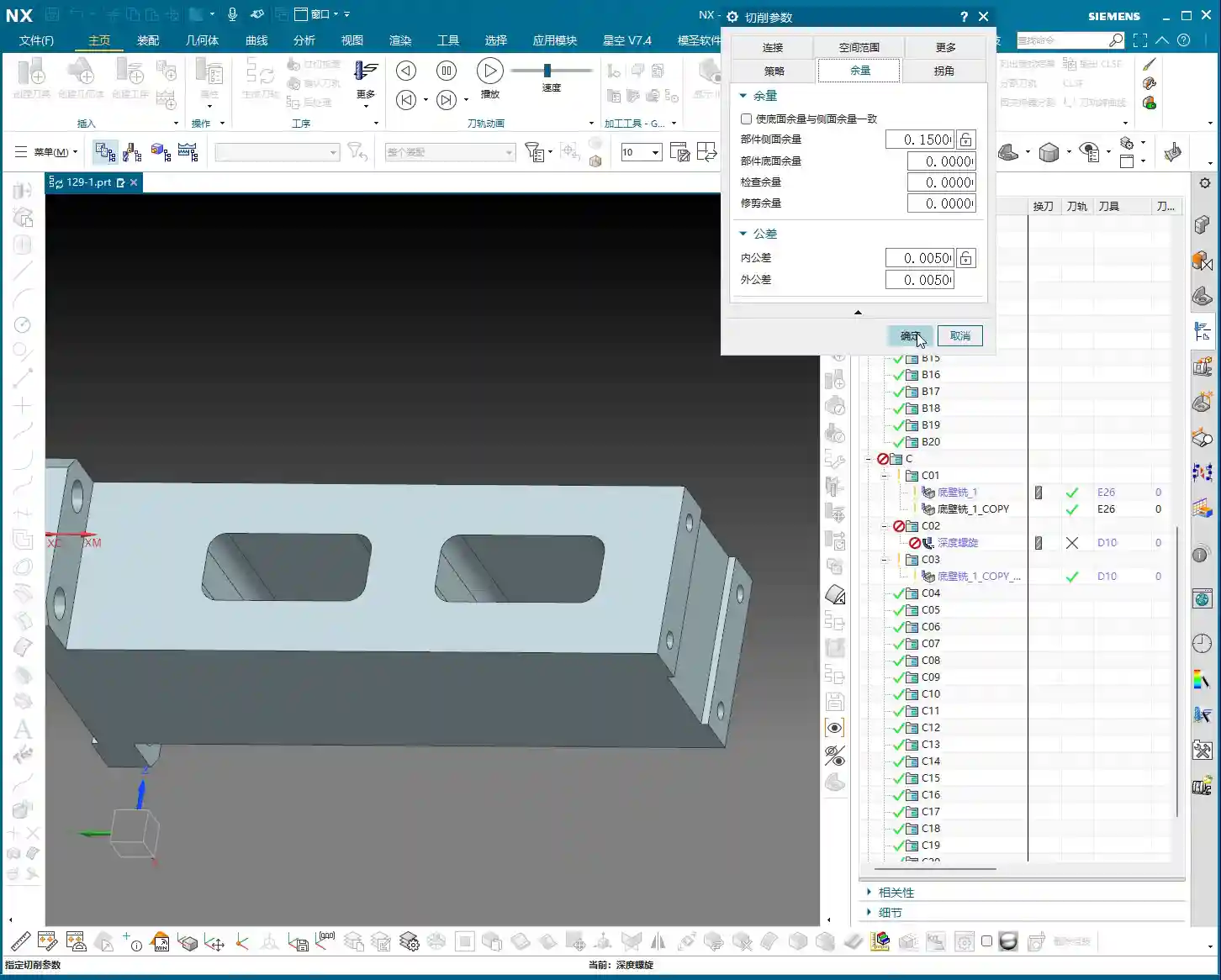
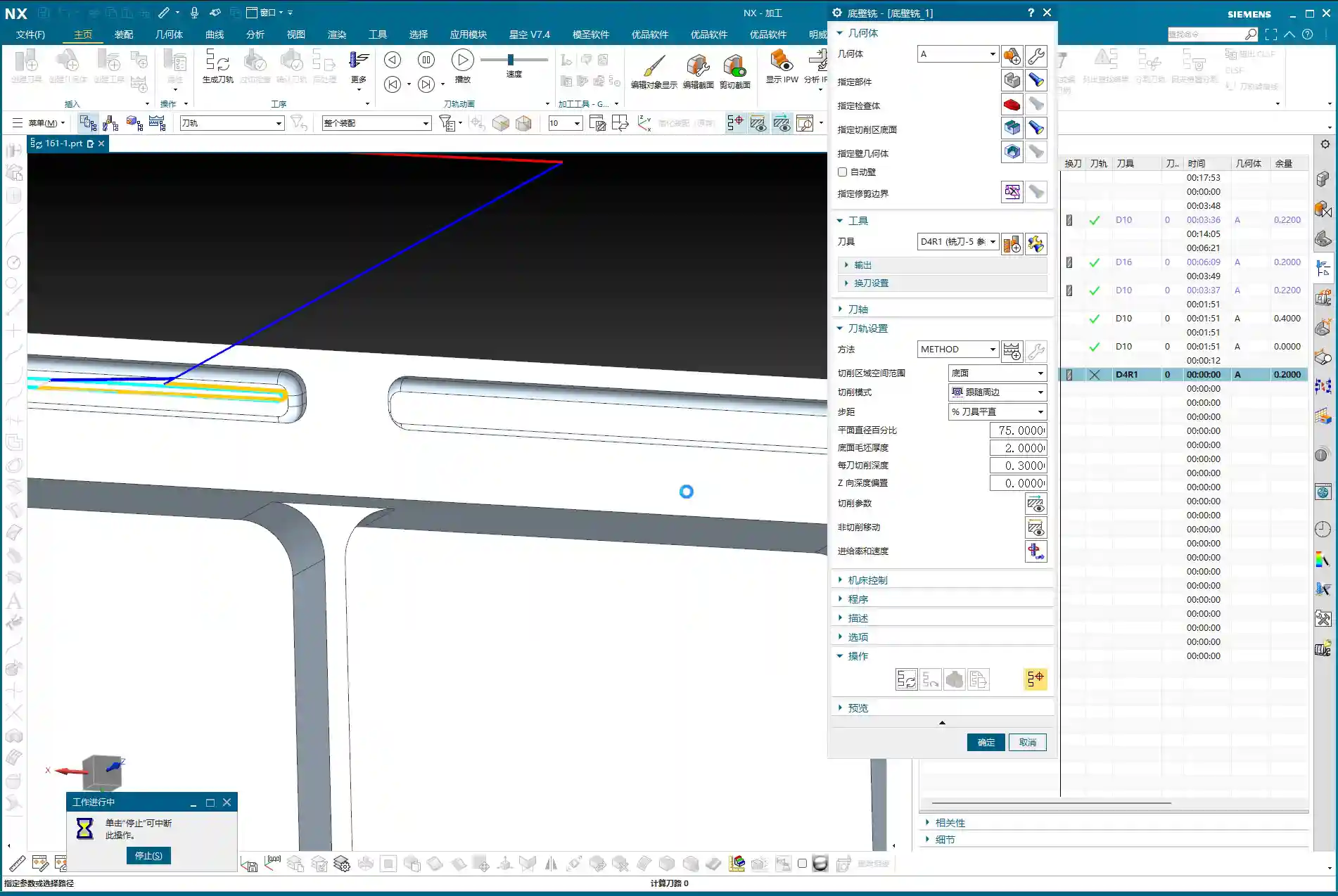
    For the bottom surface finishing pass, we’ll use the “Bottom Wall Milling” operation. Select all bottom faces that require a finishing pass. Remember, for bottom surface finishing, you don’t need to adjust the tool axis direction; it defaults to being perpendicular to the bottom face, which perfectly suits our requirements. For tooling, you can continue using a D10 or D8 cutter to ensure accuracy and surface finish for the finishing pass. Crucially, the stock allowance for the bottom face must be set to 0. That’s what a finishing pass is all about – aiming for a mirror-like finish. Don’t underestimate a single bottom face; its flatness directly impacts the part’s assembly accuracy.

    Side Wall Finishing Pass (Side Wall Milling)

    For the side wall finishing pass, similarly select the “Side Wall Milling” operation. Choose all side faces that require a finishing pass. At this point, the tool axis direction must be set to “upwards,” meaning along the normal vector of the side wall. When finishing side walls, there’s a crucial principle: if conditions allow and the tool length is sufficient, aim for a single-pass finish. This means the Depth of Cut (DOC) for each pass should be set to 0, allowing the tool to complete the cut from top to bottom in one go. This avoids tool marks and blend lines caused by layered cutting, ensuring the side wall’s surface finish and perpendicularity. The side wall stock allowance should also be set to 0. For corners, to ensure final accuracy, you might consider leaving a tiny allowance, such as 0.005mm, to be addressed in the final operation with a more precise tool or polishing. However, typically, for finishing passes, you’d set it directly to 0. This kind of single-pass, clean cut delivers both high efficiency and quality.

    Summary: Pitfall Avoidance Guide

    What I’ve covered today are hard-won lessons from my 15 years in the trenches, Master Wang’s blood, sweat, and tears. Listen up, there are a few critical points you absolutely must remember:

    1. Tool Axis Setting: For angle heads or 4-axis horizontal machining, the core is flexible tool axis transformation. If you can specify by selecting a face, do it – don’t shy away from the extra step.
    2. Rapid Move (G00) Trap: If a rapid move can be output using Linear interpolation (G01), absolutely do NOT use Rapid move (G00)! Unless you have 100% confidence in your machine and post-processor. Better to be a bit slower than unsafe.
    3. Retraction Optimization: Retraction paths should be short and flexible; use an arc if possible. Time is money, don’t waste it on air moves.
    4. Secondary Roughing / Corner Cleanup: This operation cannot be skipped; it’s a guarantee for your finishing pass. Clean up the remaining material, and the finishing pass will be much easier.
    5. Smoothing Strategy: Judiciously adjust the Maximum Distance Deviation to achieve smoother tool paths and improve efficiency.
    6. Finishing Pass Stock Allowance: For the bottom and side wall finishing passes, the final stock allowance should be set to 0 – this is a requirement for accuracy. For side walls, if conditions allow, aim for a single-pass finish.

    Don’t just get carried away by fancy software simulations; whether the final part is acceptable ultimately depends on the sparks flying from the machine and the feel of the finished surface. Think one step further, observe one step more, avoid detours, and save money – that’s what true skill is all about!

    👤 About the Author:
    The author is a veteran CNC machining professional with 15 years of industry experience, specializing in UG NX programming. This article is an original work representing personal practical insights.

    ⚠️ Copyright Notice: Unauthorized reproduction or distribution without prior communication is strictly prohibited.

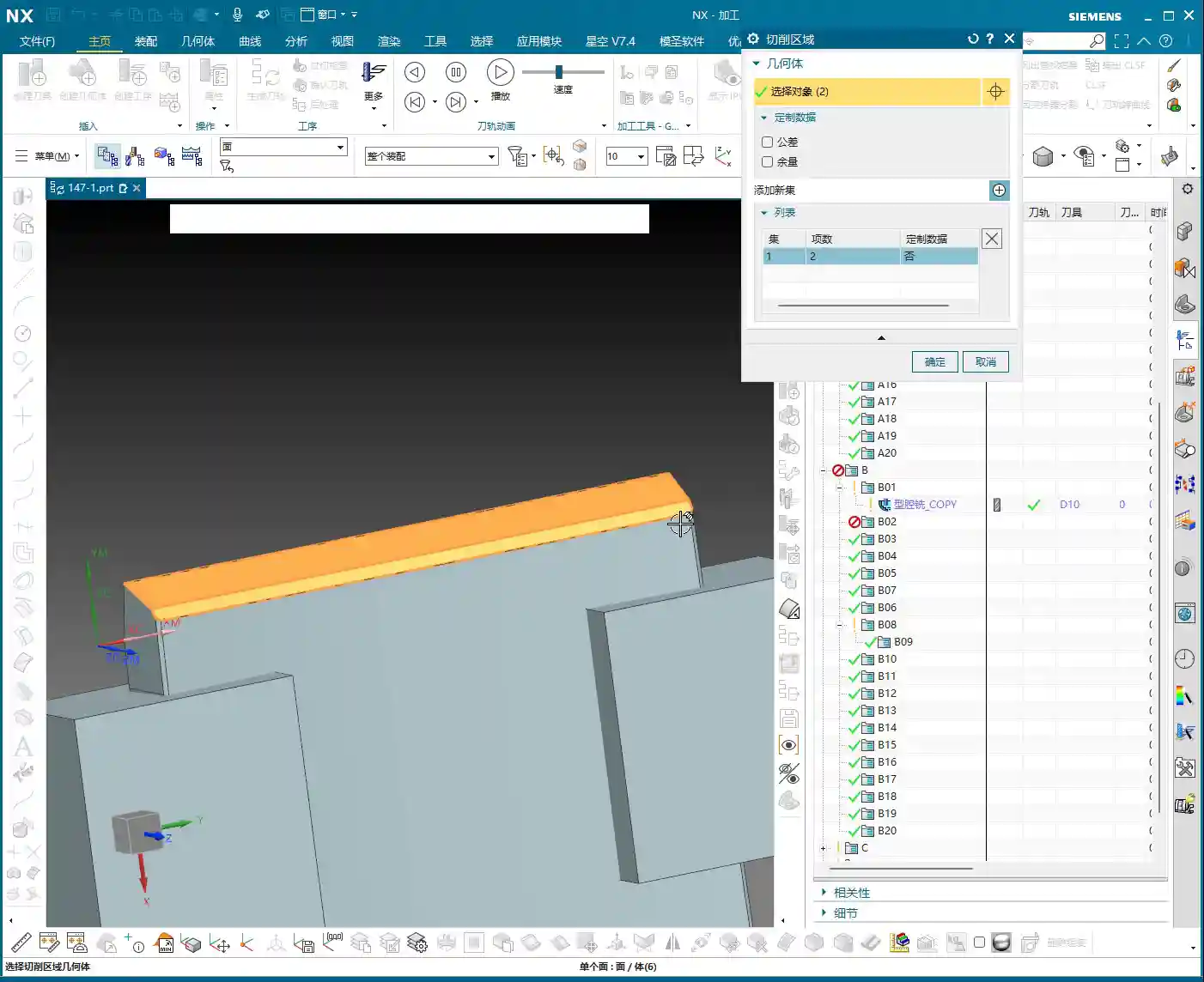
  • UG (NX) Hands-on Programming for Graphite Complex Geometry Parts (Front Face First Operation): Maste

    📝 Key Takeaways: Master Wang provides a hands-on explanation of first-operation programming for graphite complex geometry parts (front face) in UG. He shares invaluable, real-world UG (NX) tips and tricks not found in textbooks, covering tool selection, parameter tuning, collision prevention, cutting direction determination, and blank definition with WCS setup. He emphasizes small Depth of Cut (DOC) and multiple passes, as well as the optimization strategy of using previous operation results as the blank for subsequent operations, all to enhance efficiency and avoid pitfalls in precision machining.

    Opening Remarks: UG Programming, Practical Experience is Paramount

    Hello everyone, I’m Master Wang! I’ve been in the machining industry for fifteen years, having worked with everything from turning, milling, planing, grinding, to EDM. Now I mainly focus on UG (NX) programming. Don’t let the fancy software fool you; ultimately, it all comes down to the machine. Today, let’s talk about front face first operation programming for graphite complex geometry parts. Listen up, this job might look simple, but there are many intricate details. I’m going to share some practical tips you won’t find in textbooks.

    Step One: Tool Selection and Parameter Tuning – Don’t Use Blindly!

    The Tool’s “ID Card”: Rebuilding and Naming

    Since it’s a graphite part, the material is brittle, generating a lot of dust during machining, and causing rapid tool wear. We need to select tools based on the actual situation. As mentioned in the audio, an 8mm ball end mill is to be used, but its parameters might be incorrect, so it must be rebuilt first. Why? Because the previous parameters might not have been set for graphite. After rebuilding, give it a clear name, such as “8mm_R5_Graphite_Specific_Ball_End_Mill“. Consistent naming helps the next shift’s machinist understand the tool’s purpose, preventing misuse.

    Tool Dimensions: A Millimeter’s Difference, A Collision’s Consequence

    Listen up, here’s a critical detail. Initially, it might have been set to 10mm, but in practice, to prevent interference with the part, we temporarily changed it to 6mm. Master Wang’s exact words were: “Look, if it’s 6 [mm], and you start machining upwards from this face, if you were to start machining upwards from the back side at this position, wouldn’t we already collide at this point? Right? So we absolutely must start machining inwards from this face.”

    This is a classic collision warning! Don’t just rely on software simulations; they can sometimes be misleading. For real jobs, you need to mentally walk through the toolpath. Especially with complex geometry parts, the structure is intricate, and even a slight miscalculation in tool dimensions can lead to minor issues like tool chipping, or major issues like a machine crash. So, when adjusting parameters in UG (NX), such as tool diameter, tool length, and holder length, always proceed with extreme caution and verify thoroughly.

    Step Two: Process Path and Cutting Strategy – Balancing Efficiency and Quality

    Precise Selection of Drive Geometry

    Many of those flashy options in the software are often unnecessary. We’ll go directly into the “wrench” tool and simply select the correct Drive Geometry. This is like assigning a patrol route to the tool; once the route is clearly defined, it can get to work systematically.

    Cutting Direction: Climb Milling or Conventional Milling?

    This is an age-old question, but for special materials like graphite, it’s particularly crucial. Master Wang emphasizes the need to check if the cutting direction is correct, or if it’s reversed. In UG (NX) programming, the default is usually Climb Milling, which is what we use most frequently. The advantage of climb milling is stable cutting, even tool forces, less tool wear, and good surface finish. If the direction is reversed, resulting in conventional milling, the graphite part will be prone to chipping and burrs, and tool life will be significantly reduced. Therefore, after generating the toolpath, the first thing to do is drag the toolpath with the mouse and carefully check the direction – don’t get lazy!

    Entry Depth and Toolpath Extension: Details Determine Success

    This program is used to machine a “feature cutout” on the part, which is a recess or specific feature. Master Wang mentioned: “It’s not good for the tool to plunge directly at this edge; it needs to extend a bit.” This is practical experience! A tool plunging perpendicularly directly into the material can cause impact and chipping. We want the tool to smoothly enter the cut from the outside of the part. In UG (NX), this can be achieved by setting the Extend Distance. For example, by extending the toolpath outwards by -2mm and adjusting the depth to 102mm (specific values depend on the actual situation), the tool can have a buffer outside the material before entering the cut. This small extension effectively protects the tool and improves surface quality.

    As for the Depth of Cut (DOC) (how much material to remove per pass), Master Wang’s recommendation is 0.2mm Depth of Cut (DOC) per pass. Although graphite material is soft, it has poor toughness, and too large a Depth of Cut (DOC) can easily cause chipping. This 0.2mm empirical value is derived from countless trials and errors, balancing both efficiency and part integrity.

    Step Three: Blank and Fixturing: Precise Positioning for Seamless Flip-over Machining

    First Operation Blank Definition and Flip-over Machining Strategy

    After the front face first operation is complete, it’s typically followed by flip-over machining. At this point, the part machined in the previous operation becomes the “blank” for the new process. Master Wang’s approach is very clear: “Once we’re done with this side, we’ll take out the fixture, place the part on it, then rotate the part 180 degrees, and proceed with the backside machining.”

    In UG (NX), this means you need to redefine the Work Coordinate System (WCS) and the blank. It’s not just a simple flip of the model; you must use the solid model resulting from the first operation as the blank for the second operation. This ensures accuracy in subsequent toolpath calculations, preventing air cuts or overcutting. Master Wang also mentioned in the audio that it’s important to “create a block geometry” to define the machining boundary, which is a very practical strategy for precisely controlling the toolpath range, especially for complex geometry parts.

    WCS Setup: Datum Consistency is Critical

    Setting up the WCS, or Work Coordinate System, is fundamental to machining accuracy. When setting it up, Master Wang emphasized selecting the Work Coordinate System, then the plane, and then specifying an offset (e.g., 100). This 100mm offset might be to raise the machining face to an absolute height convenient for operation and measurement, or to accommodate a specific fixture height. Remember, no matter how you set it up, it must maintain high consistency with the actual tool offsetting and fixturing datums on the machine tool; otherwise, all efforts are moot.

    Blank Replacement and Mirroring: Handling Complex Structures

    During UG (NX) operations, you might encounter minor issues, such as “Why is the model red?” or “Why did mirroring merge?” as mentioned in the audio. Master Wang’s approach is to right-click and replace, or to reprocess via planar mirroring. This teaches us not to be intimidated by superficial software phenomena; most of the time, there are flexible solutions.

    Especially when dealing with complex geometry parts, simulating the first operation to generate the machined blank, and then using this as the blank for the second operation, is a core step to ensure accuracy and efficiency in multi-operation machining. This approach not only provides a visual representation of the first operation’s outcome but also allows for more precise toolpath calculations in the second operation, avoiding already machined areas, reducing air cuts, and improving overall efficiency. This is the principle of “using the blank from the first operation as the input for the second operation.”

    Summary: Pitfall Avoidance Guide

    1. Tool Parameters: Err on the Side of Smaller: Especially for diameter and length, when setting them in UG (NX), it’s better to be conservative and fine-tune during actual machining. Blindly pursuing larger or longer tools is simply setting a trap for a collision.
    2. Always Check Cutting Direction: After generating each toolpath, take a few seconds to check if it’s climb milling or conventional milling. For graphite machining, climb milling is the preferred choice, as it significantly improves surface quality and extends tool life.
    3. Toolpath Entry Must Be Gradual: When the tool plunges, avoid direct perpendicular entry into the material. Use UG (NX)’s extension function to allow the tool to enter smoothly from outside the part, reducing impact.
    4. Strictly Control Depth of Cut (DOC) per Pass: For brittle materials like graphite, small Depth of Cut (DOC) and multiple passes are paramount. Master Wang’s recommended 0.2mm Depth of Cut (DOC) per pass is knowledge gained from hard-won experience.
    5. WCS Must Be Consistent with Machine Datums: The coordinate system settings in UG (NX) must match the tool offsetting and fixturing datums on the machine tool. This is an ironclad rule for ensuring dimensional accuracy.
    6. Linkage of Blanks Across Multiple Operations: For multi-sided parts, always use the machining results from the previous operation as the blank for the subsequent one. This maximizes the avoidance of air cuts and overcutting, and is key to optimizing toolpaths and enhancing efficiency.
    7. Don’t Blindly Trust Software; Observe Cutting Conditions: Software simulation is just a reference. During actual machining, observe the cutting conditions, the sound of the tool, and any vibrations. This on-site feedback provides the most authentic signals!

    In our line of work, theory is important, but practical experience is even more so. UG (NX), no matter how powerful, is just a tool. How much power that tool can unleash in your hands depends on your mind and skill! That’s all for today; feel free to ask any questions, Master Wang here will tell you everything I know!

    As a senior industrial product marketing expert, I also want to add: To all my colleagues, if you have high-precision graphite complex geometry part machining needs, or if you want to improve UG (NX) programming efficiency and optimize machining processes, our team has extensive practical experience and solutions. Feel free to contact me anytime, and let’s work together to bring excellent products to the global market!


    👤 About the Author:
    The author is a veteran CNC machining professional with 15 years of industry experience, specializing in UG NX programming. This article is an original work representing personal practical insights.

    ⚠️ Copyright Notice: Unauthorized reproduction or distribution without prior communication is strictly prohibited.

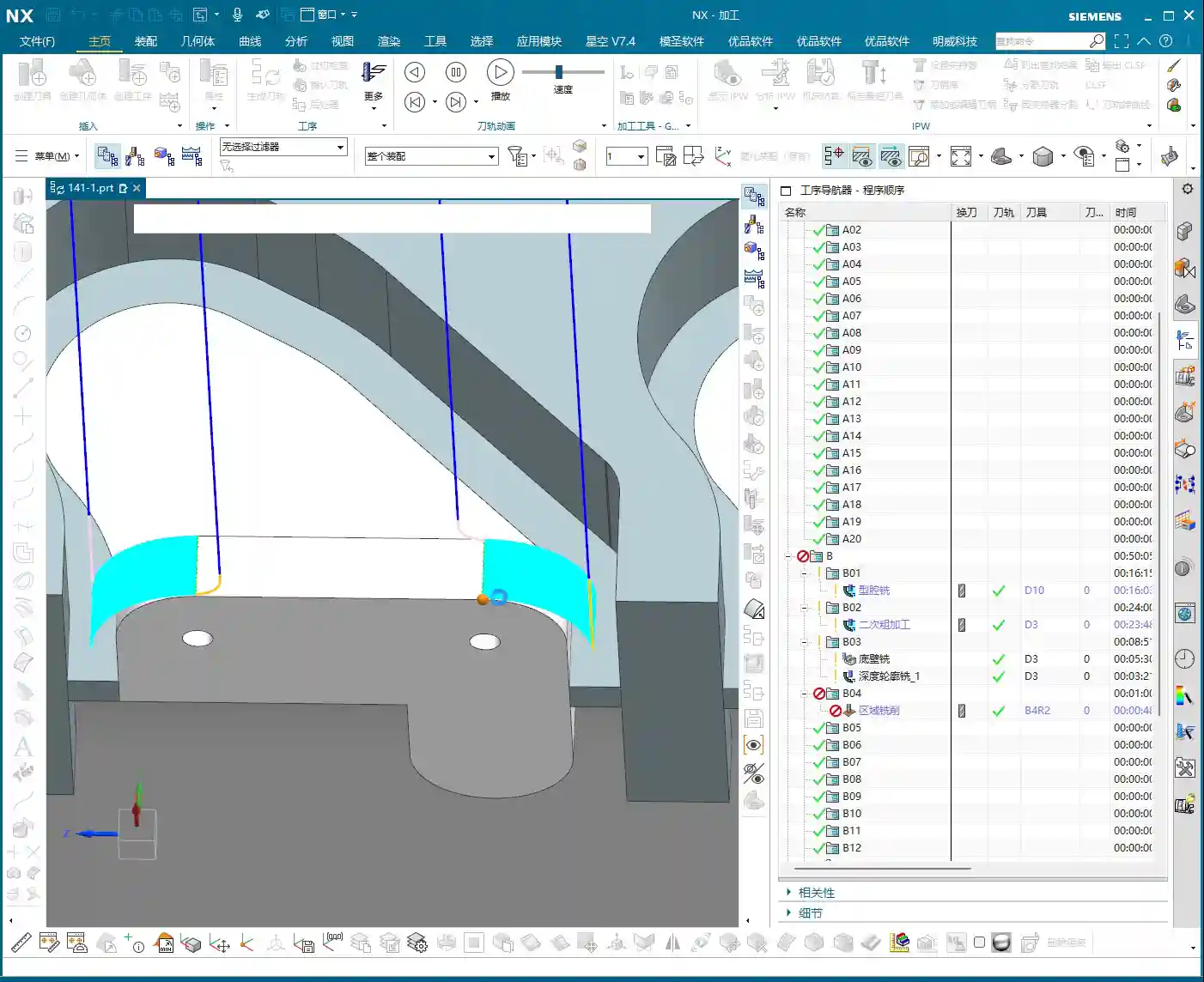
  • Practical Siemens NX: Full-Sequence Programming for Ten Precision Parts on One Plate – Master Wang T

    📝 Key Takeaways:

    Full-Sequence Programming for Ten Parts on One Plate: Finishing Pass and Efficient Duplication

    Hey everyone, Master Wang here. Last time,…

    [VIDEO_HERE]

    Hey everyone, Master Wang here. Last time, we dove into the ins and outs of roughing. Now, let’s go deeper and jump straight into finishing passes, especially for multi-part setups like this. How do you program it to be fast, stable, and still hit those precision targets? Don’t get caught up in fancy software simulations; on the machine, it’s all about real tool wear and machining costs. Listen up, I’m going to lay out all the practical tricks I’ve picked up over the years, right here, right now.

    Finishing Pass for Part Side Walls and Bottom Surfaces

    Once the secondary roughing pass is done, the part’s shape is mostly there. Now, it’s time to think about the finishing pass. The most critical aspects of a finishing pass are toolpath smoothness and precise stock allowance control, which directly impact surface quality and tool life.

    Floor Finishing: Details Make the Difference

    After secondary roughing is complete, insert an operation. We’ll start with a “floor cleanup.” This operation’s main purpose is to clear the remaining stock at the intersection of the floor and side walls, preparing for the subsequent finish cut. Select the faces to be machined, usually the entire bottom surface area that needs finishing. As for the tool, we’ll use our usual one, for example, Tool #3. While Tool #4 might be more suitable for some jobs, we’ll use #3 here; the principle remains the same.

    Here’s a crucial point: For the toolpath type, select “Follow Periphery,” and remember to choose the direction “Inside Out.” Why? An “Outside In” approach tends to push burrs inward, impacting accuracy, and the tool experiences uneven forces. “Inside Out” results in smoother cutting, easier chip evacuation, and better surface quality. Now, pay attention to the stock allowance control:

    • Side Wall Stock Allowance: 0.2mm (reserved for subsequent side wall finishing pass)
    • Bottom Surface Stock Allowance: 0mm (this time directly finishing the bottom surface)

    And for the corners, give them a slight 1% corner transition. This ensures the tool turns smoothly in the corners, avoiding sudden changes in cutting force that can lead to tool marks or chatter.

    Side Wall Depth Profile Finishing Pass: Stable Toolpaths are Key

    Once the floor is finished, move on to the side walls. Insert a “Depth Profile” operation and select the side walls to be machined. For beginners, here’s a reliable tip: select both the top and bottom faces. This helps the software better determine the machining range and prevents missed cuts. While mirroring the operation can sometimes work, for safety, especially during the learning phase, selecting all faces is more reliable.

    Continue using Tool #3. Set the depth of cut to 2mm and choose climb milling as the cutting method. This depth of cut needs to be flexibly adjusted based on the material and tool conditions. We’re doing a finishing pass here, so a smaller stepover is fine; the key is surface finish. Generate the program, and if there are no major issues, we’ll stick with this for now. After all, programming isn’t a one-shot deal; constant review and adjustment are standard practice.

    Complex Surface and Multi-Part Duplication Programming

    Next up is the critical aspect for this batch of parts – the finish contour milling of complex surfaces. Siemens NX’s surface machining capabilities are powerful, but if not used correctly, toolpaths can become erratic and waste precious time.

    Surface Finishing Strategy: Flexible Use of a B4 Ball End Mill

    Insert a “Surface Mill” operation and select the surface areas to be machined. For surface machining, we typically use ball end mills, such as a B4 ball end mill. Once the area is selected, generate the toolpath to see the effect. Sometimes you might think certain areas are inaccessible, but with good NX optimization, it can reliably machine them. Since our side wall stock allowance has already been removed, using a B4 ball end mill for direct machining here is generally fine.

    If you find the entry point isn’t ideal, or there’s interference, Siemens NX allows you to adjust it. Just like before, if the entry position wasn’t ideal, we can move it to a more suitable location. For instance, starting the cut directly from a surface edge ensures both safety and cutting stability. These minor adjustments in Siemens NX are all about ensuring safer and more efficient operation on the actual machine.

    Core Siemens NX Programming Skill: Avoiding Unnecessary Retractions

    Listen up, here’s a “pitfall avoidance trick” you won’t find in textbooks! In surface finishing passes, especially with complex surfaces, you might encounter a particularly frustrating issue: after the program is generated, the tool retracts excessively high, sometimes repeatedly, wasting valuable machining time – this is absolutely unacceptable in the workshop. These “ridiculous” retractions often occur because the software, when calculating rapid traverse planes, mistakenly identifies one of your selected “top faces” as an obstruction, assuming something needs to be avoided above it.

    How to solve it? It’s simple: “add a clearance plane!”

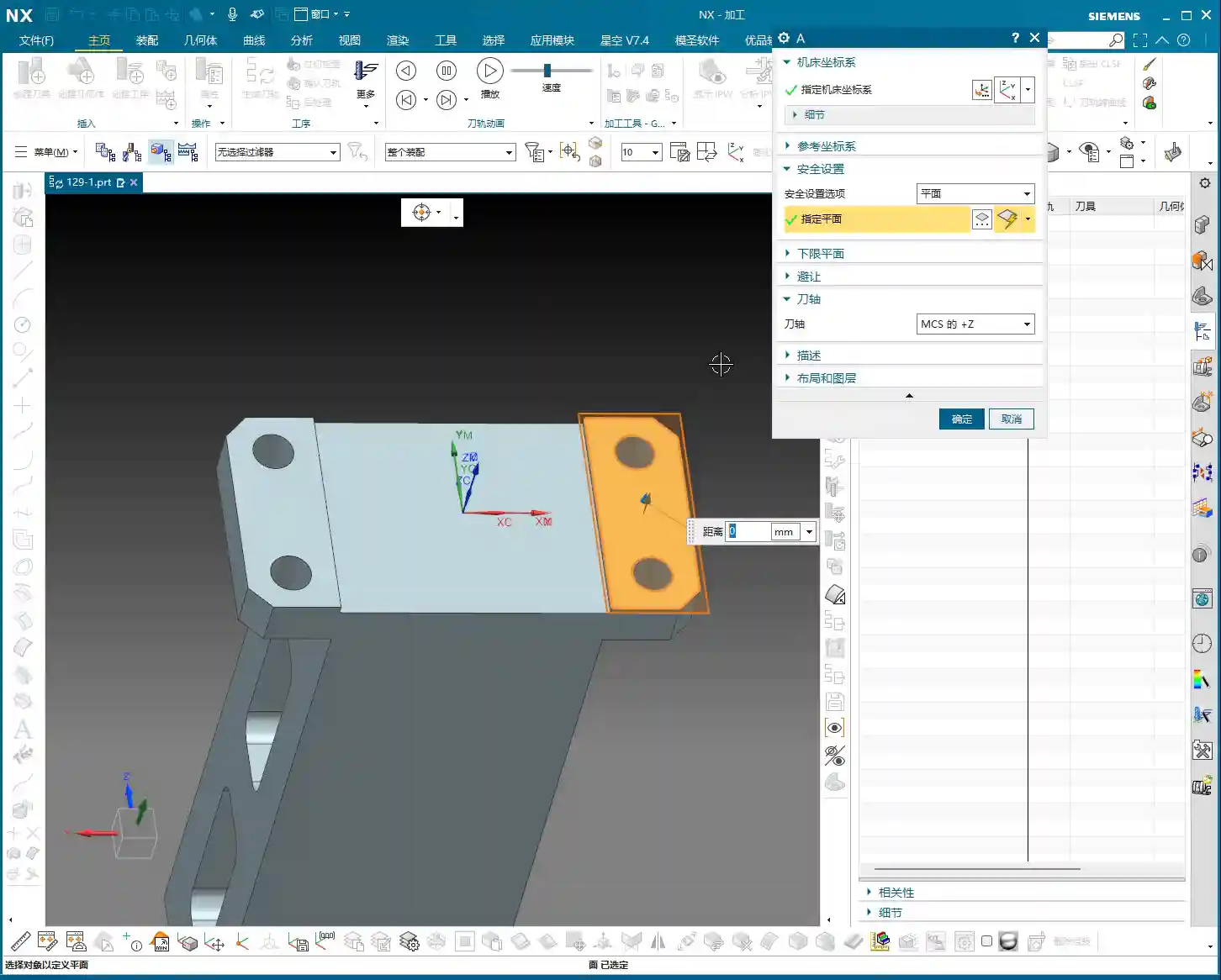
    In the toolpath settings, find options related to “clearance plane” or “avoidance.” Manually add a plane. The height of this plane can be set arbitrarily, even slightly higher than your workpiece’s highest point. As long as you add this “virtual” clearance plane, Siemens NX will use it as the new reference plane and will no longer consider your actual workpiece top face as an obstruction. This way, those puzzling, time-wasting “ridiculous retractions” will disappear. Don’t believe me? Try it; this trick works every time and will save you a lot of wasted machining time!

    This stuff comes from experience. Don’t let Siemens NX’s powerful features fool you; sometimes it gets “too smart for its own good.” As masters of the craft, we need to understand its “temperament” and use a few tricks to tame it.

    Efficient Programming for Batch Parts: Translation and Mirroring

    Since it’s a multi-part setup on one plate, programming each one individually is just plain dumb. Siemens NX’s power lies in its duplication and transformation functions. For parts arranged in a flat layout like ours, “translation” is the most commonly used feature.

    Once the program for the first part is complete, measure the center distance of adjacent parts; for example, we measured 51mm here. Then, directly select the programs that need to be translated (typically all roughing and finishing pass programs) and use the “Transform Object” function. Enter the translation distance 51mm, ensure the direction is correct, click, and the programs for the other parts will be duplicated. We have four similar parts, so translate it three times, and you’re done! This saves a significant amount of repetitive programming time. Simple features like top and bottom faces can be quickly duplicated this way.

    If it’s a front-and-back or symmetrical part, you can use the “Mirror” function. For example, if both sides of a part need machining, program one side, then directly mirror it. With minor adjustments to the trim boundaries and entry points, you can quickly generate the program for the other side.

    Remember this: If it can be copied and pasted, never start from scratch. This is the golden rule for boosting programming efficiency and a key to cost control.

    Detail Optimization and Final Verification

    Back Side Machining and Tolerance Control

    Once all the part programs for one side are complete and verified, it’s time to “flip the part.” After the part is flipped, use the same method to machine the back side. This process is similar to the front side: copy and paste existing programs, then adjust machining faces, toolpath direction, and trim boundaries.

    Here’s a particularly important point: selecting the bottom surface. Sometimes, the software might overlook the finishing pass of the bottom area if you’ve only selected the side walls. While it might seem like a small face and harmless to omit, under high-precision requirements, it’s always best to explicitly select the bottom face to ensure it receives complete machining. If selected, it will definitely be machined; if not, it might leave potential issues. Especially when needing to guarantee accuracy levels like ±0.005mm, any small omission can lead to scrap.

    Final Refinement and Program Verification

    Once all machining programs are complete, it’s crucial to perform comprehensive simulation verification. Don’t just glance through it. You need to meticulously observe the toolpaths, entry points, retraction heights, and most importantly, cutting sparks (though you can’t see sparks in simulation, you need to mentally simulate the machine’s actual running state). Especially critical areas to check are sharp corners prone to heavy cutting, deep cavities, and toolpath transitions.

    If you find any unreasonable aspects in the program, such as unnecessary air cuts or uneven cutting paths, adjust them promptly. Every program optimization saves money and time in actual production. We don’t aim for perfection, but we strive for ultimate practicality and efficiency.

    Summary: Pitfall Avoidance Guide

    1. Machining Direction Selection: When finishing the floor, prioritize the “Inside Out” cutting direction to prevent burr retention and improve surface quality.
    2. Stock Allowance Control: When performing finishing passes on side walls and bottom surfaces, precisely set side wall and bottom surface stock allowances to ensure sufficient space for subsequent operations or to directly machine to the target dimensions.
    3. Secret to Preventing “Unnecessary Retractions”: When Siemens NX generates programs with “ridiculous retractions,” manually add a “virtual clearance plane” above the workpiece. This tricks the software, eliminates unnecessary air cuts, and significantly boosts efficiency.
    4. Batch Programming Techniques: For repetitive parts on a single plate, proficiently utilize Siemens NX’s “Translation” and “Mirror” functions. This can increase programming efficiency severalfold and reduce labor costs.
    5. Select All Critical Faces: When performing depth profile or surface milling, even if some faces seem to have little impact, to ensure accuracy and completeness, cultivate the habit of selecting all faces, especially the bottom face, to avoid omissions.
    6. Simulation Verification: Don’t assume everything is fine just because the program has been generated. Carefully review the simulated toolpaths, simulate the machine’s actual operation, and ensure all details meet requirements before machining to reduce scrap rates.

    👤 About the Author:
    The author is a veteran CNC machining professional with 15 years of industry experience, specializing in UG NX programming. This article is an original work representing personal practical insights.

    ⚠️ Copyright Notice: Unauthorized reproduction or distribution without prior communication is strictly prohibited.
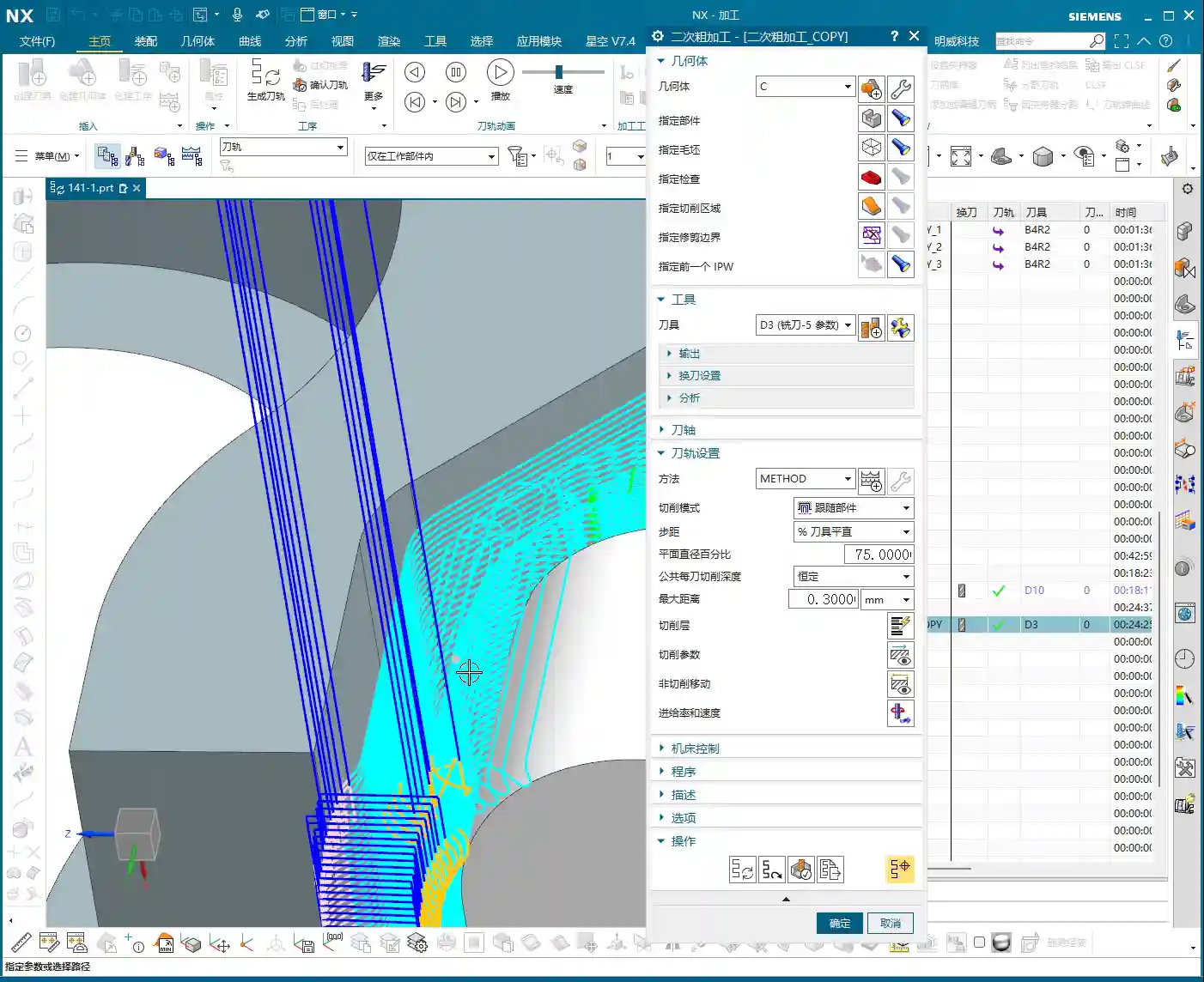
  • Siemens NX Multi-Operation Part Machining: Master Wang Guides You from Raw Stock to Finished Product

    📝 Key Takeaways: Master Wang explains practical Siemens NX multi-operation part programming, covering the full process from raw stock positioning and process planning to Face Milling, chamfering, pocketing, drilling, and post-processing. The discussion emphasizes Work Coordinate System (WCS) transformation, program optimization, tool selection, and Clamping strategies. He also shares real-world experience on avoiding common pitfalls, helping you boost efficiency, reduce costs, and master practical know-how “you won’t find in textbooks.”

    Listen up, young engineers! Today, Master Wang is taking you through multi-operation part programming. Don’t let this example part fool you with its simplicity; it’s a small bird with all its vital organs. We’re not just going to learn how to click around in NX; more importantly, we’ll understand the underlying process logic and machine tool behavior. This is the real expertise gained from hands-on experience in the field – you won’t learn this from any textbook.

    Our approach here is to go from raw stock to finished product, with every step carefully calculated. Today’s part is a typical example of multi-sided machining. Programming strategy, Work Coordinate System (WCS) transformations, and smooth operation transitions are all critical in real-world scenarios. Especially for those aiming for complex Surface Milling or 5-axis machining, if your fundamentals aren’t solid, everything else will be built on shaky ground! Siemens NX has a vast number of commands, so we can’t cover everything. We’ll focus on practical techniques that are useful, highly efficient, and cost-effective.

    Step One: Overall Planning and Process Decomposition

    When you get a new part, don’t rush into drawing or programming. First, you need to visualize its “past and future”: What material is it? What are the precision requirements? How will it be Clamped? What tools will be used? You need to think through all of these. For this part, we plan to complete it in multiple operations with multiple Fixturing setups.

    Clarifying the Machining Strategy: Never Fight Unprepared

    Listen up, planning comes first. For this part, we’ll use three Work Coordinate Systems (WCS) – A, B, and C – to distinguish different machining faces. The specific steps are roughly as follows:

    • Operation A (First Face): Machine the front face first, establishing datums for the subsequent flip.
    • Operation B (Second Face): Flip the part over and machine the back face, again establishing datums.
    • Operation C (Third Face): Flip it again to machine the holes and pockets on the top or side.

    You need to think clearly about each step, otherwise, you’ll be scrambling, leading to scrapped parts or out-of-tolerance dimensions, which will cost you dearly.

    Raw Stock Positioning and Clamping Strategy

    The Clamping of the raw stock directly impacts machining accuracy and efficiency. For this part, we’ll first fixture one side for Roughing. Once the first side is machined, we then flip the part and re-clamp it. At this point, the new Clamping datum must be selected on the already machined surface from the first side, ensuring accurate datum transfer. While it might seem like just clicking in Siemens NX, on the machine, every detail – fixtures, parallels, clamps – must be meticulously considered.

    Step Two: Front Face Machining (Operation A)

    This is our first machining face, primarily involving Face Milling, chamfering, and pocket Roughing. Don’t underestimate Face Milling; the flatness and surface finish directly influence the datums for subsequent operations.

    Face Milling and Chamfering

    First, we’ll use a face mill to flatten the entire surface. The Depth of Cut (DOC) can be a bit larger, for example, 2mm, to get it done in one go. Remember, when programming, your entry and exit paths must be smooth; avoid sharp, right-angle turns, as that can lead to heavy tool engagement, which is bad for both the tool and the machine.

    Next is chamfering. This may seem like a minor detail, but its function is significant: it eliminates sharp edges, protects operators, and prevents part damage during handling. We’ll use depth milling, select these four corners, and set the Depth of Cut (DOC) to 50% of the tool diameter. That’s a solid approach.

    Pocket (Cavity) Roughing

    Next is the Roughing of the internal pocket. For this, we’ll use a pocket milling operation. As for tooling, start with a larger tool to clear most of the material. The Depth of Cut (DOC) and feed rates must be determined by the material properties. For example, common aluminum can be machined faster, but titanium alloys and high-temperature nickel-based alloys require a more cautious approach to ensure chip evacuation and tool life.

    Master Wang’s Pro Tip: Don’t always aim for a single-pass solution; separating Roughing from Finishing is the golden rule. Roughing prioritizes efficiency, leaving sufficient material allowance; Finishing pass prioritizes accuracy and surface finish, so the cuts must be stable and slow.

    Step Three: Back Face Machining (Operation B)

    Once the first face is done, we’re ready for flip-over machining. At this stage, Work Coordinate System (WCS) transformation is paramount; get it wrong, and all your previous efforts will be wasted.

    Coordinate System Transformation: Flipping is Key

    Listen up, creating a new WCS (Coordinate System B) typically involves reversing the Z-axis direction and redefining the XY plane. The easiest method is to use an already machined feature as a reference for your new Work Coordinate System (WCS). For example, the face you just Face Milled on the first side becomes your Clamping datum for the second side. In Siemens NX, as long as you select the correct datum, the system will automatically help you with positioning, saving you time and effort.

    Leveraging Copy-Paste: Efficiency is King

    In Siemens NX programming, especially for symmetrical or similar machining operations, copy-paste operations are a powerful tool for boosting efficiency. You can directly copy the Face Milling and chamfering operations from Operation A, then simply modify the Work Coordinate System (WCS) and machining region. This significantly reduces repetitive work and ensures operational consistency.

    Programming Tip: After copying an operation, don’t forget to check all parameters, especially clearance planes, lead-in/lead-out strategies, and most importantly, material allowance settings – these are common areas for errors.

    Step Four: Remaining Feature Machining (Operation C)

    After the first two sides are Roughed, we need to address the part’s holes and Finishing passes. This involves another new Fixturing setup and Work Coordinate System (WCS), typically for machining features on the top or side.

    Hole Machining: Spot Drilling and Deep Hole Drilling

    For hole machining, especially for high-precision holes, it’s not as simple as just plunging a drill bit.

    • Spot Drilling (Center Drilling): First, use a spot drill to establish the center point, preventing the drill from walking. This is fundamental.
    • Deep Hole Drilling: For deep holes, you must use a deep hole drill and set up peck drilling or chip breaking cycles to prevent chip packing and tool burning. Don’t just rely on software simulation; observe the cutting sparks and chip condition – that’s the real feedback.

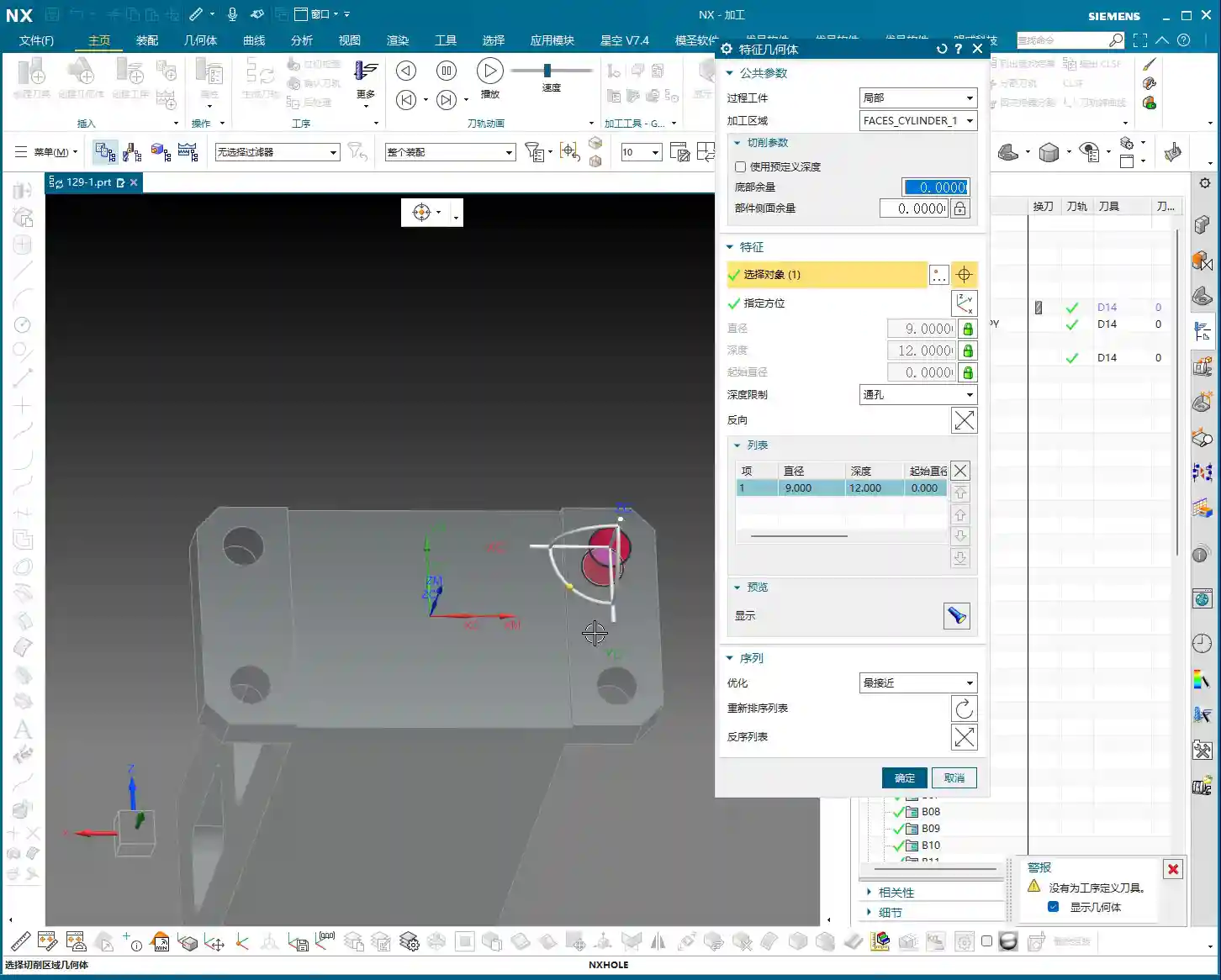
    For our 5mm diameter hole, we’ll first spot drill for positioning, then use an appropriate drill bit to drill to full depth.

    Pocket Finishing and Helical Milling

    For pocket Finishing passes, helical milling is an excellent choice. It allows the tool to engage smoothly, avoiding impact, and is particularly well-suited for difficult-to-machine materials like titanium alloys and high-temperature nickel-based alloys. Helical entry allows for precise finishing of the side walls and bottom, step by step.

    Master Wang’s Pro Tip: For Finishing passes, the tool overhang must be short, and rigidity must be excellent. Feed rates and spindle speeds need to be matched, and coolant flow must be ample; otherwise, you’ll easily generate chatter marks, compromising surface quality. For this pocket, we’ll set the bottom stock allowance to 0, leave a 0.05mm allowance on the side walls for the Finishing pass, then use a finishing end mill for a single finish cut to depth.

    Step Five: Program Output and Post-Processing

    Don’t assume everything is done once all the operations are programmed. The most critical step is converting the virtual toolpaths in Siemens NX into the language the machine tool understands – G-code. This requires a setup sheet and post-processing.

    The Value of Setup Sheets and Post-Processing

    A setup sheet is your operational manual, clearly detailing the tooling, parameters, Fixturing, and precautions for each step. It’s the machine operator’s “bible.”

    Post-processing, now that’s a specialized skill. It translates Siemens NX’s internal data into G-code and M-code that specific machine tools (such as FANUC, SIEMENS, etc.) can recognize. For me, Master Wang, modifying post-processors is routine. The goal is to optimize code structure, reduce air cuts, enhance machining efficiency, and even correct some inherent machine tool errors through post-processing (at the ±0.005mm level).

    Marketing Perspective: A clear, accurate, and efficient setup sheet and G-code not only guarantee product quality but also represent the strength of our manufacturing facility. In industrial SEO, this is the best calling card to showcase our “professional, precision, and high efficiency” to clients, helping your product keywords rank high on search engine home pages!

    Toolpath Optimization: More Than Just Software

    Software simulations might show beautiful toolpaths, but real-world machine performance is what truly matters. Too many air cuts? Uneven cutting loads? These issues require careful adjustment within Siemens NX, or optimization at the post-processor level. For instance, using Siemens NX’s “Optimize Toolpath” function can automatically plan the shortest path, reducing non-cutting movements – every second saved is money!

    Summary: Pitfall Avoidance Guide

    Alright, we’ve walked through this multi-operation part programming example from start to finish today. Finally, Master Wang has a few more reminders for you – these are practical experiences you won’t learn from books, so commit them to memory:

    1. Fixturing is fundamental, datums are critical: For multi-operation machining, ensure you select the correct datum surface for each flip and Clamping setup; otherwise, dimensional errors are guaranteed.
    2. WCS management must be rigorous: Clearly define A, B, and C Work Coordinate Systems (WCS) and ensure they correspond precisely in the program to prevent operator confusion.
    3. Tool selection must be appropriate, and cutting parameters must match: Don’t try to use one tool for everything, and never input random parameters. Material, tool, and machine tool – these three must be properly matched.
    4. Separate Roughing and Finishing, leave room for error: Leave sufficient stock for Roughing, then perform the Finishing pass. This is the ironclad rule for ensuring accuracy and surface finish.
    5. Never be careless with post-processing and setup sheets: These are your bridge of communication with the machine tool and the operator. The code must be concise, and instructions detailed; otherwise, they are potential hazards.
    6. Observe cutting sparks, listen to machine sounds: No matter how good the software simulation is, it cannot replace on-site experience. The color of cutting sparks, the shape of chips, and the sound of the machine’s load are all “signal lights” for judging the machining status.

    Remember, programming isn’t “magic”; it’s a combination of science and accumulated experience. Practice more, think more, and summarize more, and you will truly become a master craftsman in machining!

    “`

    👤 About the Author:
    The author is a veteran CNC machining professional with 15 years of industry experience, specializing in UG NX programming. This article is an original work representing personal practical insights.

    ⚠️ Copyright Notice: Unauthorized reproduction or distribution without prior communication is strictly prohibited.

  • Siemens NX Programming in Practice: Detailed 2nd Operation for Efficient Rib Machining – Master Wang

    📝 Key Takeaways:

    Practical Rib Machining (2nd Operation): Master Wang’s Guide to Siemens NX Programming & Optimization

    First Step: Workpiece Coordinate System (WCS) B-Side Adjustment and Datum Definition

    Hello everyone, this is Master Wang. In the last lesson, we discussed machining the front side of the connecting ribs. Today, we’ll continue and tackle the back side of this part, which is the second operation (Op 2). Listen up, this area isn’t simpler than the front; there are plenty of crucial details.

    For the back side machining, the first step is to modify the Work Coordinate System. Simply change the primary Machine Coordinate System (MCS). To put it simply, select the B-side. Double-click the WCS and adjust the Z-axis direction to ensure it points towards the back side we intend to machine. Sometimes, when I’m too quick, I might place the origin in the middle, but that’s a no-go. This job demands high precision, so the origin must be placed at the designated location, like our datum corner, not just anywhere. One slip-up, and the tool will cut into the part.

    Remember, whether it’s the A-side or B-side, as long as the Z-axis direction is correct, the program won’t show errors (turn red); this is fundamental Siemens NX logic. But don’t even think about double-clicking and directly modifying an A-side program to run on the B-side; that program will definitely error out and turn red! That operation is absolutely incorrect. As long as we ensure the J-axis points upwards, milling can commence from either side.

    We also need to thoroughly check the datum points for the B-side, ensuring they correspond with the A-side datum points, both being at the same location. If the front’s datum is zero, then conversely, the back’s datum should also be zero. These finer points aren’t necessarily taught in textbooks.

    Roughing Strategy: Rib Side Roughing and Stock Allowance

    Rib Side Roughing Toolpath Optimization

    Next is the **roughing** of the rib’s side. We need to **rough** out this area. Here’s a critical consideration: Is it better to **rough** everything out, or to **rough** to a certain face first, and then perform a **finishing pass**?

    In my experience, for connecting ribs like these, especially if they are connected on both sides, we can start by only **roughing** down to this specific face. Once this area is **roughed** out, meaning the initial **Rest Milling** is complete, we then proceed with a Finishing pass. After the **finishing pass**, we perform another **roughing** operation, either a secondary **roughing** or semi-**finishing** mill. This staged approach can effectively reduce machining stress, which is paramount for preventing deformation, especially with materials like titanium alloys and high-temperature nickel-based alloys.

    Therefore, we’ll first **rough** this face. Select the final face to ensure our **roughing** range is correct. Then, change the program mode from automatic to manual face selection. This allows for precise control of the machining area, preventing air cutting or milling into unintended regions.

    Program Duplication and Parameter Adjustment Pitfalls

    The programming method for the other side (front) is essentially the same as for this (back) side, so we can directly duplicate the previous roughing program. After duplicating, remember to change the WCS to the B-side, and then use Teach Geometry to control the toolpath. This will save a significant amount of time.

    Oh, right, I think I selected the wrong tool earlier when programming the other side. You might have noticed. My apologies, I was a bit too quick! Let’s re-select; we should be using an R10 or R12.5 tool (the audio mentioned 12R3, then 10, then 12; I understand this as various options, ultimately choosing the most suitable). That’s how it is when you’re working—if you make a mistake, you fix it; don’t just power through it!

    Once we finish programming, we *must* check everything: ensure all programs are set for either the A-side or B-side, and that the tools are correct. If everything checks out, then click generate. I sometimes get too quick and make selection errors. Such minor mistakes are common in production, but a single oversight can scrap a part worth hundreds of thousands (of RMB), so even the most seasoned machinist needs to be meticulous.

    Duplicate all these **roughing** programs, then sequentially modify the WCS to the B-side and select the corresponding machining faces. Remember to adjust the spindle speed and feed rate (F-value and S-value) according to the material and tool conditions. For example, here, I’m setting the spindle speed to 1000 RPM and the feed rate to 100 mm/min (approx. 3.9 inches/min), but these are for reference only. Actual values must be determined based on the tool manufacturer’s parameters and machine performance. Don’t just rely on software simulations; observe the cutting sparks, listen to the cutting sound, and feel the chip temperature!

    Detailing: Finishing Pass for Deep Pockets and Connecting Features

    Corner Radius Area Treatment: The Clever Use of Offset Surfaces

    Now, let’s look at the corner radius areas of the connecting ribs. This spot is a bit complex, with many fillets. We generally avoid machining directly on these fillet regions. My approach is to first create an Offset Surface here. Essentially, we’re making a sheet body.

    Why not just delete the fillet faces directly? Because direct deletion might lead to inaccurate recognition of other machining faces later on, or result in broken surfaces. Creating an **Offset Surface**, however, provides a smoother, more controllable guide surface for the toolpath without altering the original model. This is especially crucial in Contour Milling. Textbooks don’t teach you these workarounds, but on the job, you have to be flexible!

    We simply select all machining faces, then create the sheet body; this makes it much easier to handle. This method is very convenient, ensuring toolpath quality and preventing overcut or undercut, especially when machining high-precision parts (±0.005mm, approx. ±0.0002 inches) – this detail can be a lifesaver!

    T-Slot Cutter Selection and Fine-Tuning Parameters

    For some deep pockets or special connecting features, we might need to use a T-slot cutter, also commonly known as a ‘side-and-face cutter’ or a flat-bottom end mill with a corner radius, similar to tools used for milling slots.

    When selecting tools, you can’t just rely on what’s available in the tool library. We must determine it based on the actual part dimensions, machining allowance, and machine rigidity. For instance, here, the audio mentioned R2, R4, R6, R10, R16 – these are common corner radii. However, we must also consider the Neck Diameter; if it’s too large, it could cause interference. For example, I might start with a 16mm diameter flat-bottom end mill with a 10mm neck, or even smaller, like a 6mm one. For specific corner radii, such as R2, you’ll need to use an R2 ball nose end mill or bull nose end mill for **Corner Cleanup**.

    Don’t think tool selection is a minor matter. A good tool works faster, produces fewer scrapped parts, lasts longer, and naturally reduces costs.

    Toolpath Control and Safety Verification

    Lead-in/Lead-out and Non-Cutting Moves Strategy

    Once the toolpath is programmed, don’t forget the settings for lead-in/lead-out and Non-Cutting Moves. These determine your machining efficiency and safety.

    We can’t let the tool retract that high; retracting that high just wastes time and serves no purpose. We need it to retract slightly lower, but still ensure it doesn’t collide with the workpiece or fixturing. In Siemens NX, adjust the Clearance height to make it move closer to the workpiece surface, which boosts efficiency. For example, set the safe height to 2mm (approx. 0.08 inches) relative to the plane, rather than retracting to a very high position. Use Linear interpolation for Non-Cutting Moves and set the safety percentage to 60%; this approach is both safe and efficient.

    Finally, don’t forget to finish the bottom surface. This requires another finishing pass program. Select the B-side and finish the bottom surface to ensure the desired surface finish. Naturally, if there are areas on the other side requiring special machining, we must handle them similarly.

    Preventing Overcut: Toolpath Extension and Stock Control

    Let’s check the toolpath, especially the final pass. If it overcuts, then the part is scrap. Don’t underestimate a 0.01mm (approx. 0.0004 inches) overcut; that’s still a scrapped part!

    If the toolpath isn’t fully extended to the boundary, or there’s a risk of undercut, we can use surface percentage extension to make the tool travel slightly further, ensuring the edges are thoroughly cleaned. For example, extend outwards by 1mm (approx. 0.04 inches) or by a percentage of 5%. Simultaneously, ensure sufficient bottom stock allowance, such as 0.25mm (approx. 0.01 inches), to guarantee enough material for the **finishing pass**.

    Our cutting direction is also crucial. From top to bottom, reverse the arrow’s direction to ensure appropriate cutting forces.

    Finally, check if the first cut extends slightly upwards. Typically, we don’t need it to extend upwards unless there’s a specific **Corner Cleanup** requirement. If it’s just **roughing**, reaching the bottom is sufficient. Starting milling from this position, after **roughing**, this area should be fine. Ensure the toolpath just reaches this edge; this also makes the first cut reasonable.

    The top surface also needs extension, because the final pass might overcut, which isn’t ideal. Let’s set the top surface extension percentage to 99.99%, or extend it slightly, which ensures both **Corner Cleanup** and prevents overcut.

    Summary: Pitfall Avoidance Guide

    • Coordinate Systems (WCS/MCS) are Fundamental: No matter what, always ensure the WCS is set correctly, the Z-axis direction is accurate, and the origin is precise. Selecting the wrong coordinate system will render all subsequent efforts useless.
    • Tool Selection and Parameter Matching: Never choose tools arbitrarily. Select the appropriate tool type, diameter, corner radius (R-value), and neck diameter based on workpiece geometry, material properties, and machining requirements. Cutting parameters (spindle speed, feed rate) must be combined with practical experience and manufacturer data.
    • Toolpath Simulation and Actual Machining Integration: Siemens NX simulation, no matter how realistic, is still just a simulation. During actual cutting, observe the sparks, listen to the sound, and smell the chips to make timely adjustments.
    • Handling Complex Geometries: When dealing with complex features like fillets and deep pockets, flexibly use advanced Siemens NX functions like **Offset Surfaces** (sheet bodies) to avoid direct programming on complex faces, thereby reducing machining risks.
    • Balancing Efficiency and Precision: Optimize lead-in/lead-out and clearance heights to reduce air cutting time and improve machining efficiency. However, this must be predicated on ensuring machining precision and safety; 0.005mm (approx. 0.0002 inches) accuracy is absolutely non-negotiable.
    • Preventing Heat Treatment Deformation: For materials prone to deformation, **roughing** and **finishing passes** should be staged. Control the stock allowance and cutting parameters for each step to minimize internal stress.
    • Fixturing Design: Secure clamping is a prerequisite for high-precision machining. For parts like connecting ribs, stability of fixturing is especially critical for the 2nd operation to prevent deformation during re-clamping.
    • Frequent Checks, No Laziness: After every parameter modification or program duplication, always re-check everything, especially the tool, machining faces, and toolpath direction. A small mistake can lead to significant losses.

    👤 About the Author:
    The author is a veteran CNC machining professional with 15 years of industry experience, specializing in UG NX programming. This article is an original work representing personal practical insights.

    ⚠️ Copyright Notice: Unauthorized reproduction or distribution without prior communication is strictly prohibited.

  • Master Wang’s Practical Guide to Siemens NX Fixed Area Milling: From Surface Analysis to Toolpath Op

    📝 Key Takeaways:

    Fixed Area Milling in Practice: Master Wang’s Guide t…

    Hello everyone, I’m Master Wang. Today, let’s continue our discussion on Siemens NX programming. In our previous sessions, we ironed out the basic concepts of Fixed Area Milling. Today, we’re getting down to business: we’re going hands-on to program a “Finishing pass” for a real-world part. Listen up – this job isn’t just about clicking a mouse; it’s packed with experience and critical insights!

    Step One: Eagle Eye Surface Analysis – Defining the Machining Area

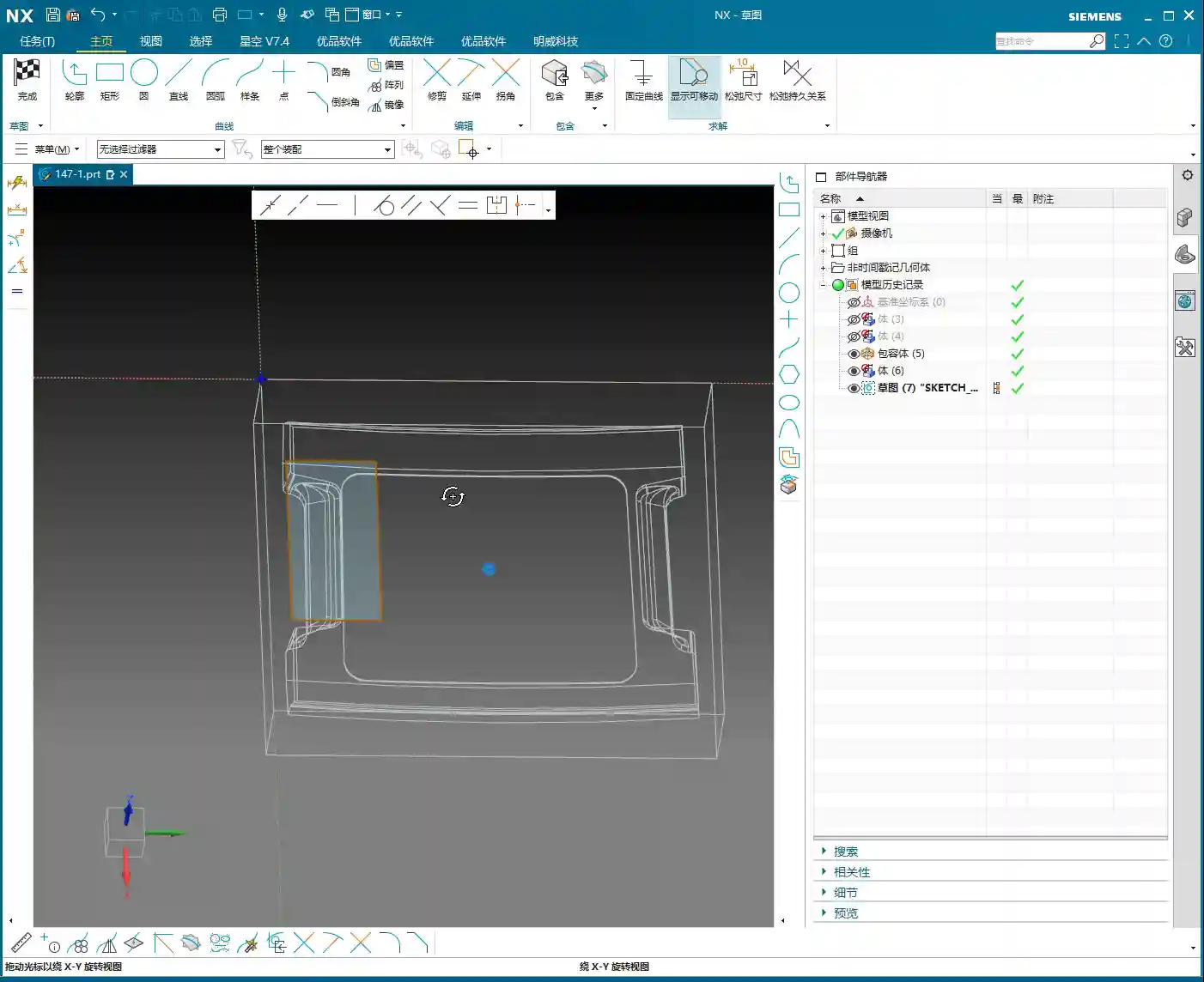
    Alright folks, when you get a job, don’t rush straight into it. We need to start with “surface analysis” – that means meticulously examining the part’s geometric features. You need to know which areas are flat and which are curved. This directly influences your tool selection and machining strategy.

    Identifying Planar and Curved Surfaces

    Some areas on this part might look planar, but are they truly flat? In NX, don’t just eyeball it; you need to verify with geometric properties.
    In NX, simply select a face and use the “Geometric Properties” function to check. If its Z-axis coordinate value is consistent across different points, then it’s a true planar surface. If the Z-axis value keeps changing, even slightly, it’s a curved surface and must be treated as such.
    For this particular part, after my careful inspection, I found that most areas are curved surfaces, but there are a few genuinely flat spots, and these need to be handled differently.

    Identifying Critical Fillets and Narrow Areas

    Besides planar and curved surfaces, pay special attention to areas with fillets. The size of the fillet dictates the required tool diameter.
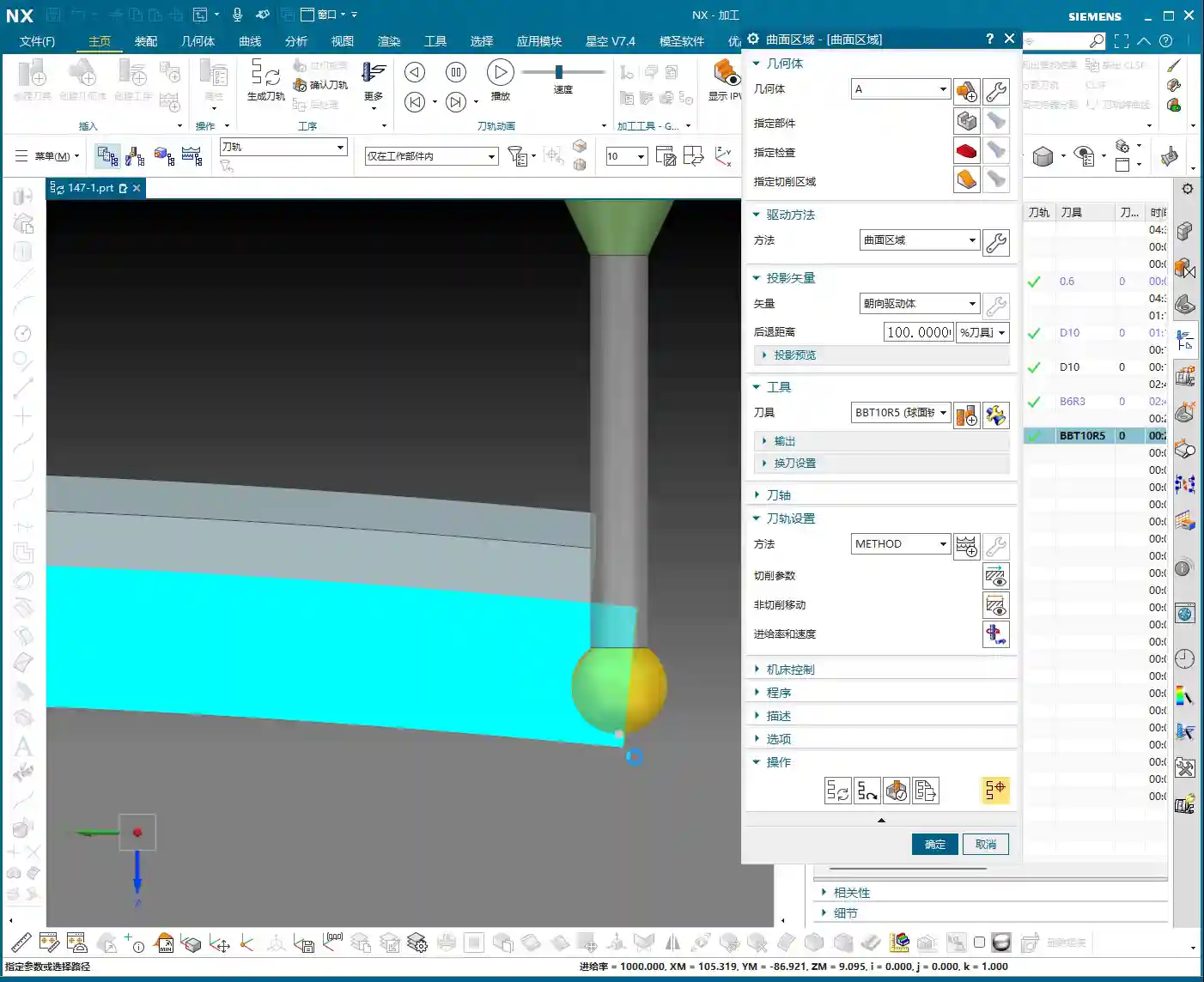
    After my initial survey, I noticed one area with a slightly smaller fillet, approximately R6. For this, we’ll need to consider a 6mm diameter ball-nose end mill (or smaller) for the Finishing pass. Further in, some fillets are larger, like R5, where a 5mm diameter ball-nose end mill will suffice, potentially even completing it in a single pass. Remember, tool selection must match the part’s features; otherwise, you’ll either fail to machine the area completely or suffer from poor efficiency.

    Step Two: Tool Selection and Strategy – Precision, Stability, and Aggression

    Once the machining area is defined, the next step is tool selection and strategy formulation. Siemens NX’s Fixed Area Milling offers great flexibility, but getting quality results hinges on your experience.

    Clever Use of Ball-Nose End Mills for Complex Surfaces

    For parts like ours, which feature various fillets and curved surfaces, the ball-nose end mill is our primary tool.
    Having identified the R5 and R6 fillets earlier, I have a clear plan:

    • For R5 areas, we’ll use a Ø5mm ball-nose end mill for Finishing pass.
    • For R6 areas, we can either add a Ø6mm ball-nose end mill or just use the 5mm tool with additional passes.

    Remember, the tool diameter should be slightly less than or equal to the smallest machining radius to ensure proper Corner Cleanup.

    Flexible Selection of Cut Direction and Start Point

    In Fixed Area Milling, the cut direction and start point are crucial.

    • Parallel to Tool Axis: This is the most commonly used method, especially suitable for flat or gently sloped surfaces.
    • Perpendicular to Tool Axis: Sometimes used, but depends on the specific surface geometry.
    • Helical/Spiral: For internal areas with circular or elliptical shapes, using this method to cut spirally from outside-in or inside-out creates a more continuous path, more stable cutting, and effectively reduces air cuts and “tool jumps” (unnecessary retractions).

    For certain internal cavities on this part, I employed a “Spiral Inward” approach. See how smoothly the toolpath runs? Efficiency naturally improves.
    Furthermore, setting the program’s “Start Point” is also very important. Sometimes, the default start point can lead to frequent tool retractions or engagements from unfavorable positions. We can manually specify a sensible start point, such as beginning the cut from the exterior of the workpiece or engaging from a more open area, to prevent damage to already machined surfaces.

    “Tool Jumps”? No Worries, We’ve Got Solutions!

    In NX, you sometimes encounter “tool jumps” in the toolpath, meaning the tool frequently retracts and re-engages. This can happen for several reasons:

    • Holes or Open Areas in Between: If there’s a hole in the middle of the machining area, the tool will naturally retract to avoid it – that’s normal. If you want a more continuous toolpath, you can “cap off” this hole with a surface during modeling, then remove it after machining.
    • Gaps or Elevation Differences in the Model Itself: If the model design itself has issues, such as the 4-micrometer (approx. 0.00016 inch) gap we just found, the tool might “hesitate” there. While the impact is minimal, ideally, the model should be clean.

    When programming, make good use of NX’s “Safe Region”, “Cut/Non-Cut Areas”, “Trim Boundary”, and other functions to control the toolpath more precisely and reduce unnecessary retractions.

    Step Three: Practical Case Study and Toolpath Generation

    Now, let’s combine this with actual operations and generate the toolpaths for these areas one by one.

    Finishing Pass for Planar Areas

    For the confirmed planar surfaces, simply select Fixed Area Milling, choose the faces, and generate the toolpath. Typically, NX will default to generating parallel linear toolpaths. If you find the toolpath moving from bottom-up and you prefer top-down, just change the “Cut Direction”. Don’t just rely on software simulation; during actual machining, cutting from top to bottom provides more stable cutting forces and better chip evacuation.

    Precision Finishing Pass for Small Fillet Areas

    For the small fillets like R5 and R6 we discussed earlier, we’ll first duplicate a program, then change the tool to a Ø5mm or Ø6mm ball-nose end mill.
    Select a cutting method like “Spiral Inward” or “Boundary Machining”, guiding the tool to move layer by layer inward or outward along the fillet area, ensuring uniform cutting everywhere. This area is prone to heavy cutting conditions, so feed rates and spindle speeds must be carefully controlled to avoid tool breakage.

    Addressing Minor Model Defects

    Earlier, we discovered a 4-micrometer (approx. 0.00016 inch) gap or a slight raised surface in the part model. Theoretically, a defect of this size is concerning for our Finishing pass. However, in actual production, if it doesn’t affect assembly or function, and the tolerance allows for it, we’ll simply “ignore it” during programming.
    Why? Because creating a toolpath to fix such a minor defect could incur time and cost far exceeding its impact. Of course, if tolerance requirements are stringent, then we must feedback to the design department to modify the model. I, Master Wang, always emphasize: Practicality first, cost-efficiency always!

    Future Outlook: “Guide Curve Machining” for Special Areas

    For some particularly complex surfaces, such as those with guide curves, if Fixed Area Milling feels insufficiently flexible, we can learn “Guide Curve Machining” later to handle them more effectively. This allows the tool to follow precisely specified curves, achieving much finer control. However, for today’s part, the current Fixed Area Milling strategy is sufficient.

    Summary: Pitfall Avoidance Guide

    Pitfall Avoidance Guide

    1. The Model is the Foundation, Cleanliness is Key: Even the best NX expert can run into trouble with a “wounded” model (e.g., with micro-gaps or warped surfaces). So, always check the model’s integrity and accuracy first – that’s your primary defense.
    2. Tool Selection Must Be “Context-Specific”: Don’t try to use one tool for every job. Select the appropriate tool type, diameter, and length based on the part material, hardness, geometry, and the size of the fillets in the machining area. Small fillets require small tools, deep cavities require long tools – this is common sense.
    3. Toolpath Strategies “Vary Widely, but the Core Remains Constant”: Fixed Area Milling offers many strategies, such as parallel cutting, helical cutting, and boundary following. Choose flexibly according to the actual situation, with one goal: ensure machining quality, reduce air cuts, and improve efficiency. Observe the cutting sparks carefully; don’t just rely on software simulation!
    4. Optimize “Non-Cutting Movements”: Though retractions, lead-in, and lead-out moves are auxiliary, their cumulative time can be significant. By adjusting parameters like start points, cut directions, and safe regions, strive to minimize unnecessary retractions and idle travel – these are your “invisible benefits” for efficiency.
    5. Learn to “Tolerate” Minor Defects: Perfectionism is good, but sometimes flexibility is necessary. For model defects that have minimal impact on part function and accuracy, if fixing them costs too much, let’s “give it a pass.” This is practical wisdom, a balance between efficiency and perfection.
    6. Experience is the Ultimate Teacher: NX programming, especially for complex surfaces and 5-axis machining, isn’t learned overnight. More hands-on practice, observation, and summarization are essential to transform textbook knowledge into practical skills. Every post-machining review is your best teacher.

    Alright, that’s all for today. Go back, digest this information thoroughly, and get some hands-on practice in NX. Remember, in the machining industry, true gold fears no fire; a good product speaks for itself. Every high-precision part we program is our best advertisement, naturally allowing us to establish a strong foothold in the market. Talk next time!


    — Master Wang

    👤 About the Author:
    The author is a veteran CNC machining professional with 15 years of industry experience, specializing in UG NX programming. This article is an original work representing personal practical insights.

    ⚠️ Copyright Notice: Unauthorized reproduction or distribution without prior communication is strictly prohibited.