📝 Key Takeaways: ** Master Wang discusses efficient connecting rib machining in Siemens NX. He analyzes the part blank and plans roughing and finishing tools (D12 R1.5 for R7 fillets, D20 for Roughing, D10 for cut-off). He demonstrates Siemens NX offset curves and surface replacement, emphasizing a 12mm offset to avoid air cuts. He teaches connecting rib sketching, extrusion, and arc smoothing techniques, combined with standardized layer management, to achieve efficient and precise machining, sharing practical experience in avoiding pitfalls.
Hello everyone, I’m Master Wang. Today, let’s break down an interesting task: how to properly machine a component’s connecting ribs using Siemens NX. Not only do we need to machine them, but we need to do it precisely and efficiently. Listen up, this isn’t some theoretical mumbo jumbo you read in a textbook; this is all hard-earned expertise from the shop floor!
Step One: Component Overview and Machining Strategy
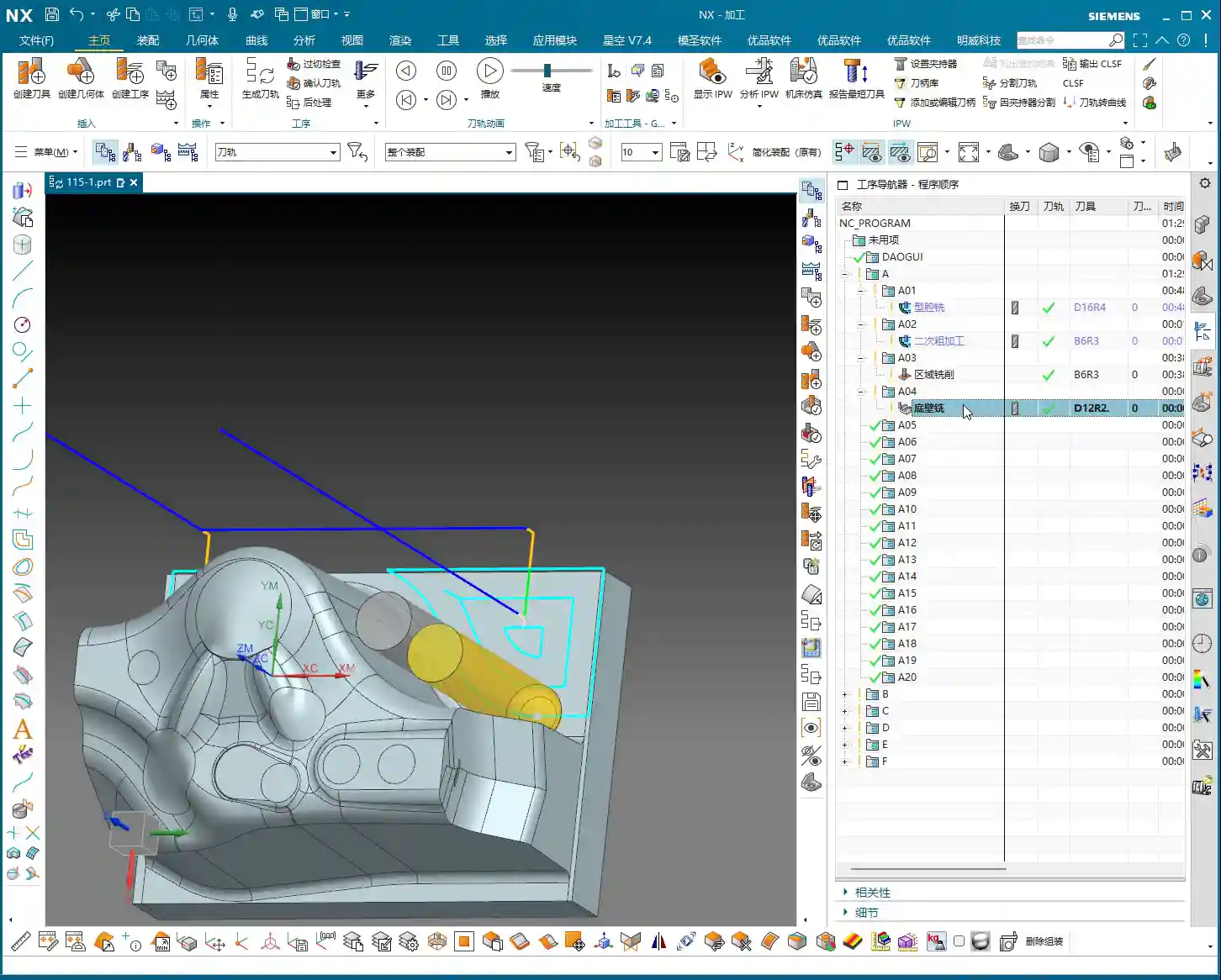
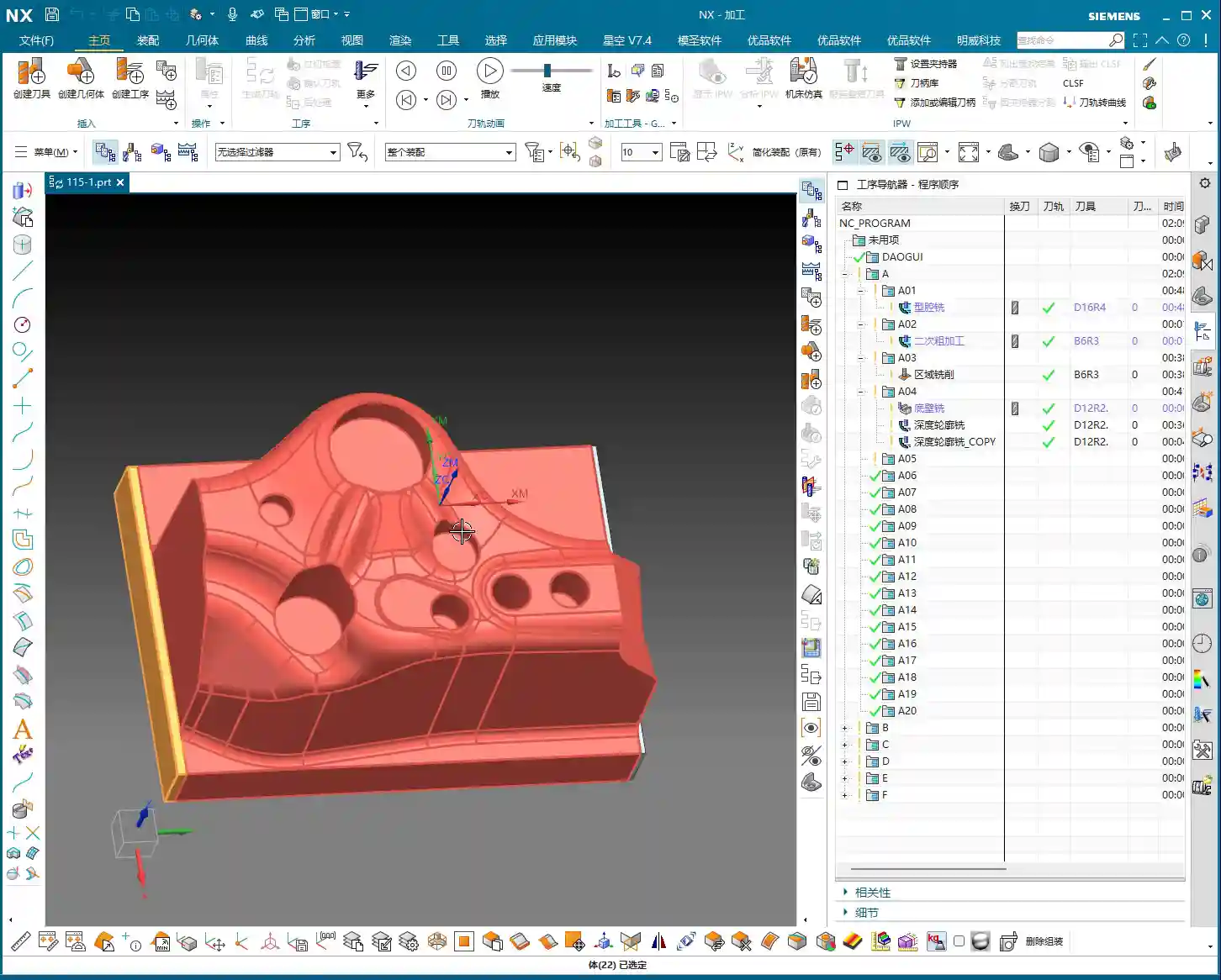
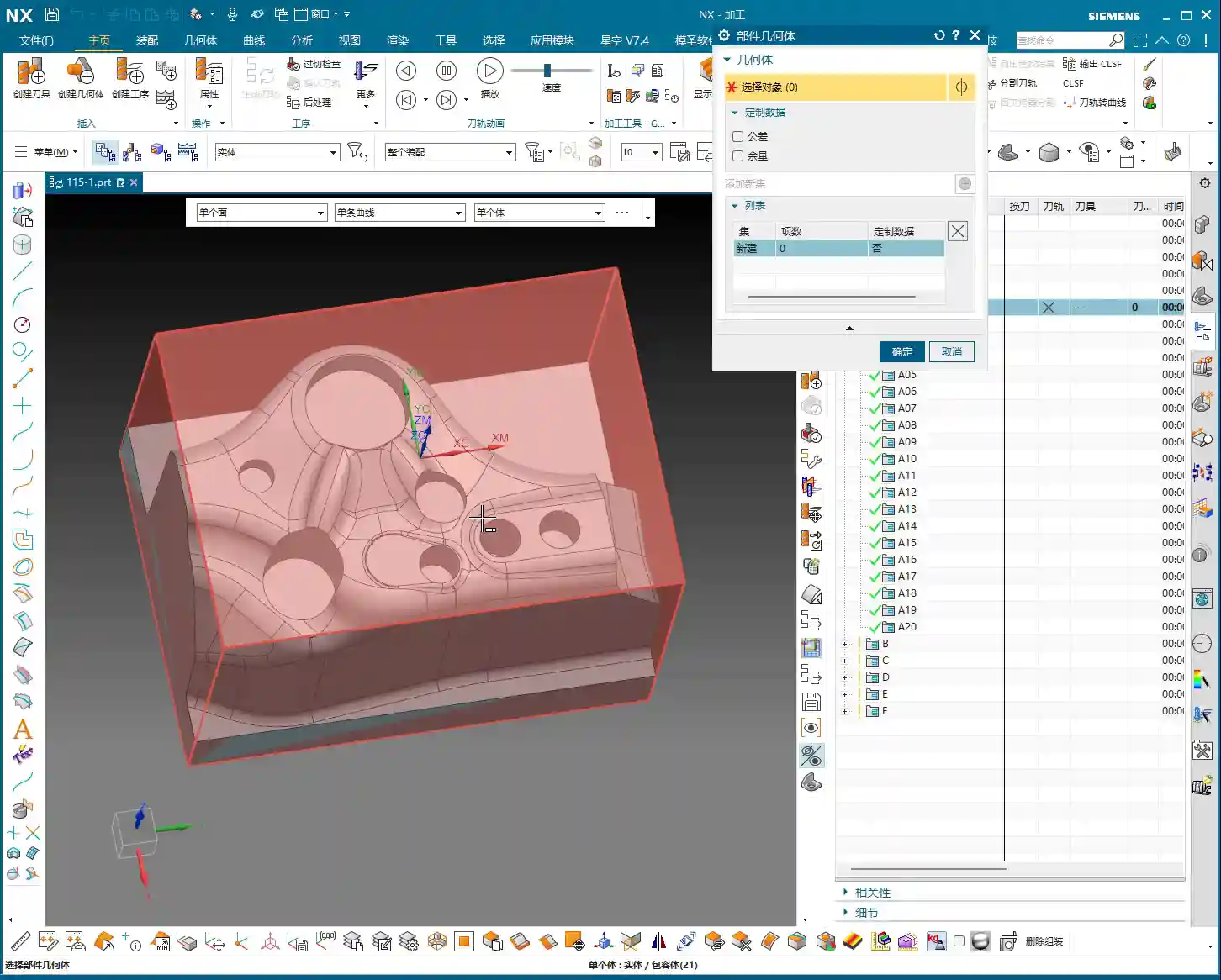
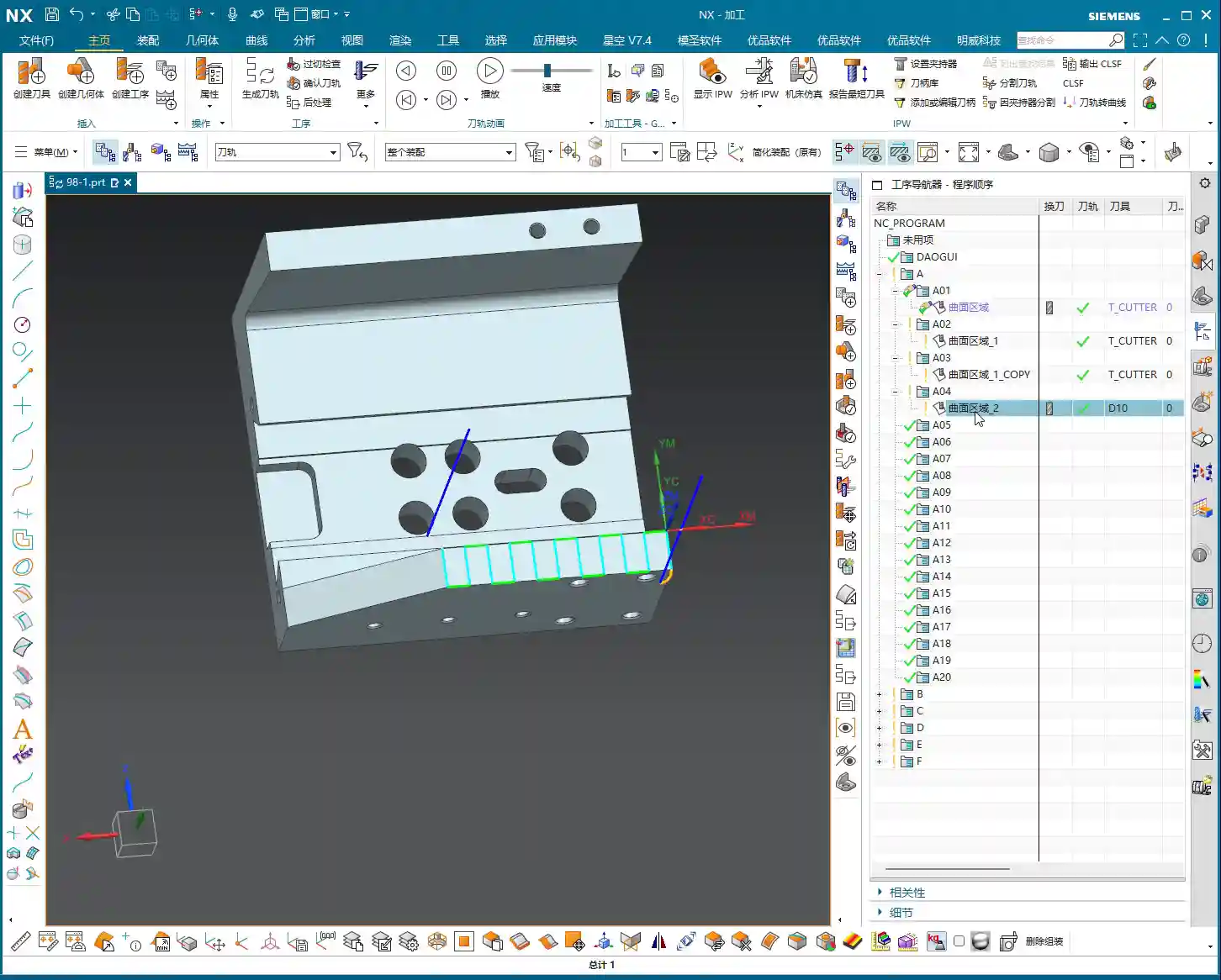
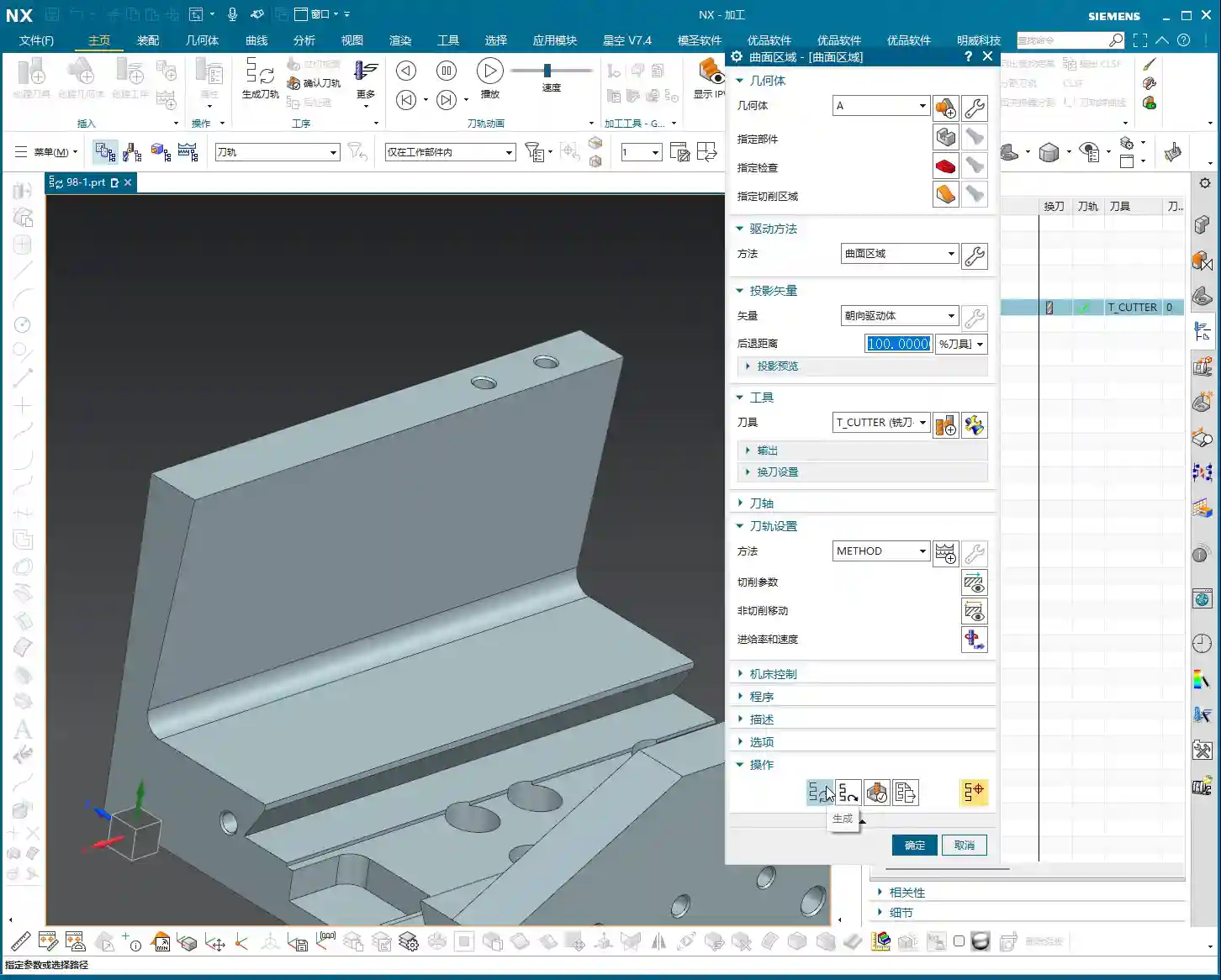
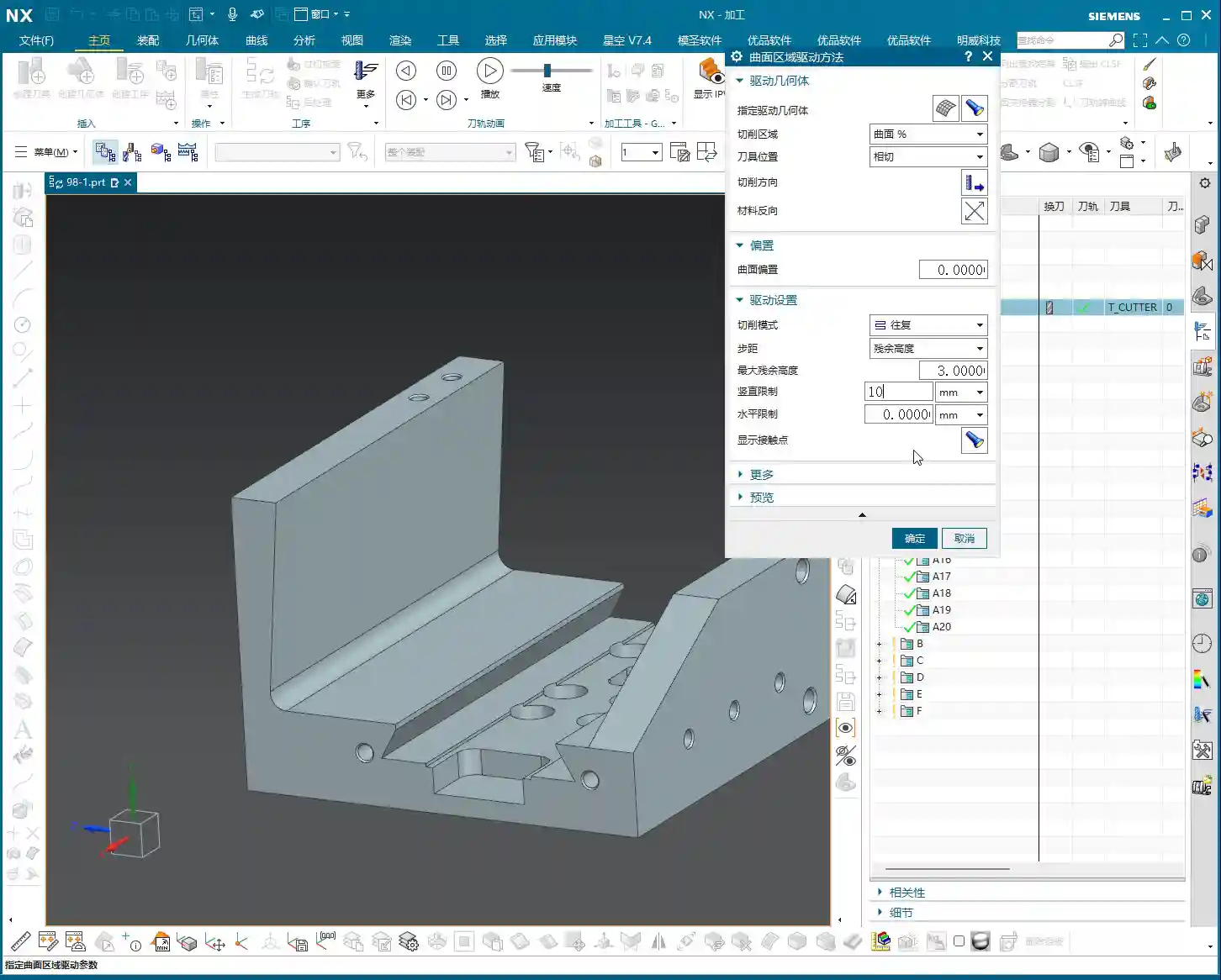
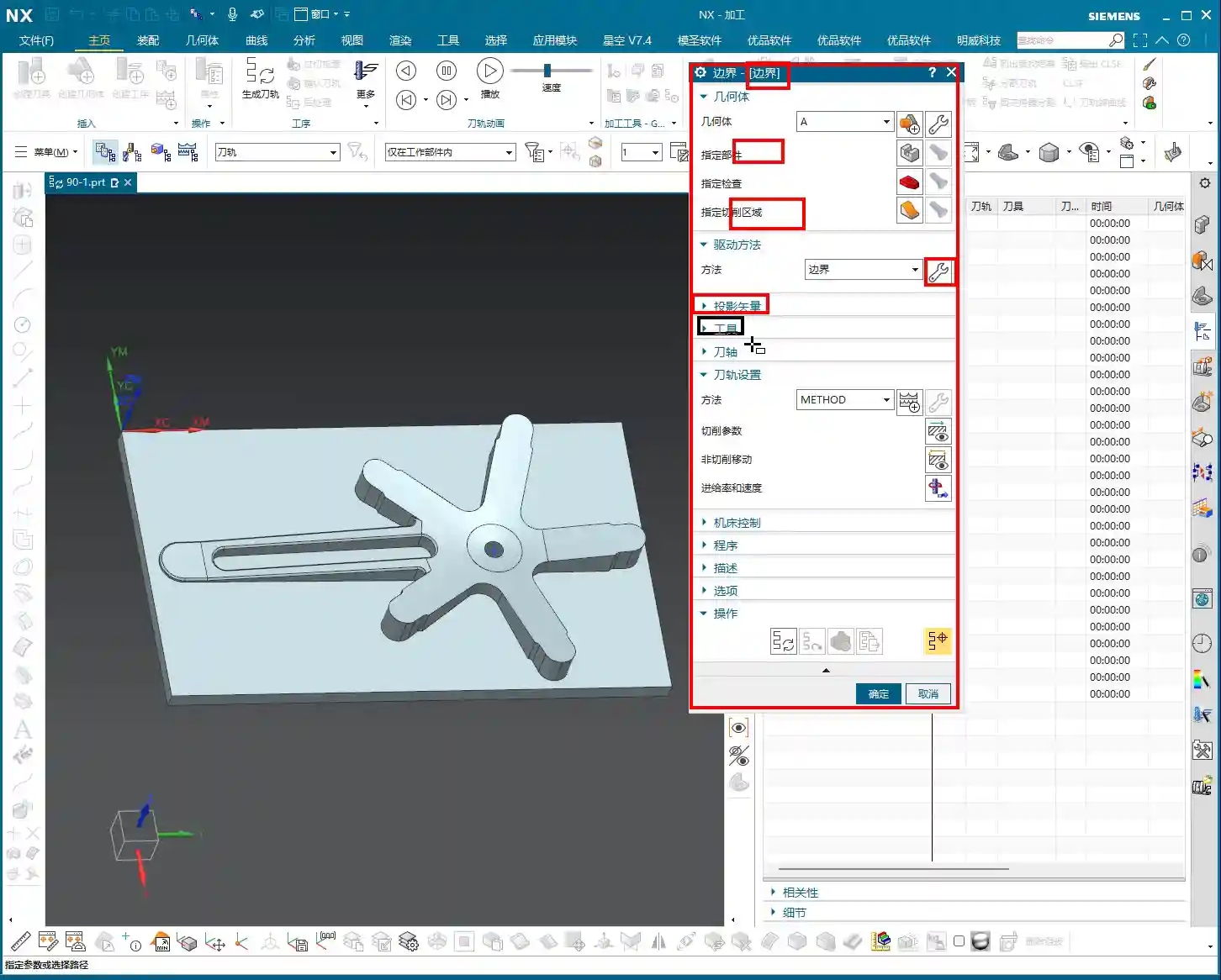
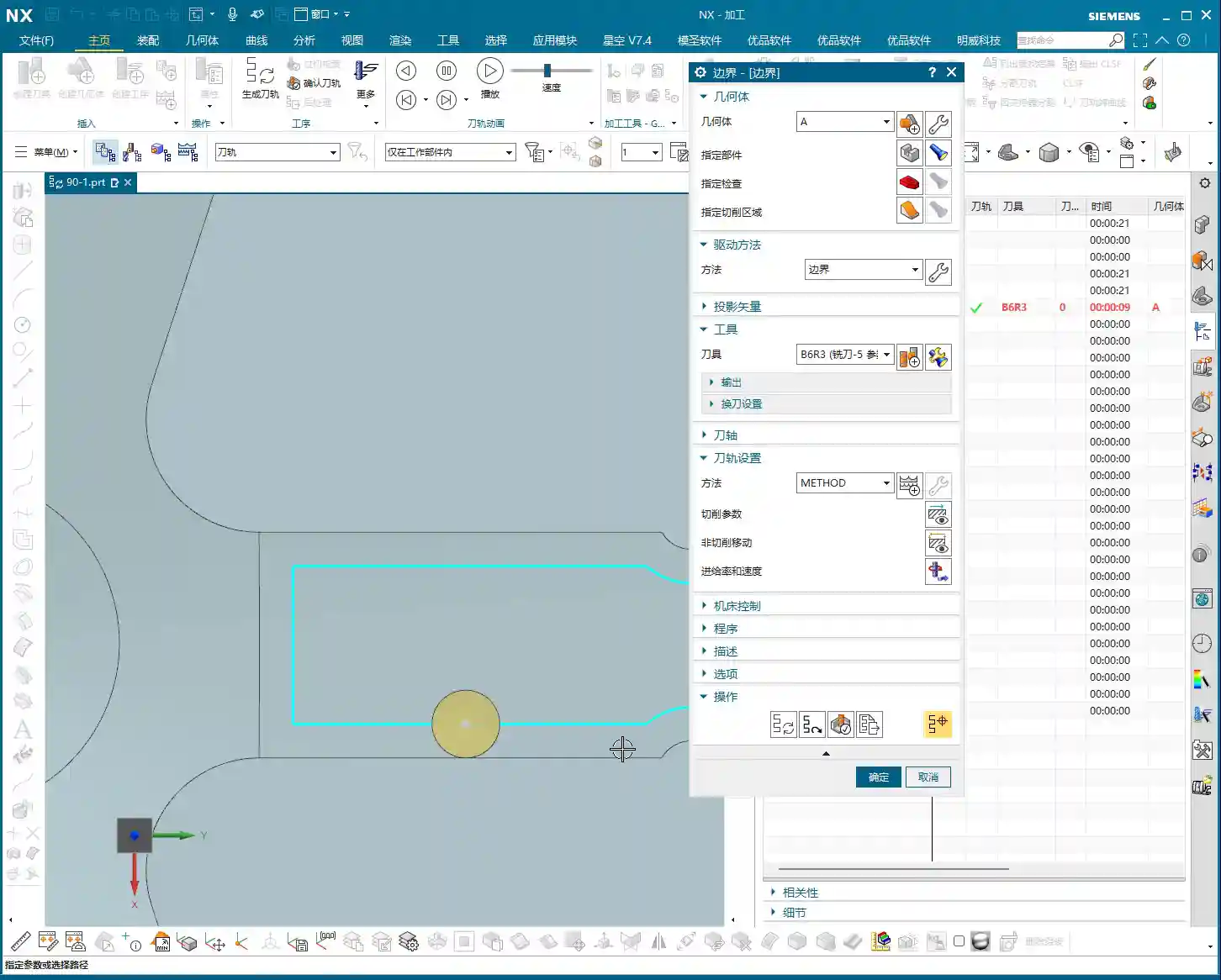
The component we’re working with—while I might call it a “frame”—is actually a relatively small component. At first glance, it’s roughly 100+ by 50+ millimeters (approx. 4 x 2 inches), so not large. The customer provided a large blank, approximately 30 millimeters (approx. 1.2 inches) oversized compared to the finished part. Therefore, we need to understand this upfront: Sufficient material allowance for Roughing must be provided, but not blindly; it depends on the actual situation.
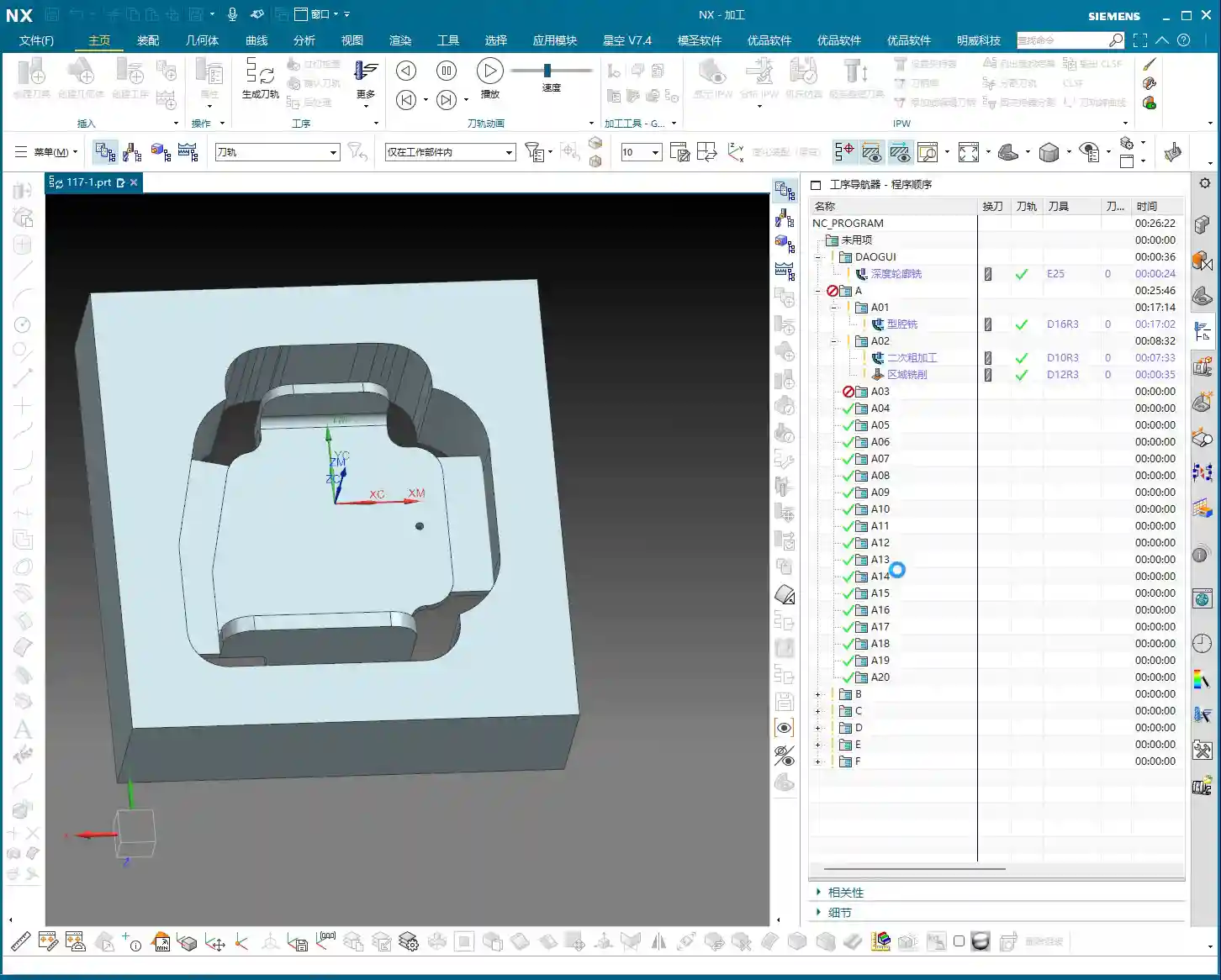
My standard practice is to machine the bottom face first, then flip the part to machine the top face. Why? Once the bottom face is flat, it’s easier to establish datum features for the top face, and Clamping will be stable. This part has flat top and bottom surfaces; one side is straight, and the other has a slight taper. For parts of this geometry, we typically use a “sequential machining” approach in our workshop—machining one section first, then using it as a datum for machining the next.
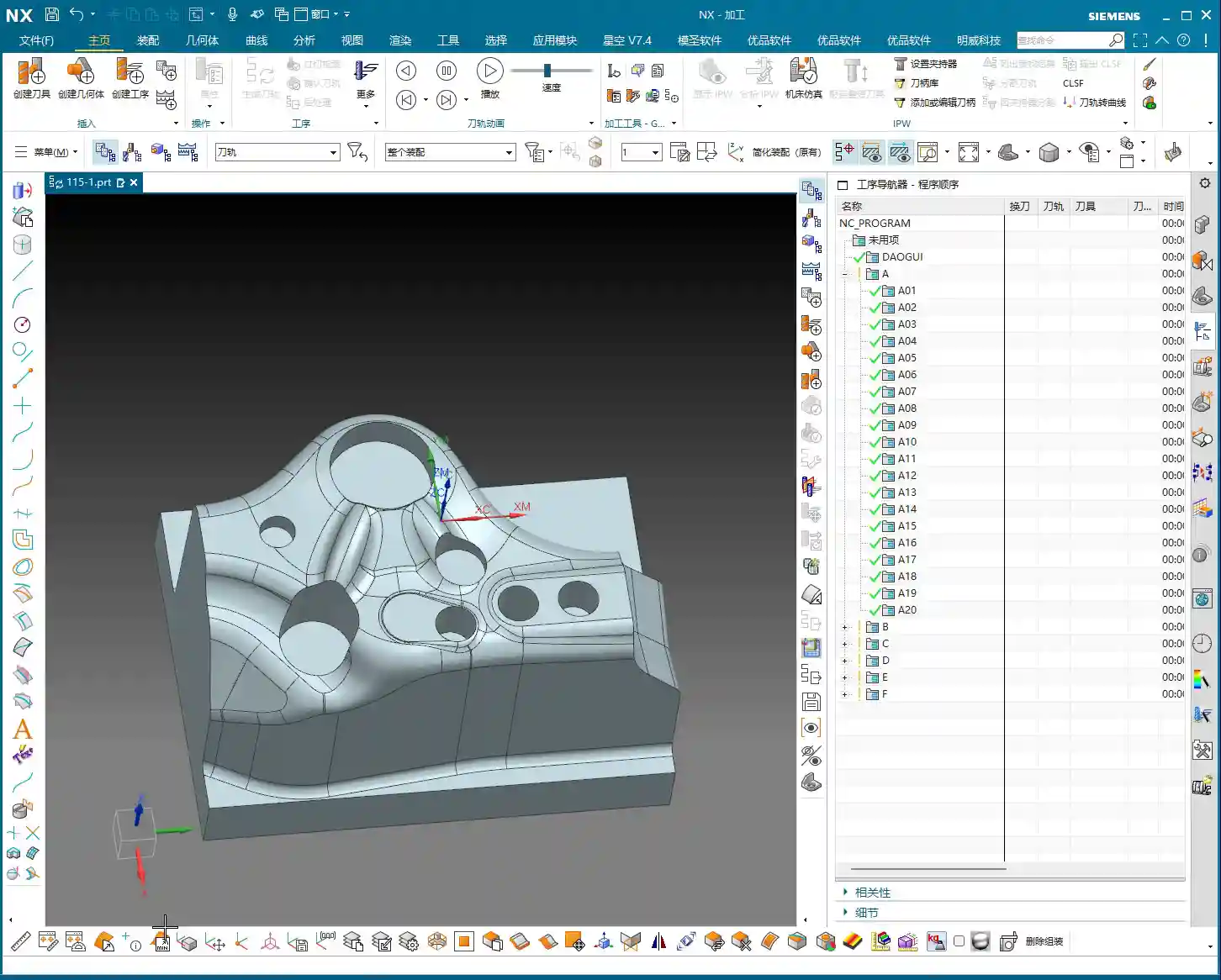
Upon analysis, all major faces of this component are flat; in Siemens NX, the surfaces appear uniformly green (indicating good quality). There are no particular pitfalls to watch out for. Those oddly shaped, uneven surfaces we’ve encountered before are not present here. So, at a macro level, we have a good grasp of the situation.

Step Two: Tool Selection and Roughing/Finishing Strategy
Before we start, tool selection is of paramount importance. It’s like going to war: if you have the wrong weapon, even the best skills are useless!
Fillets and Tool Radii
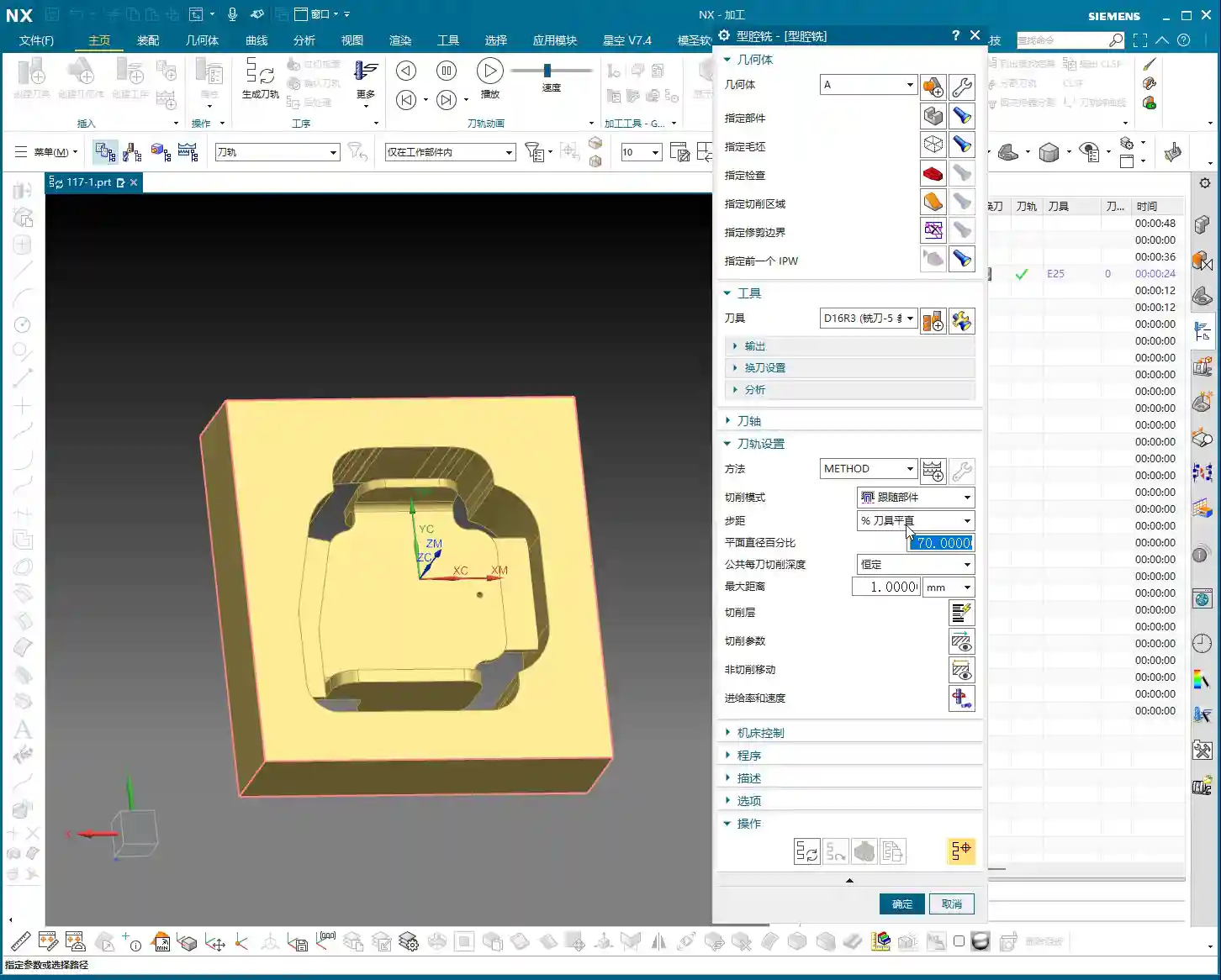
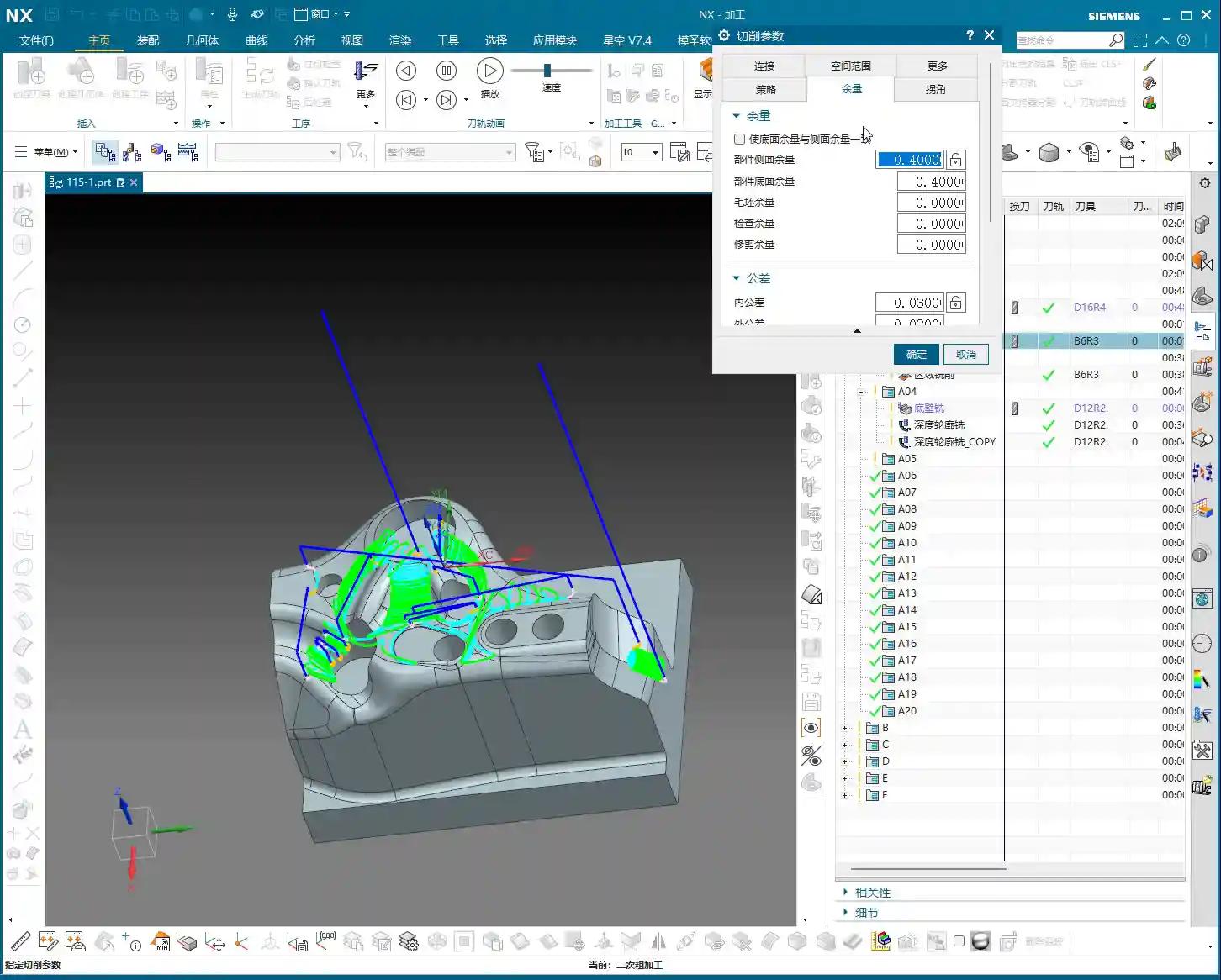
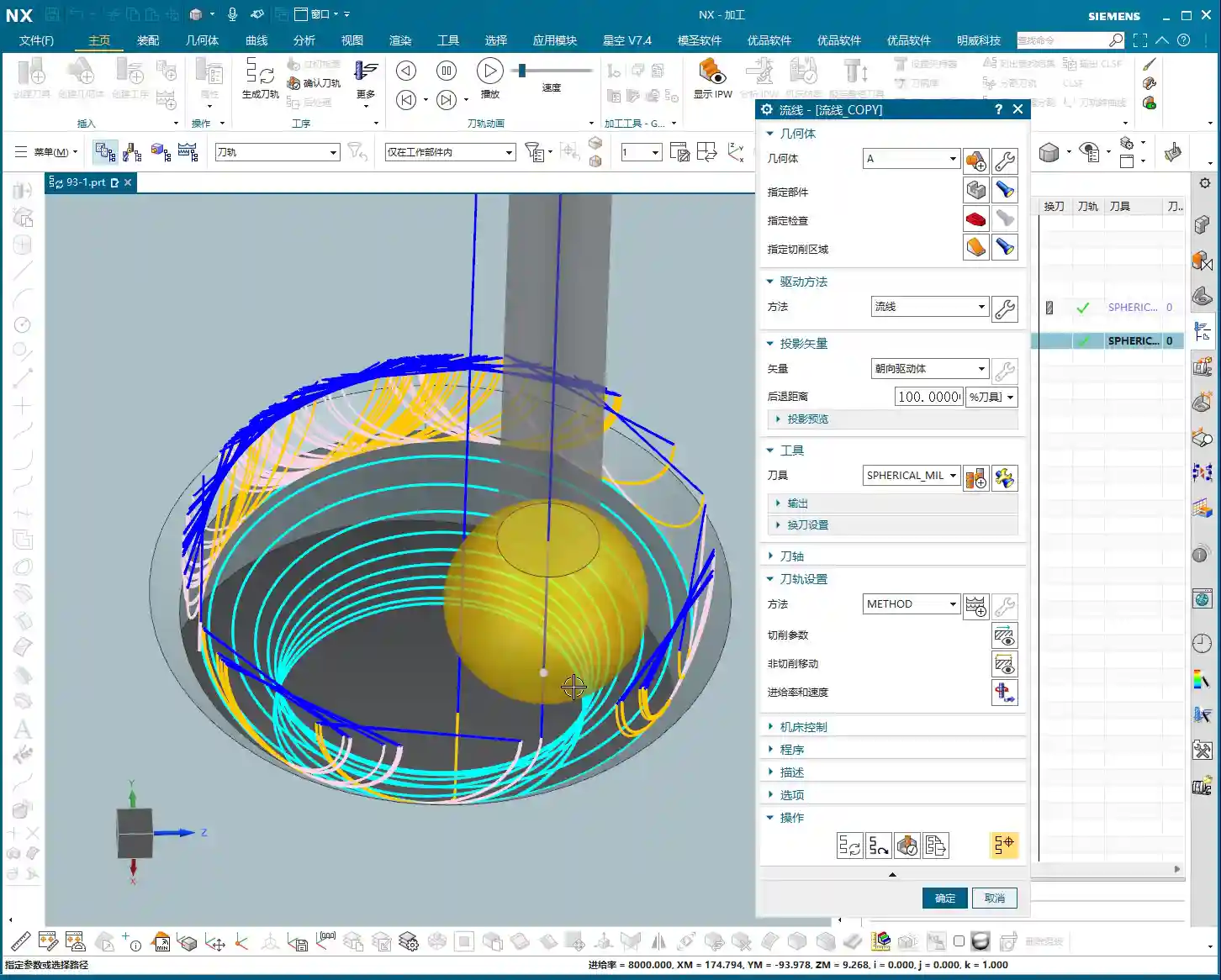
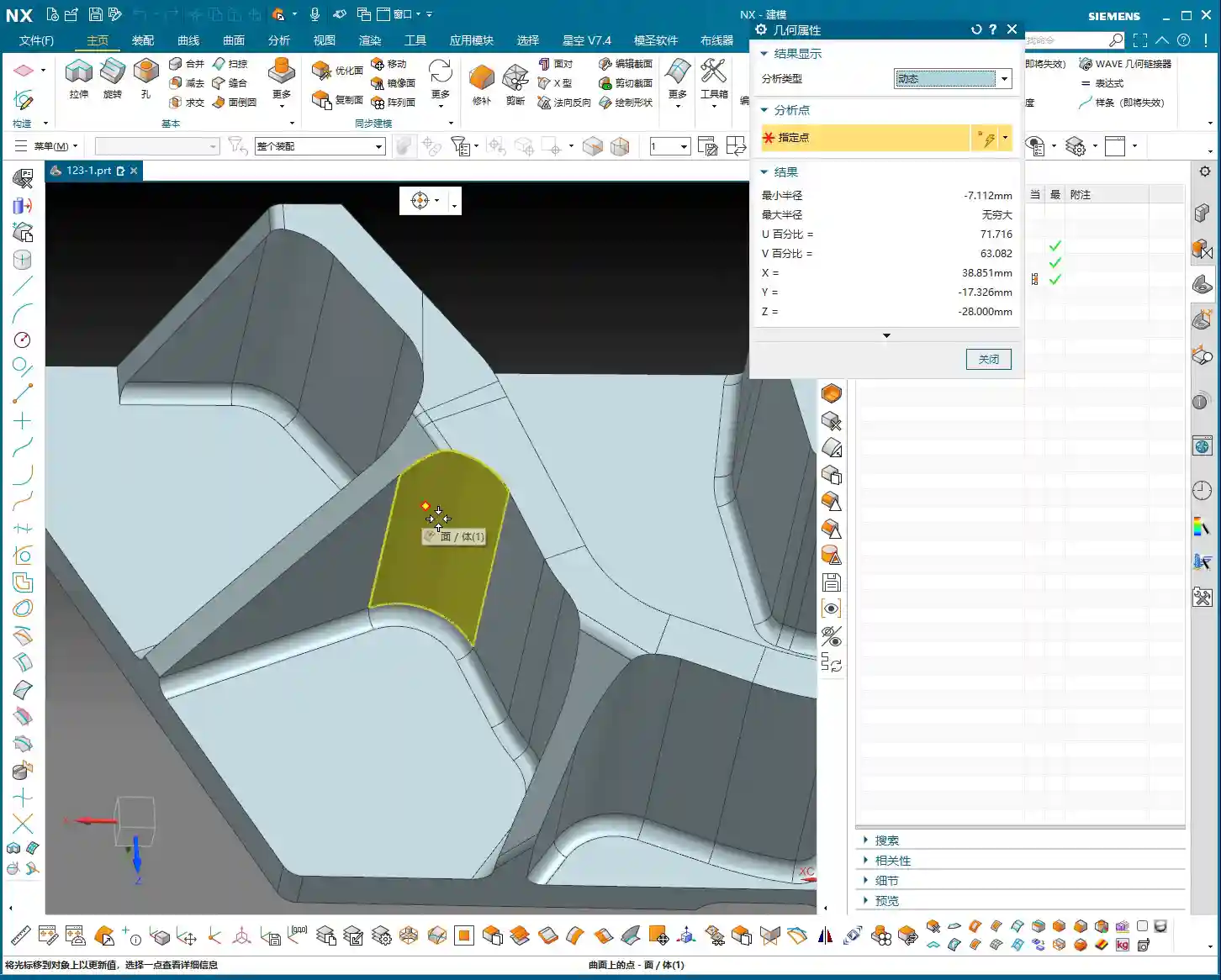
Let’s take a close look at the part’s fillets. Most fillets are R1.5. However, at the connecting rib, a “Distance Analysis” in Siemens NX reveals it’s R7! Two R7s add up to 14mm (approx. 0.55 inch). So, using a D12 R1.5 (diameter 12mm, corner radius 1.5mm) ball end mill or corner radius end mill for a Finishing pass on the side walls and bottom is perfectly adequate, no problem.
Roughing and Cut-off Tools
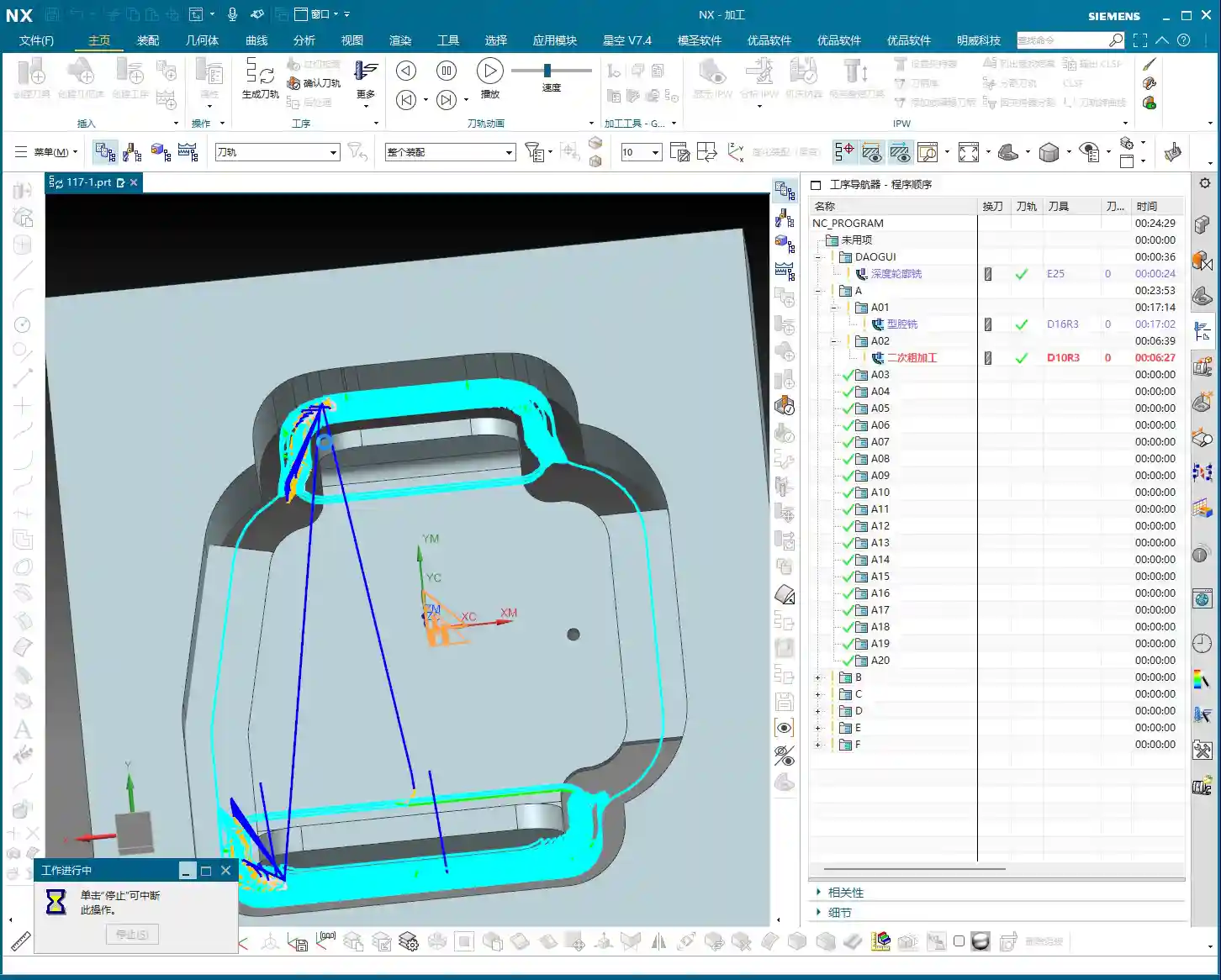
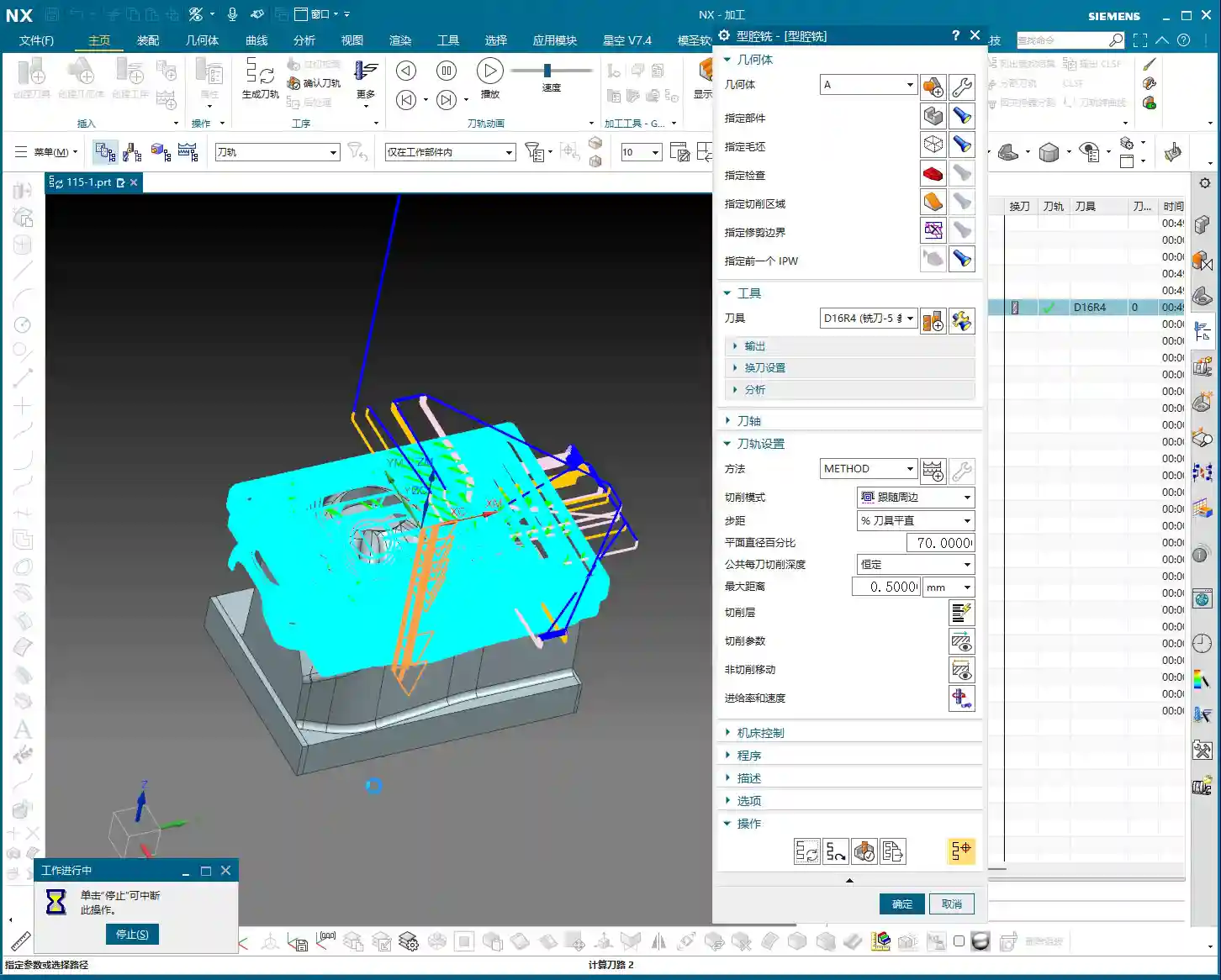
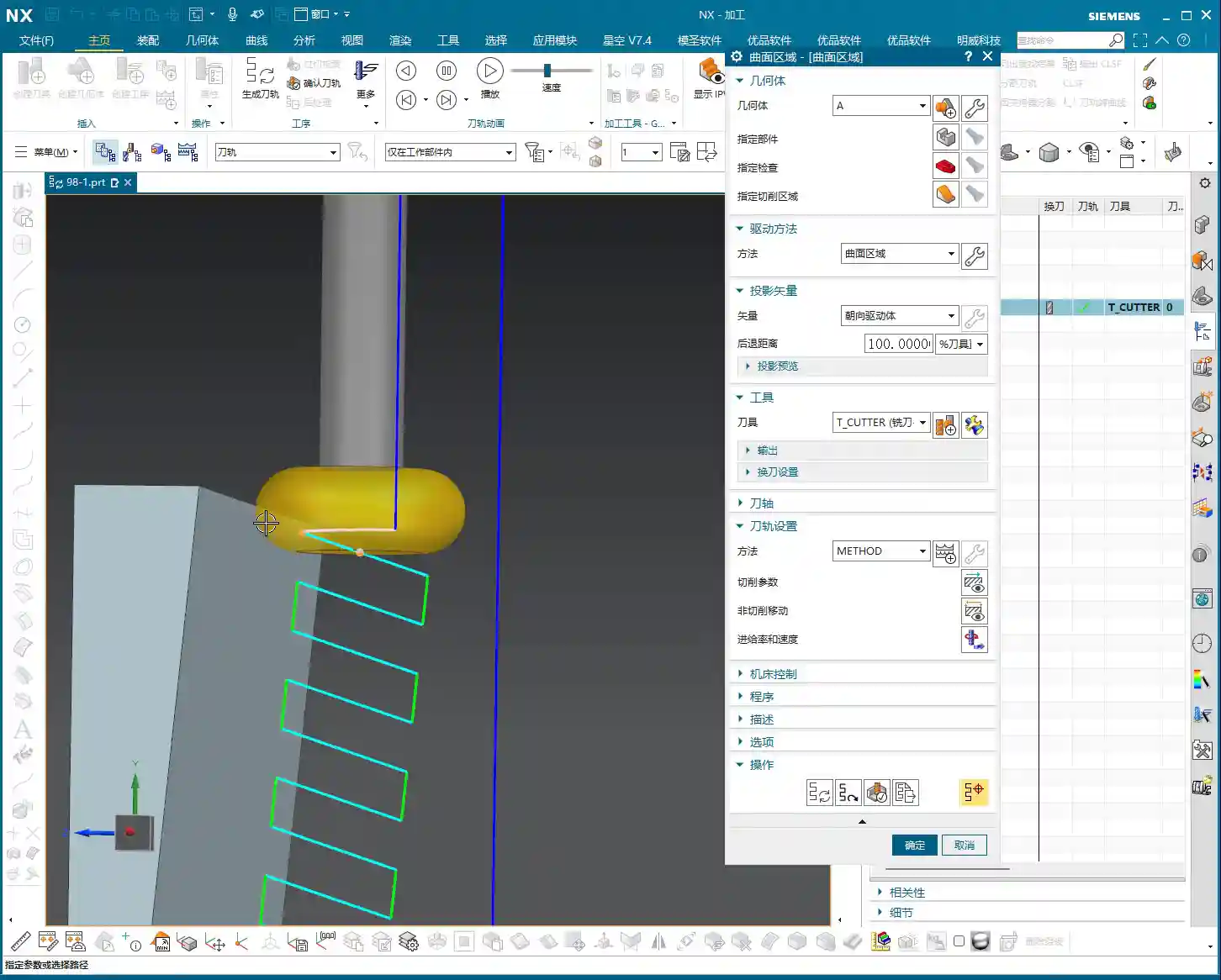
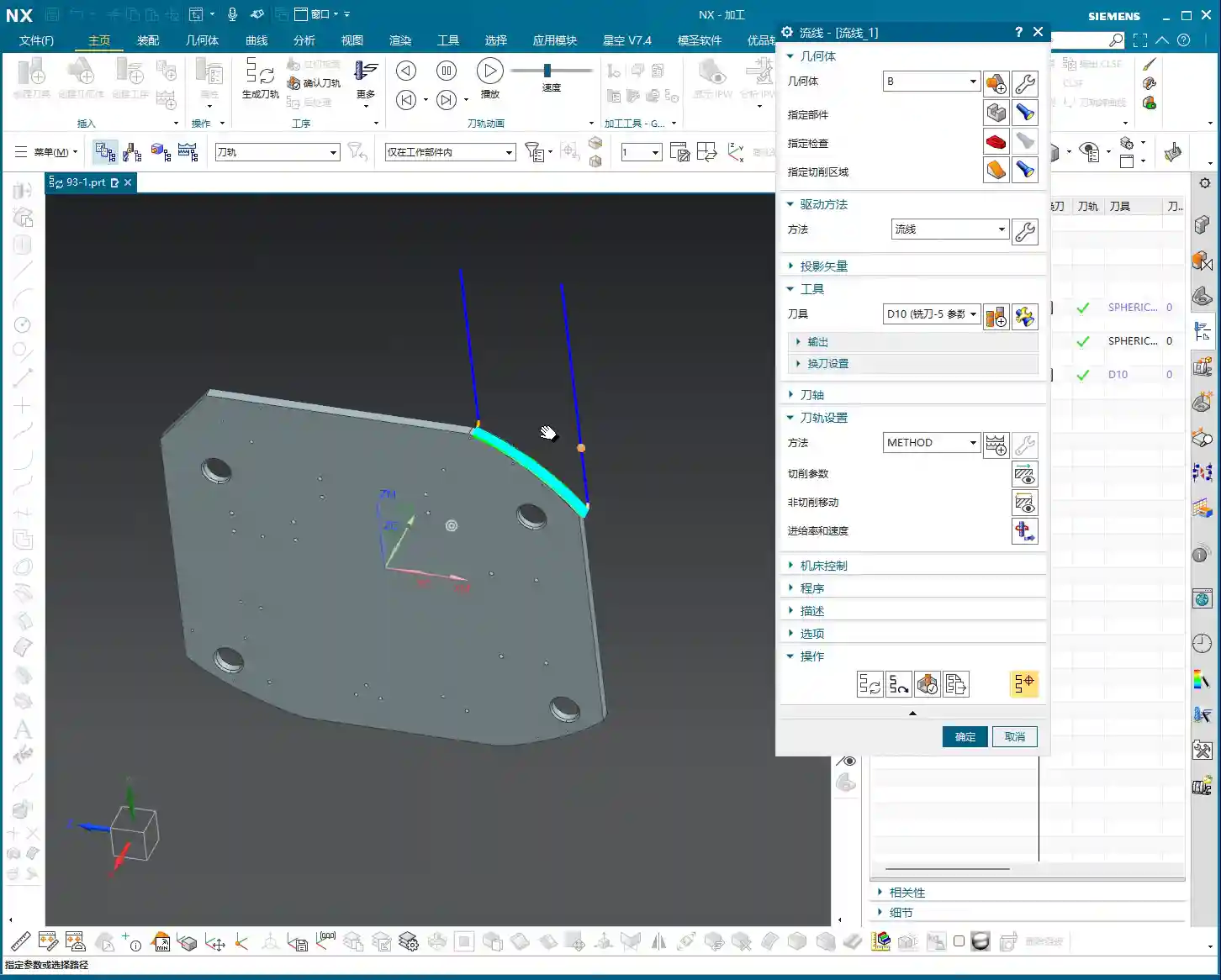
For Roughing, we can use a slightly larger tool. The part is roughly 26mm (approx. 1 inch) wide, so a D20 (diameter 20mm) flat end mill or roughing end mill will run quickly and stably. As for the final cut-off operation, we typically use a D10 (diameter 10mm) tool. Keep this in mind, as it will allow for pre-planning during subsequent modeling.

Step Three: Siemens NX Connecting Rib Modeling and Offset Techniques
Now, for the main event—how to model these connecting ribs and prepare them for machining. Don’t just think a few clicks in Siemens NX will do the trick; there are many nuances here!
Generating the Outer Contour
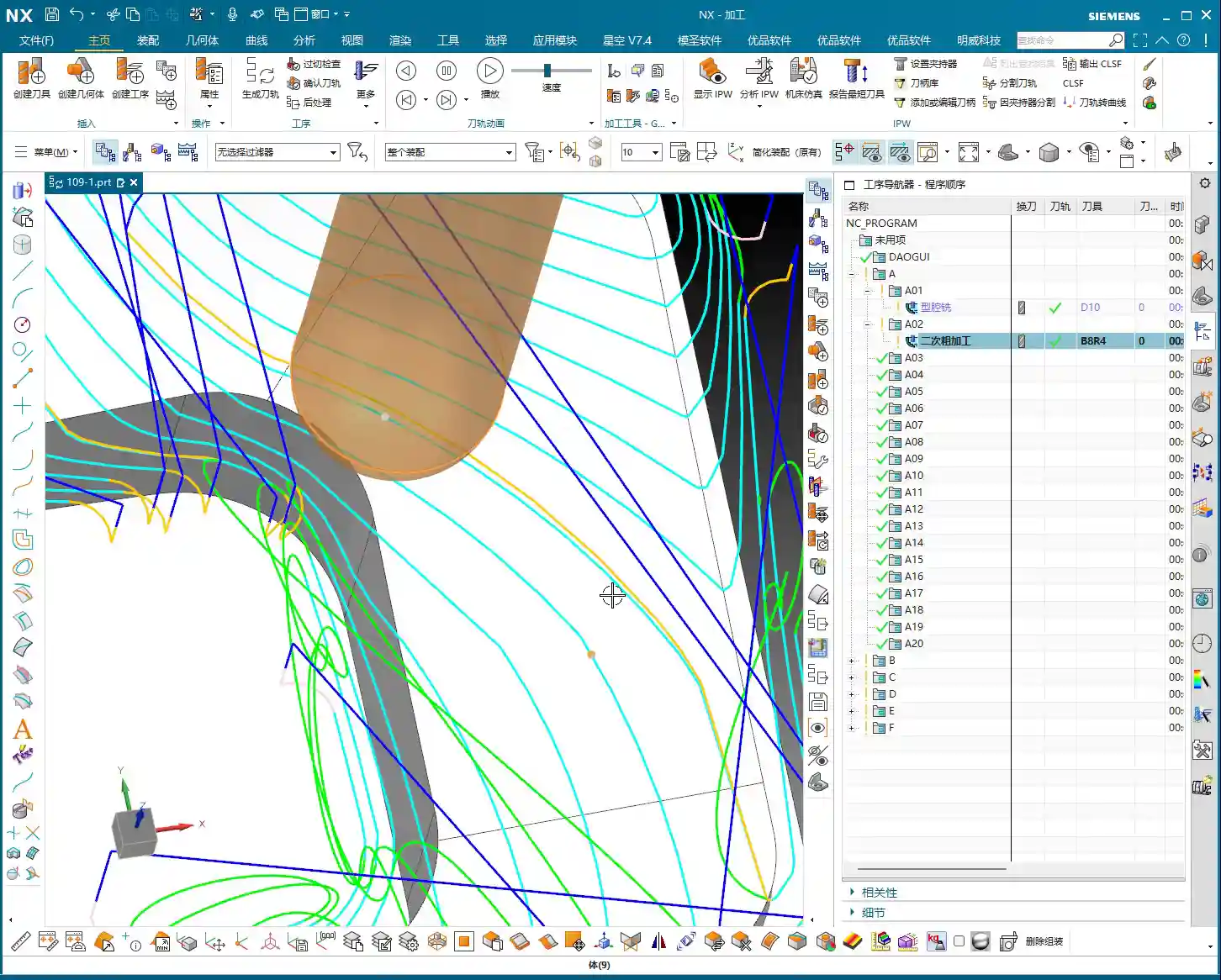
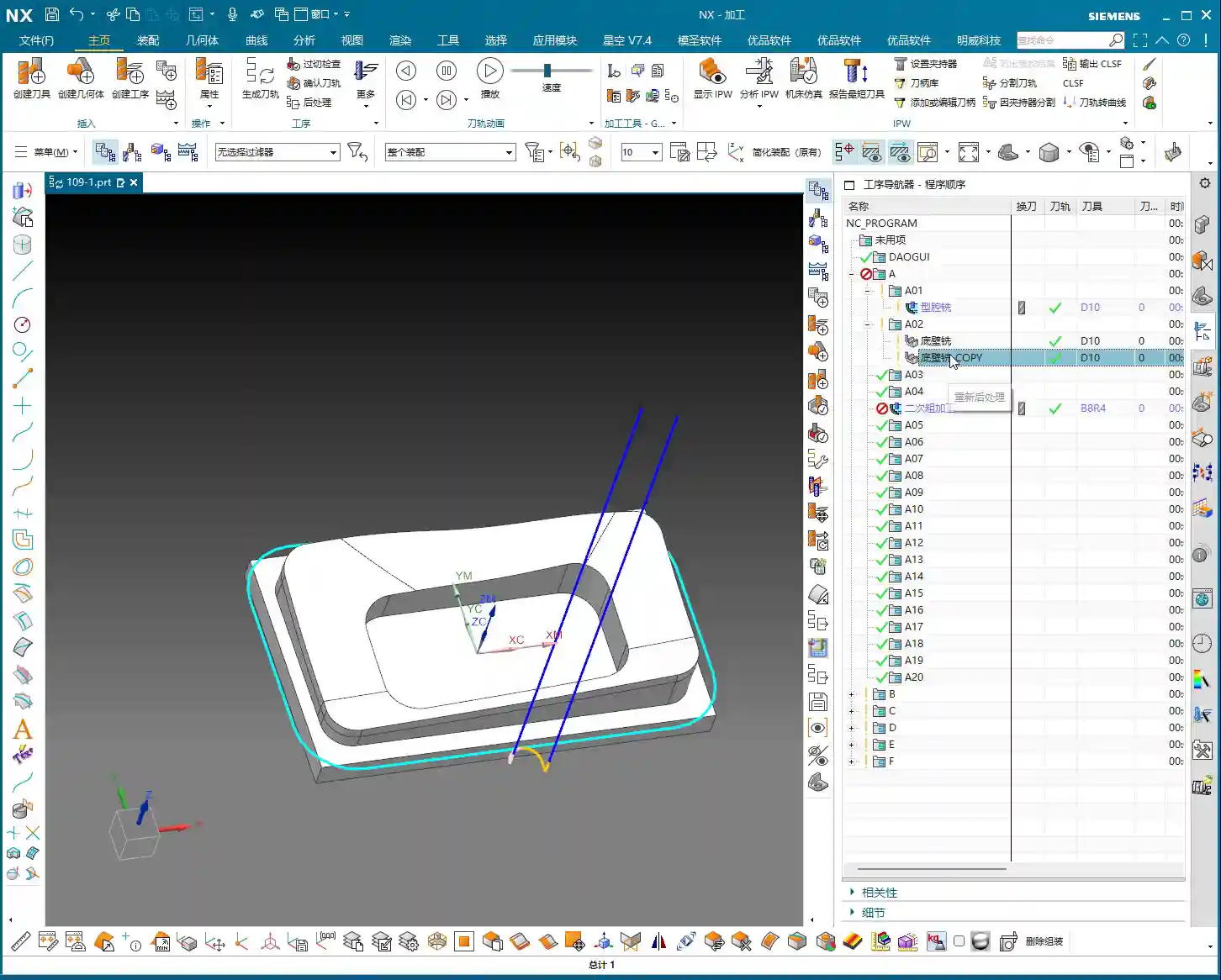
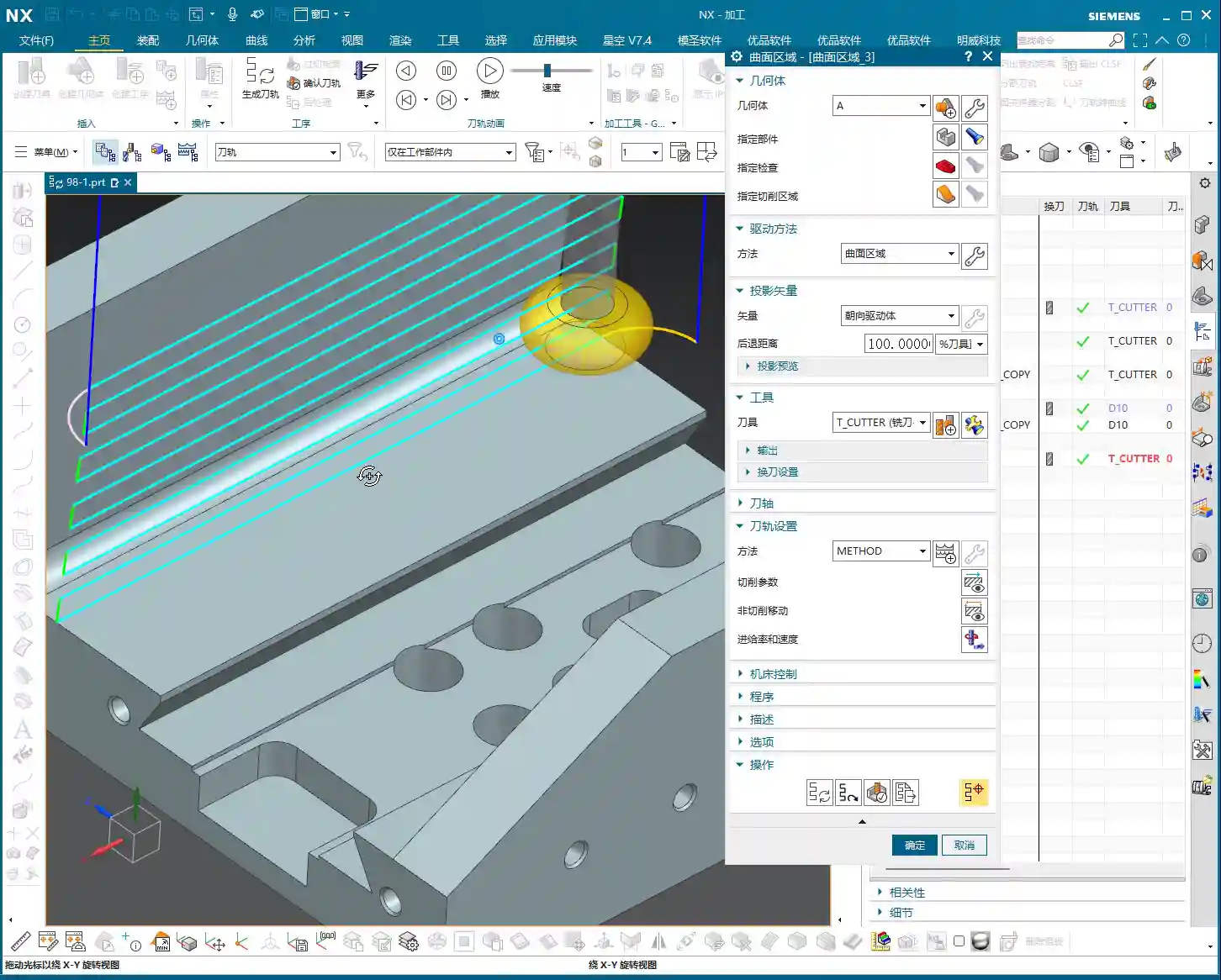
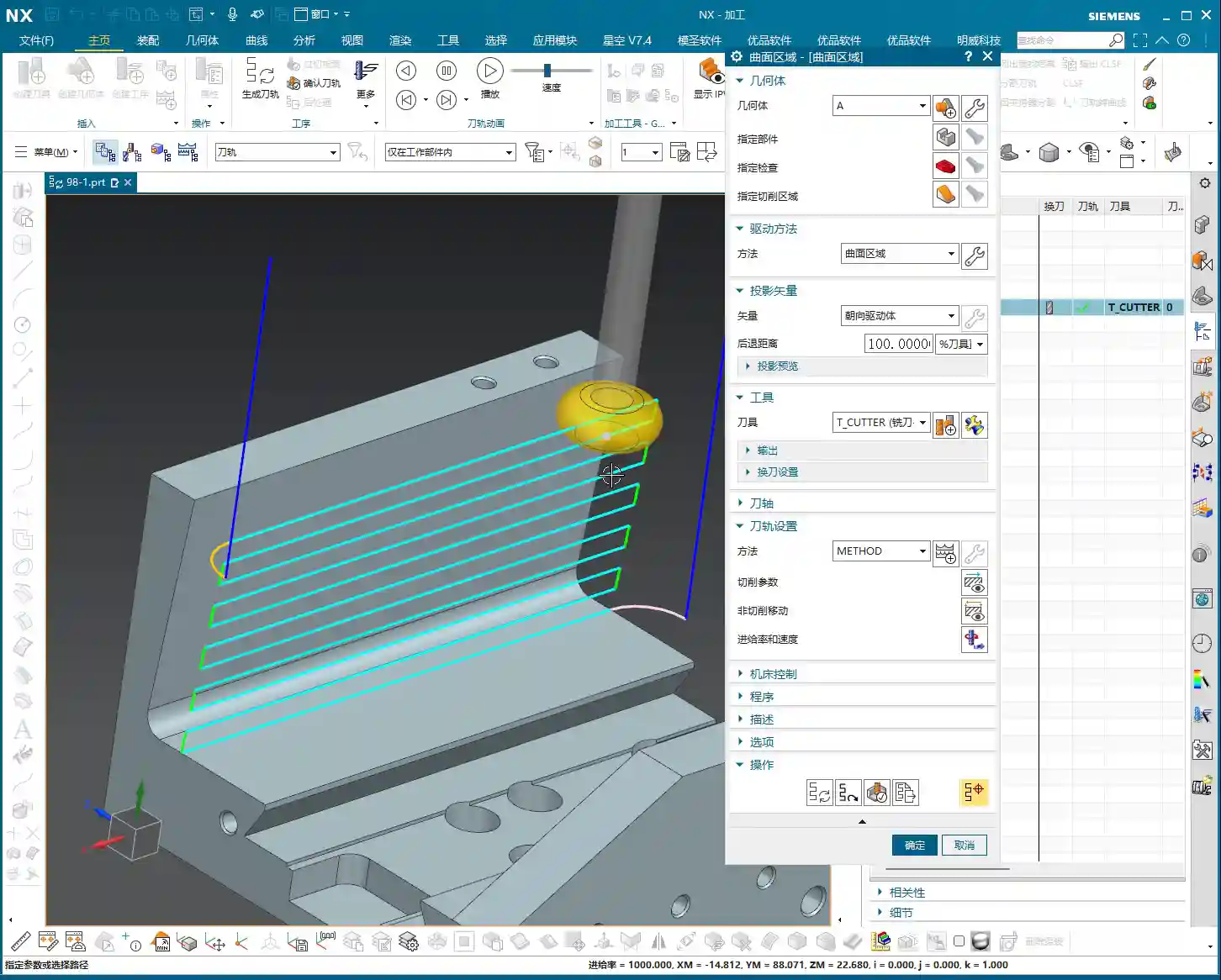
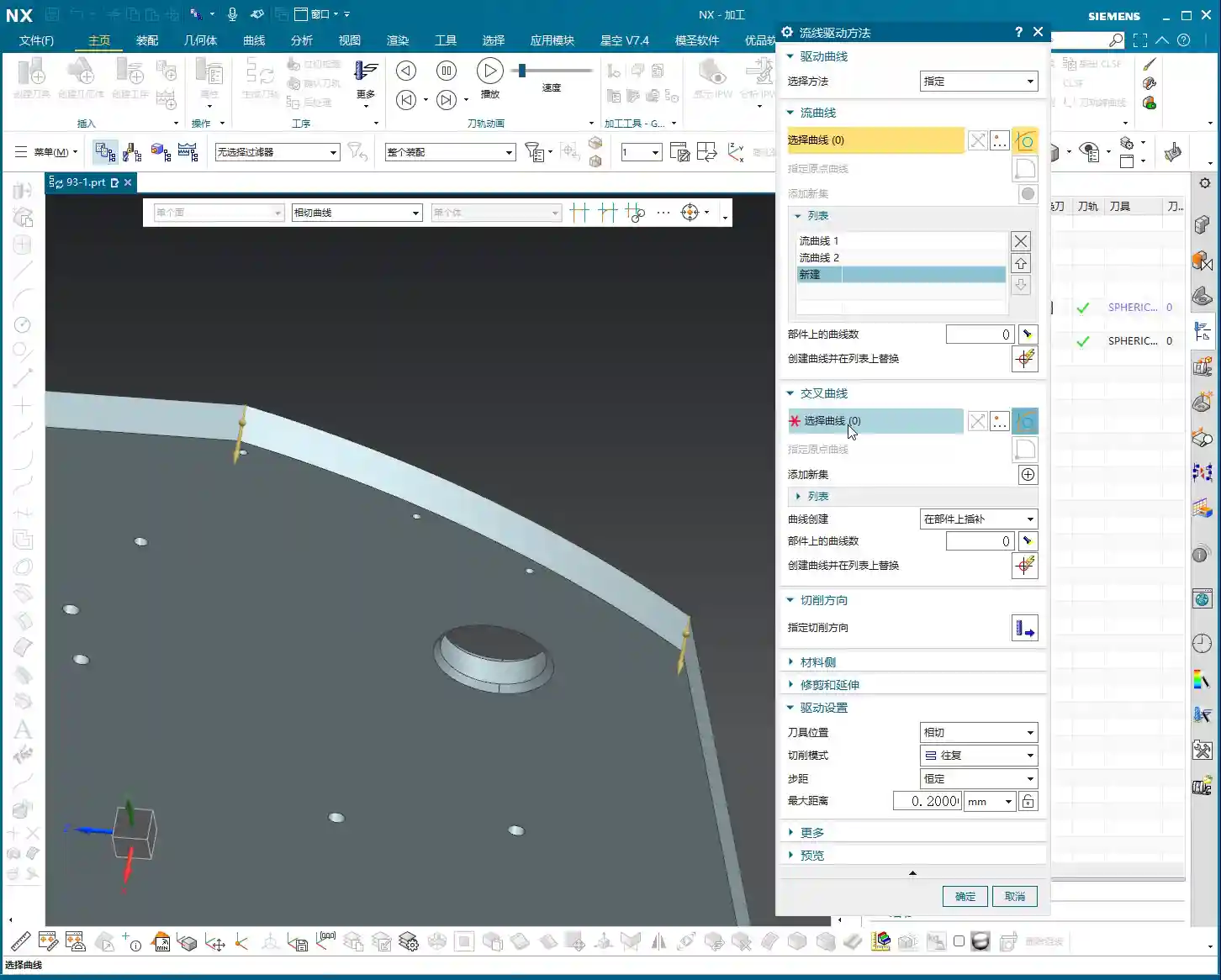
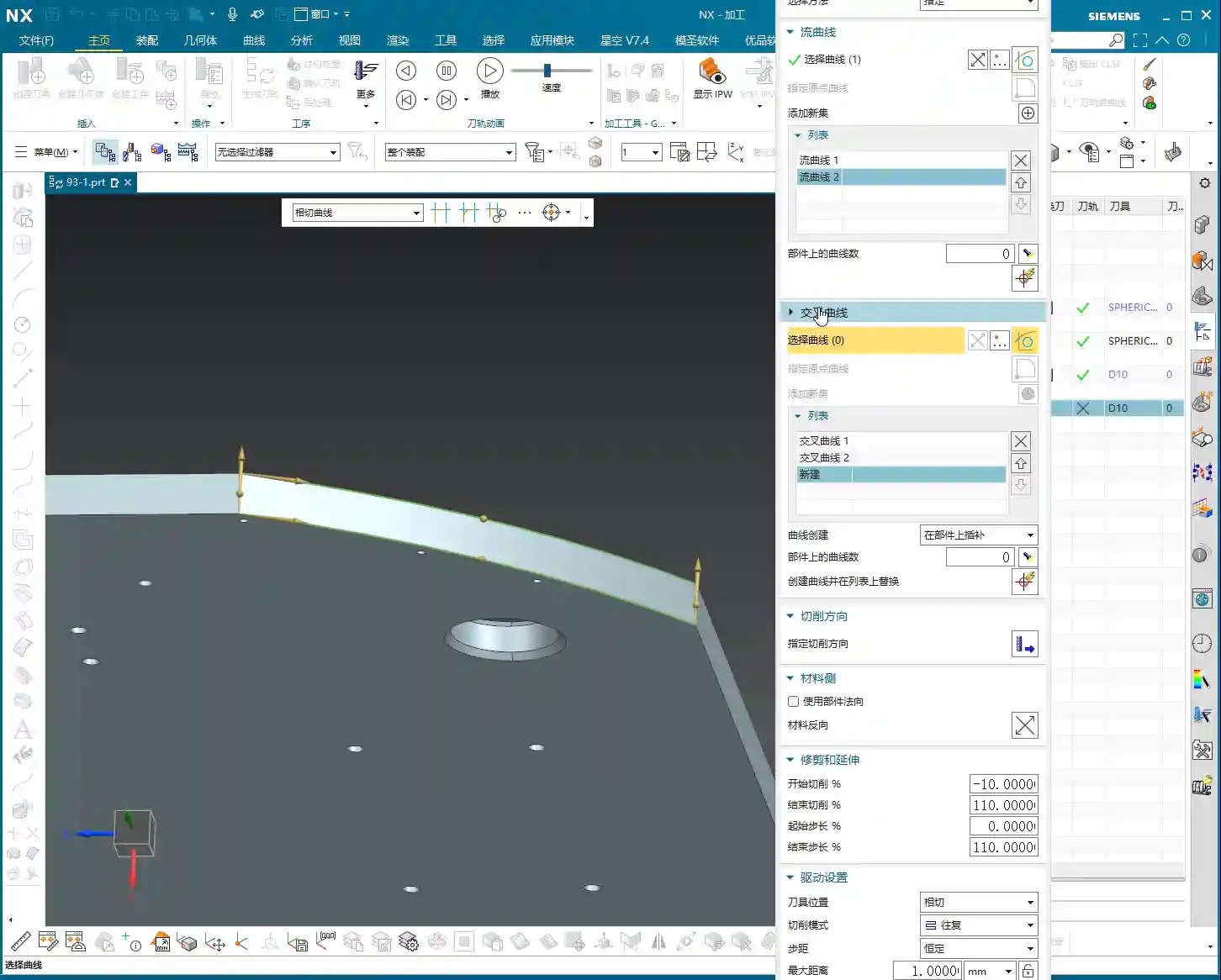
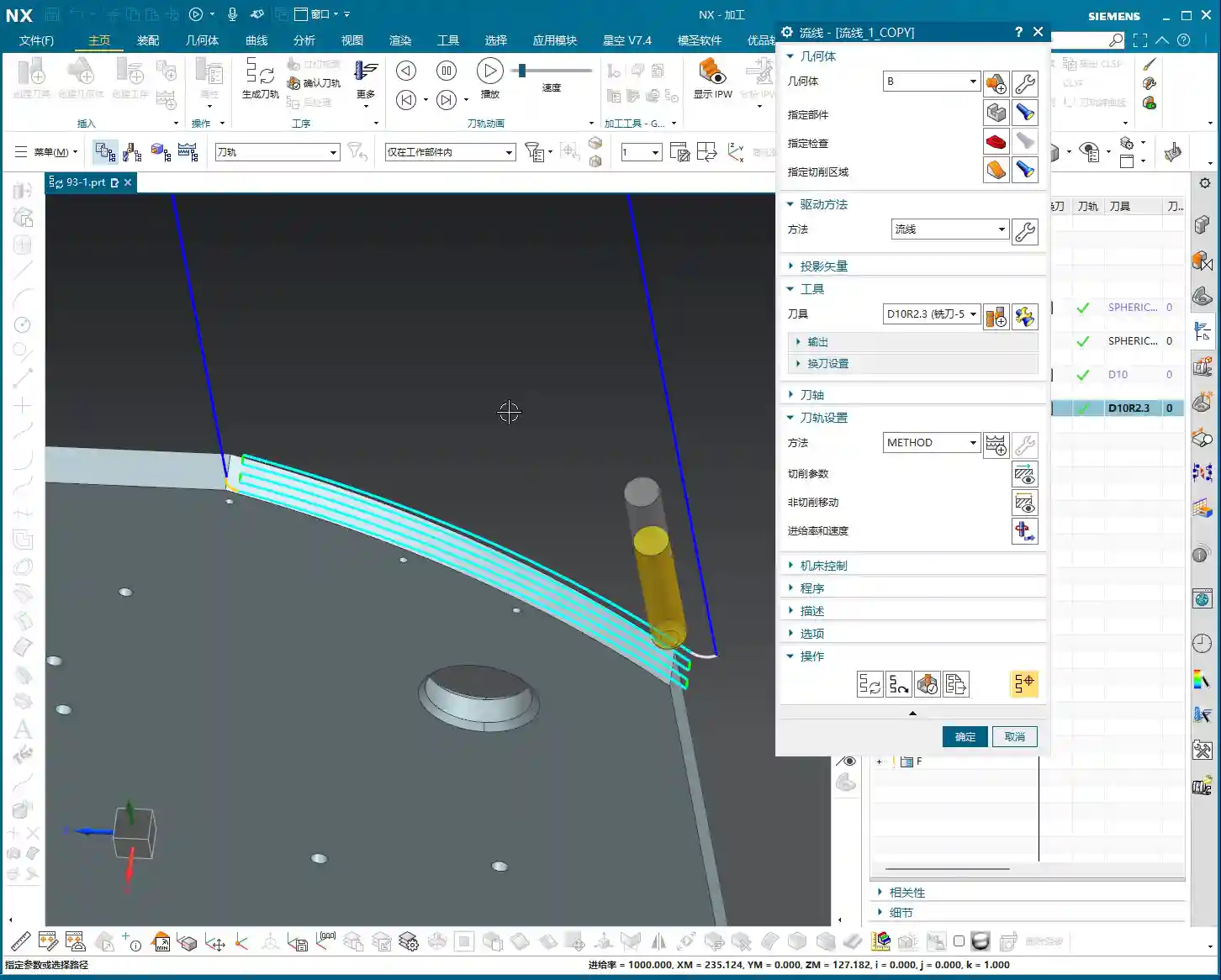
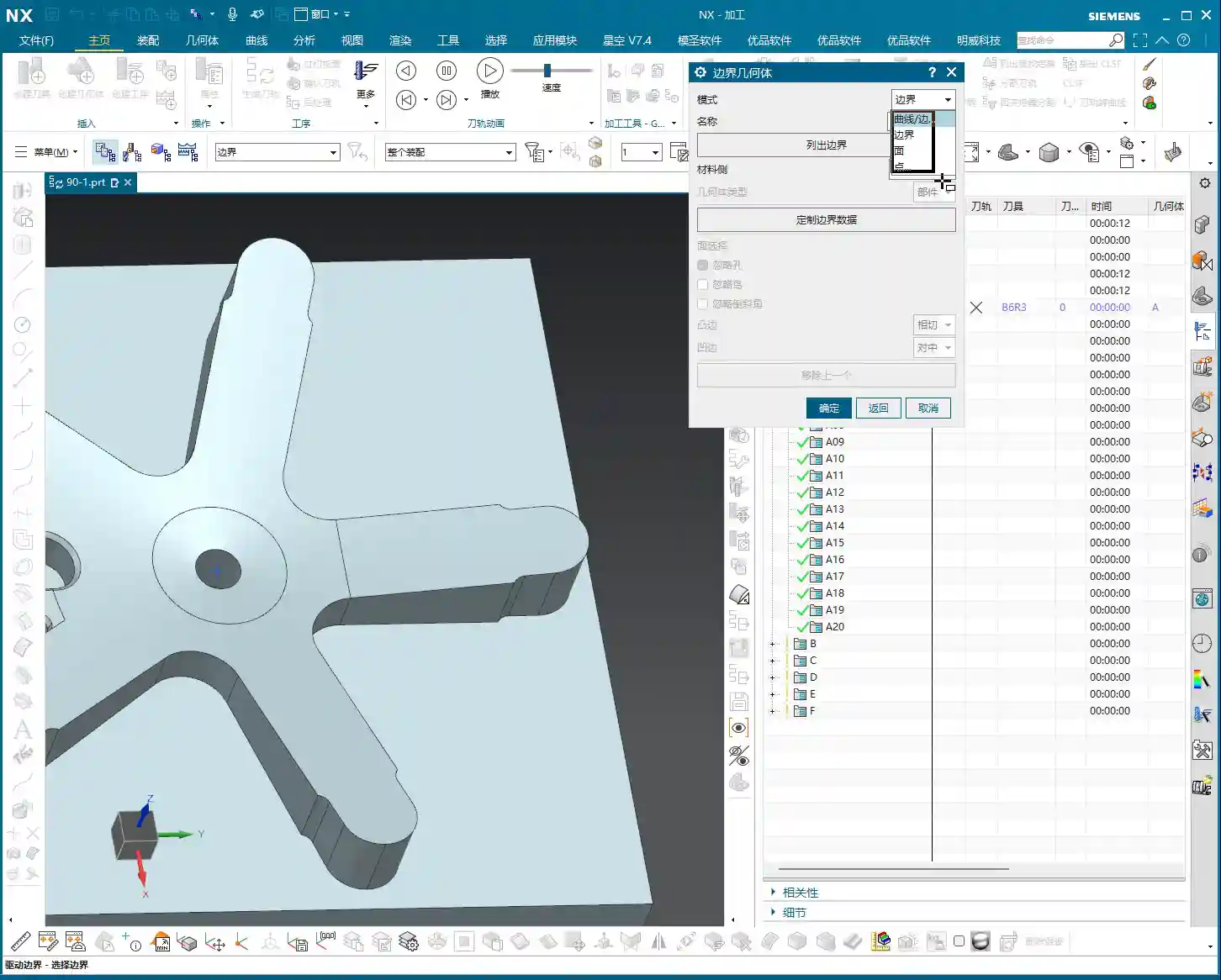
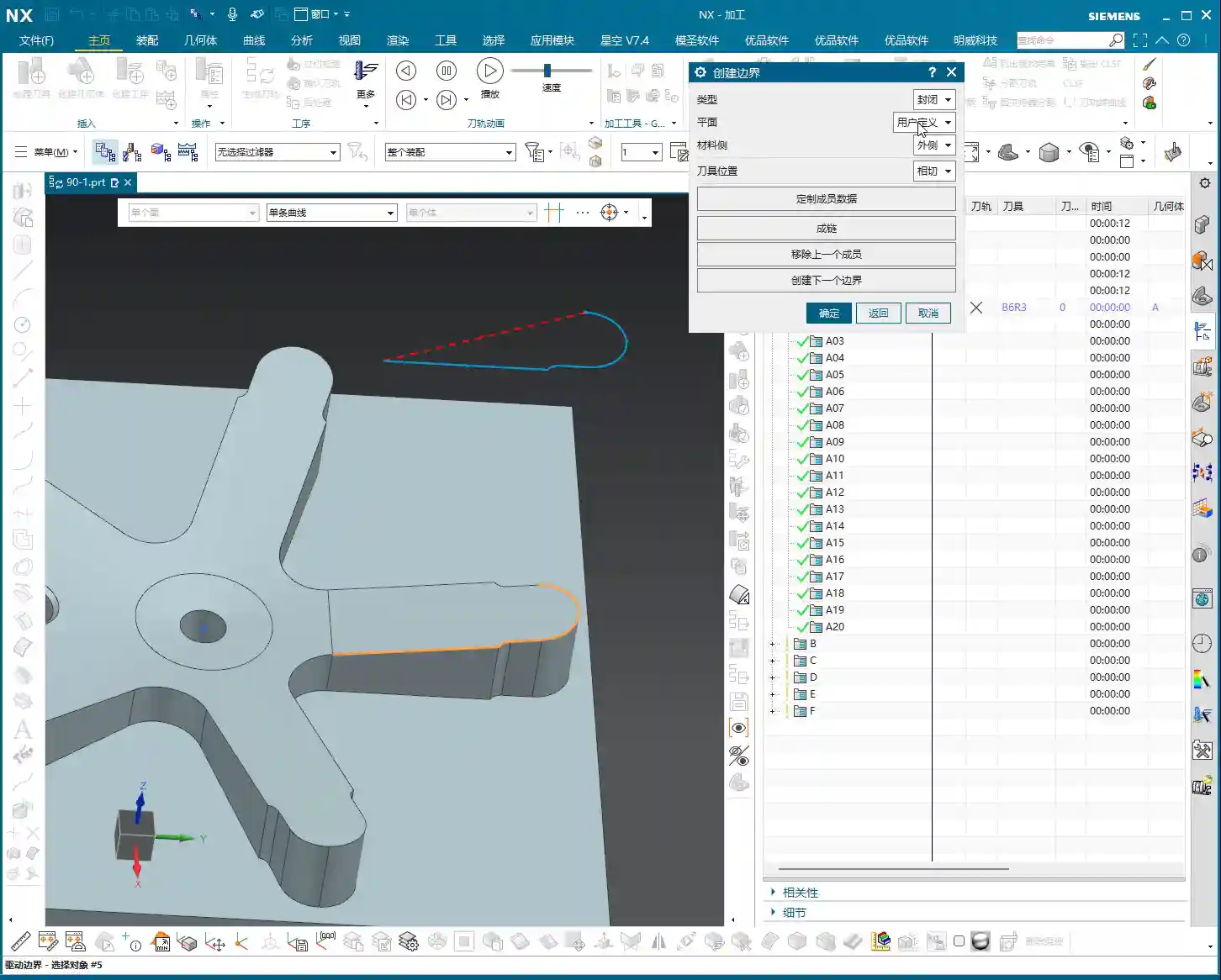
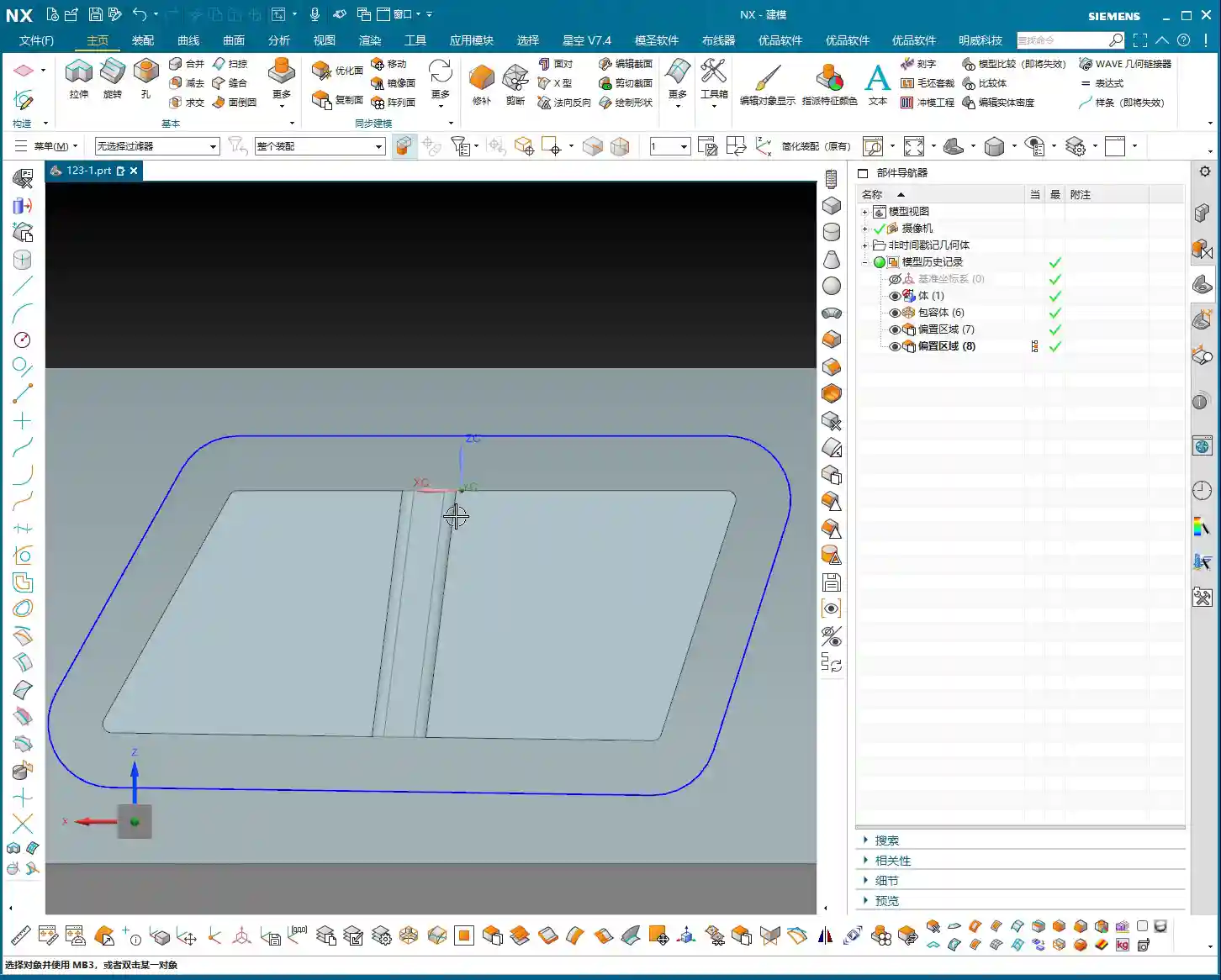
First, we need to address the part’s outer contour. Using Siemens NX’s “Offset Curve” function, offset the lines on the model outwards. How much to offset is critical! If you use a 10mm (diameter 10mm) tool for cut-off and offset by 10mm, the tool centerline will be precisely on the contour line, resulting in zero allowance. The finish might be poor, or the tool might even chatter/gouge. Therefore, we offset by 12mm (approx. 0.47 inch). This allows the tool centerline to run externally, providing sufficient material allowance or leaving space for a Finishing pass, ensuring cutting stability.
After offsetting, any previous auxiliary lines are no longer needed; delete them to keep the model clean. Then, remember to smooth the offset contour lines with fillets (e.g., R5) to avoid stress concentration from right-angle cutting. This benefits both the tool and the part.
Drawing and Extruding the Connecting Rib
Next, let’s draw the connecting rib. For this connecting rib, we’ll use the “Sketch” function to draw a rectangle on a reference plane. When drawing, ensure it extends to the part’s edge, as we’ll use it to “create geometry” later. Drawing it slightly larger is fine; it will be cut away eventually. The key is that its shape must be reasonable, providing connection and support.
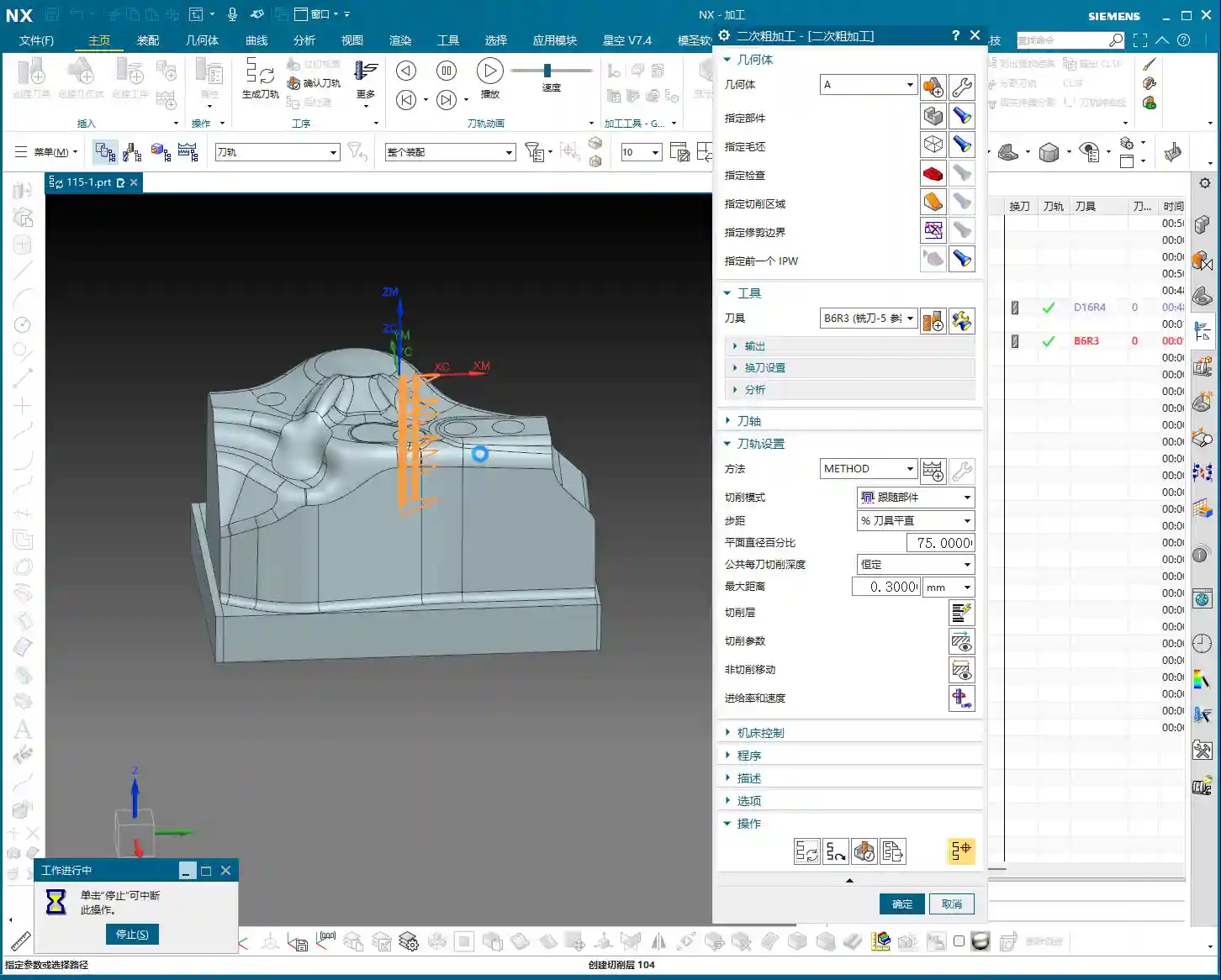
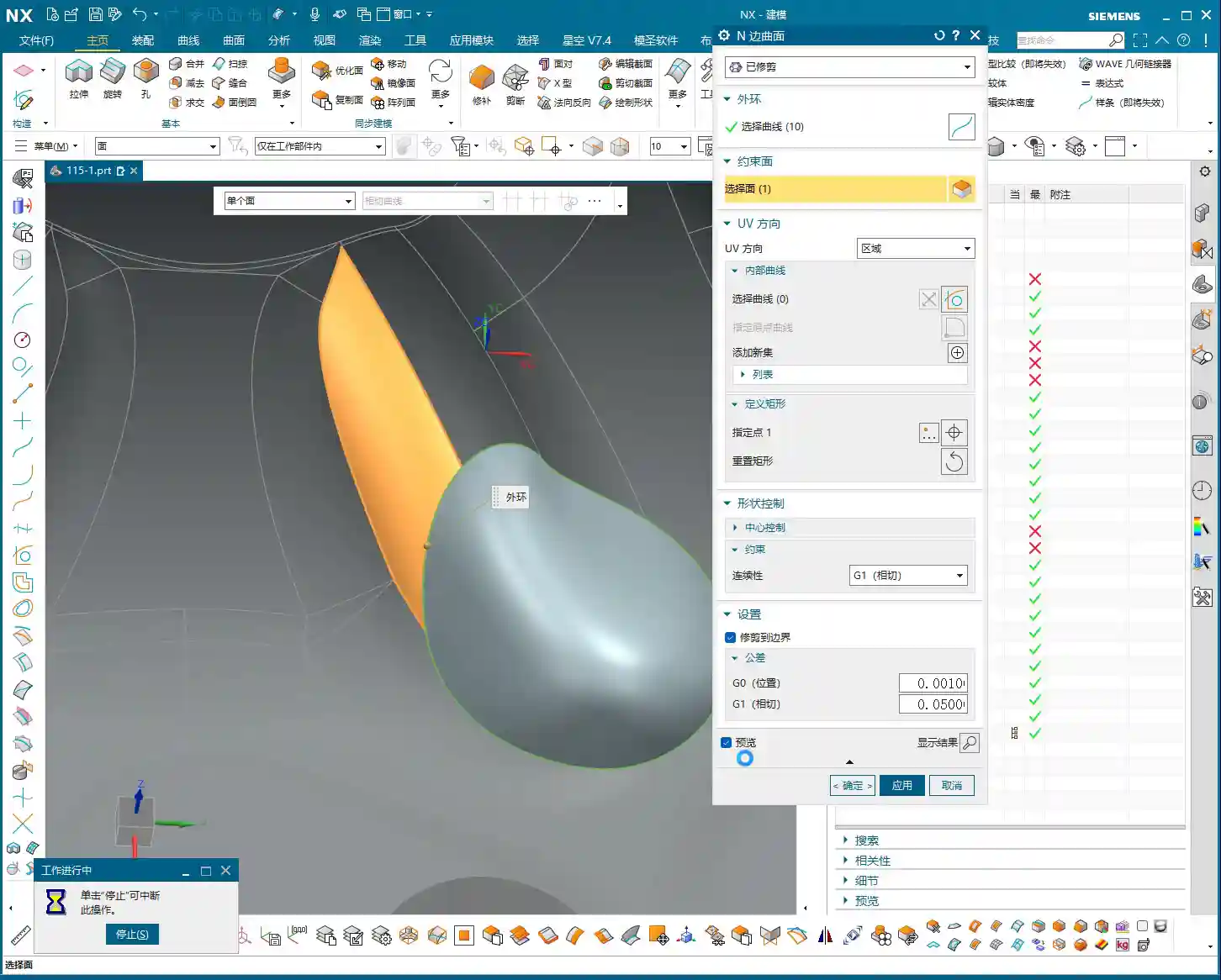
After sketching, directly “Extrude” to create a solid body. If the extrusion height wasn’t precisely measured beforehand, just extrude it to an approximate thickness for now. This is where Siemens NX’s power lies—it can be adjusted later. After extrusion, you might find the top face of the connecting rib isn’t at the same height as other top faces of the part. No problem. Simply use the “Replace Face” function to replace the connecting rib’s top face with the part’s datum top face. This ensures all surfaces are on the same plane, saving you the hassle of multiple measurements and adjustments.
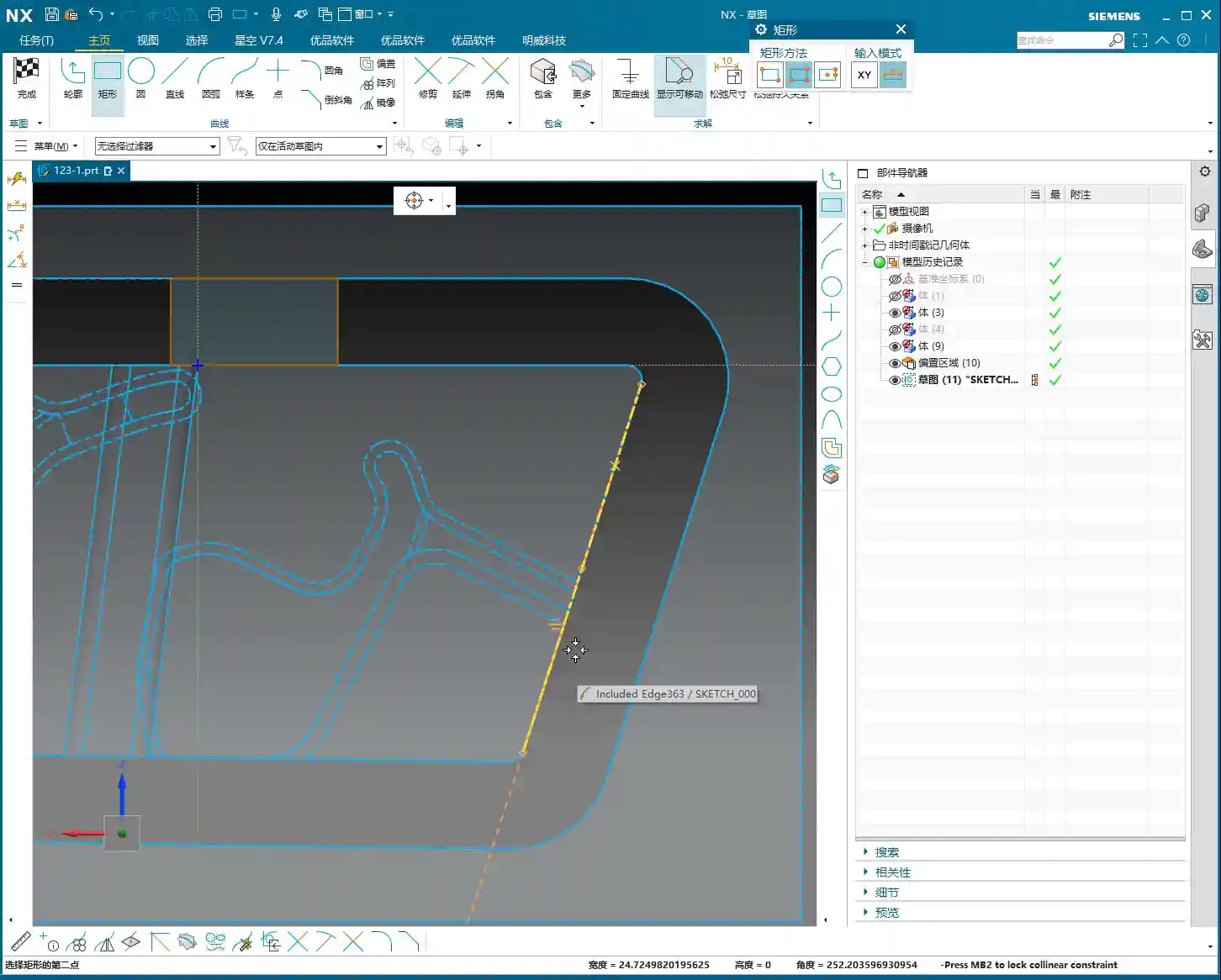
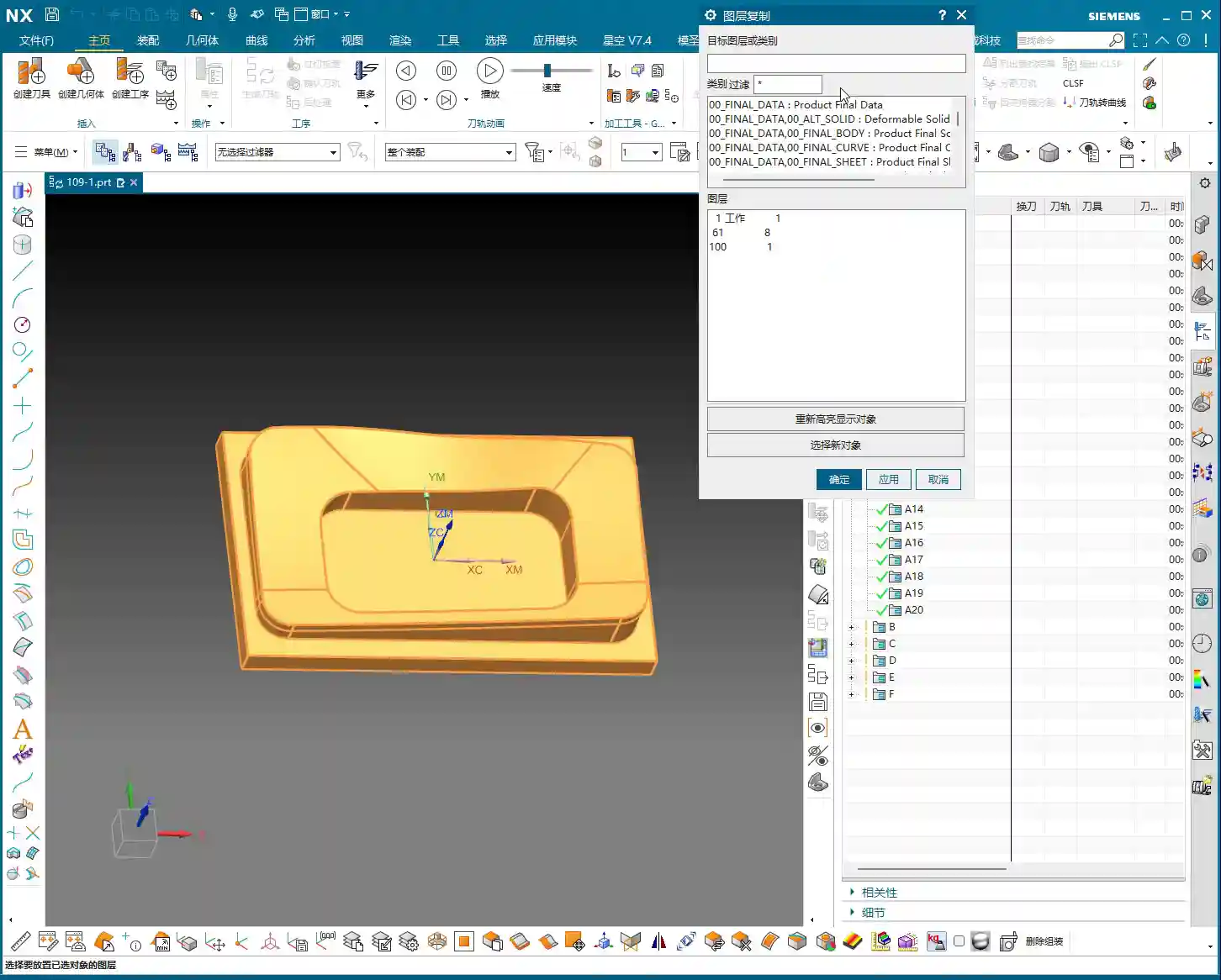
Finally, if any auxiliary curves generated during the extrusion are no longer needed, delete them. Can’t delete them? Throw them into a junk layer (like my 252 layer)—out of sight, out of mind! These are all small tips for boosting work efficiency.

Step Four: Surface Handling and Parameter Management
Surface handling and parameter management are easily overlooked but highly critical aspects of Siemens NX operations.
Surface Smoothing and Splitting
When modeling connecting ribs, I recommend using arcs to connect linear segments for smoother transitions. This isn’t just for aesthetics; it’s crucial for machining. Smooth transitions enable more fluid tool engagement, reduce Chatter, extend tool life, and improve the part’s surface finish. Don’t underestimate this small arc; it can save you significant polishing and grinding time!
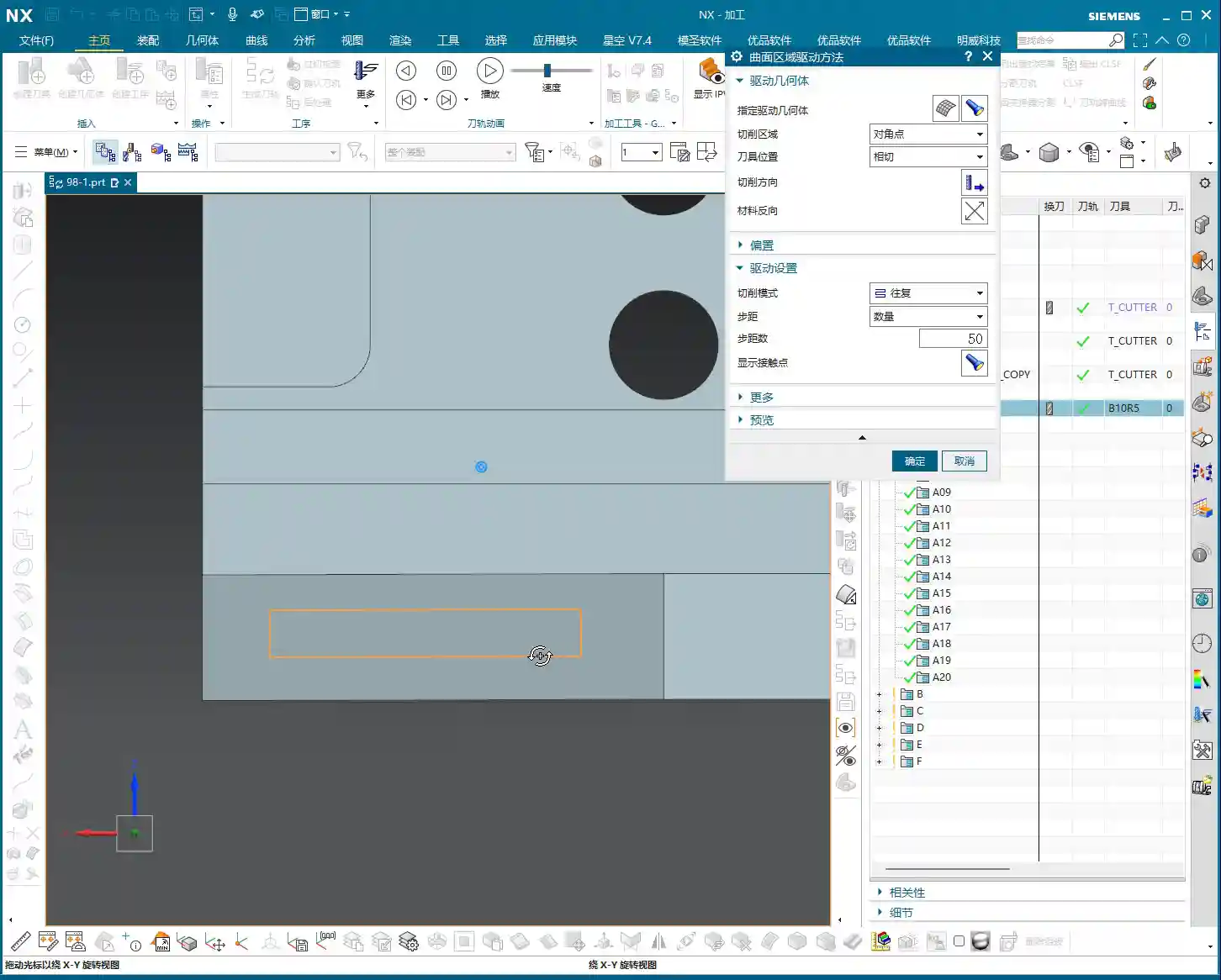
Additionally, for areas requiring independent machining, such as the bottom of the connecting rib, we can use the “Split Face” function to divide a large face into several smaller ones. This allows for more precise toolpath control during programming—for instance, machining only this small area instead of traversing the entire face. This is highly valuable for controlling machining boundaries and optimizing efficiency.
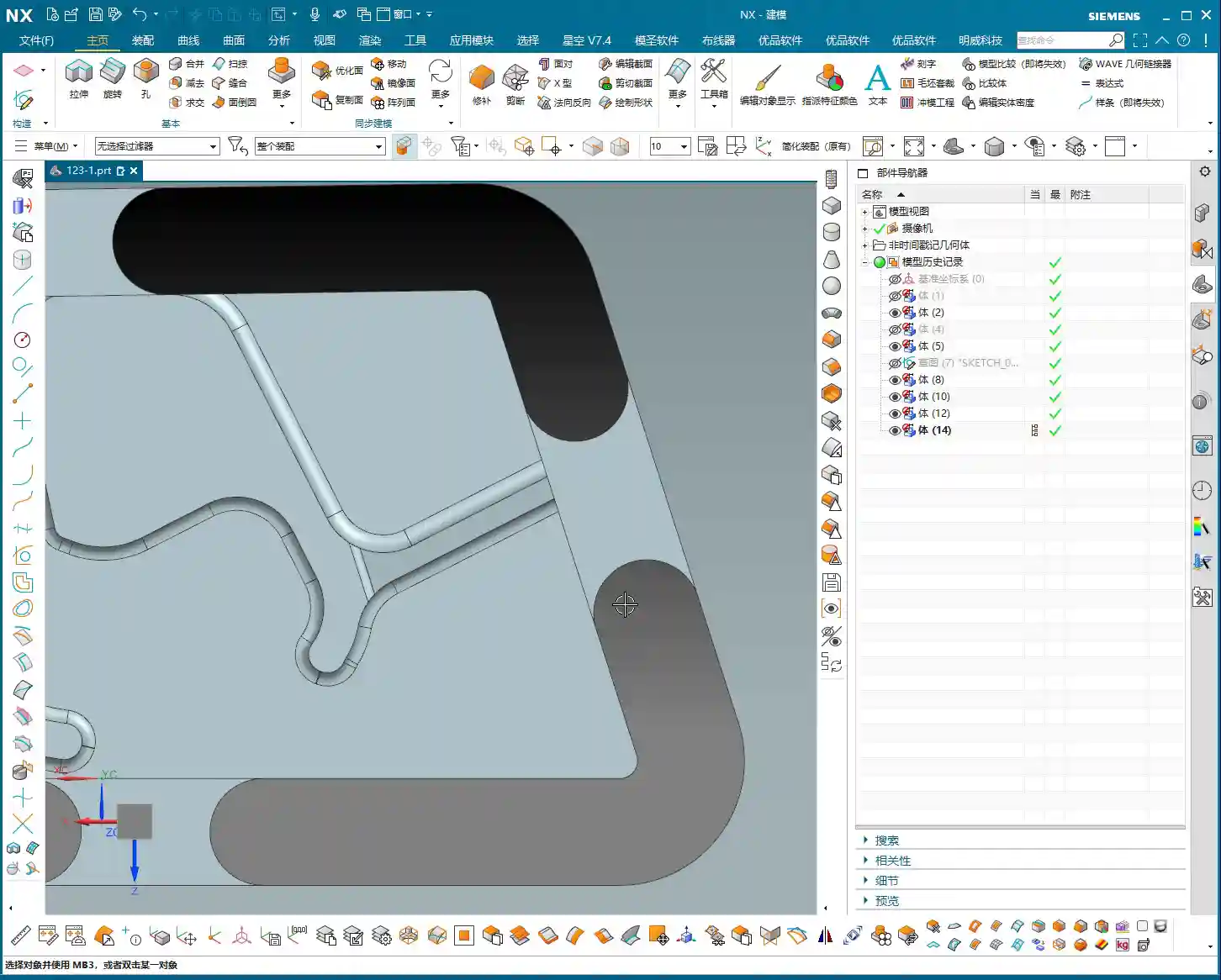
Layer Management and Model Standards
Siemens NX’s layer management is an excellent feature; you must use it! My practice is to place:
- Blanks/Raw Material on layer 100
- Finished Parts on layer 10
- Connecting Ribs on layer 200
- Unused auxiliary lines and junk features on 252 (junk layer)
This way, the model structure is clear at a glance; just activate the layers you need, avoiding model clutter and difficulty in searching. Don’t underestimate these details; standardized layer management can double your work efficiency and facilitate collaborative work. It’s a cornerstone of efficient teamwork and an embodiment of “standardization” in industrial product management and promotion, which can lead to a better market reputation for your products!

Summary: Pitfall Avoidance Guide
- Proper Blank Allowance is Crucial: Never underestimate the raw material allowance. It directly impacts Roughing efficiency and subsequent machining accuracy. Too little, and you can’t cut; too much, and you waste material and time.
- Matching Tool Selection is Key: Choose tools based on the part’s fillets, dimensions, and operations (Roughing, Finishing, cut-off). Incorrect tool selection can lead to low efficiency at best, and scrapped workpieces or broken tools at worst. For example, offsetting for cut-off by 12mm instead of 10mm is to provide the tool with sufficient cutting space, preventing it from cutting directly on the contour line, which could lead to unstable cutting or even breakage.
- Smooth Connecting Rib Modeling: Proper transitions between lines and arcs not only enhance aesthetics but are also critical for ensuring smooth machining and reduced tool wear.
- Flat Surfaces are Fundamental: Make full use of functions like “Replace Face” to ensure all machined surfaces are on the same plane, avoiding issues like secondary Tool Offsetting or accuracy problems caused by uneven surfaces.
- Layer Management is Indispensable: Develop good layer management habits. This not only makes finding files easier for you but also allows colleagues to quickly take over. This is the cornerstone of efficient teamwork and an embodiment of “standardization” in industrial product management and promotion, which can lead to a better market reputation for your products!
**[EXCERPT]**
Master Wang discusses efficient connecting rib machining in Siemens NX. He analyzes the part blank and plans roughing and finishing tools (D12 R1.5 for R7 fillets, D20 for Roughing, D10 for cut-off). He demonstrates Siemens NX offset curves and surface replacement, emphasizing a 12mm offset to avoid air cuts. He teaches connecting rib sketching, extrusion, and arc smoothing techniques, combined with standardized layer management, to achieve efficient and precise machining, sharing practical experience in avoiding pitfalls.
👤 About the Author:
The author is a veteran CNC machining professional with 15 years of industry experience, specializing in UG NX programming. This article is an original work representing personal practical insights.
⚠️ Copyright Notice: Unauthorized reproduction or distribution without prior communication is strictly prohibited.