Tag: NX Machining

  • Master Wang Unveils Siemens NX Programming for Disc Parts: From Blank Analysis to Surface Patching,

    📝 Key Takeaways:

    Siemens NX in Practice: Pre-Programming Analysis and Surface Patching for Disc Parts

    Alright, listen closely, folks. Today, Master Wang w…

    [VIDEO_HERE]

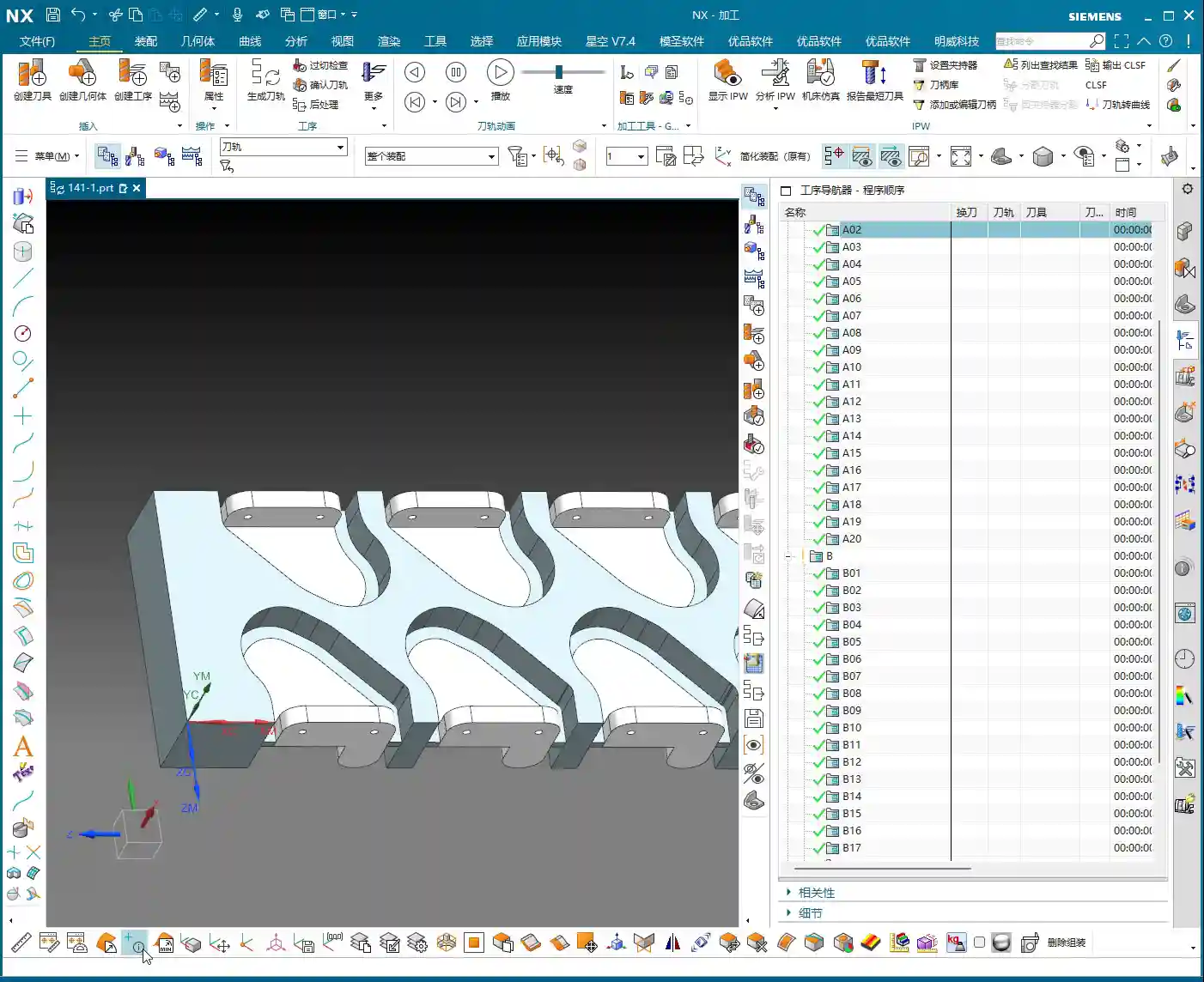
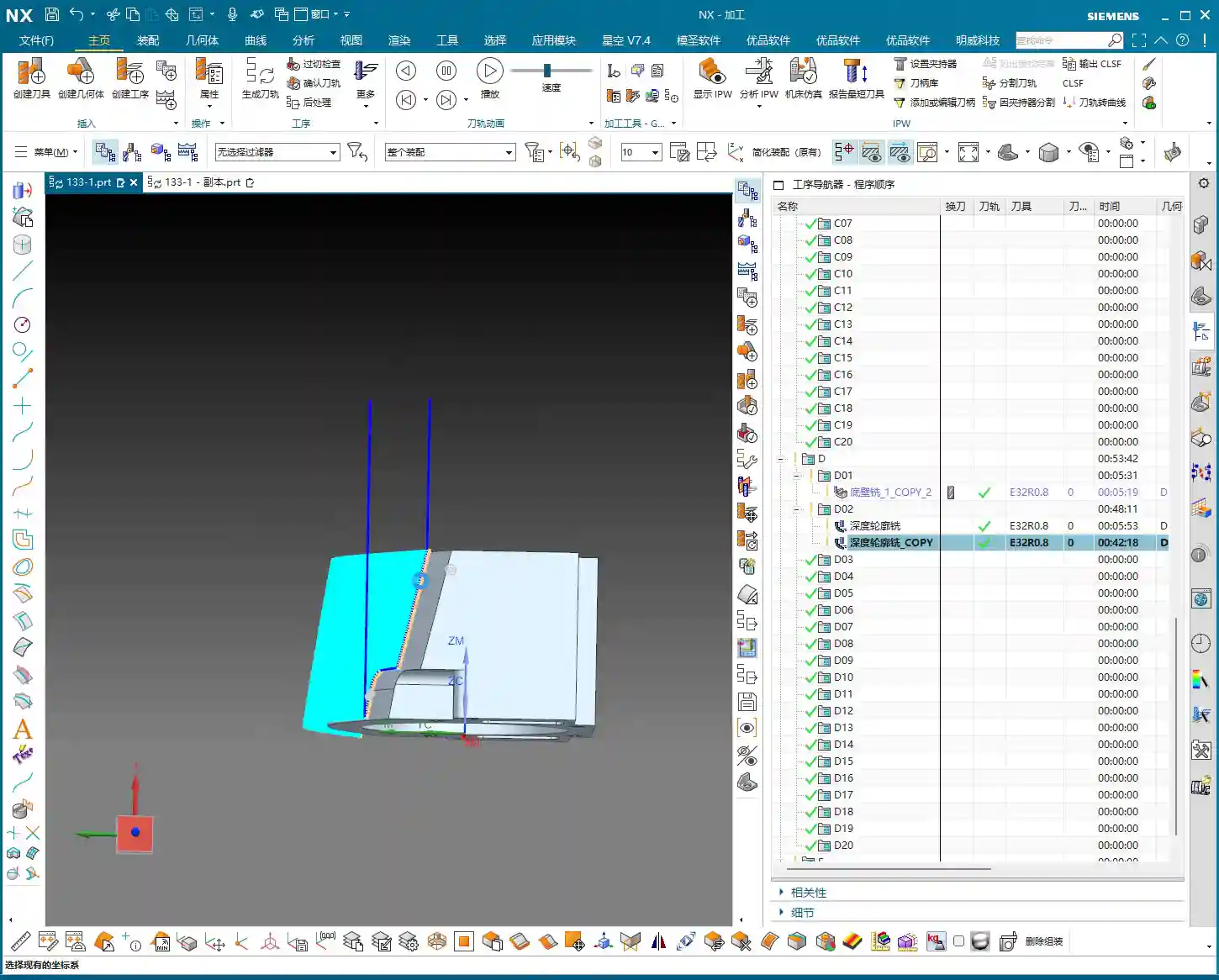
    Alright, listen closely, folks. Today, Master Wang will walk you through the ins and outs of machining these disc-type parts. Don’t think it’s simple just by looking at it; an inexperienced machinist will stumble right into the pitfalls here. We’re not going to waste time on abstract theories. Let’s dive right in and talk about how to machine this thing quickly, accurately, and cost-effectively.

    Step One: Blank and Fixturing – A Solid Foundation is Key

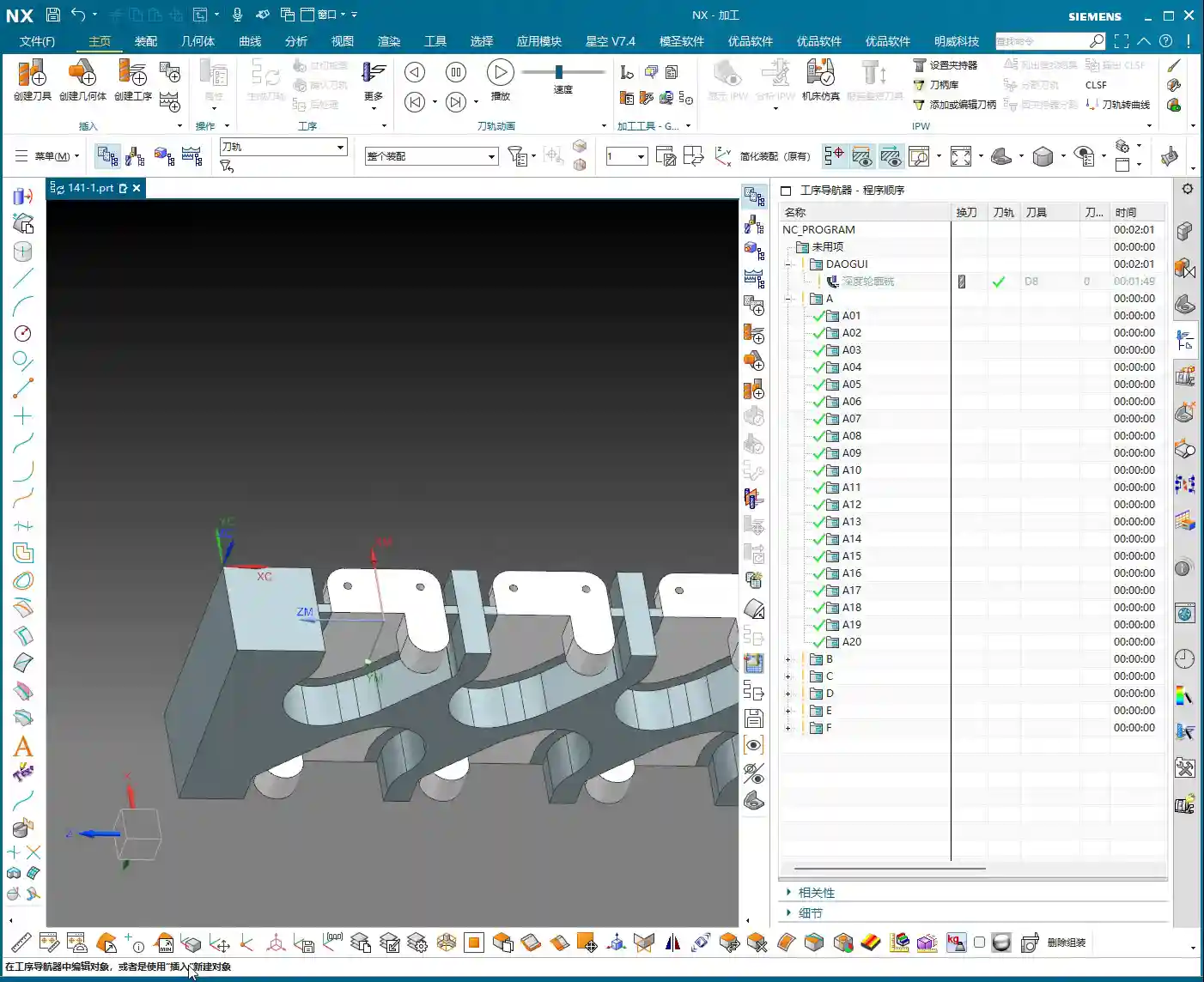
    Once you get the drawing, don’t rush to open the software. First, review it in your head. This part, by visual inspection, appears to be a cylindrical blank. Remember this: if the blank is defined incorrectly, everything that follows is pointless.

    Layer Management for Blanks and Parts

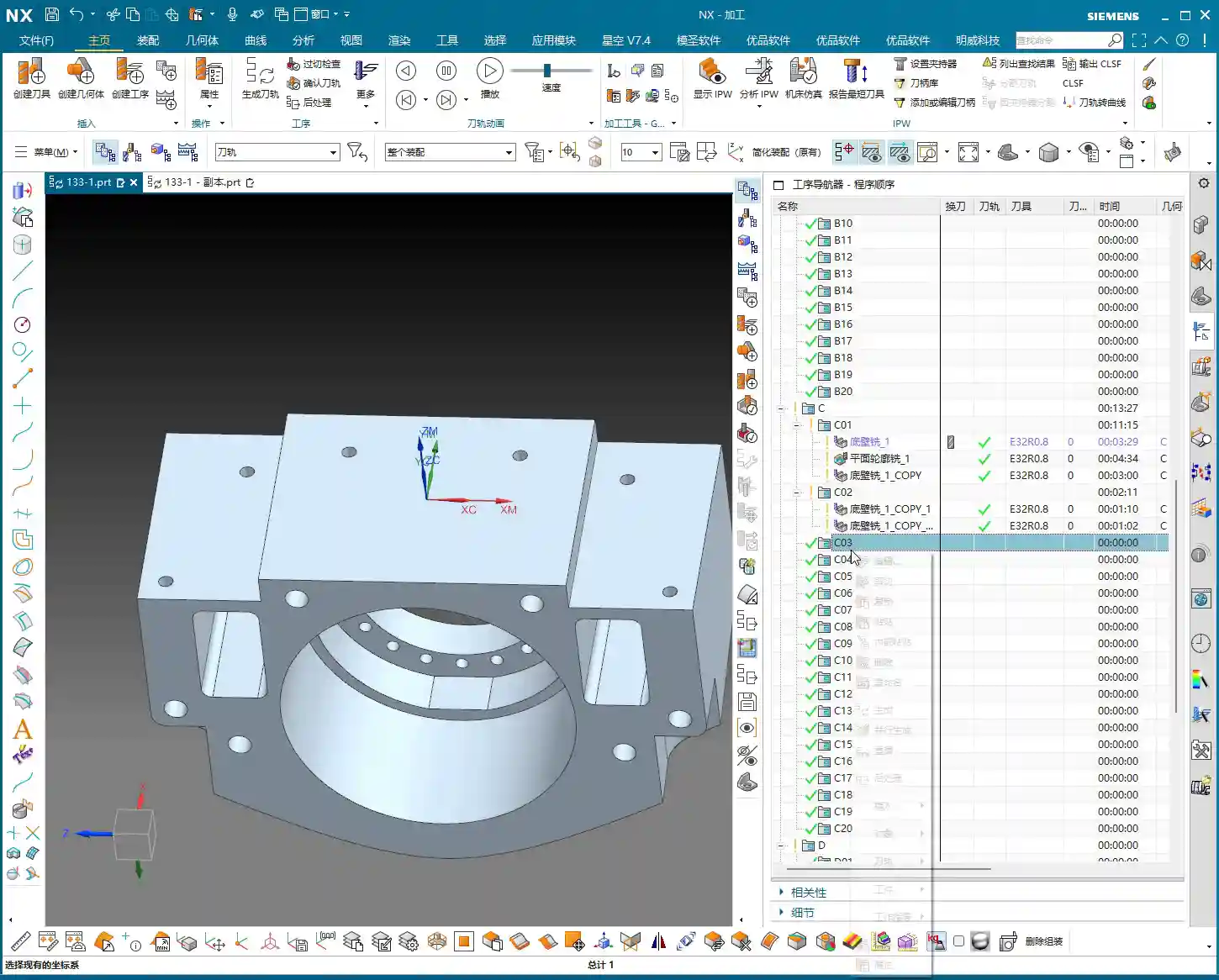
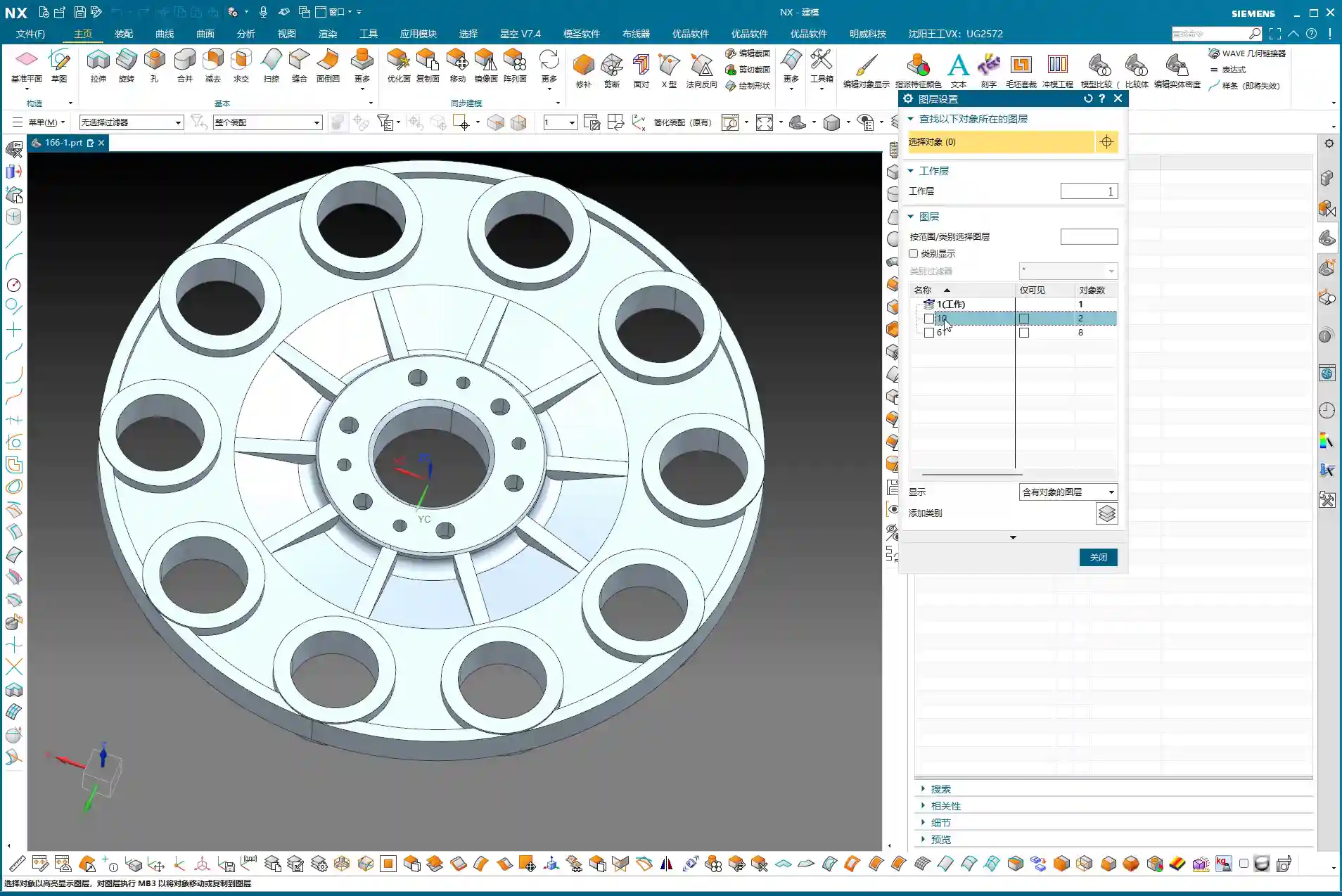
    I habitually separate the blank and the finished part. This keeps things clear and prevents confusion. For example, put the blank on Layer 10 and the part on Layer 100. Just activate the layer you need; it’s clean and efficient! While this is a software operation, it’s also a logical extension of managing drawings in the workshop. Don’t underestimate these details.
    Fixturing Strategy: Flip-Machining is Standard

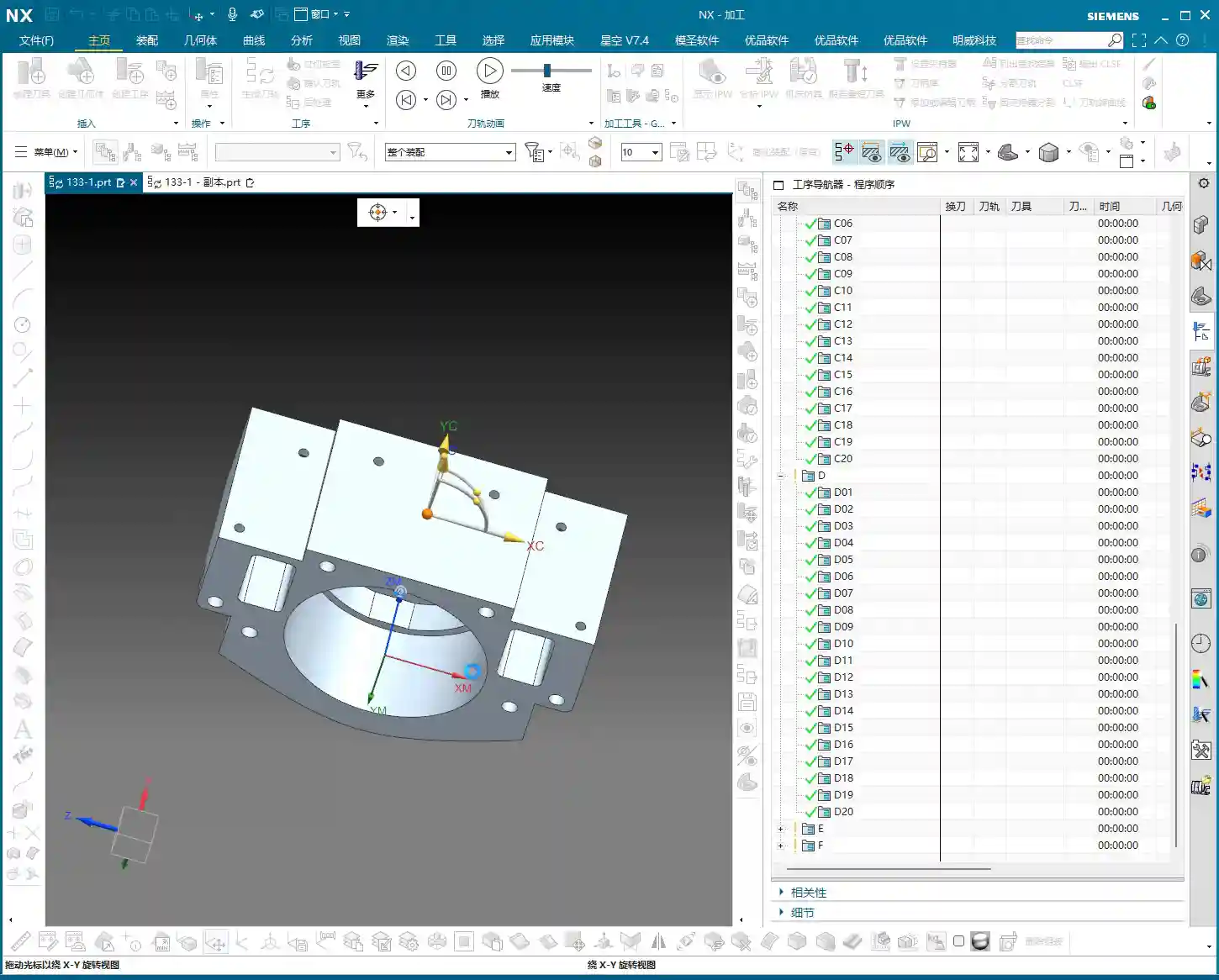
    For these disc parts, both sides need to be machined, so the most common approach is flip-machining. Machine the backside first, then flip it over to machine the front. For fixturing, let’s start with the most conventional method. As for the specific fixture, that depends on your actual machine and workpiece situation; you need to be flexible. But the core idea is: ensure rigidity, minimize deformation, and facilitate flipping. When machining the first side, the Work Coordinate System (WCS) can initially be set to the bottom surface. Then, upon measurement, you find it’s offset by 1 mm in the Z-direction. That’s easy to fix: dynamically adjust the WCS, raising the Z-axis by 1 mm. This ensures it perfectly aligns with the machining surface, leading to stable and accurate tool paths.

    Step Two: Surface Analysis – Discerning the Part’s Geometry

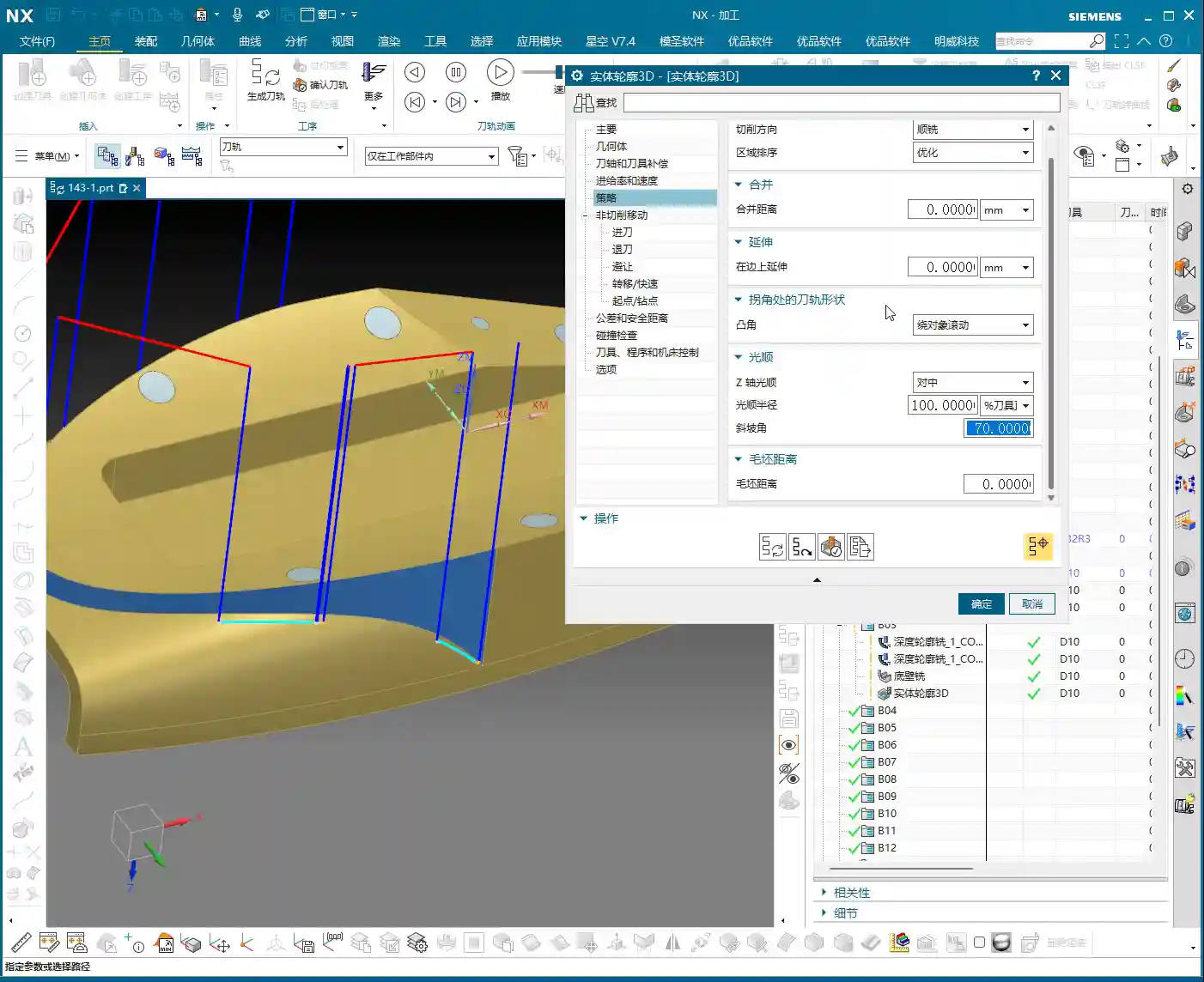
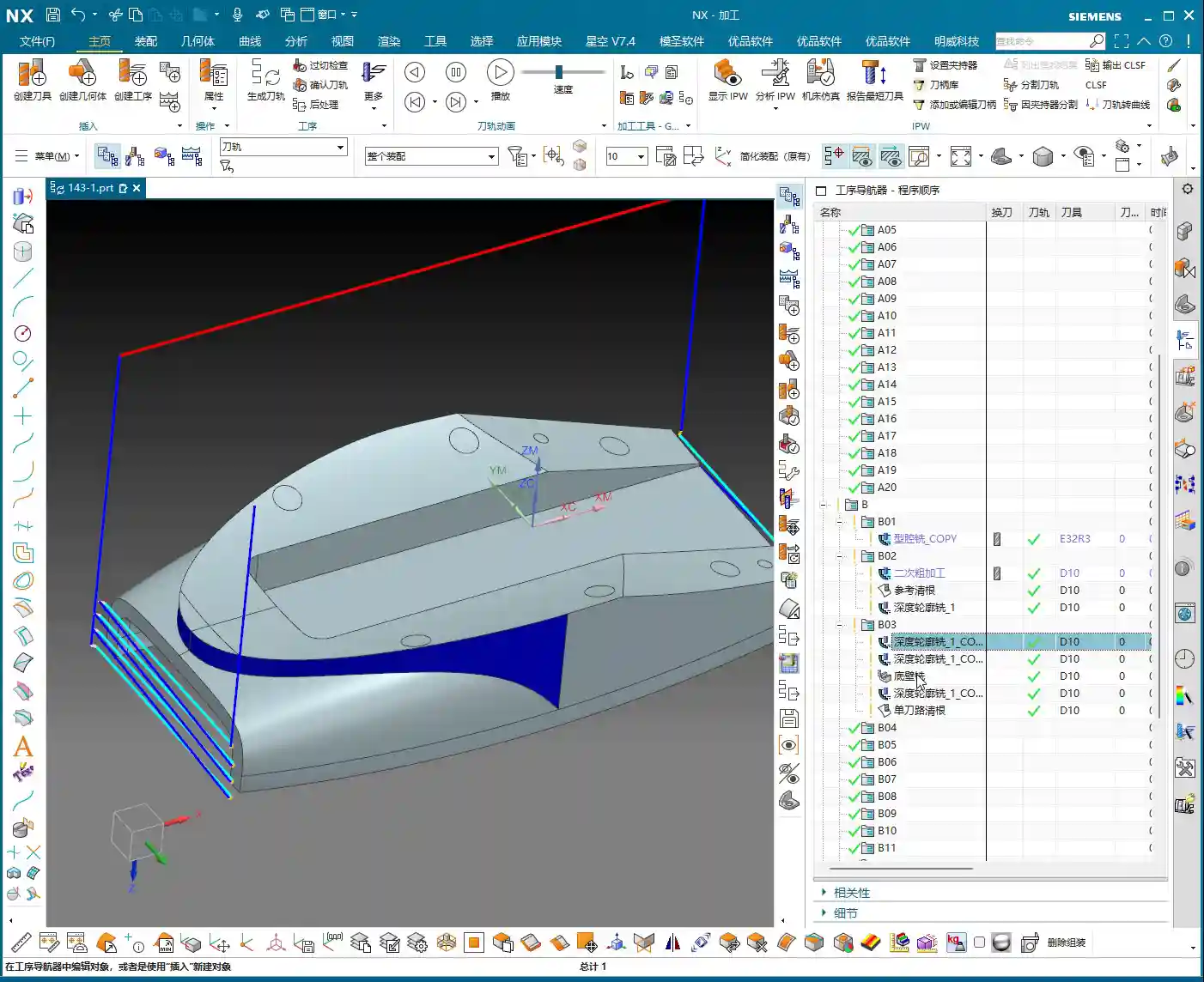
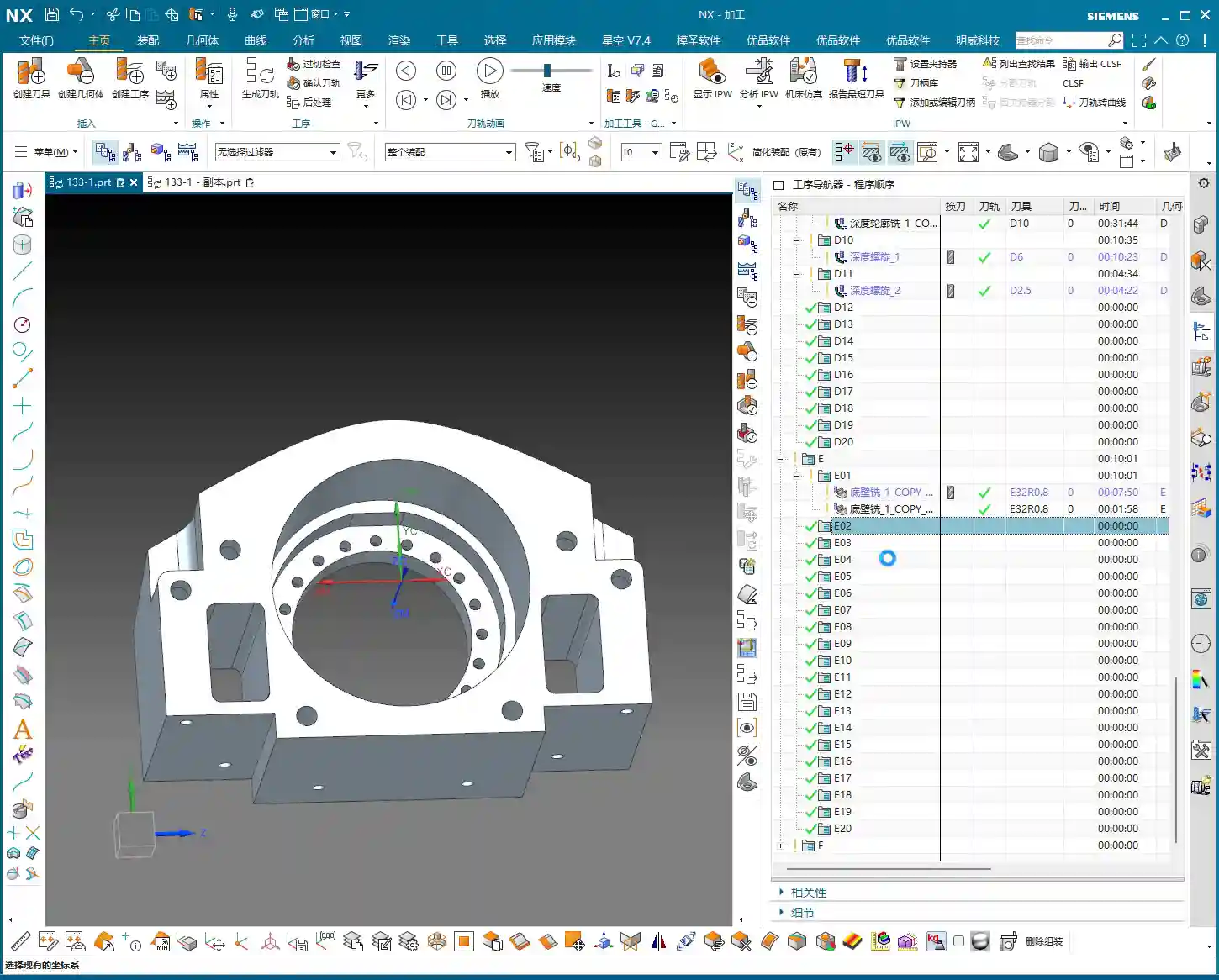
    After setting up the WCS, the next step is to analyze the part’s geometry. Just looking at it isn’t enough; Siemens NX has tools, and you need to learn how to use them. I typically use Slope Analysis. This tool allows you to instantly see the part’s underlying structure.

    Planar, Inclined, and Curved Surfaces: Tailoring Tool Selection

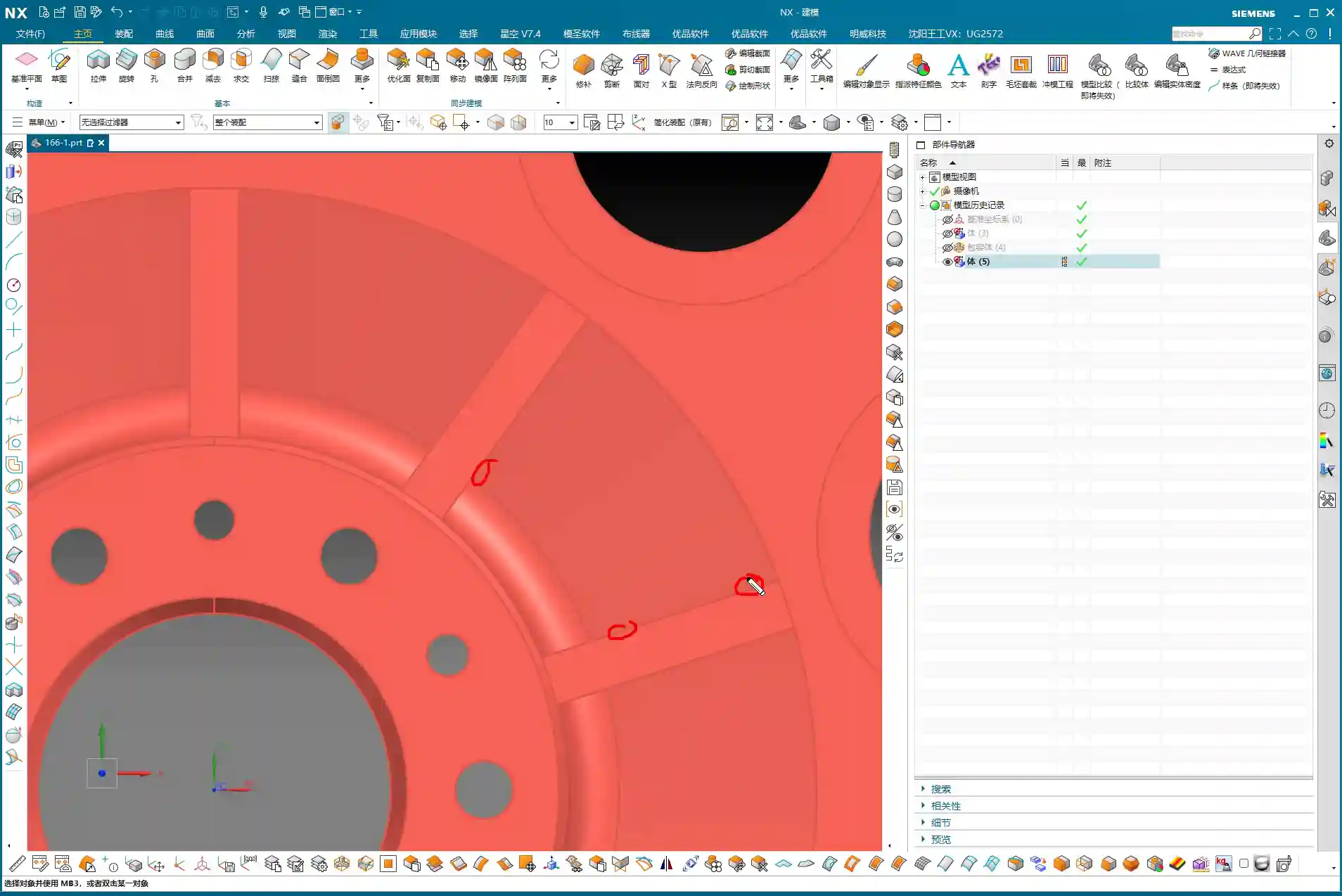
    Looking from the top down, most areas are flat, which is straightforward. But when you view it from the side, you’ll notice the part not only has inclined surfaces but also distinct curved surfaces. Especially some root areas are not simple lines or planes. These are the spots prone to challenging tool engagement or difficult-to-machine corners. You must pay close attention to these areas during programming.
    Material Properties: Machining Considerations for Aluminum

    Let’s assume we’re machining an aluminum alloy part this time. Aluminum is relatively soft, which means longer tool life during machining. Cutting parameters can be set higher. However, you still need to pay attention to chip evacuation and avoiding burrs. If it were titanium alloy or high-temperature nickel-based alloy, it would be an entirely different ballgame. Tools, spindle speed, and feed rates would all need to be redesigned.

    Step Three: Tool Selection and Tool Path Planning – The Cost-Efficiency Trade-off

    Tool selection directly determines machining efficiency and final accuracy. It’s like a martial arts master choosing a weapon; whether it’s a good fit makes a world of difference in its power. Don’t just focus on buying cheap; calculate the total cost.

    Roughing: Aggressively Removing Excess Material

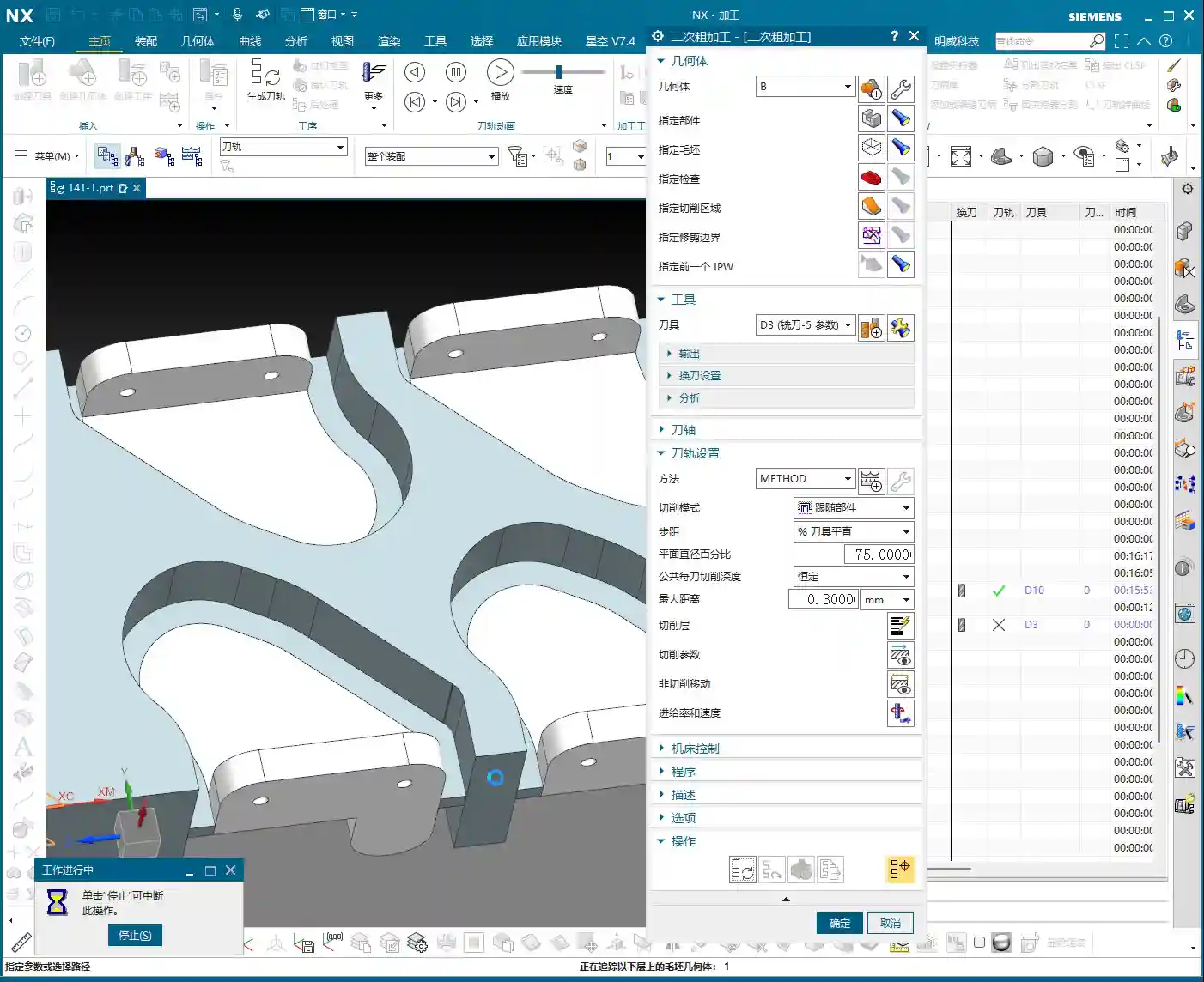
    First, let’s look at the roughing pass. Measure the widest machining area, which is about 40 mm. Alright, then, using a 20 mm diameter flat end mill (D20) for Roughing will be most efficient. If the D20 fits without issues, that’s the one. This is what I call “acting first, reporting later”: aggressively remove most of the material, saving time and effort.
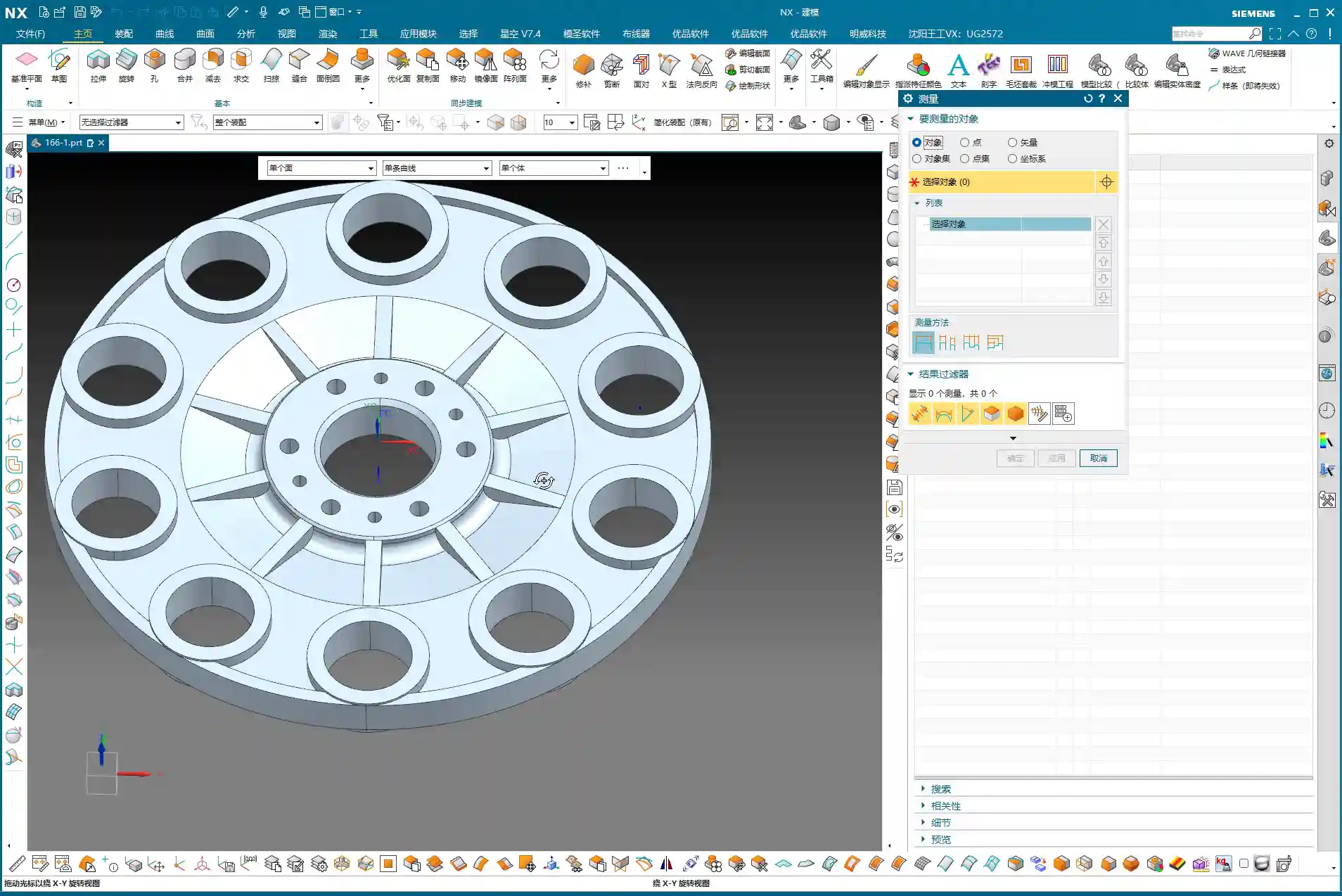
    Semi-Roughing and Corner Cleanup: A Step-by-Step Approach for Accuracy

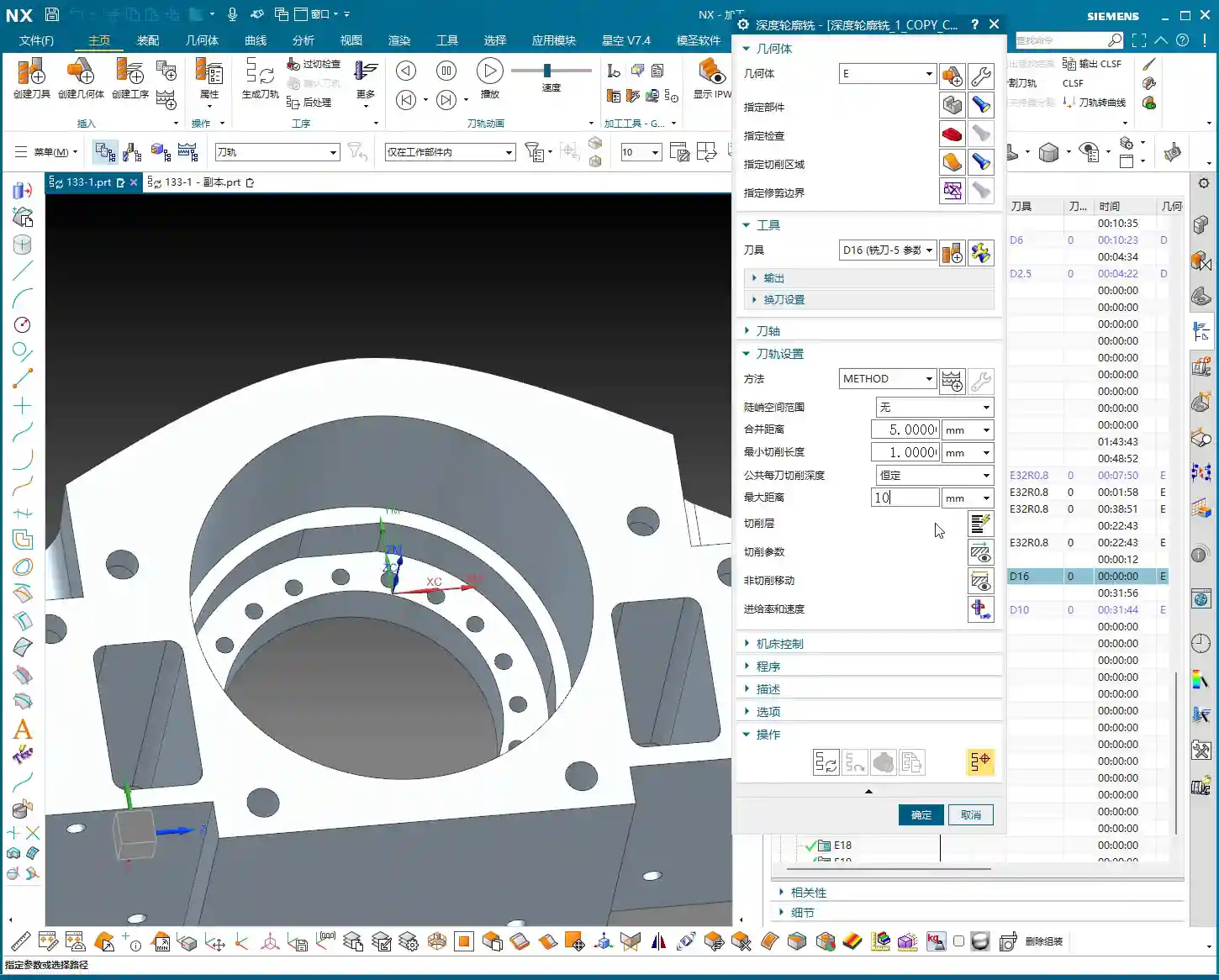
    After Roughing, there are some areas where the D20 won’t fit, or the remaining material is not ideal. This is when semi-roughing comes in. Measure those smaller areas, for example, a spot about 10 mm wide, and use a D10 flat end mill. Looking at the backside, there’s a spot only 6 mm wide, so use a D6 flat end mill. By performing Corner Cleanup step by step, you clear out the material left by the larger tool, laying a solid foundation for finishing passes.

    Contour Milling: Achieving a Fine Surface Finish

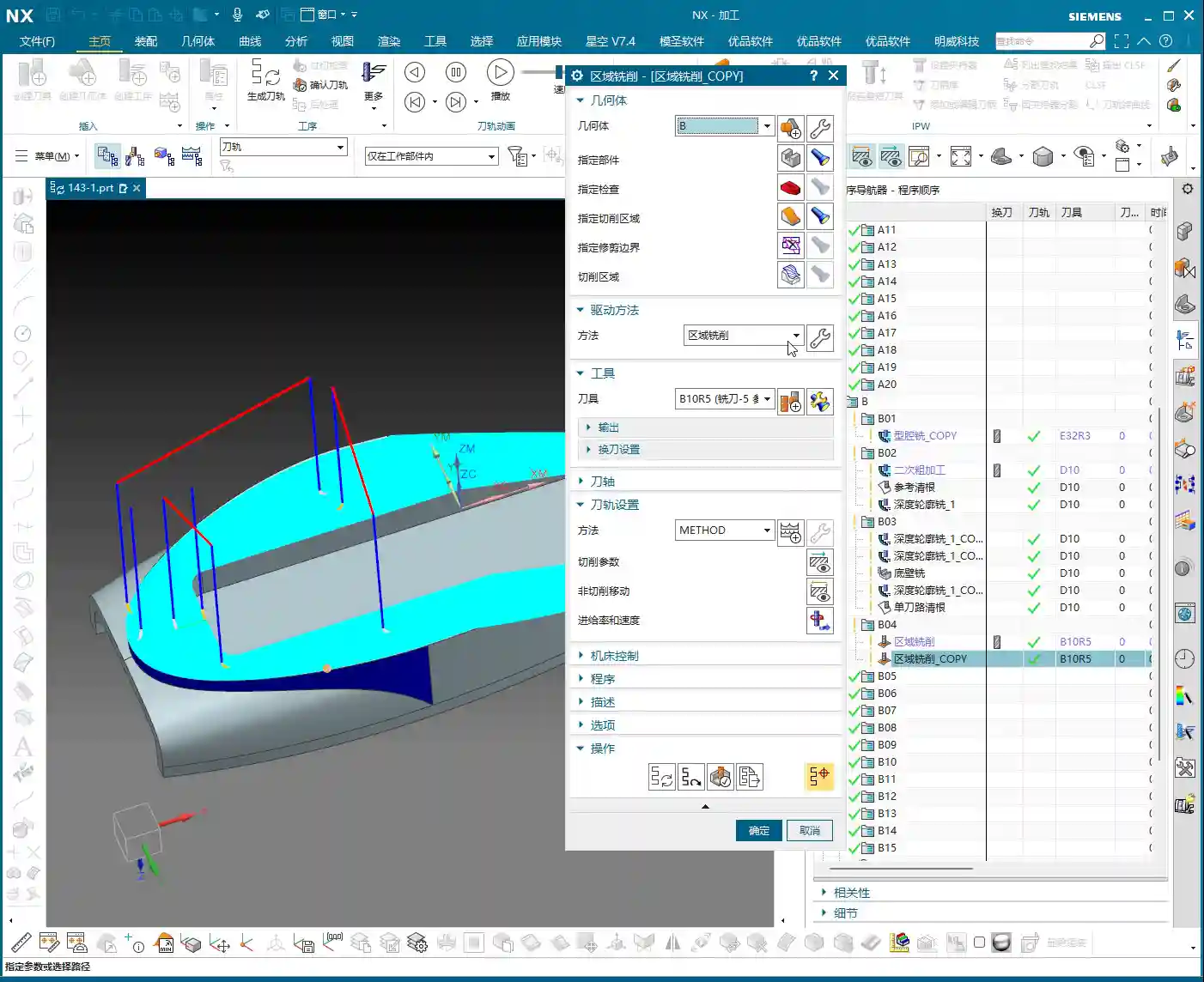
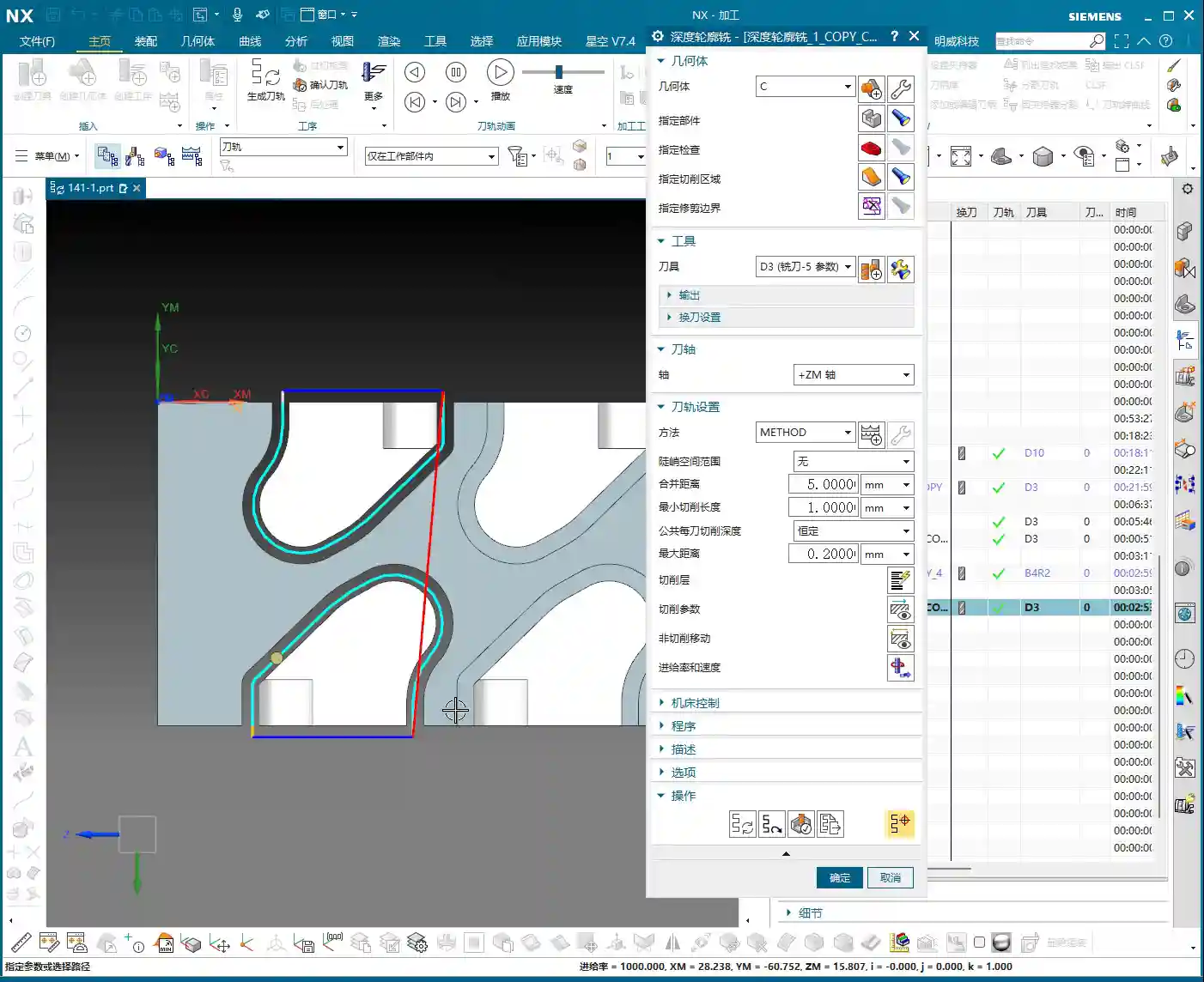
    For those curved and inclined surfaces, a flat end mill alone won’t get the job done. As mentioned earlier, some areas of this part require an R3 fillet. So, directly use a D6R3 ball end mill (meaning a tool with a 3 mm ball nose radius and a total diameter of 6 mm). Use it for Contour Milling these curved surfaces, which will ensure the required surface finish and fillet shape. As for small holes and chamfers, they’re too simple; just use a chamfer tool and a drill, we won’t go into detail about those today.

    Step Four: Surface Patching and Model Modification – Practical Tips Not Found in Textbooks

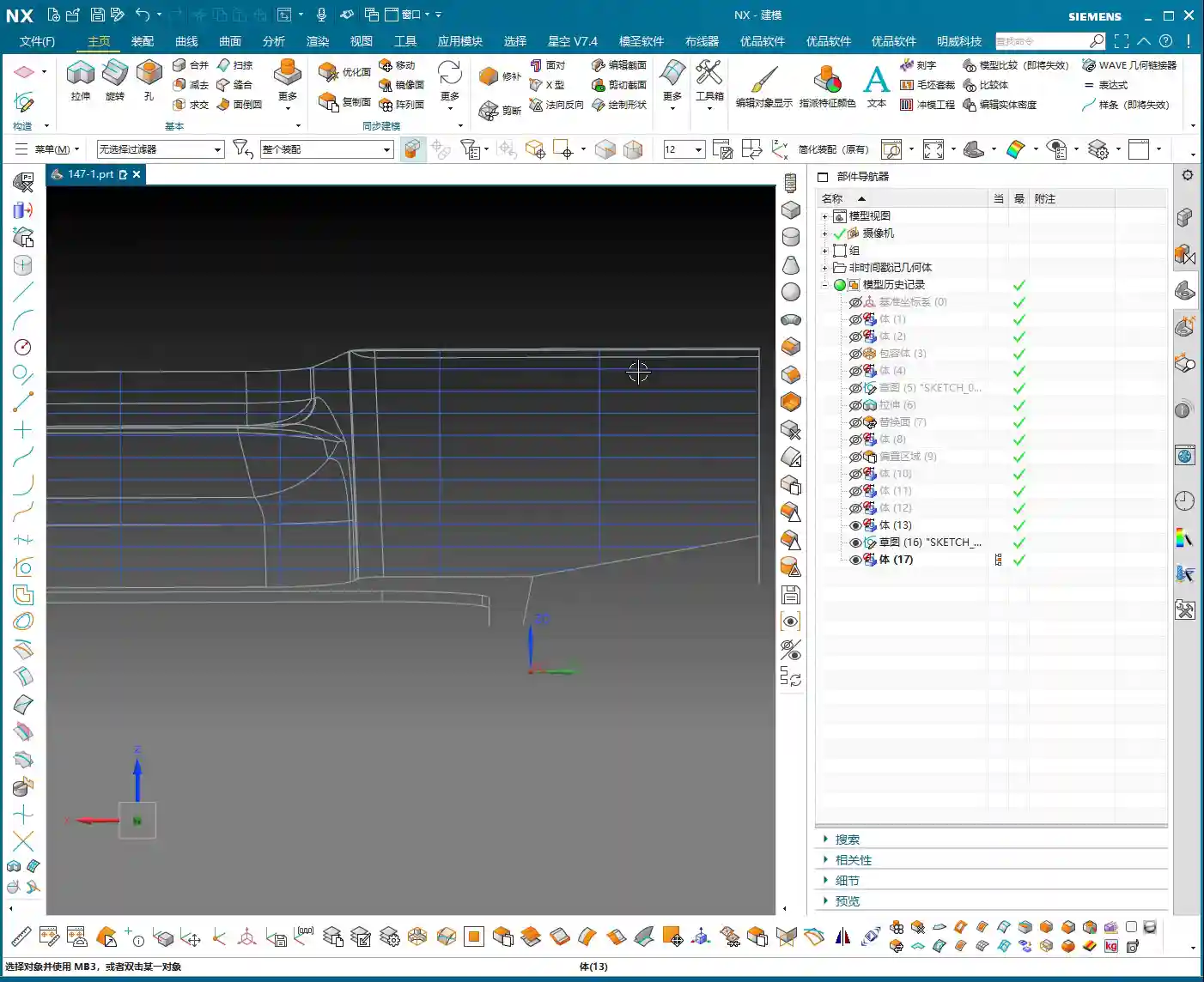
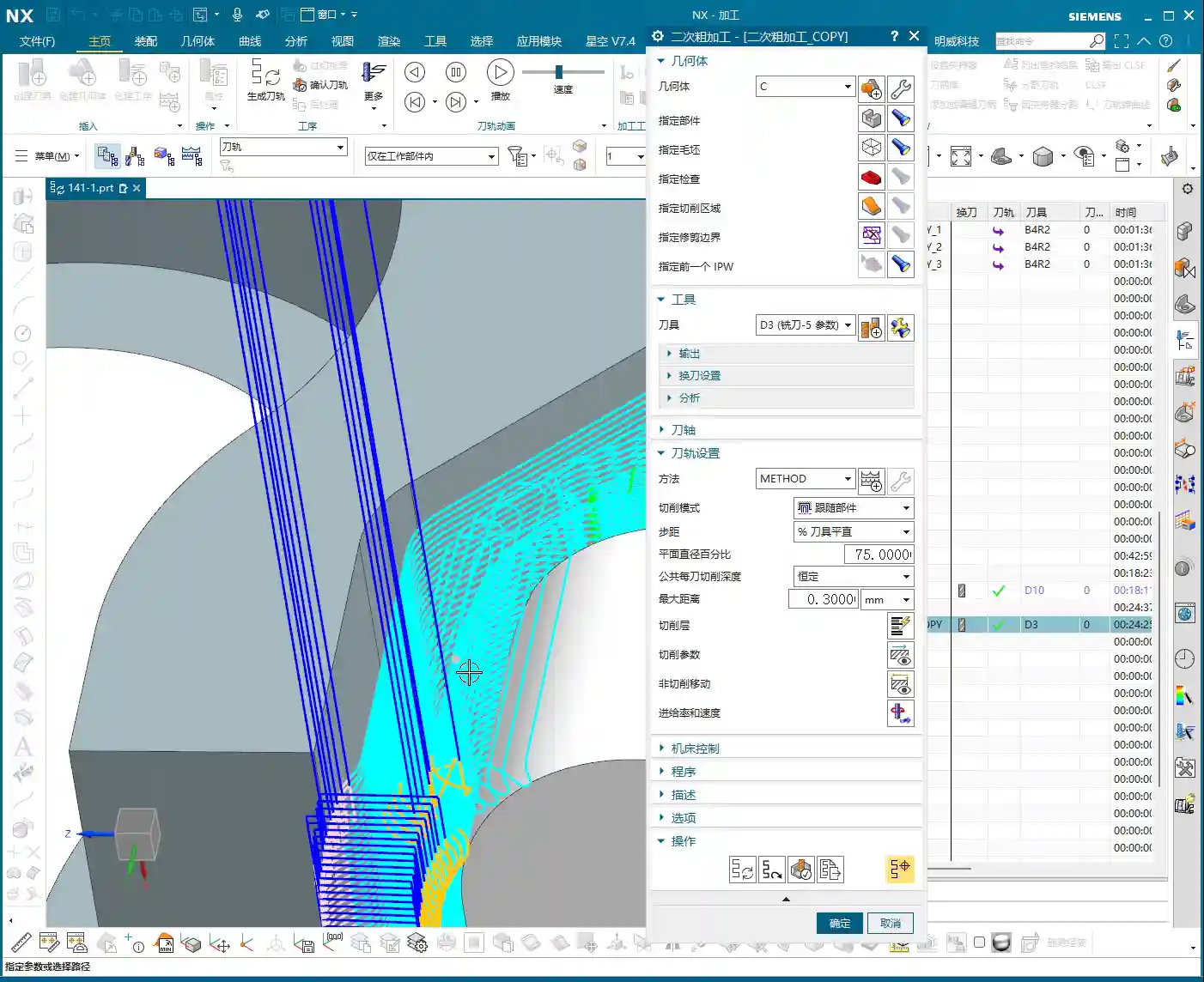
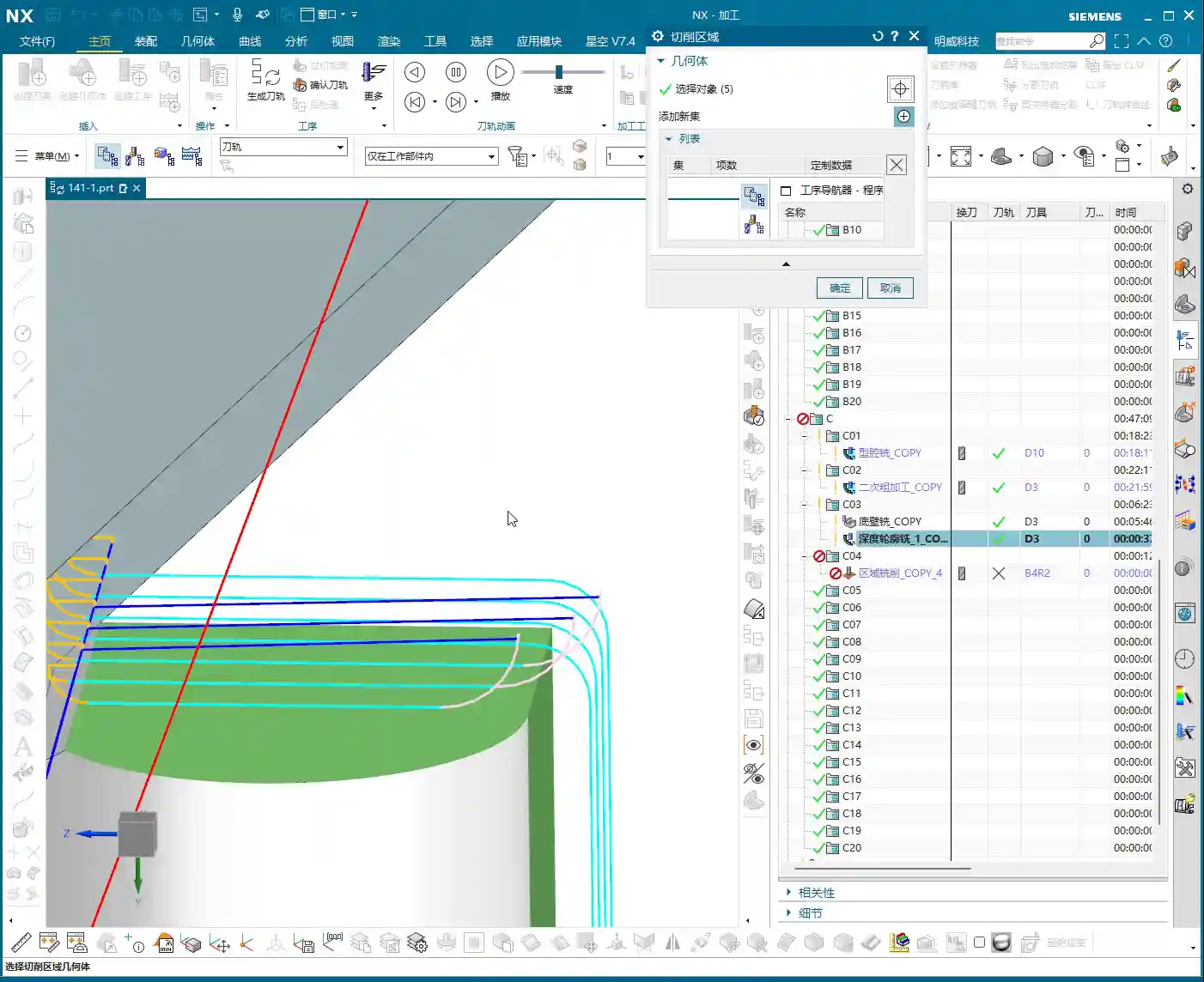
    Before programming, a very important step is surface patching. Especially for cast parts or those designed simply, the model often has openings or discontinuous regions. If these areas are not addressed, the software will easily generate errors when calculating tool paths. Use Siemens NX’s “Patch Opening” function to seal up all these areas. Especially for some planar regions, patch them one by one to ensure the model’s integrity.
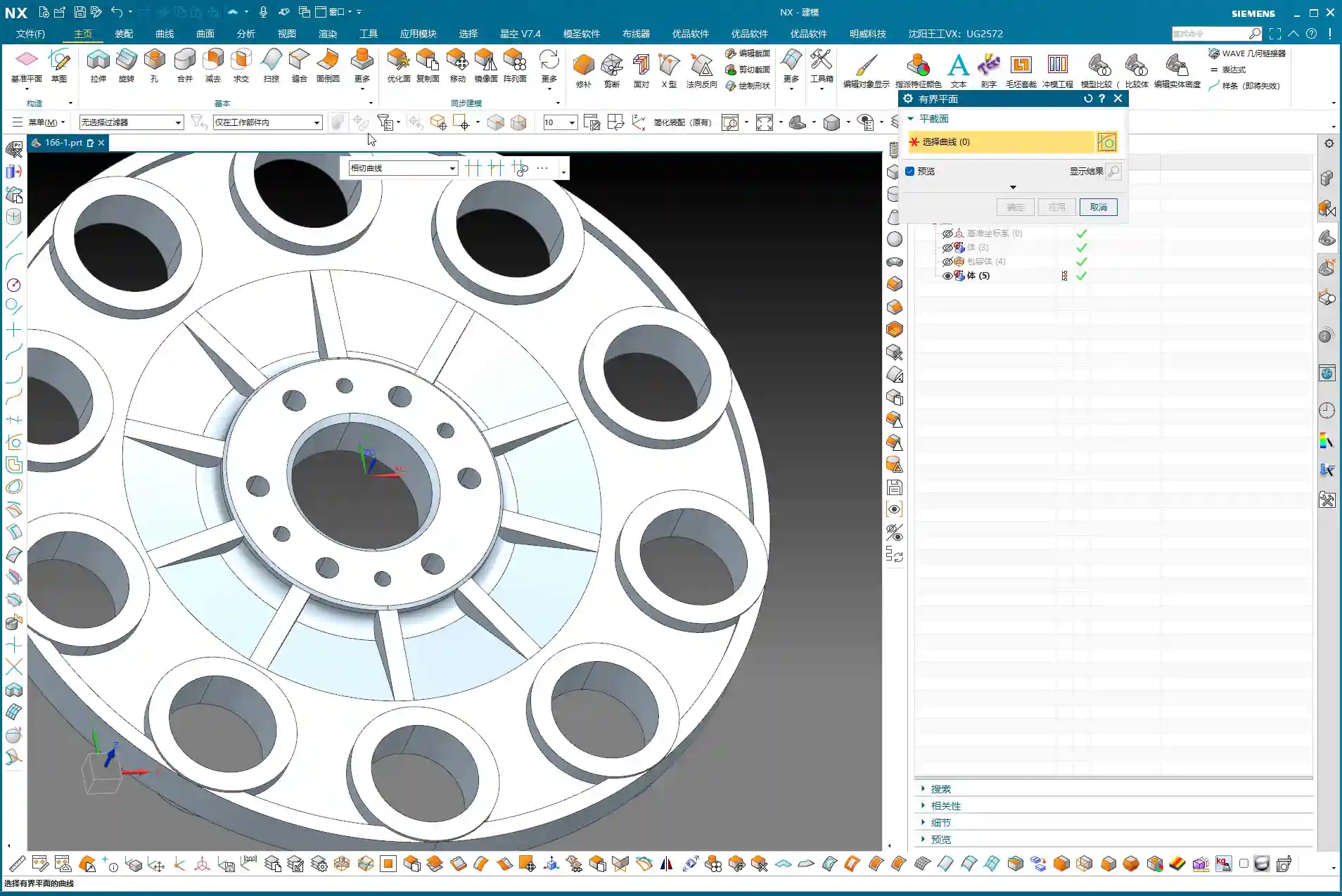
    Why Modify the Model? In-Depth Considerations for Fillet (R-corner) Treatment

    Here’s something critically important, listen up! There’s one area: if you directly use a D10 tool for semi-roughing and then a D6R3 ball end mill for Contour Milling, you’ll find that the resulting machined surface is not ideal. You’ll see “marks” or “overcuts”. This is because the internal corner left after the D10 tool’s Corner Cleanup is not a standard R3. When the R3 ball end mill then runs, the tool path might conflict. Therefore, you must manually change this area to an R3 fillet within Siemens NX!

    If you don’t modify the model, after the D10 passes, that corner will be sharp or irregular. And you expect the D6R3 to “correct” it? Dream on! It will only follow the R3 dictated by the model, resulting in incomplete machining or noticeable tool marks. This kind of “model modification” experience is something gained from countless night shifts, meticulously observing cutting sparks and part burrs, figuring it out bit by bit. Textbooks certainly won’t teach you this!

    Residual Material and EDM: An Unavoidable Strategy

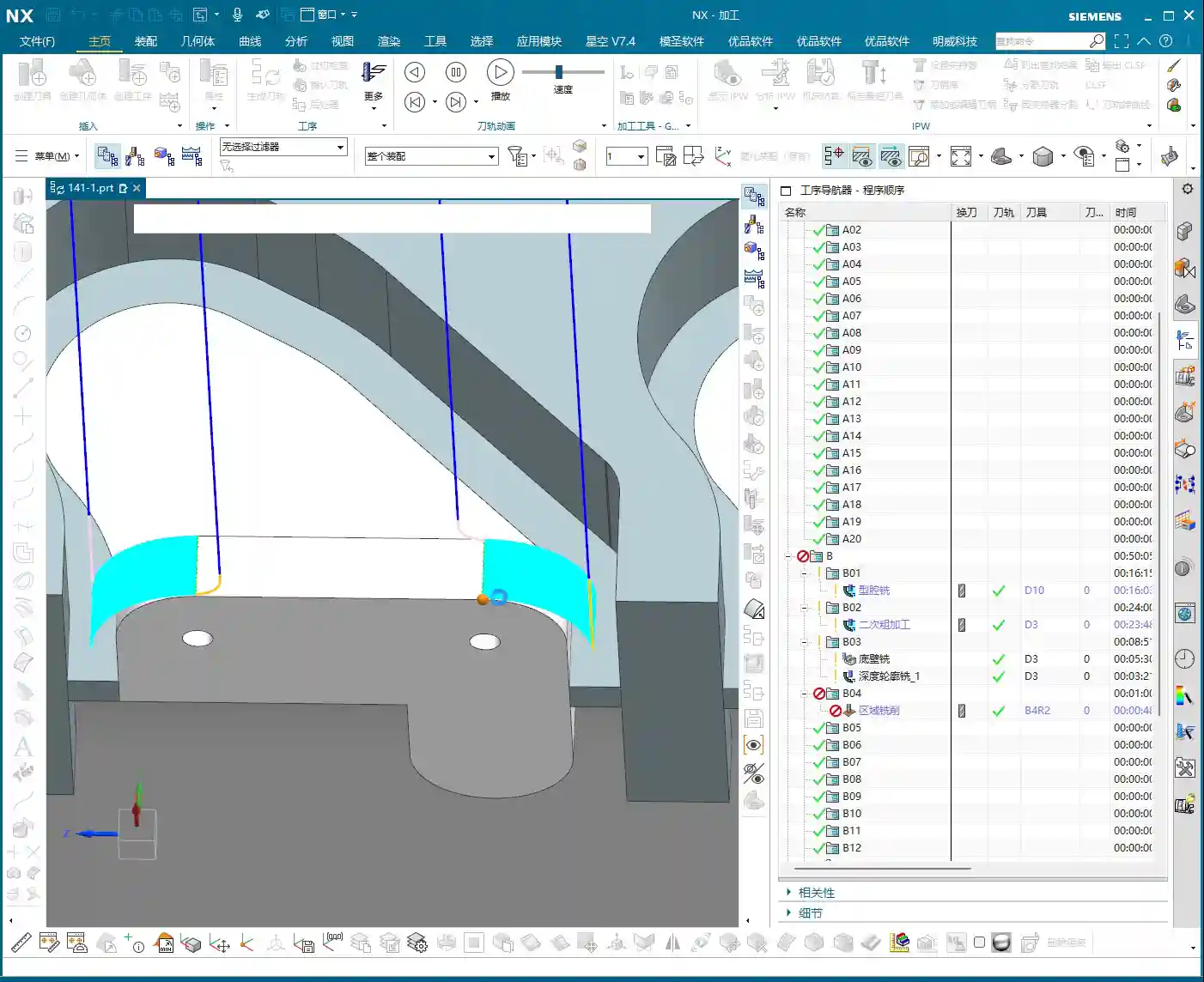
    Even if your tool selection is meticulous and your tool paths are perfect, some areas, like very deep and narrow root sections, a conventional end mill simply won’t fit, and will inevitably leave triangular residual material. This is normal, don’t get hung up on it. If the customer has extremely high Corner Cleanup requirements for these tight spots, the only solution is to use Electrical Discharge Machining (EDM). Therefore, assessing machining capabilities in advance and communicating effectively with the client is also our responsibility as skilled machinists. Don’t scratch your head in frustration only after the part is scrapped.

    Summary: A Guide to Avoiding Pitfalls

    Pre-Programming Analysis:

    • Blank definition must be accurate: cylindrical, rectangular stock, dimensions, whether to leave material allowance – no step can be wrong.
    • Geometric model must be thoroughly analyzed: Utilize Slope Analysis to identify planar, inclined, and curved surfaces, and pinpoint potential machining difficulties and tight corners.
    • Fixturing strategy must be clear: Consider rigidity, stability, and ease of flipping to avoid secondary clamping errors.

    Siemens NX Operations and Process Key Points:

    • Standardize layer management: Blank, part, and fixture each in their designated layers to avoid confusion.
    • WCS positioning must be precise: Especially for multi-sided machining, every WCS adjustment must ensure accuracy; this is one source of ±0.005mm level errors.
    • Surface patching is a prerequisite before programming: Close up “holes” in the model to provide a clean model for tool path calculation, reducing errors and incorrect tool paths.
    • Tool selection should be phased: Large tools for Roughing, medium/small tools for semi-roughing and Corner Cleanup, ball end mills for Contour Milling and Finishing pass. The D20 -> D10/D6 -> D6R3 logic must be clear.

    Practical Model Modification and Handling Difficult Areas:

    • Model modification is standard practice, especially for fillets (R-corners): If the design doesn’t provide them, but machining requires them, you must decisively “modify the model” to add the fillets. Otherwise, due to tool transition issues between semi-roughing and Finishing pass, tool marks or impressions will be left. This is a critical point in practical machining that is easily overlooked but significantly impacts finished part quality.
    • For unmachinable areas, face them head-on: Traditional milling has its limits. For extremely small, deep, or specially shaped tight corners, if high precision is required, directly consider Electrical Discharge Machining (EDM). Don’t force it; that will only damage tools and waste time.
    • Don’t just rely on software simulations; observe the cutting sparks: No matter how realistic software simulations are, they cannot replace actual conditions on the machine. Pay close attention to cutting sounds, sparks, and chip evacuation; the machine is “talking” to you, indicating whether your process is reasonable.

    Alright, lads, that’s it for this session. This is all experience Master Wang has accumulated over 15 years on the front lines, navigating countless pitfalls. Next time, we’ll get hands-on and program the tool paths for this part step-by-step. Remember, when learning technical skills, you need to use your brain, but more importantly, have eyes that can spot problems and a heart dedicated to solving them!

    👤 About the Author:
    The author is a veteran CNC machining professional with 15 years of industry experience, specializing in UG NX programming. This article is an original work representing personal practical insights.

    ⚠️ Copyright Notice: Unauthorized reproduction or distribution without prior communication is strictly prohibited.
  • Master Wang’s Real-World Guide: Backside Machining for Multi-Operation Parts – Siemens NX Programmin

    📝 Key Takeaways:

    Backside Programming for Multi-Operation Parts: Master Wang’s Practical Playbook

    I. Finishing the “Front Side”: Toolpath Optimization & Real-World Fine-Tuning

    Listen up, lads. We’ve finished the roughing; now it’s time for finishing. Don’t think finishing is just clicking around – there’s a lot to it, and you need to pay close attention to toolpaths and allowances.

    1. Initial Finishing Strategy & Tool Reuse

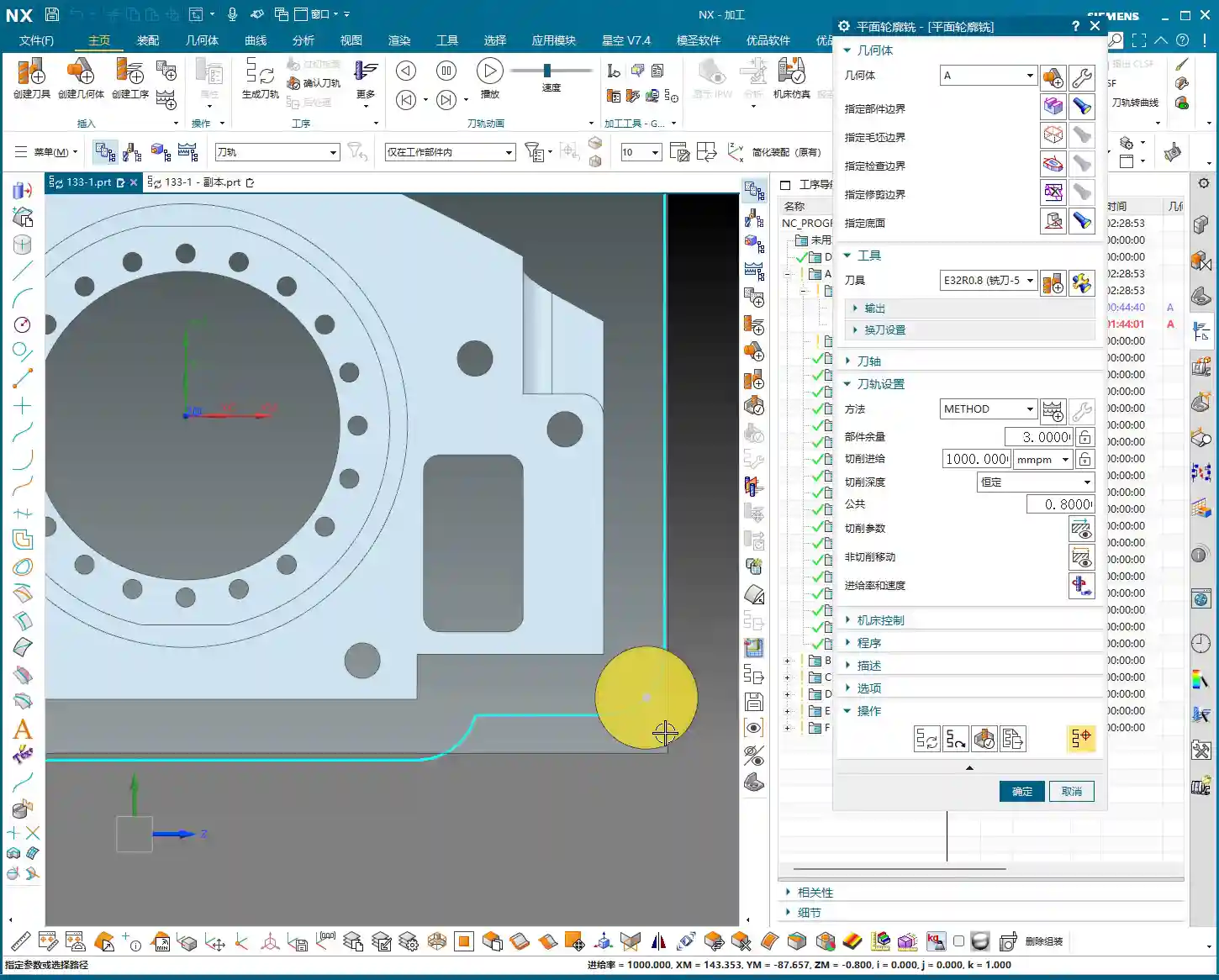
    For finishing, first off, you need to select the correct machining area, which is our “Specify Part” feature. This operation isn’t difficult, but many subsequent optimizations depend on the range you’ve selected. As for the tool, if your previous semi-finishing tool can handle it and the size is right, just reuse it. Saves tool change time, which boosts efficiency. Remember: economize wherever possible, but never at the expense of quality and safety.

    2. Stepover Adjustment: “Deep Cuts, Shallow Steps” for Aluminum Finishing

    When you first generate the toolpath, doesn’t the Stepover seem a bit large? Especially with aluminum parts – they’re soft, and chips tend to pile up during cutting. For finishing aluminum, we often ‘go deeper,’ meaning we can afford a slightly larger cutting depth, but each lateral step (Stepover) needs careful control.

    Looking at this first layer of toolpaths, the Stepover feels a bit too large. We can adjust it. For example, if the system default is 14.something millimeters, let’s manually change it to 13 mm. This makes the toolpath denser, which is crucial for achieving a better surface finish. For less critical areas at the top, the Stepover can be a bit more relaxed, say 2 mm; but for areas requiring a high-quality finish, set the Stepover to 0.15 mm – gotta strive for perfection, right?

    3. Unnecessary Retracts & Practical Trade-offs

    After generating the toolpath, keen eyes might spot some “unnecessary retracts” – that’s when the tool makes excessive lifts and engagements in the air. This impacts efficiency and can even leave surface marks. In theory, we want to avoid these as much as possible, but my years of experience tell me that if there aren’t many, and they don’t significantly affect overall machining time or surface quality, we can “prioritize the bigger issues” and leave them for now.

    If these unnecessary retracts are indeed problematic, then we have to change things. For instance, try changing the cutting method to “Climb Milling”. Sometimes, this can effectively reduce those unwanted lifts and make the toolpath smoother. Don’t just rely on software simulations; look at the cutting sparks and the actual cutting sound – those are your most reliable indicators.

    4. IPW Verification: Machining Allowance & Cutting Effect

    Every time you make an adjustment, remember to check it using IPW (In-Process Workpiece). This feature shows you the actual effect of the tool after cutting and the remaining material allowance. With IPW, we can confirm that this area has indeed been milled out, and no corners or edges were missed. Don’t wait until the part is off the machine to find problems; by then, it’ll be too late to cry about it.

    5. Toolpath Optimization: Overcutting and Pragmatism

    In some non-critical areas, like corner transitions, the toolpath might show slight “overcutting”. As long as it’s not excessive and doesn’t affect assembly or performance, we can accept it. After all, striving for 100% perfection can sometimes sacrifice efficiency. In the workshop, we aim for “functional and sufficient”, not theoretical optimality from a textbook.

    For finishing pass toolpaths, besides Climb Milling, you can also try adjusting the parameters for “Smoothing” and “Area Linking”. This makes the tool engagement and retraction smoother, reducing tool marks. Think of it like driving: you want smooth acceleration and turns, not sudden braking and stops.

    II. Backside Machining: Coordinate System Switching, Roughing and Finishing

    Front side’s done. Next, flip the part over and machine the backside. Backside machining isn’t just copy-pasting; the coordinate system, toolpaths, and allowances all need a fresh review.

    1. The Critical WCS (Work Coordinate System) Switch

    For backside machining, the first and most crucial step is to switch the Work Coordinate System (WCS). You need to move the machine’s “eyes” to the backside of the part, otherwise, the tool will just be cutting air. Set the WCS on a critical plane on the backside, ensuring the Z-axis direction is correct. This is fundamental, but also the easiest place to make a mistake; once the WCS is wrong, the entire program is junk.

    2. Backside Roughing: Face Milling Strategy and Cut Level Control

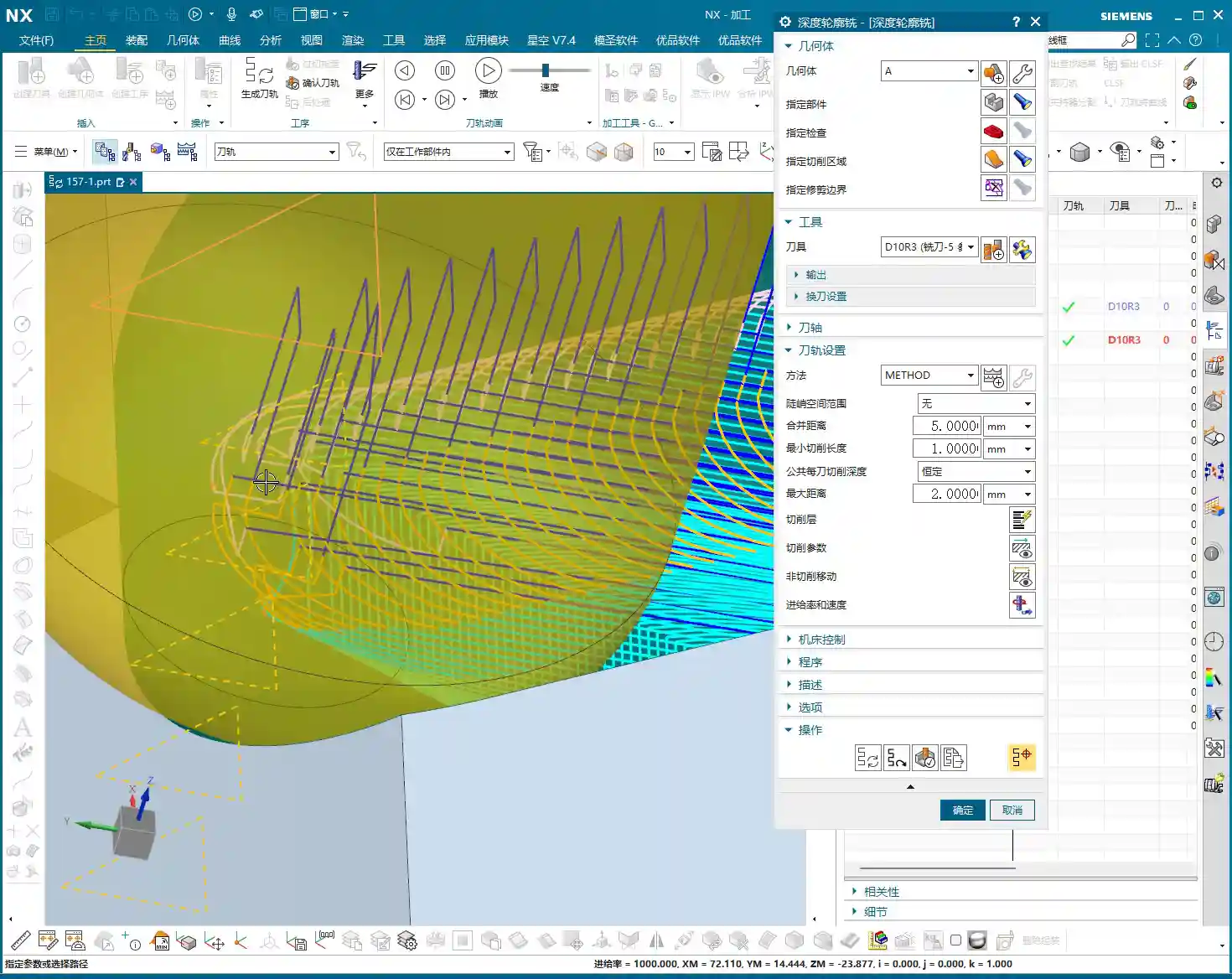
    For the backside, we usually start with roughing. We can use “Cavity Milling” or Face Milling to quickly remove material. For example, using a 10 mm end mill, the single Depth of Cut (DOC) can be set to 0.7 mm. Here’s the key: how do you control the milling depth? You need to specify the “final cut level” on the machining plane, ensuring the tool mills precisely to your target surface. This effectively prevents overcutting or undercutting.

    The toolpaths for backside roughing might also be a bit “meandering.” As long as it doesn’t affect machining quality and part strength, a slightly irregular toolpath is fine. The machining allowance should be appropriate; don’t leave too much, or your finishing operations will be overly burdened.

    3. Backside Finishing Pass: Finishing the Bottom Surface & Toolpath Trimming

    After roughing, it’s time for the backside bottom surface finishing operation. Here, our goal is to mill the bottom surface clean, so set the Depth of Cut (DOC) to 0, and the floor stock to 0, ensuring the tool follows the plane tightly.

    But here’s a pitfall: the system-generated toolpath might “cut into” some areas inside the part that shouldn’t be touched. This won’t do! We need to use the “Trim” function to manually remove those unnecessary toolpaths. By selecting points, lines, or faces, you tell the software where the tool should stop. Remember, the toolpath must “stay within” but not run outside or enter forbidden areas. That’s how you ensure part integrity and accuracy.

    III. Backside Drilling: Efficient Layout and Depth Control

    The final step in backside machining is usually drilling. This looks simple, but it’s a job that demands both efficiency and accuracy.

    1. Drilling Strategy: To Spot Drill or Not To Spot Drill

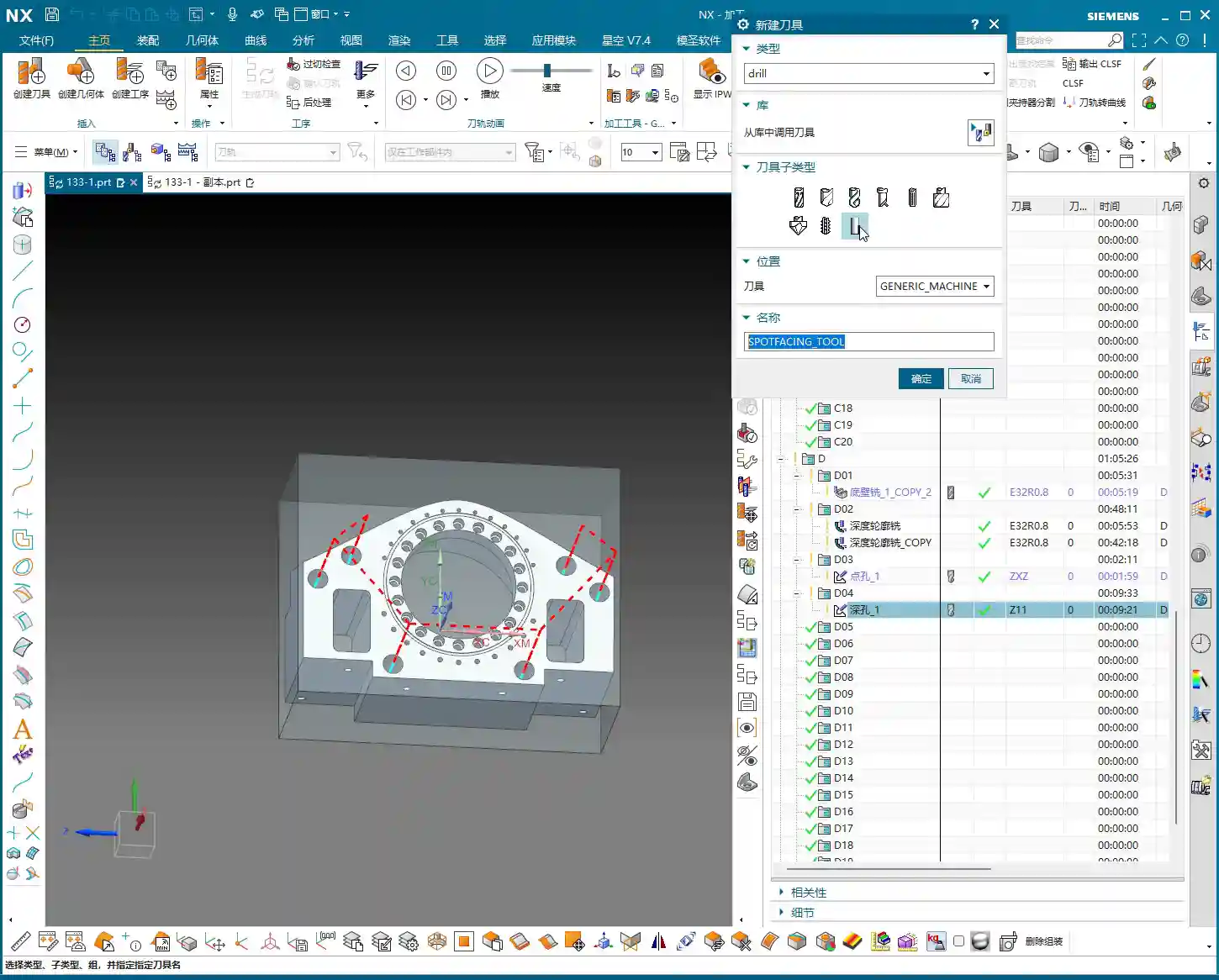
    For small holes like 2.1 mm, we can consider whether to use “Spot Drilling”. Theoretically, spot drilling prevents the drill from walking at the start, improving accuracy. But in practice, if the hole diameter isn’t large, the material is relatively soft, and the drill has good rigidity, we can “drill directly”, skipping the spot drilling step to boost efficiency. However, for critical hole locations or large-diameter drilling, spot drilling is essential.

    2. Drilling Tools and Depth Control

    Select a 2.1 mm carbide drill to ensure cutting performance. Drilling depth is also crucial; if hole tolerances are tight, you need precise control. For example, if the target depth is 20 mm, we might actually drill a bit deeper, setting it to 23 to 25 mm, to ensure the drill tip fully penetrates. Of course, the specific value must be determined by the drawing and actual conditions – don’t blindly overdrill.

    When spot drilling, if the depth isn’t deep, a single pass is sufficient to avoid multiple engagements and retracts. At the same time, pay attention to the angle of the spot drill; this directly affects the hole’s chamfer. Don’t let the chamfer get too large and impact subsequent assembly.

    Summary: Pitfall Avoidance Guide

    1. The Core of Siemens NX Programming: Combining Theory with Practice

    Textbook theory is important, but workshop experience is even more valuable. Siemens NX programming isn’t about rigid formulas; it requires you to flexibly adjust based on actual material, machine condition, and part requirements. Don’t just look at parameters; visualize how the tool moves on the workpiece. The cutting sound, sparks, and chips are all indicators for judging toolpath quality.

    2. Master Your Tools, Don’t Be Mastered by Them

    Software like Siemens NX is powerful, but it’s just a tool. A true programming expert masters the tools, rather than being led by them. Check IPW and toolpath simulations, but ultimately, rely on the physical part. When you encounter issues, don’t be afraid to modify; persistent trial-and-error is how you find the most suitable solution.

    3. Strive for Perfection, But Prioritize Efficiency and Cost

    Over-optimization wastes time, especially in teaching and beginner stages. In actual production, we need to maximize efficiency and reduce costs while ensuring quality. Some minor unnecessary retracts or non-excessive overcutting can be acceptable in certain situations. Learning to strike that balance – that’s the mark of a seasoned veteran.

    Alright, that’s it for today’s lesson. Go practice yourselves; with Siemens NX, mastery comes with practice!

    👤 About the Author:
    The author is a veteran CNC machining professional with 15 years of industry experience, specializing in UG NX programming. This article is an original work representing personal practical insights.

    ⚠️ Copyright Notice: Unauthorized reproduction or distribution without prior communication is strictly prohibited.
  • NX Machining Challenges for Graphite Undercut Parts with Complex Geometries? Master Wang Shows How t

    📝 Key Takeaways: Master Wang personally teaches secret tips for NX programming of graphite undercut parts with complex geometries. Reveals why traditional surface drive methods fail, details how to cleverly use auxiliary surfaces to create “straight” projection toolpaths, ensuring perfectly orthogonal UV directions, and emphasizes the critical setting of projection vectors to “Toward Drive Geometry” to achieve efficient and precise machining, solving practical challenges not found in textbooks.

    [VIDEO_HERE]

    Hello everyone, I’m Old Wang, Master Wang. Today, let’s discuss **undercut machining** on complex graphite parts. This task might seem straightforward, but it’s full of potential issues. Especially when programming in NX, many get confused right from the start. Don’t worry, let me walk you through it. These are practical lessons I’ve learned over the years, not something you’ll find in textbooks.

    I. Why Do Traditional “Surface Drive” Toolpaths Fail? —Avoiding the First Pitfall

    When encountering undercuts, the common first reaction is to use **Surface Drive** or **Streamline Milling**. That’s not wrong, and it works most of the time. But when dealing with complex-shaped graphite parts like these, especially those with sloped surfaces and intricate undercuts, directly applying a Surface Drive toolpath is guaranteed to cause problems. Let me demonstrate directly so you can see clearly.

    1. Directly Selecting Surface Drive: Error!

    I select all the undercut faces on the part, try a Surface Drive toolpath, and immediately an error pops up: “Cannot create mesh.” Why? Don’t just look at the software interface; you need to consider the part’s geometry!

    2. Root Cause Analysis: Asymmetrical Boundaries and Inconsistent UV Directions

    This area is prone to errors. Surface Drive toolpaths require the boundaries of your selected drive surfaces to be **symmetrical and uniform**. Look closely: aren’t the boundary lines around the top and bottom of the undercut face different in number? The top might have six lines, while the bottom only has five. This directly prevents the software from establishing a clear reference for the toolpath. Furthermore, the UV directions of these two faces might be inconsistent; one could be twisted, while the other is relatively straight, making them incompatible.

    **Listen up**, this is like pulling a rope: if the tension is uneven at both ends, the rope will surely tangle or even break. Machining operates on the same principle; if the data source is asymmetrical, it cannot generate a smooth toolpath for you. Therefore, using a Surface Drive toolpath directly, from NX’s perspective, is an unreasonable task. It gives you an error to prevent you from messing things up on the machine.

    II. Master Wang’s Specialty: Cleverly Using “Surfaces” to Break the Impasse — A Change in Approach

    Since direct surface drive isn’t working, we need to change our approach. Textbooks teach theory, but in practical operations, we need to be flexible. This technique is what I often call the **“Auxiliary Surface Projection” method**. Simply put, it involves first creating a flat “dummy surface” nearby, generating a smooth toolpath on this dummy surface, and then projecting this smooth toolpath onto our actual undercut face. Isn’t that like taking an indirect approach to success?

    1. Creating “Upright Surfaces”: Establishing the Projection Reference

    This is crucial. You need to copy the original part into a new layer, then delete all fillets and chamfers; we want a clean geometry. Next, on the outside of the part (remember, **outside**, not directly on the part’s edge), draw two vertical auxiliary lines. These two lines must completely cover the undercut area.

    Then, use the “Extrude” command to extrude these two lines into two surfaces, effectively “slicing” the part. This way, you will get two **straight surfaces, perpendicular to the horizontal plane**. We want these “straight” surfaces, not skewed or twisted ones. Why? Because it ensures that the toolpath you generate afterwards will be smooth before projection, preventing it from wildly moving in and out, and leading to more stable cutting conditions.

    2. Critical Validation: Auxiliary Surface UV Directions Must Be “Orthogonal and Aligned”

    Many people overlook this step, but it determines the success or failure of your toolpath projection. Drag out the auxiliary surface you just created a little, then check its **UV directions**. Remember, the UV directions must be **perfectly orthogonal**, like a neat grid paper. If it appears twisted or mesh-like, you need to adjust it. Only with orthogonal UV directions can you ensure that the projected toolpath won’t deform, preventing the “irregular machining marks” we often talk about, which affect surface finish and can easily cause tool wear.

    III. Toolpath Generation and Projection — Key Considerations for 5-Axis Programming

    1. Tool Selection and Initial Toolpath Generation

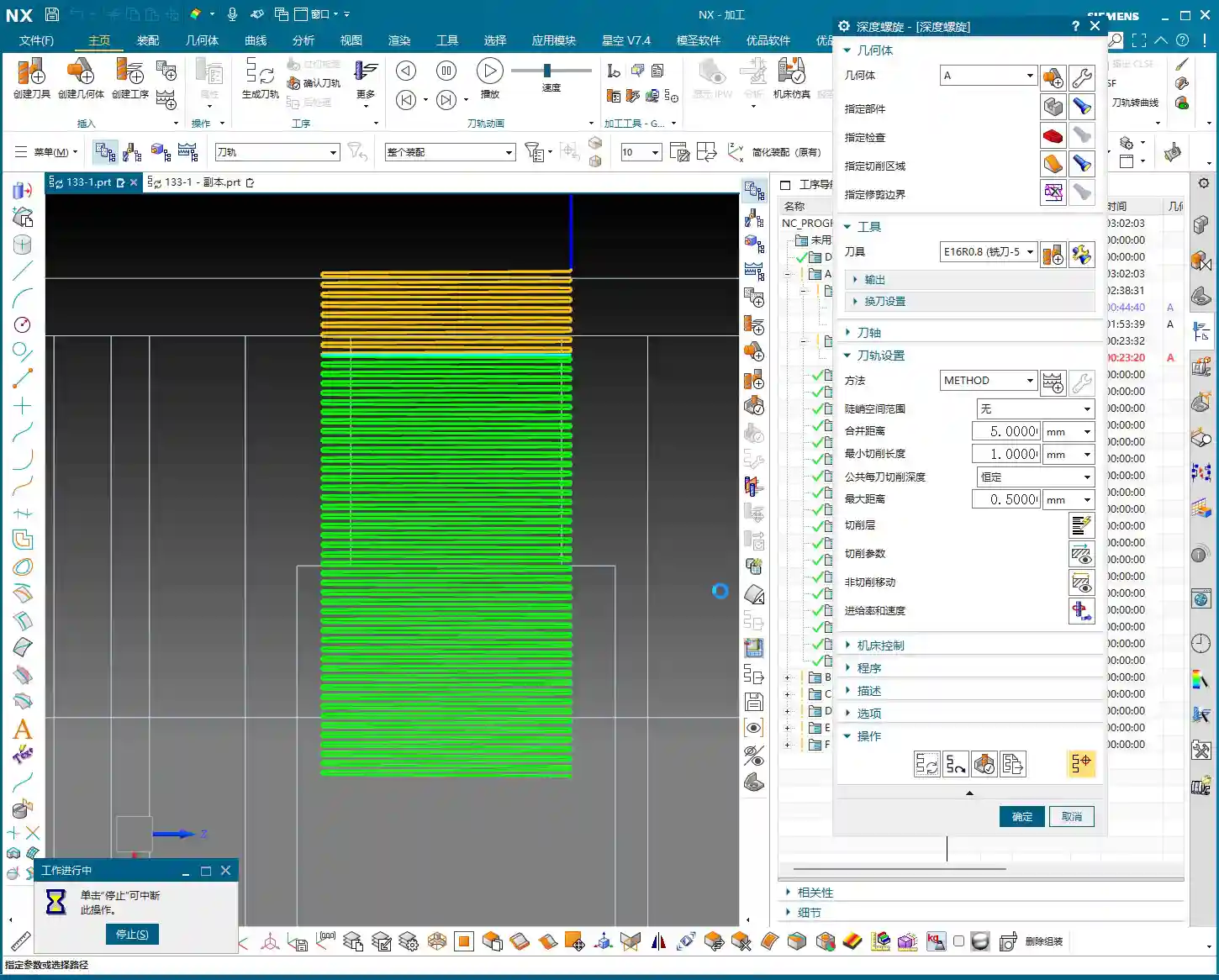
    For undercuts, we typically choose a **Lollipop Mill**, for example, a **Φ12.5 mm** (approx. 0.49 inch) one. Its spherical end design effectively handles undercut areas and avoids interference. Select the “upright surface” you just created as the drive surface and generate the toolpath. The initial toolpath will definitely have some issues, and the direction might be off, but don’t panic.

    You need to manually **specify the direction**, instructing the tool to cut from the bottom of the undercut upwards, or adjust it according to your desired cutting direction. This is like shaving; you have to go with the grain, or it hurts. It’s the same for machining; a proper feed direction reduces cutting forces, protecting both the tool and the workpiece.

    Additionally, setting the **retract height** to **0.2 mm** (approx. 0.008 inch) is crucial. Too high wastes time with excessive air cuts; too low risks tool collisions or even recutting, leading to surface damage. Graphite is a brittle material, so controlling the retract height effectively prevents chipping.

    2. Core Technique: Toolpath Projection, Vector Settings Are Key!

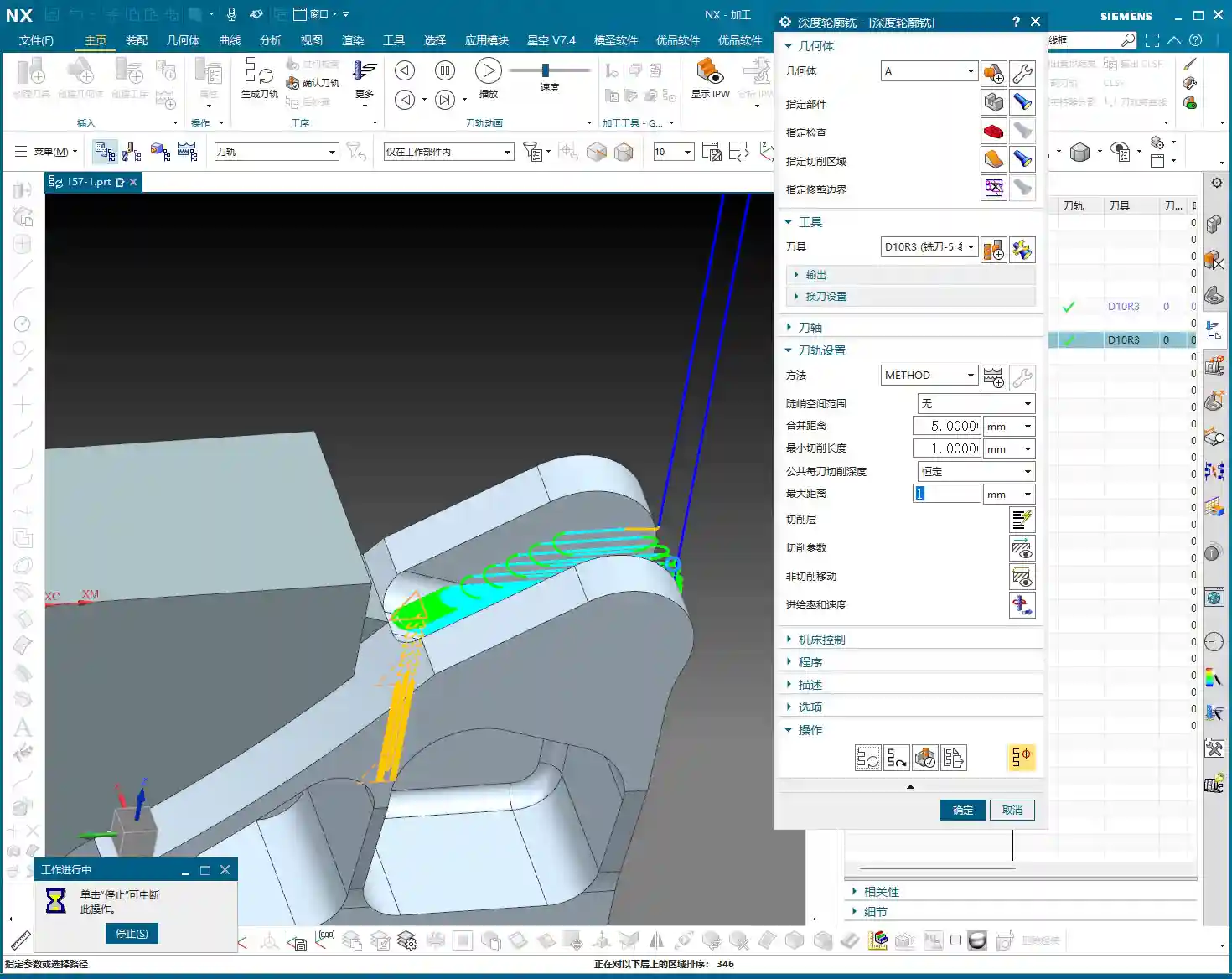
    The initial toolpath is ready; now for the main event — **Toolpath Projection**. In the projection options, you need to project the toolpath onto the undercut face of our original part.

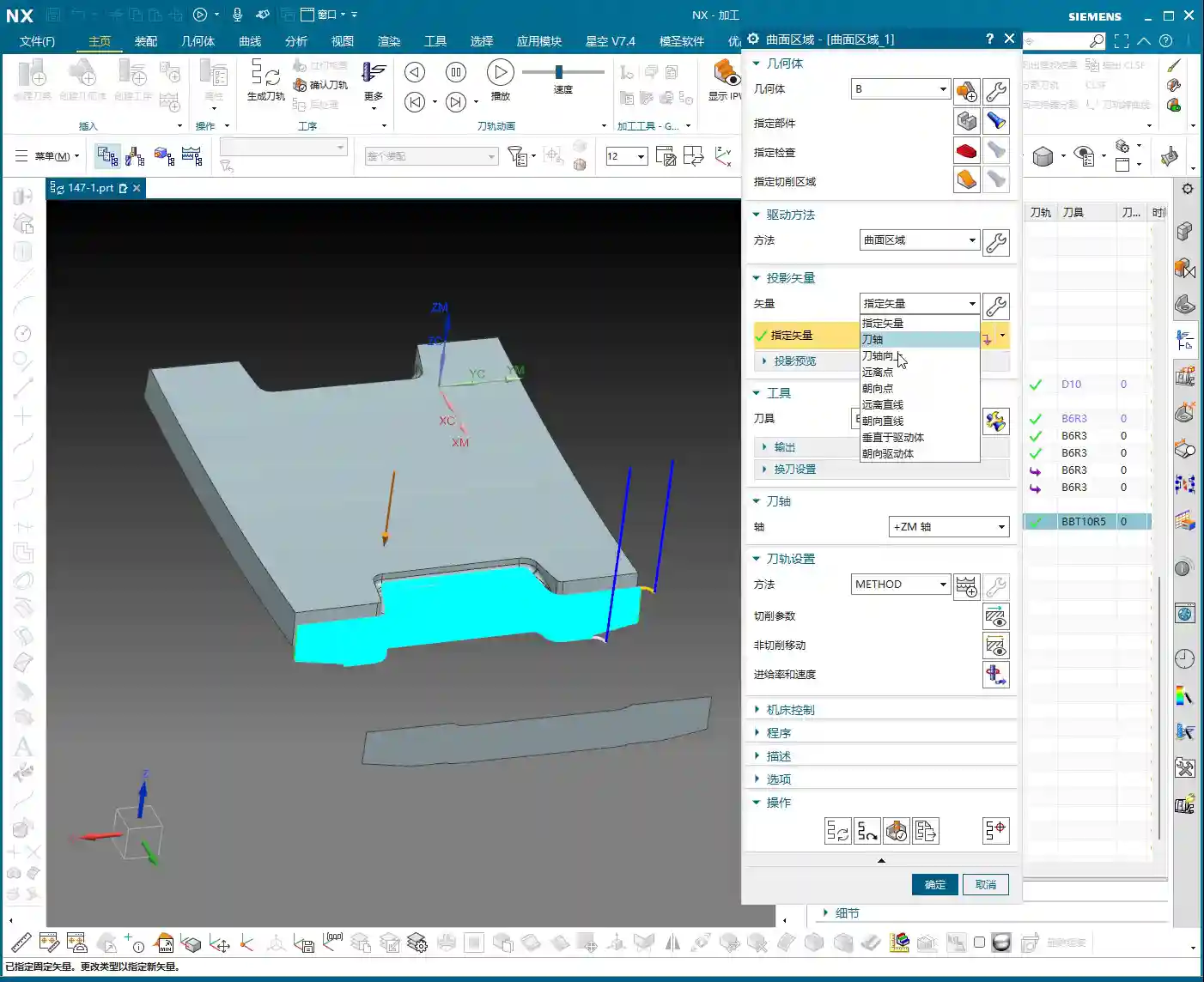
    Here’s a **huge pitfall** that many fall into: the **Projection Vector** setting! Absolutely DO NOT select “Tool Axis” or “Specify Vector”; you MUST select **“Toward Drive Geometry”**!

    Why? “Toward Drive Geometry” means that the toolpath will be projected perpendicularly onto the actual part surface, following the direction of the “auxiliary surface” you previously created. This ensures that the toolpath is copied completely and accurately, preventing deformation or missed cuts due to improper projection direction. If you select “Tool Axis,” the tool might project along its own axis, distorting the toolpath and ruining your machined undercut!

    As for parameters like “Retract Distance,” the default setting is fine; you don’t need to worry about it.

    IV. Detail Refinement and Rest Material Removal

    1. Supplementary Machining for Other Areas

    For 2.5D areas or very small corner radii, you might need to use a smaller ball end mill. Last time I wanted to find a B4 ball end mill, but it wasn’t in the default NX library, so I had to define it myself. These are common occurrences; always select the appropriate tool and path based on the actual situation.

    Overall, toolpath programming is a comprehensive task; you can’t rigidly stick to just one command. Only by thinking critically, experimenting, and combining knowledge of material properties with actual machine conditions can you truly hone your skills.

    Summary: Pitfall Avoidance Guide

    • Pitfall One: Directly using “Surface Drive” for complex undercut geometries often fails due to asymmetrical boundaries or inconsistent UV directions.
    • Pitfall Two: When creating auxiliary surfaces, failing to ensure their “perfectly orthogonal” UV directions leads to distorted toolpath projection.
    • Pitfall Three: During toolpath projection, incorrectly selecting “Tool Axis” or “Specify Vector” instead of **“Toward Drive Geometry”**, resulting in toolpath deformation or incomplete machining.
    • Pitfall Four: Unreasonable retract height settings, affecting machining efficiency and surface quality.
    • Master Wang’s Secret: When encountering complex surfaces, boldly use auxiliary geometries (surfaces, dummy bodies) as transitions to simplify the complex. Modeling and programming are not a one-step process but rather about **“building bridges and paving roads”**.

    👤 About the Author:
    The author is a veteran CNC machining professional with 15 years of industry experience, specializing in UG NX programming. This article is an original work representing personal practical insights.

    ⚠️ Copyright Notice: Unauthorized reproduction or distribution without prior communication is strictly prohibited.

  • Master Wang Unveils Siemens NX Programming for Disc Parts: From Blank Analysis to Surface Patching,

    📝 Key Takeaways:

    Siemens NX in Practice: Pre-Programming Analysis and Surface Patching for Disc Parts

    Alright, listen closely, folks. Today, Master Wang w…

    [VIDEO_HERE]

    Alright, listen closely, folks. Today, Master Wang will walk you through the ins and outs of machining these disc-type parts. Don’t think it’s simple just by looking at it; an inexperienced machinist will stumble right into the pitfalls here. We’re not going to waste time on abstract theories. Let’s dive right in and talk about how to machine this thing quickly, accurately, and cost-effectively.

    Step One: Blank and Fixturing – A Solid Foundation is Key

    Once you get the drawing, don’t rush to open the software. First, review it in your head. This part, by visual inspection, appears to be a cylindrical blank. Remember this: if the blank is defined incorrectly, everything that follows is pointless.

    Layer Management for Blanks and Parts

    I habitually separate the blank and the finished part. This keeps things clear and prevents confusion. For example, put the blank on Layer 10 and the part on Layer 100. Just activate the layer you need; it’s clean and efficient! While this is a software operation, it’s also a logical extension of managing drawings in the workshop. Don’t underestimate these details.

    Fixturing Strategy: Flip-Machining is Standard

    For these disc parts, both sides need to be machined, so the most common approach is flip-machining. Machine the backside first, then flip it over to machine the front. For fixturing, let’s start with the most conventional method. As for the specific fixture, that depends on your actual machine and workpiece situation; you need to be flexible. But the core idea is: ensure rigidity, minimize deformation, and facilitate flipping. When machining the first side, the Work Coordinate System (WCS) can initially be set to the bottom surface. Then, upon measurement, you find it’s offset by 1 mm in the Z-direction. That’s easy to fix: dynamically adjust the WCS, raising the Z-axis by 1 mm. This ensures it perfectly aligns with the machining surface, leading to stable and accurate tool paths.

    Step Two: Surface Analysis – Discerning the Part’s Geometry

    After setting up the WCS, the next step is to analyze the part’s geometry. Just looking at it isn’t enough; Siemens NX has tools, and you need to learn how to use them. I typically use Slope Analysis. This tool allows you to instantly see the part’s underlying structure.

    Planar, Inclined, and Curved Surfaces: Tailoring Tool Selection

    Looking from the top down, most areas are flat, which is straightforward. But when you view it from the side, you’ll notice the part not only has inclined surfaces but also distinct curved surfaces. Especially some root areas are not simple lines or planes. These are the spots prone to challenging tool engagement or difficult-to-machine corners. You must pay close attention to these areas during programming.

    Material Properties: Machining Considerations for Aluminum

    Let’s assume we’re machining an aluminum alloy part this time. Aluminum is relatively soft, which means longer tool life during machining. Cutting parameters can be set higher. However, you still need to pay attention to chip evacuation and avoiding burrs. If it were titanium alloy or high-temperature nickel-based alloy, it would be an entirely different ballgame. Tools, spindle speed, and feed rates would all need to be redesigned.

    Step Three: Tool Selection and Tool Path Planning – The Cost-Efficiency Trade-off

    Tool selection directly determines machining efficiency and final accuracy. It’s like a martial arts master choosing a weapon; whether it’s a good fit makes a world of difference in its power. Don’t just focus on buying cheap; calculate the total cost.

    Roughing: Aggressively Removing Excess Material

    First, let’s look at the roughing pass. Measure the widest machining area, which is about 40 mm. Alright, then, using a 20 mm diameter flat end mill (D20) for Roughing will be most efficient. If the D20 fits without issues, that’s the one. This is what I call “acting first, reporting later”: aggressively remove most of the material, saving time and effort.

    Semi-Roughing and Corner Cleanup: A Step-by-Step Approach for Accuracy

    After Roughing, there are some areas where the D20 won’t fit, or the remaining material is not ideal. This is when semi-roughing comes in. Measure those smaller areas, for example, a spot about 10 mm wide, and use a D10 flat end mill. Looking at the backside, there’s a spot only 6 mm wide, so use a D6 flat end mill. By performing Corner Cleanup step by step, you clear out the material left by the larger tool, laying a solid foundation for finishing passes.

    Contour Milling: Achieving a Fine Surface Finish

    For those curved and inclined surfaces, a flat end mill alone won’t get the job done. As mentioned earlier, some areas of this part require an R3 fillet. So, directly use a D6R3 ball end mill (meaning a tool with a 3 mm ball nose radius and a total diameter of 6 mm). Use it for Contour Milling these curved surfaces, which will ensure the required surface finish and fillet shape. As for small holes and chamfers, they’re too simple; just use a chamfer tool and a drill, we won’t go into detail about those today.

    Step Four: Surface Patching and Model Modification – Practical Tips Not Found in Textbooks

    Before programming, a very important step is surface patching. Especially for cast parts or those designed simply, the model often has openings or discontinuous regions. If these areas are not addressed, the software will easily generate errors when calculating tool paths. Use Siemens NX’s “Patch Opening” function to seal up all these areas. Especially for some planar regions, patch them one by one to ensure the model’s integrity.

    Why Modify the Model? In-Depth Considerations for Fillet (R-corner) Treatment

    Here’s something critically important, listen up! There’s one area: if you directly use a D10 tool for semi-roughing and then a D6R3 ball end mill for Contour Milling, you’ll find that the resulting machined surface is not ideal. You’ll see “marks” or “overcuts”. This is because the internal corner left after the D10 tool’s Corner Cleanup is not a standard R3. When the R3 ball end mill then runs, the tool path might conflict. Therefore, you must manually change this area to an R3 fillet within Siemens NX!

    If you don’t modify the model, after the D10 passes, that corner will be sharp or irregular. And you expect the D6R3 to “correct” it? Dream on! It will only follow the R3 dictated by the model, resulting in incomplete machining or noticeable tool marks. This kind of “model modification” experience is something gained from countless night shifts, meticulously observing cutting sparks and part burrs, figuring it out bit by bit. Textbooks certainly won’t teach you this!

    Residual Material and EDM: An Unavoidable Strategy

    Even if your tool selection is meticulous and your tool paths are perfect, some areas, like very deep and narrow root sections, a conventional end mill simply won’t fit, and will inevitably leave triangular residual material. This is normal, don’t get hung up on it. If the customer has extremely high Corner Cleanup requirements for these tight spots, the only solution is to use Electrical Discharge Machining (EDM). Therefore, assessing machining capabilities in advance and communicating effectively with the client is also our responsibility as skilled machinists. Don’t scratch your head in frustration only after the part is scrapped.

    Summary: A Guide to Avoiding Pitfalls

    Pre-Programming Analysis:

    • Blank definition must be accurate: cylindrical, rectangular stock, dimensions, whether to leave material allowance – no step can be wrong.
    • Geometric model must be thoroughly analyzed: Utilize Slope Analysis to identify planar, inclined, and curved surfaces, and pinpoint potential machining difficulties and tight corners.
    • Fixturing strategy must be clear: Consider rigidity, stability, and ease of flipping to avoid secondary clamping errors.

    Siemens NX Operations and Process Key Points:

    • Standardize layer management: Blank, part, and fixture each in their designated layers to avoid confusion.
    • WCS positioning must be precise: Especially for multi-sided machining, every WCS adjustment must ensure accuracy; this is one source of ±0.005mm level errors.
    • Surface patching is a prerequisite before programming: Close up “holes” in the model to provide a clean model for tool path calculation, reducing errors and incorrect tool paths.
    • Tool selection should be phased: Large tools for Roughing, medium/small tools for semi-roughing and Corner Cleanup, ball end mills for Contour Milling and Finishing pass. The D20 -> D10/D6 -> D6R3 logic must be clear.

    Practical Model Modification and Handling Difficult Areas:

    • Model modification is standard practice, especially for fillets (R-corners): If the design doesn’t provide them, but machining requires them, you must decisively “modify the model” to add the fillets. Otherwise, due to tool transition issues between semi-roughing and Finishing pass, tool marks or impressions will be left. This is a critical point in practical machining that is easily overlooked but significantly impacts finished part quality.
    • For unmachinable areas, face them head-on: Traditional milling has its limits. For extremely small, deep, or specially shaped tight corners, if high precision is required, directly consider Electrical Discharge Machining (EDM). Don’t force it; that will only damage tools and waste time.
    • Don’t just rely on software simulations; observe the cutting sparks: No matter how realistic software simulations are, they cannot replace actual conditions on the machine. Pay close attention to cutting sounds, sparks, and chip evacuation; the machine is “talking” to you, indicating whether your process is reasonable.

    Alright, lads, that’s it for this session. This is all experience Master Wang has accumulated over 15 years on the front lines, navigating countless pitfalls. Next time, we’ll get hands-on and program the tool paths for this part step-by-step. Remember, when learning technical skills, you need to use your brain, but more importantly, have eyes that can spot problems and a heart dedicated to solving them!

    👤 About the Author:
    The author is a veteran CNC machining professional with 15 years of industry experience, specializing in UG NX programming. This article is an original work representing personal practical insights.

    ⚠️ Copyright Notice: Unauthorized reproduction or distribution without prior communication is strictly prohibited.
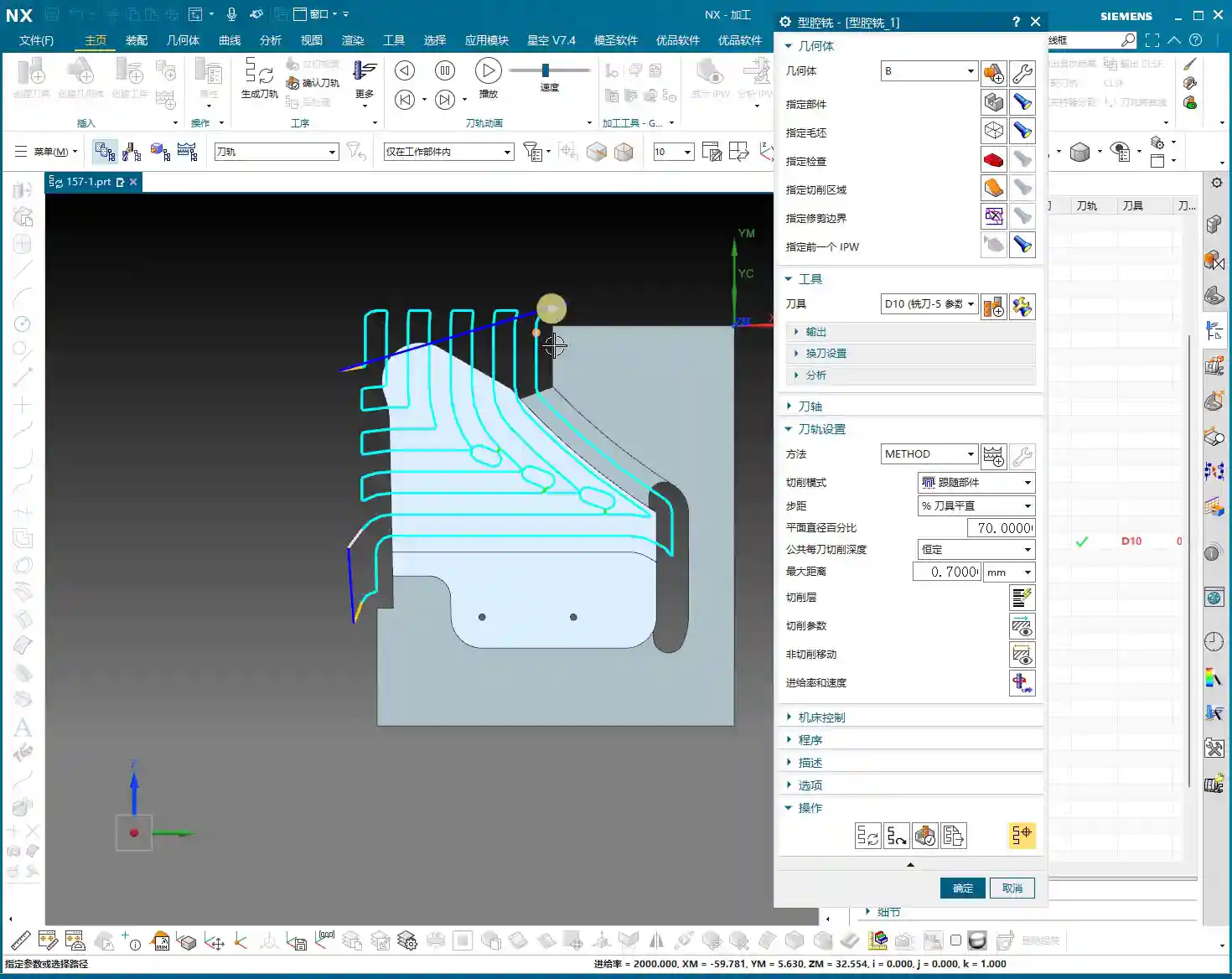
  • Practical Siemens NX CNC Programming: Master Wang’s Hands-on Guide to Full Sequential Finishing for

    📝 Key Takeaways: Master Wang personally teaches practical NX programming, delving deep into full sequential machining of front and back sides of parts. From roughing and corner cleanup to finishing pass strategies, covering NX ‘3D Constant Stock Machining’, stock control, tool selection, material property handling, and error compensation. Special emphasis is placed on the importance of simulation and on-machine verification, sharing practical tips and pitfalls not found in textbooks, to help you boost your machining efficiency and precision.

    [VIDEO_HERE]

    Roughing and Corner Cleanup Insights: Details Make or Break It

    Listen up, lads! Today we’re continuing from last time, discussing the full sequential machining of this part’s front and back sides, especially how to cleanly and efficiently tackle those tricky corners and areas prone to leaving residual material. Don’t underestimate “corner cleanup”; there’s a lot more to it than meets the eye, and you won’t necessarily find these details in textbooks.

    Step One: Initial Corner Cleanup and Residual Material Removal

    We’ve already removed most of the stock from the large faces, right? Now, we need to deal with the residual material left in the corners after the initial roughing pass. If you don’t clean these areas thoroughly, your subsequent finishing pass tools will be prone to excessive tool load, or even premature failure.

    • Select Operation: Right-click on the operation group, Insert -> Operation -> Reference Toolpath Corner Cleanup. This is a commonly used and flexible corner cleanup function in NX.
    • Specify Area: Remember, only select the side walls and bottom face where corner cleanup is needed; never select the back face as well! Otherwise, the machine will attempt to machine the back, which can lead to major issues, either a tool collision or wasted machining time.
    • Tool Selection: Typically, for corner cleanup, we choose a ball nose end mill or flat end mill one size smaller than the roughing tool. In the audio, for convenience, we used a slightly larger tool, but in practice, you must determine this based on the corner radius and depth.
    • Stock Allowance and Depth of Cut:

      • Set bottom face stock allowance to 0, and side face stock allowance can be 0.05mm to 0.1mm, leaving it for the finishing pass.
      • The cutting depth of cut (DOC), which is the distance for each downward pass, we’ll set to 0.3mm. This parameter depends on the material; for titanium alloys and high-temperature nickel-based alloys, the depth of cut must be small and the feed rate slow, otherwise, chipping or burning of the tool can easily occur. For common aluminum parts, it can be slightly larger.

    • Key Checkpoints: After generating the toolpath, you must carefully check if the toolpath covers all residual material areas, especially at the corners. Don’t just rely on software simulation; click through and inspect the details multiple times.

    Finishing Pass Strategies: Smoothness and Precision

    With the residual material cleared, next comes the finishing pass – this is where your ability to control surface quality and dimensional accuracy is truly tested. Here, we’ll use various finishing pass strategies to ensure every surface is mirror-smooth and meets dimensional requirements.

    Step Two: 3D Constant Stock Finishing Pass

    For complex or irregular surfaces, 3D Constant Stock Machining (referred to as ‘San Tong Machining’ in older NX versions) is an excellent choice. It ensures uniform residual stock across the entire machining area, laying the groundwork for subsequent fine-tuning.

    • Select Operation: Insert Operation, select 3D Constant Stock Machining (or Flowcut/Contour Area), decide based on the part geometry and surface complexity.
    • Specify Area: Again, only select the areas that need machining. Here, we’re machining the part’s side faces and bottom face; the top face is for clamping and must not be touched.
    • Stock Control:

      • For the side walls and bottom face, we set the finishing pass stock allowance to 0; this is the strategy for the final finish cut. However, you must ensure the tool is sharp enough and the machine rigidity is sufficient.
      • If considering part deformation or subsequent grinding and polishing operations, you can leave a small stock allowance of 0.01mm to 0.02mm.

    • Cutting Method: Generally, use climb milling to reduce tool wear and improve surface quality. Conventional milling is useful in certain specific situations, but for finishing passes, always try to use climb milling.

    Step Three: Side Wall and Bottom Face Finishing Pass

    Side walls and bottom faces usually demand the highest surface finish and precision. Here, we employ dedicated finishing pass strategies to ensure optimal machining results.

    • Tool Selection: Typically, small-diameter flat end mills are chosen, such as a D10 flat end mill, or a corner radius end mill whose radius matches the part’s design radius.
    • Stock Allowance Setting: Set wall and bottom face stock allowances to 0. This is for final dimensions, so machine accuracy and tool wear status are especially critical here. I used to achieve ±0.005mm accuracy, relying entirely on precise judgment of machine error compensation and tool condition.
    • Corner Handling: For internal corners of the part, if the tool cannot fully perform corner cleanup, leave a small amount of stock, or use a small-radius tool for corner cleanup, as mentioned in the audio, leave a tiny bit of “corner” stock for the smaller tool to handle.
    • Toolpath Strategy: Use one-way cutting or spiral cutting to ensure even tool loading and prevent tool marks.

    Practical NX Programming Tips and Pitfalls

    NX programming isn’t about rigidly following instructions; it’s dynamic! As I always say, many things aren’t taught in books; you have to learn them through hands-on practice, observation, and repetition.

    Flexible Adjustment of Key Parameters

    In practical operation, you can’t rely on a single set of parameters for every job.

    • Depth of Cut (DOC) / Stepdown and **Stepover**: These parameters must be dynamically adjusted based on material hardness, tool material, tool diameter, and machine rigidity. For example, when machining titanium alloys, both depth of cut and stepover must be conservative, and the feed rate also needs to be slowed down; otherwise, tool life will be severely reduced, or the tool may even chip directly. Don’t assume the software’s default values are always optimal; they are merely general templates.
    • Stock Allowance Setting: The smaller the stock allowance for the finishing pass, the higher the demands on the machine and tool. If machine accuracy is insufficient or the tool is worn, leaving 0.02mm is more likely to guarantee the final dimensions than leaving 0. It’s better to perform an extra finishing pass than to aim for one-shot completion and end up scrapping the part.
    • Post-Processor Modification: Often, post-processor files are not foolproof. You need to understand some G-code and M-code, enabling you to manually modify the post-processor file when necessary, to optimize machine movements, reduce air cuts, and improve efficiency. Back in my day, I spent a lot of time working with post-processors to optimize 5-axis toolpaths.

    Insights on Handling Special Areas

    When encountering special areas, don’t rigidly apply conventional methods.

    • Deep Pocket Corner Cleanup: For very deep pockets, there will be significant residual material at the bottom and side wall junctions after roughing. In such cases, you’ll need to use small-diameter tools multiple times for corner cleanup, or even grind custom non-standard tools. Also, consider chip evacuation; otherwise, cutting heat won’t dissipate, leading to rapid tool wear and potential part deformation.
    • Thin-Wall Machining: Thin-walled parts are most susceptible to deformation. When clamping, use multi-point support or vacuum chucks. During machining, use sharp tools, small cutting parameters, take multiple passes in layers, and distribute the cutting forces. Don’t plunge aggressively; that’s asking for excessive tool load!
    • Fine Corners: In the audio, we encountered a corner difficult to process with standard tools. You can consider NX’s ‘Corner Cleanup’ or ‘Corner Milling’ functions, or use a very small ball nose end mill. If all else fails, manually grind a special tool to get the job done.

    Simulation and Verification: The Key to Avoiding Detours

    No matter how extensive your programming experience, the simulation and verification step cannot be skipped. This is the safest method with the lowest cost of error on the machine.

    The Right Approach to Simulation

    Don’t just think simulation is watching an animation; that’s only scratching the surface.

    • “If you’re unsure if it will work, simulate it” – that’s something I always say. NX’s simulation capabilities are very powerful, able to simulate stock distribution, toolpaths, collision detection, and more during the machining process.
    • Focus on checking stock allowance: Especially before the finishing pass, check the simulated stock distribution. If there’s excessive stock, it means previous operations didn’t clean it thoroughly; if stock is negative, it indicates an overcut, so adjust immediately. In the audio, we found that “the tool had no remaining stock,” which is a red flag, indicating either incorrect parameter settings or an issue with the simulation model.
    • Check for collisions: Interference between the tool holder, clamping devices, and the workpiece is the most common mistake newcomers make. Simulation can help you detect these issues in advance, preventing tool collisions on the machine – that’s no joke.

    On-Machine Verification and On-Site Adjustments

    No matter how realistic the simulation, the final step is always on the machine.

    • “Don’t just look at software simulation; watch the cutting sparks” – on the machine, observe the tool’s cutting status, listen to the cutting sound, and examine the chip shape and color; these are all learned through experience. Normal cutting should be stable, with uniform sparks and well-formed chips.
    • First Article Inspection: Machining the first piece of any new part requires utmost caution. First, perform a small test cut, then precisely measure using tools like feeler gauges, dial indicators, or CMMs, and only proceed with full production after confirming dimensional accuracy.
    • Process Compensation: If precision issues arise at the ±0.005mm level, besides machine compensation, you must also learn to fine-tune by adjusting tool radius compensation, toolpath, or even coolant concentration. This requires an in-depth understanding of machine characteristics and material properties.

    Solving Programming Challenges: Adaptive Thinking

    As in the audio, I tried ‘Single Toolpath Corner Cleanup’ or ‘3D Milling’ but encountered some minor issues, possibly due to parameter settings or a misunderstanding of the commands (after all, some less frequently used commands can indeed be forgotten over time). At such times, never be stubborn; learn to adapt.

    • Change your approach: If one method doesn’t work, immediately try another. NX offers various machining strategies, such as Z-level Milling (Z-level), Flowcut Milling (Flowcut), Contour Area Milling (Contour Area), etc. There’s always one that fits.
    • Simplify complex areas: Sometimes, breaking down a complex region into several simpler ones for machining is actually more effective.

    Summary: Pitfall Avoidance Guide

    Apprentices, remember these points, and you’ll save yourselves a lot of unnecessary hassle:

    1. Stock control is critical: Leave sufficient stock for roughing, ensure uniform stock for corner cleanup, and achieve precise stock for finishing passes. Especially for the final stock on bottom and side faces, set it strictly according to the operation and requirements.
    2. Tool selection matters: Choosing the right tool for different operations and materials is crucial. Don’t try to use one tool for everything; change it when necessary. Grinding custom non-standard tools is a specialized skill that can solve major problems.
    3. Simulation and verification are indispensable: Don’t be lazy; spending a few minutes on simulation is a hundred times better than a machine collision or scrapping a part.
    4. On-site experience is king: Software is a tool, but the person is key. Observe the machine diligently, analyze cutting phenomena, and only then can you become a true master.
    5. Learn to adapt, don’t be stubborn: When you encounter problems, don’t get fixated on one solution. There are countless NX programming methods; if one path is blocked, find another.

    These are all hard-won lessons from my 15 years in the trenches, apprentices. Learn them well, and you too will be able to stand on your own two feet!

    👤 About the Author:
    The author is a veteran CNC machining professional with 15 years of industry experience, specializing in UG NX programming. This article is an original work representing personal practical insights.

    ⚠️ Copyright Notice: Unauthorized reproduction or distribution without prior communication is strictly prohibited.

  • Practical Siemens NX: Full-Sequence Programming for Ten Precision Parts on One Plate – Master Wang T

    📝 Key Takeaways:

    Full-Sequence Programming for Ten Parts on One Plate: Finishing Pass and Efficient Duplication

    Hey everyone, Master Wang here. Last time,…

    [VIDEO_HERE]

    Hey everyone, Master Wang here. Last time, we dove into the ins and outs of roughing. Now, let’s go deeper and jump straight into finishing passes, especially for multi-part setups like this. How do you program it to be fast, stable, and still hit those precision targets? Don’t get caught up in fancy software simulations; on the machine, it’s all about real tool wear and machining costs. Listen up, I’m going to lay out all the practical tricks I’ve picked up over the years, right here, right now.

    Finishing Pass for Part Side Walls and Bottom Surfaces

    Once the secondary roughing pass is done, the part’s shape is mostly there. Now, it’s time to think about the finishing pass. The most critical aspects of a finishing pass are toolpath smoothness and precise stock allowance control, which directly impact surface quality and tool life.

    Floor Finishing: Details Make the Difference

    After secondary roughing is complete, insert an operation. We’ll start with a “floor cleanup.” This operation’s main purpose is to clear the remaining stock at the intersection of the floor and side walls, preparing for the subsequent finish cut. Select the faces to be machined, usually the entire bottom surface area that needs finishing. As for the tool, we’ll use our usual one, for example, Tool #3. While Tool #4 might be more suitable for some jobs, we’ll use #3 here; the principle remains the same.

    Here’s a crucial point: For the toolpath type, select “Follow Periphery,” and remember to choose the direction “Inside Out.” Why? An “Outside In” approach tends to push burrs inward, impacting accuracy, and the tool experiences uneven forces. “Inside Out” results in smoother cutting, easier chip evacuation, and better surface quality. Now, pay attention to the stock allowance control:

    • Side Wall Stock Allowance: 0.2mm (reserved for subsequent side wall finishing pass)
    • Bottom Surface Stock Allowance: 0mm (this time directly finishing the bottom surface)

    And for the corners, give them a slight 1% corner transition. This ensures the tool turns smoothly in the corners, avoiding sudden changes in cutting force that can lead to tool marks or chatter.

    Side Wall Depth Profile Finishing Pass: Stable Toolpaths are Key

    Once the floor is finished, move on to the side walls. Insert a “Depth Profile” operation and select the side walls to be machined. For beginners, here’s a reliable tip: select both the top and bottom faces. This helps the software better determine the machining range and prevents missed cuts. While mirroring the operation can sometimes work, for safety, especially during the learning phase, selecting all faces is more reliable.

    Continue using Tool #3. Set the depth of cut to 2mm and choose climb milling as the cutting method. This depth of cut needs to be flexibly adjusted based on the material and tool conditions. We’re doing a finishing pass here, so a smaller stepover is fine; the key is surface finish. Generate the program, and if there are no major issues, we’ll stick with this for now. After all, programming isn’t a one-shot deal; constant review and adjustment are standard practice.

    Complex Surface and Multi-Part Duplication Programming

    Next up is the critical aspect for this batch of parts – the finish contour milling of complex surfaces. Siemens NX’s surface machining capabilities are powerful, but if not used correctly, toolpaths can become erratic and waste precious time.

    Surface Finishing Strategy: Flexible Use of a B4 Ball End Mill

    Insert a “Surface Mill” operation and select the surface areas to be machined. For surface machining, we typically use ball end mills, such as a B4 ball end mill. Once the area is selected, generate the toolpath to see the effect. Sometimes you might think certain areas are inaccessible, but with good NX optimization, it can reliably machine them. Since our side wall stock allowance has already been removed, using a B4 ball end mill for direct machining here is generally fine.

    If you find the entry point isn’t ideal, or there’s interference, Siemens NX allows you to adjust it. Just like before, if the entry position wasn’t ideal, we can move it to a more suitable location. For instance, starting the cut directly from a surface edge ensures both safety and cutting stability. These minor adjustments in Siemens NX are all about ensuring safer and more efficient operation on the actual machine.

    Core Siemens NX Programming Skill: Avoiding Unnecessary Retractions

    Listen up, here’s a “pitfall avoidance trick” you won’t find in textbooks! In surface finishing passes, especially with complex surfaces, you might encounter a particularly frustrating issue: after the program is generated, the tool retracts excessively high, sometimes repeatedly, wasting valuable machining time – this is absolutely unacceptable in the workshop. These “ridiculous” retractions often occur because the software, when calculating rapid traverse planes, mistakenly identifies one of your selected “top faces” as an obstruction, assuming something needs to be avoided above it.

    How to solve it? It’s simple: “add a clearance plane!”

    In the toolpath settings, find options related to “clearance plane” or “avoidance.” Manually add a plane. The height of this plane can be set arbitrarily, even slightly higher than your workpiece’s highest point. As long as you add this “virtual” clearance plane, Siemens NX will use it as the new reference plane and will no longer consider your actual workpiece top face as an obstruction. This way, those puzzling, time-wasting “ridiculous retractions” will disappear. Don’t believe me? Try it; this trick works every time and will save you a lot of wasted machining time!

    This stuff comes from experience. Don’t let Siemens NX’s powerful features fool you; sometimes it gets “too smart for its own good.” As masters of the craft, we need to understand its “temperament” and use a few tricks to tame it.

    Efficient Programming for Batch Parts: Translation and Mirroring

    Since it’s a multi-part setup on one plate, programming each one individually is just plain dumb. Siemens NX’s power lies in its duplication and transformation functions. For parts arranged in a flat layout like ours, “translation” is the most commonly used feature.

    Once the program for the first part is complete, measure the center distance of adjacent parts; for example, we measured 51mm here. Then, directly select the programs that need to be translated (typically all roughing and finishing pass programs) and use the “Transform Object” function. Enter the translation distance 51mm, ensure the direction is correct, click, and the programs for the other parts will be duplicated. We have four similar parts, so translate it three times, and you’re done! This saves a significant amount of repetitive programming time. Simple features like top and bottom faces can be quickly duplicated this way.

    If it’s a front-and-back or symmetrical part, you can use the “Mirror” function. For example, if both sides of a part need machining, program one side, then directly mirror it. With minor adjustments to the trim boundaries and entry points, you can quickly generate the program for the other side.

    Remember this: If it can be copied and pasted, never start from scratch. This is the golden rule for boosting programming efficiency and a key to cost control.

    Detail Optimization and Final Verification

    Back Side Machining and Tolerance Control

    Once all the part programs for one side are complete and verified, it’s time to “flip the part.” After the part is flipped, use the same method to machine the back side. This process is similar to the front side: copy and paste existing programs, then adjust machining faces, toolpath direction, and trim boundaries.

    Here’s a particularly important point: selecting the bottom surface. Sometimes, the software might overlook the finishing pass of the bottom area if you’ve only selected the side walls. While it might seem like a small face and harmless to omit, under high-precision requirements, it’s always best to explicitly select the bottom face to ensure it receives complete machining. If selected, it will definitely be machined; if not, it might leave potential issues. Especially when needing to guarantee accuracy levels like ±0.005mm, any small omission can lead to scrap.

    Final Refinement and Program Verification

    Once all machining programs are complete, it’s crucial to perform comprehensive simulation verification. Don’t just glance through it. You need to meticulously observe the toolpaths, entry points, retraction heights, and most importantly, cutting sparks (though you can’t see sparks in simulation, you need to mentally simulate the machine’s actual running state). Especially critical areas to check are sharp corners prone to heavy cutting, deep cavities, and toolpath transitions.

    If you find any unreasonable aspects in the program, such as unnecessary air cuts or uneven cutting paths, adjust them promptly. Every program optimization saves money and time in actual production. We don’t aim for perfection, but we strive for ultimate practicality and efficiency.

    Summary: Pitfall Avoidance Guide

    1. Machining Direction Selection: When finishing the floor, prioritize the “Inside Out” cutting direction to prevent burr retention and improve surface quality.
    2. Stock Allowance Control: When performing finishing passes on side walls and bottom surfaces, precisely set side wall and bottom surface stock allowances to ensure sufficient space for subsequent operations or to directly machine to the target dimensions.
    3. Secret to Preventing “Unnecessary Retractions”: When Siemens NX generates programs with “ridiculous retractions,” manually add a “virtual clearance plane” above the workpiece. This tricks the software, eliminates unnecessary air cuts, and significantly boosts efficiency.
    4. Batch Programming Techniques: For repetitive parts on a single plate, proficiently utilize Siemens NX’s “Translation” and “Mirror” functions. This can increase programming efficiency severalfold and reduce labor costs.
    5. Select All Critical Faces: When performing depth profile or surface milling, even if some faces seem to have little impact, to ensure accuracy and completeness, cultivate the habit of selecting all faces, especially the bottom face, to avoid omissions.
    6. Simulation Verification: Don’t assume everything is fine just because the program has been generated. Carefully review the simulated toolpaths, simulate the machine’s actual operation, and ensure all details meet requirements before machining to reduce scrap rates.

    👤 About the Author:
    The author is a veteran CNC machining professional with 15 years of industry experience, specializing in UG NX programming. This article is an original work representing personal practical insights.

    ⚠️ Copyright Notice: Unauthorized reproduction or distribution without prior communication is strictly prohibited.

  • Siemens NX Roughing: Master Wang’s Guide to Conquering Multi-Part Machining and Stock Allowance Chal

    📝 Key Takeaways: Master Wang provides hands-on instruction for practical multi-part roughing in Siemens NX. He covers fixturing strategies, drilling side holes on Face A, and roughing slot features on Face B, explaining in detail how to select tools and set up coordinate systems. Special emphasis is placed on the critical role of machining allowance in real-world programming. Through a case study, common disconnects between design and manufacturing are revealed, along with practical guidelines to avoid pitfalls, ensuring smooth and efficient toolpaths.

    [VIDEO_HERE]

    Introduction: Background and Challenges of Multi-Part Machining on a Single Fixture Plate

    Hello everyone, this is Master Wang. Today, let’s cut the fluff and get straight to the practical stuff: how to approach roughing for these “ten parts on a single fixture plate.” We covered the modeling in a previous process planning lesson, so today we’ll skip the drawing and focus directly on programming and machining aspects.

    Process Review and Today’s Focus

    Listen up. The key characteristic of this job is “ten parts on a single fixture plate.” This means we’ll be producing ten identical parts from one plate. In this type of batch production, we need to consider fixturing efficiency, toolpath optimization, and how to effectively machine both the front and back sides of the plate by flipping it.

    As for how this part was drawn, we won’t dwell on that today; that’s a modeling task. Let’s dive directly into the main topic—Siemens NX programming—and how to “carve out” these ten parts from the raw stock.

    Part Overview and Quick Dimension Check

    Let’s quickly take a look at the part’s dimensions. Overall, it’s not large; the length is approximately over 200 mm (approx. 8 inches), and the width and height are also within normal ranges. It’s considered a relatively small part. A quick analysis reveals no particularly complex surfaces or tricky deep pockets; it mainly consists of conventional features like planes, holes, and slots. Preliminary assessment indicates moderate machining difficulty, with the key factors being process planning and toolpath optimization.

    Fixturing and Machining Strategies: The Art of Flipping for Front and Back Faces

    In machining, it’s often said that equipment is thirty percent, and process planning is seventy percent. Especially for double-sided machining jobs like this, the fixturing solution directly determines your machining efficiency and accuracy.

    Double-Sided Machining: Efficiency First

    We are adopting a typical sequential front-and-back machining strategy. First, we fixture the plate vertically to machine the features on Face A, especially the side holes. Once Face A is machined, we flip it over, clamp onto the already machined Face A, and process the features on Face B. The advantage of this method is that it ensures positioning accuracy and reduces errors caused by repeated clamping.

    First Step for Face A Machining: Prioritize Side Holes

    With Face A in hand, the first step is to machine the side holes. Why tackle the side holes first? Because these holes often serve as datum features or provide auxiliary features for subsequent fixturing. Moreover, machining side holes is relatively independent; completing them before working on the main surfaces reduces the risk of interference. Of course, this depends on the specific part geometry and fixturing, but generally, drilling holes first is a safer approach.

    Practical Programming: Face A Side Hole Machining

    Let’s jump straight into Siemens NX and get to work!

    Siemens NX Coordinate System Setup: Vertical Machining

    First, in Siemens NX, create the geometry and define the part and raw stock. We need to machine the part in a “vertical” orientation, so the Machine Coordinate System (MCS) must be set accordingly. Taking this plate as an example, we’ll set the Z-axis pointing upwards, the Y-axis as the feed direction, and the X-axis as the transverse direction. The same principle applies to the other side (Face B), though the coordinate system might require mirroring or rotation adjustments. However, let’s get Face A sorted out first.

    Side Hole Tool Selection and Drilling Path

    Alright, let’s measure the hole diameter. This hole, you see, has a radius of roughly 2.34 mm to 2.38 mm. What kind of hole is this? Who cares, we’ll make a decision when machining it. In this situation, we’ll just pick a 2.4 mm diameter drill bit and go for it. Textbooks will talk your ear off about tolerances and fits, but in the real shop, for non-standard or loose-tolerance holes, if it meets functional requirements, just grab a common tool close to the size and get it done. Don’t nitpick over a few hundredths; just get the job done first! As for depth, it’s a through-hole, so that’s straightforward.

    Once the program is ready, we generate the toolpath, simulate it to confirm everything’s good, and then the side holes on Face A are taken care of.

    Face B Roughing: The Challenge of Slot Features

    Face A is done, so let’s flip the plate over and prepare to machine Face B. Remember, once flipped, the coordinate system must be redefined or recalibrated, otherwise the tool won’t know where it’s going.

    Coordinate System After Flipping and Slot Width Measurement

    For Face B machining, we’ll focus on the slot features. Pay close attention to this slot. Let’s measure it first; the slot width is exactly 4 mm. Hmm, no more, no less, precisely 4 millimeters.

    Initial Roughing Tool Selection: A Hard Lesson

    Seeing this 4 mm slot width, many beginners instinctively reach for a 4 mm diameter end mill, thinking a snug fit is ideal. Big mistake! Listen up, this is a lesson you won’t find in textbooks: when you use a 4 mm diameter tool to cut a slot with a design dimension of exactly 4 mm, it simply won’t fit! Even if theoretically the dimensions match, in actual machining, the tool will interfere with the slot walls, making it impossible to plunge, let alone leave any stock allowance. This is where you’ll get chatter, damage the workpiece, or even break the tool. This is a classic case of design failing to adequately consider machining allowance.

    Master Wang’s Hands-on Guide: Toolpath Boundary Trimming and Stock Allowance Adjustment

    In actual production, you’ll always encounter various “pitfalls,” and we have to find ways to navigate them.

    Stock Definition and Layer Management

    In Siemens NX, defining the raw stock is the first step, so the software knows which areas need to be cut. I often prioritize speed, so sometimes I put everything on one layer, but you youngsters must develop good habits! Raw stock on one layer, part on another, and toolpaths for each operation on separate layers. This makes future modifications and searches easier, preventing clutter.

    Roughing Toolpath Errors and Correction

    During the programming for Face B roughing, after generating the toolpath, we discovered a problem: the tool was unexpectedly “cutting” on the outer contour! This won’t do; we intended to clear the slot, but it ended up milling away material from the outside perimeter instead. Errors like this must be identified and corrected immediately.

    The correction method is simple: in Siemens NX, use the “Trim” function or redefine the machining boundary. By selecting the correct boundary points or lines, the toolpath is precisely confined to the interior of the slot we intend to machine. Don’t let the tool “go off course”; scrapping a part is minor, but damaging the fixture or machine tool would be a real problem.

    Revisiting Slot Machining: Ultimate Considerations for Tools and Allowances

    Let’s get back to this 4 mm slot. A D4 (4 mm diameter) tool indeed won’t work. Where’s the problem? The core issue lies with “machining allowance”. When modeling, designers often just draw the theoretical dimensions, forgetting to leave “breathing room” for the tool. It’s like walking: if you insist on running in shoes that are a perfect fit, wouldn’t you end up with blisters?

    Master Wang’s practical experience advises:

    1. If the final required slot dimension is 4 mm, then during modeling, you should design this slot to be 4.1 mm or 4.2 mm wide, leaving a 0.1-0.2 mm roughing allowance. This way, you can successfully cut with a D4 tool, and then use another tool for the finishing pass to remove the remaining stock and achieve the final dimension.
    2. If the drawing strictly specifies a slot width of 4 mm and the model cannot be modified, then for roughing, you must select a tool slightly smaller than 4 mm—for instance, a 3.8 mm or 3.9 mm diameter end mill—to perform the initial roughing. This ensures the tool can enter smoothly and leaves sufficient stock allowance for the subsequent finishing pass.

    You see, this is experience talking. When the drawing was made, they just drew it without considering machining allowance—a common mistake made by many beginners and designers. Therefore, design and process planning must be tightly integrated to avoid unnecessary detours!

    Summary: Guide to Avoiding Pitfalls

    Alright, youngsters, everything Master Wang has shared today is hard-earned, real-world shop experience you won’t find in textbooks!

    • Allowance Awareness: Any design dimension must account for machining allowance before processing. Especially for internal slots, holes, and similar features, a safe clearance must be left between the tool diameter and the actual dimension. Don’t expect a 4 mm diameter end mill to perfectly cut a 4 mm slot!
    • Layer Management: Develop good Siemens NX layer management habits. Use separate layers for different operations, raw stock, finished part, fixtures, etc. This facilitates searching, modification, and collaboration, preventing clutter. This is fundamental professional etiquette.
    • Fixturing Considerations: For multi-part or double-sided machining, always plan your fixturing strategy in advance. Ensure the workpiece is secure, accurately positioned, and that the tool can access all machining surfaces without interference. Unstable fixturing renders everything else useless.
    • Tool Selection and Verification: Before programming, always confirm the compatibility between tool dimensions and workpiece features. Use Siemens NX’s simulation function to carefully verify if the toolpath is correct, checking for air cuts, overcutting, or interference with the fixture. A quick simulation saves real money.
    • Precise Definition of Program Boundaries: Especially for roughing, ensure the toolpath is strictly confined to the required cutting areas. Utilize Siemens NX’s boundary, trim, and other functions to precisely define the toolpath range, preventing “milling away” material that shouldn’t be touched, saving rework.

    Keep these points in mind—save trouble, make more money!

    👤 About the Author:
    The author is a veteran CNC machining professional with 15 years of industry experience, specializing in UG NX programming. This article is an original work representing personal practical insights.

    ⚠️ Copyright Notice: Unauthorized reproduction or distribution without prior communication is strictly prohibited.
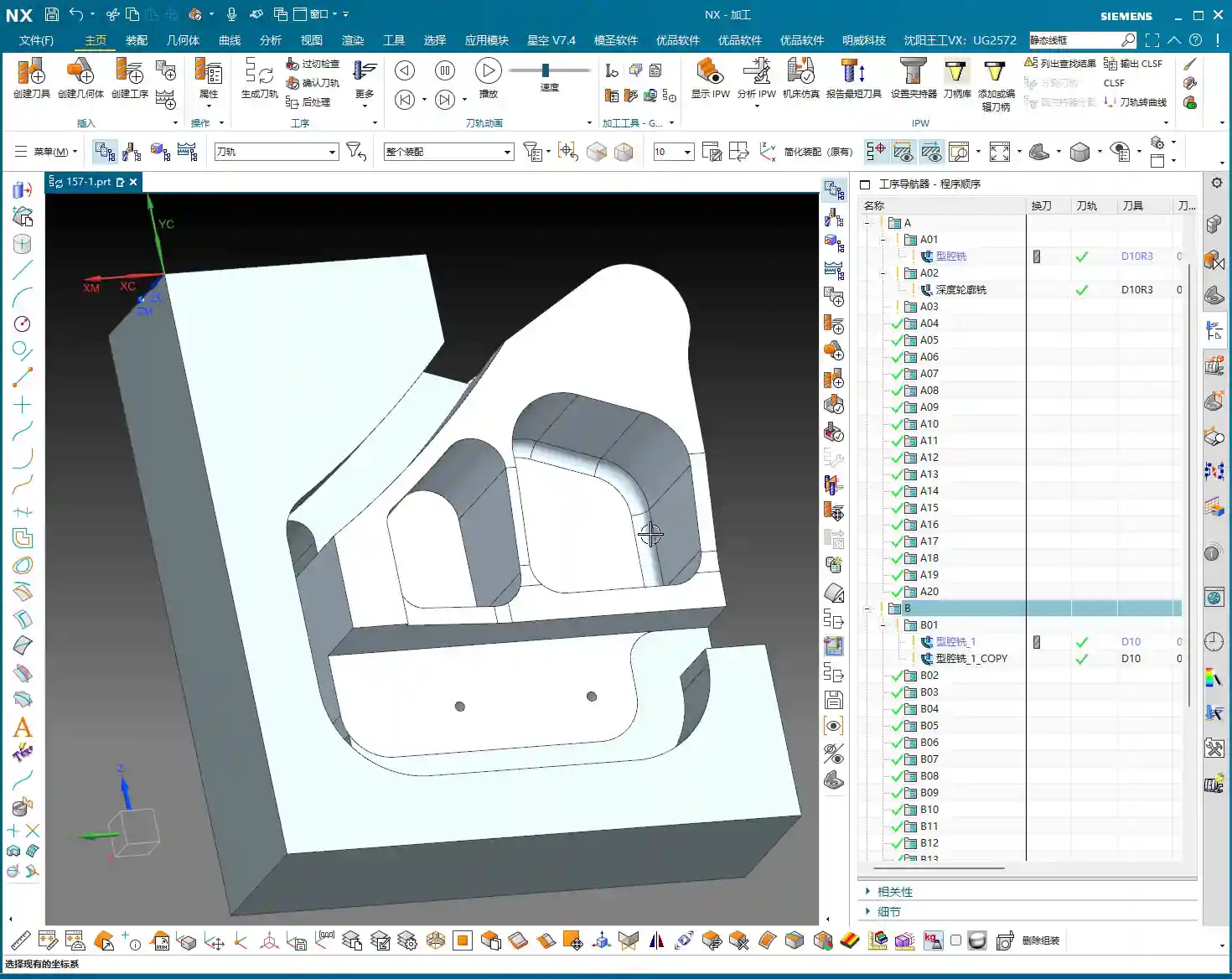
  • UG (NX) Part Finishing: Master Wang’s Practical Guide to Avoiding Pitfalls, Enhancing Precision and

    📝 Key Takeaways:

    Practical Finishing in UG (NX)

    Hello everyone, I’m Master Wang. Today, let’s continue our discussion on the intricacies of part finishing…

    [VIDEO_HERE]

    Hello everyone, I’m Master Wang. Today, let’s continue our discussion on the intricacies of part finishing. This job might look simple, but to do it right, you need practical experience. Listen up, I’m going to share all my accumulated wisdom.

    I. Preparation for Finishing: Workpiece and Tool Selection

    Finishing Strategy for Radii and Slots

    For the parts we’re working on, some areas require a finishing pass. Take the R2.5 fillet, for example. Many might immediately reach for a small tool, but that’s often unnecessary. To balance efficiency and tool life, I typically choose a D10 end mill to tackle it. Don’t just rely on the tool catalog; consider the actual situation. Good tool rigidity is essential for ensuring surface finish.

    Additionally, for some deeper slots or bores, such as the R9 bore/slot, a D6 or D8 tool can also be used. Provided there’s no interference, try to use a slightly larger tool for better rigidity and higher cutting stability. This is crucial for both machining precision and surface finish.

    II. UG (NX) Machining Operations and Toolpath Optimization

    Finishing Parameter Settings

    In UG, the core of any finishing program is to control the feed rate and remaining stock. Put aside your roughing programs for now. What we need to do is completely remove all remaining stock.

    • Finishing Depth: For finishing passes, the Depth of Cut (DOC) for a single pass is generally controlled at 0.5 mm. This ensures both surface finish and minimizes machining time. For harder materials, such as titanium alloys or high-temperature nickel-based alloys, the stepover needs to be even smaller, and specialized coated tools might even be required.
    • Stock Control: For all finishing operations, both part stock and blank stock must be set to 0. This step is critical; otherwise, it’s not truly a “finishing” operation. Leave even a few thousandths of a millimeter of stock, and you’ll be dealing with rework.

    Toolpath Adjustment for Complex Areas

    For fillets in corners and edges, if you follow the default path directly, UG might “gouge” the material in the corner or fail to reach it completely. This is when you need to use the trim function to precisely control the toolpath. By adjusting the trim boundaries, you can make the toolpath better conform to the part contour, especially for internal fillets in grooves, preventing overcutting.

    Furthermore, when selecting machining faces, remember this: you don’t always need to select the entire part. Especially in certain situations, for example, when the tool diameter precisely matches the feature size to be machined (e.g., a 2.5mm tool machining an R2.5 fillet), UG might be unable to generate a toolpath. In such cases, you only need to select one side or a single face, and the program will generate smoothly. This is a little trick they don’t teach you in books.

    Application of “Constant Z Spiral Machining”

    For holes or cavities with moderate depth and a taper, if the “constant Z spiral” toolpath isn’t ideal, you can try “Constant Z Spiral Machining”. This method allows the tool to descend smoothly from top to bottom in a helical motion, resulting in more uniform cutting, reduced tool wear, and improved surface quality. However, remember that if the machining surface is complex, or if there are special requirements, you might need to manually adjust the connection method, or even change to a “follow” toolpath to ensure more logical tool movement.

    III. Tolerances and Tool Compensation: Key to Precision Control

    When and How to Apply Tool Compensation

    Many times, design drawings specify high-precision tolerances for certain dimensions, especially for bores and slots, such as ±0.005 mm (approx. ±0.0002 inch) or even tighter. In such cases, relying solely on the program won’t achieve it; the machine’s inherent precision errors and tool wear will affect the final dimensions. What to do? Apply tool compensation!

    Applying tool compensation is simple:

    1. In UG’s “Machine Control”, find “Tool Compensation Parameters”.
    2. Select to enable tool compensation; the direction is typically “Left” (G41).
    3. Here’s the key point: enable tool compensation “before each entry move” and “after each retract move”.
    4. Set the compensation number to D01 (or D02, D03, depending on your machine and tool numbering).

    Note: Programs with tool compensation must be generated and machined separately! Do not mix them with other programs. This is because tool compensation is applied at the machine controller, not by altering the toolpath within the UG program itself. You must first machine the part, then measure it, and based on the measurement results, adjust the corresponding compensation value for D01 in the machine’s CNC system to achieve ±0.005 mm (approx. ±0.0002 inch) level precision.

    IV. Program Generation and Simulation Verification

    Generation and Inspection

    After every parameter change, remember to regenerate the toolpath. UG’s calculation speed depends on the complexity of your part and your computer’s specifications. Waiting a minute or two is normal, don’t rush it. Once the toolpath is generated, don’t just send it to the machine! You must carefully inspect the toolpath, especially the entry, retract, and lift moves, and check for any overcutting phenomena.

    I’ll teach you a simple method to identify overcutting: observe the cutting sparks in the UG simulation. If you see unusually large sparks in a particular area, or if the tool motion trajectory is clearly illogical, it’s highly likely there’s overcutting. Of course, the safest approach is to perform a simulation in UG, watching the tool’s movement trajectory step-by-step to confirm there are no collisions or overcutting. If you find overcutting, your first reaction shouldn’t be to change parameters, but rather to check if the ‘part’ faces you selected are correct. Often, this is where the problem lies, leading the tool to cut where it shouldn’t. Ensure ‘lift’ (retract) settings are correct to prevent the tool from scratching the workpiece surface in non-cutting areas.

    Special Case Handling: Two-Sided Machining

    If you have a part requiring two-sided machining, once one side is finished, flip the part and machine the other side. In this case, you can directly copy the existing program for the first side, then modify the machining direction, or simply “reverse” it directly within the geometry. If selection issues arise, such as features needing machining on both sides, you must ensure you only select the current face to be machined each time, to avoid selection errors that prevent program generation or cause errors. Remember, after every modification, you must regenerate and check – this is an ironclad rule!

    Summary: Pitfall Guide

    • Tool Selection Must Be Flexible: Don’t blindly stick to the drawings. Select tools with good rigidity and high efficiency based on actual feature dimensions and material. For R2.5 fillets, use a D10; for R9 bores, use a D6/D8.
    • Finishing Stock Must Be 0: This is the bottom line for finishing; no remaining stock means meeting drawing requirements.
    • Leverage UG Selection Features Effectively: When dealing with ‘precisely matched’ features or complex surfaces, selecting a single side or a local face is often more effective than selecting the entire part.
    • Apply Tool Compensation Prudently and Independently: For features with high-precision tolerances (±0.005 mm / approx. ±0.0002 inch level), tool compensation is essential. The compensation program must run independently, with fine-tuning done via compensation values at the machine controller.
    • Toolpath Inspection is Paramount: After generating the toolpath, always perform visual checks and simulations for entry, retract, and lift moves, as well as overcutting, to ensure foolproof operation.
    • Understand Material Characteristics Well: Cutting parameters vary greatly for different materials (e.g., common aluminum, titanium alloys, high-temperature nickel-based alloys). Adjust cutting speed, feed rate, and tool selection accordingly. This is about experience, and it’s also about cost.

    “`

    👤 About the Author:
    The author is a veteran CNC machining professional with 15 years of industry experience, specializing in UG NX programming. This article is an original work representing personal practical insights.

    ⚠️ Copyright Notice: Unauthorized reproduction or distribution without prior communication is strictly prohibited.

  • Multi-Process Complex Part Finishing: Master Wang, an NX Expert, Guides You Step-by-Step from Roughi

    📝 Key Takeaways:

    Practical Finishing of Multi-Process Parts

    Hello everyone, I’m Old Wang, Engineer Wang. Today, let’s continue our discussion on machining…

    [VIDEO_HERE]

    Hello everyone, I’m Old Wang, Engineer Wang. Today, let’s continue our discussion on machining multi-process parts. Listen up, this isn’t a job you can do with your eyes closed; it’s all about experience and attention to detail. Let’s start from the beginning and talk about machining the front face (Face A).

    Roughing Strategy and Tool Path Optimization for the First Face

    Fixturing and Workpiece Positioning

    First, workpiece clamping. For roughing the front face (Face A), we’ll start by securing the raw material firmly with a vise. Why? Because roughing involves high cutting forces, and poor rigidity can easily lead to chatter, or even tool ejection, which would cause serious trouble. Positioning must be precise, and datums must be clear; this is the foundation for all subsequent precision machining.

    Roughing Tool Selection and Feed Strategy

    I just repositioned the tool start point; I accidentally clicked the wrong location earlier. We’ll continue roughing with a large-diameter flat-bottom tool with a corner radius (either a ball nose end mill or a corner radius end mill). For instance, here, we’ll choose a Φ32mm (approx. 1.26 inch), R0.8mm (approx. 0.03 inch) corn end mill, or a large face mill with a corner radius. This type of tool balances cutting efficiency and strength. The corner radius effectively distributes cutting stresses, extends tool life, and reduces stress concentration at sharp corners. For the tool path, the Depth of Cut (DOC) is set to 2mm (approx. 0.08 inch). However, we’ll initially leave a bottom stock of 0.8mm (approx. 0.03 inch), and some on the sides as well. This is to provide sufficient material for finishing, preventing the finishing tool from taking heavy impacts directly.

    For the tool path, we’ll start with a Zig-zag pattern to quickly remove most of the material. If the tool path doesn’t feel ideal—for example, too many air cuts or unstable machining—we need to adjust it. Siemens NX offers many strategies. Don’t just rely on software simulation; consider whether the cutting sparks on the actual machine are consistent and if the sound is smooth. No matter how advanced the software, it can’t fully replace the ears and eyes of an experienced machinist.

    Tool Path Optimization to Avoid Excessive Tool Engagement

    As mentioned, if the tool path strategy isn’t ideal, we need to adjust it. For example, switching from a Zig-zag pattern to an Offset pattern. The offset pattern provides more uniform tool engagement along the contour edges, preventing the tool from engaging too deeply in corners, which can lead to chipping or workpiece deformation. Especially when machining near edges, if a zig-zag pattern tends to cause overcutting or vibration, an offset pattern offers better control over cutting forces. We’ll set the Stepover to 85% of the tool diameter. This ensures both efficiency and sufficient material allowance for the finishing pass.

    After machining, check the part. We’re left with a bottom stock of 0.15mm (approx. 0.006 inch), which is an acceptable size, making it convenient for the subsequent single-pass finishing operation.

    Finishing and Detail Processing for the First Face

    Finishing Stock Control

    Once roughing is complete, it’s time for finishing. As usual, copy the roughing program and then modify the parameters. Finishing stock must be strictly controlled, with all allowances set to 0. However, pay attention: some side walls require a separate finishing pass with a smaller tool. Therefore, we can temporarily leave 0.25mm (approx. 0.01 inch) on the side walls. Don’t remove everything in one go; that can easily lead to “tool deviation” or failure to meet surface finish requirements.

    Planar Contour Milling and Boundary Control

    In Siemens NX, for finishing flats and contours, the “Planar Mill” or “Contour Mill” strategies are commonly used. If the workpiece contour is complex or has open boundaries, we cannot simply use a zig-zag pattern. We must use Planar Contour Milling and properly define the cutting region (face or curve) and boundary type (open or closed). For example, here, we’ll set the cutting direction for one open area to “Right” and another to “Left”, ensuring the tool path covers the entire area without cutting into unintended regions.

    We’ll still use the Φ32mm (approx. 1.26 inch), R0.8mm (approx. 0.03 inch) tool. Set the Depth of Cut (DOC) and stock allowance to 0, which means a single pass to the final depth, finishing the bottom face. This completes the large-area finishing.

    Side Wall Finishing and Dedicated Tools

    The side walls we mentioned earlier still have 0.25mm (approx. 0.01 inch) of stock remaining; now it’s their turn. These side walls typically require a better surface finish or smaller radii. We’ll need to switch to a small-diameter flat end mill, such as a Φ10mm (approx. 0.39 inch) flat tool, or even a smaller one for the finish cut. Set the stock allowance to 0, and change the cutting method to “Along Boundary” or “Follow Profile”. With a single pass, machine the side wall cleanly. This ensures both surface finish and perpendicularity. Don’t underestimate this 0.25mm allowance; it’s your margin for error, preventing large steps or damage from occurring during roughing with a larger tool.

    When finishing side walls, pay attention to the tool stick-out length. If the tool protrudes too far, it can easily lead to chatter, affecting surface finish, or even cause tool breakage. Therefore, keep it as short as possible. Here, my tool stick-out is a bit long, but for demonstration purposes, we’ll proceed as is. In actual machining, I would try to shorten the stick-out length as much as possible or opt for a reinforced tool holder.

    Hole Machining: Preparation Before Drilling and Tapping

    Hole Recognition and Optimized Drilling Sequence

    After machining the faces, next come the holes. Hole machining cannot be careless, especially when high dimensional accuracy is required. Siemens NX’s “Hole Machining” module is very powerful and can automatically recognize all holes. What we need to do is optimize the drilling sequence to minimize air cuts. Drill smaller holes first, then larger ones, or go from inside to outside, or high to low. This avoids multiple tool changes and unproductive movements, saving time and thus cost!

    First, use a center drill (or spot drill) to spot the holes for positioning and to prevent the drill bit from wandering. Then, use a twist drill for drilling the holes. Here, we’ll select a center drill to spot the hole locations.

    “Drawing is King” Principle for Drilling Depth and Dimensions

    After spot drilling, proceed with drilling. Here, I checked the hole diameter and found it to be 6.8mm (approx. 0.268 inch). This is clearly the pilot hole for an M8 thread. This means that after drilling this hole, an M8 thread will need to be tapped. The hole depth is absolutely subject to the “drawing is king” principle! Some holes are through holes, others are blind holes, and their depths vary. Never rely on intuition; always carefully cross-reference the drawing for each hole’s depth and requirements. If the drawing specifies a flat bottom for a blind hole, then a flat-bottom drill must be used for machining.

    For demonstration, I’ll set a random depth for now. But during actual operations, better slow than wrong! Especially before tapping, the pilot hole’s size and depth are critical. If the pilot hole is too small, tapping can easily break the tap; if it’s too large, the thread strength will be insufficient. These are lessons learned the hard way.

    Here, we’re just outlining how to program it. But for actual machine operation, you must be even more diligent, striving for perfection, especially regarding depth and tool life.

    Flip Machining: Establishing and Inheriting the Second Face Datum

    Datum Face Selection and Workpiece Preparation

    With the front face machined, it’s time to flip the part and machine the back face (Face D). The most critical aspect of flip machining is the establishment and inheritance of datums. We typically choose a previously machined, high-accuracy face as the secondary datum face for clamping. If the raw material edges have a large amount of stock from roughing, they can even be lightly cleared on a manual milling machine before CNC finishing. This ensures better clamping stability.

    I checked the raw material condition of the back face (Face D), and it’s quite similar to the previous Face B (side face). Can we directly reuse the tool path from Face B? After analysis, if the stock allowance and geometry are essentially identical, then absolutely!

    Tool Path Reuse and Parameter Adjustment

    Since the back face and Face B are similar, we’ll directly copy the roughing program from Face B. But remember, the face must be updated to select the new back face as the machining surface. Tool parameters and stock allowance will follow the previous Φ32mm (approx. 1.26 inch), R0.8mm (approx. 0.03 inch) tool, ensuring ample stock. While tool path reuse is convenient, the actual conditions of each face and each hole may differ, so parameter adjustment is essential—no cutting corners!

    One point to note here is the choice between Perpendicular to tool axis and Parallel to tool axis. When machining inclined or curved surfaces, this option directly affects the tool’s cutting posture and efficiency. Here, we’ll simply select a face and let the software automatically generate the path. During machining, do not use a Reciprocate (zig-zag) pattern; instead, follow the contour directly. This will result in more stable cutting.

    After roughing is complete, check again if there are any areas still needing roughing. Oh, right, the side faces and internal holes haven’t been roughed yet!

    For these internal holes, we can perform roughing using a Helical Ramp method, or directly use Trochoidal Milling, as long as it doesn’t damage the tool and is efficient. We’ll still use the Φ32mm (approx. 1.26 inch), R0.8mm (approx. 0.03 inch) tool. The Depth of Cut (DOC) can be larger, for example, 21.5mm (approx. 0.85 inch) (I deliberately went a bit deeper here; actual depth should be based on the drawing), leaving a 0.2mm (approx. 0.008 inch) stock allowance. The entry and exit paths must also be adjusted for safety. Pay attention to tool stick-out length; mine is a bit long here, but it should be shortened for actual operation.

    Finishing Strategy for Blind Holes and Irregular Holes

    For blind holes or irregular holes that may appear on the back face, the finishing strategy is similar to the front face. First, use a small-diameter flat end mill to finish the side walls, ensuring perpendicularity and surface finish. For blind hole bottoms, if high precision is required, a bottom corner cleanup tool must be used for corner cleanup to ensure a flat bottom. These details are crucial for determining the final product accuracy. Remember, ±0.005mm (approx. ±0.0002 inch) accuracy is achieved through this cumulative attention to detail and optimization.

    Summary: Pitfall Avoidance Guide

    Alright, today we’ve covered the roughing and finishing of multi-process parts, as well as hole processing. Finally, I’ll summarize a few points for you—these are pitfall avoidance experiences gained from hands-on practice:

    1. Datum First, Secure Clamping: Any machining operation must start from the most stable and precise datum. Poor clamping renders all efforts futile. During roughing, ensuring rigidity is even more critical.
    2. Stock Control, Distinct Stages: Leave sufficient stock for roughing, then uniformly remove it during finishing. Don’t attempt a single-pass finish; that will only lead to a loss of both accuracy and surface quality. Typically, roughing leaves 0.15-0.5mm (approx. 0.006-0.02 inch), and finishing leaves 0.05-0.1mm (approx. 0.002-0.004 inch). For special materials like titanium alloys and high-temperature nickel-based alloys, stock control must be even more cautious due to their severe work hardening tendency.
    3. Tool Selection, Material-Specific: Different materials and different machining stages require different tools. For example, a Φ32mm (approx. 1.26 inch), R0.8mm (approx. 0.03 inch) tool is efficient for roughing; a Φ10mm (approx. 0.39 inch) flat end mill is suitable for finishing side walls and corner cleanup. Don’t expect one tool to do everything; that’s impossible. For high-temperature alloys, carbide tools must be used, and cutting parameters should be slow to prevent chipping.
    4. Tool Path Optimization, Balancing Efficiency and Stability: The tool path generated by the software isn’t necessarily optimal; always combine it with real-world considerations. Minimize air cuts, avoid sharp turns, and maintain stable cutting forces. For thin-walled or easily deformable parts, consider gradual cutting strategies, or even multi-layer machining.
    5. Drawing is King, Verify Dimensions: Never guess dimensions based on experience, especially for hole depth, diameter, and position. The drawing is your bible; cross-reference it repeatedly before machining.
    6. Combine “See, Hear, Feel”: Don’t just stare at the NX simulation on the screen. On the actual machine, observe the color and shape of the cutting sparks, whether the cutting sound is smooth, and if the chip formation is normal. This is real skill you won’t learn from books. If the cutting sparks are white or the sound is harsh, it usually indicates tool wear or unsuitable parameters.
    7. Prevent Heat Treatment Deformation: If the workpiece requires heat treatment, machining allowances and clamping methods must be considered in advance, reserving sufficient finishing stock to compensate for deformation.
    8. Accuracy Compensation: When dealing with accuracies of ±0.005mm (approx. ±0.0002 inch), machine tool inherent errors, tool wear, and ambient temperature can all have an impact. Siemens NX allows for tool compensation, cutter compensation, and even direct fine-tuning in the G-code. However, the best approach is to optimize processes and parameters at the source to minimize cumulative errors.

    In our line of work, you can’t just know how to push buttons; you need to understand why you’re pushing them. These tricks of the trade are accumulated through time and expense. I hope you all avoid unnecessary detours!

    👤 About the Author:
    The author is a veteran CNC machining professional with 15 years of industry experience, specializing in UG NX programming. This article is an original work representing personal practical insights.

    ⚠️ Copyright Notice: Unauthorized reproduction or distribution without prior communication is strictly prohibited.
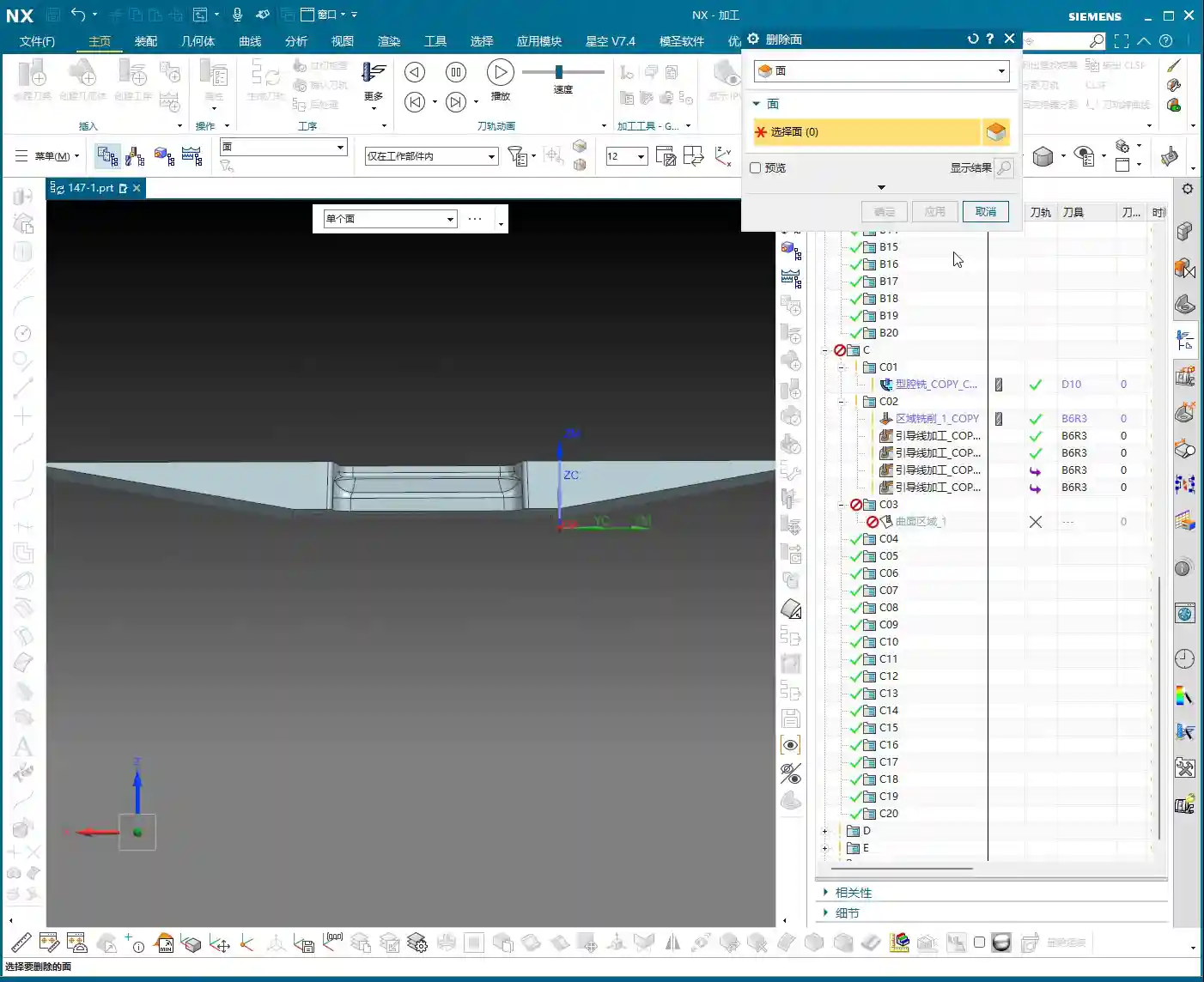
  • Multi-Process Part Siemens NX Programming Masterclass: Master Wang Helps You Conquer Roughing Challe

    📝 Key Takeaways: Master Wang guides you through every meticulous step of multi-process part roughing programming, from tool selection to stock management and toolpath optimization. Deep pocket helical milling and dynamic stock definition are especially critical for boosting efficiency and preventing tool crashes. Remember, hands-on experience is paramount—don’t just rely on software simulations; look for the actual cutting sparks!

    Sit tight, folks! Today, Master Wang is going to lay out the ins and outs of multi-process roughing. We’re picking up where we left off, and this time it’s all practical wisdom—stuff you won’t find in textbooks. Multi-process part roughing is all about finesse, not brute force.

    NX Roughing: Tool Selection First – The Ø32mm Cutter Breakthrough

    Tool Selection Strategy and Path Planning

    Listen up! For roughing the external contours of this part, we typically start by testing with a Ø32 R0.8 end mill. Don’t rush into using larger cutters like a Ø63; you need to understand the terrain first. Smaller cutters are more versatile and can handle tough spots without issues. If you jump straight to a large cutter and take too aggressive a Depth of Cut (DOC), you risk snapping the tool or, worse, scrapping the workpiece – and that’s real money lost!

    When performing Planar Milling in NX, the cutting direction is paramount when selecting geometry boundaries. You must ensure the tool begins cutting from the outside of the stock and moves inwards. Otherwise, if it plunges directly into the material, that’s what we call a “tool crash”—can your spindle handle it? Can your workpiece handle it? This is fundamental; don’t get confused.

    Boundary Extension and Stock Allowance Control

    Sometimes, the boundary lines you’ve drawn result in a toolpath that’s “just a hair short”—it doesn’t fully cover the area, or the tool doesn’t fully exit the workpiece. In such cases, you need to use NX’s “Trim and Extend” function. Extend the boundary lines appropriately so the tool can smoothly enter and safely exit. Here, for instance, we sometimes have to push the cutting length to 100% or even more (e.g., 150%) to ensure a clean sweep with no remaining material.

    How much stock allowance should you leave for roughing? Side walls typically get 2mm, while the bottom surface can initially be set to 0mm, or 1mm, depending on your subsequent finishing tool and strategy. For this job, we’ll leave no allowance on the bottom for now and address it in the next operation.

    Regarding Depth of Cut (DOC), setting it to around 4mm is usually good. Choose Mixed Cut for the cutting method. This ensures efficiency while distributing the load evenly on the tool, extending its lifespan. Don’t underestimate these details; they’re all born from experience.
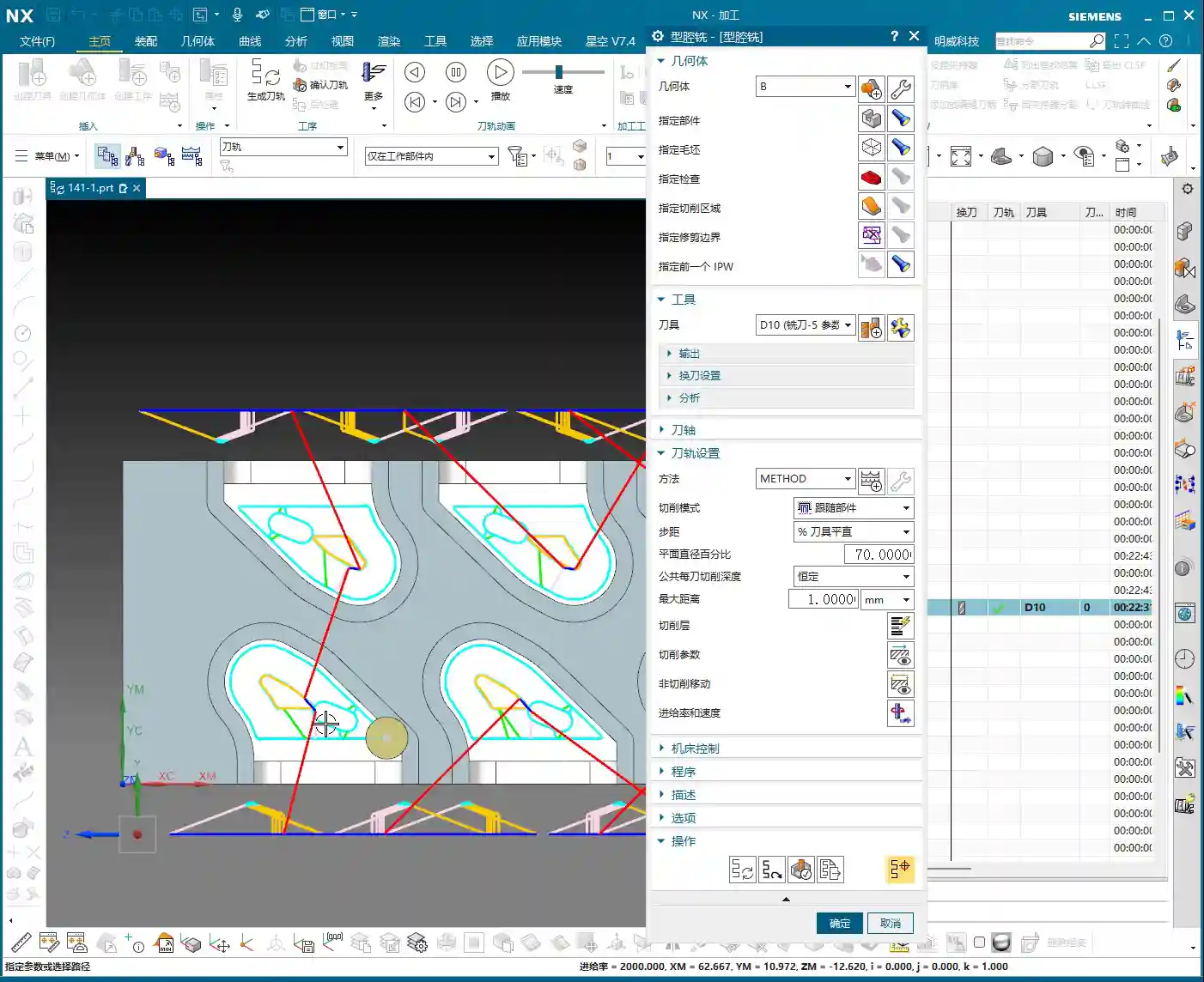
    Helical Milling Deep Pockets: Details You Can’t Overlook

    Deep Pocket Helical Milling Techniques

    When tackling deep slots or holes, Helical Milling is your go-to weapon; it’s a hundred times better than just plunging straight down. Here, we’ll use a Ø16 R0.8 end mill because it’s better suited for these relatively narrow internal features than a 32mm cutter.

    When machining geometric surfaces, remember to select the tangent faces. This ensures the toolpath hugs the slot walls tightly, resulting in a much better finish. Don’t pick the wrong faces; a slight error can lead to a huge deviation.

    This slot is quite deep, and machining it in a single pass can easily overload the tool. We can adopt a “half-depth-per-side” machining strategy, meaning we machine one half of the depth, then the other. This reduces the load on the tool for each pass, making it easier on both the tool and the machine, and ensuring better machining quality.

    Z-Axis Height and Depth of Cut (DOC) Fine-Tuning

    The starting Z-height for helical entry must be precisely calculated, not just guessed. I usually leave a little extra, for instance, setting a starting height of 3.5mm. This prevents the tool from directly impacting the stock, avoiding those “tool crash” incidents we discussed earlier.

    The helical angle and Stepover parameters need careful adjustment based on your material and tool. Don’t be fooled by impressive software simulations; the real cutting sparks and machine sounds are your most accurate feedback. The audio mentioned a 0.3mm cutting amount, but if the helical angle is too large, the tool load will be uneven. You need to iterate and test until the toolpath is stable and transitions smoothly.

    This area is mainly for weight reduction, so dimensional accuracy isn’t as critical. However, don’t get sloppy with the machining process, or else a high scrap rate will have your boss calling you in for a talk.

    Stock Management: Intelligent Avoidance, Efficient Machining

    Dynamic Stock Definition

    In multi-process machining, the most easily overlooked yet crucial aspect is stock (Blank/Stock) definition! It’s not static; it’s dynamic. After the previous operation is complete, you must re-extract or update the stock model based on the material actually removed. If you continue using the old stock, subsequent toolpaths will either be air cuts or crashes—there’s no certainty.

    NX has a useful function called “Replace Face”, which allows you to quickly replace the corresponding faces of the original stock with the machined model faces. This trick ensures that your subsequent operations calculate toolpaths based on the latest workpiece state—a secret weapon for avoiding air cuts and boosting efficiency.

    Allowance and Tool Compensation

    The stock allowance settings for new operations must be appropriate, otherwise you’ll find the tool either cutting air or cutting too much. For example, leaving 2mm on the sides is to provide enough room for finishing. For some internal machining areas, sometimes we’ll initially leave a 5mm allowance, then fine-tune it during semi-finishing or finishing passes.

    Don’t forget your R0.8 tool; it can take a bit more material when cutting sidewalls, so leaving a 1.3mm allowance is also acceptable. These decisions are based on the tool’s characteristics, so master them flexibly.

    Toolpath Optimization: Path and Allowance, Striving for Perfection

    Tool Entry/Exit Direction and Trajectory

    When reviewing toolpaths, a quick glance isn’t enough; you need to closely observe the tool entry and exit directions. Different settings, especially the “push cut” direction, can lead to subtle differences between simulation and actual machining paths. Sometimes, just this small difference can cause machining defects. Therefore, during simulation, be sure to rotate the model from multiple angles and inspect it carefully.

    For areas with complex boundaries, the cutting length percentage parameter requires iterative adjustment. You might start by trying 70%, find it hasn’t cut completely, then adjust to 90%, or even over 100%, until the tool fully covers or completely exits the workpiece. If this isn’t done right, you’ll easily end up with steps or an unclean cut.

    Experience and Parameter Adjustment

    I always tell you, programming parameters aren’t meant to be memorized blindly! Textbook theory is fundamental, but in practice, you must judge and adjust based on the machine’s actual condition, material properties, cutting sparks, and the sound of the machine. This is where NX programming’s flexibility comes in; it allows you to solve countless real-world machining issues, not found in textbooks, by fine-tuning relative position parameters.

    Another good habit is stock organization and management. I personally prefer to place stock files after sequence numbers like 100, 101. This makes them clear at a glance, easy to find and manage. Developing such good work habits can significantly boost your efficiency.

    Summary: Pitfall Avoidance Guide

    Everything I’ve shared today comes from my fifteen years of hard-won experience, so make sure you remember it:

    • Stock management is critical: For multi-process machining, you must dynamically update the stock model; otherwise, you’ll either crash the tool or make air cuts, wasting time and scrapping parts.
    • Toolpath boundaries must be extended: Especially for roughing, the tool must fully enter and exit the workpiece to avoid leaving remnants or steps, which would impact subsequent finishing passes.
    • Tool entry points must prevent crashes: Z-axis safety height and helical entry parameters need fine-tuning to eliminate direct tool impact with the stock—that’s a sure way to snap a tool in seconds!
    • Parameters require flexible adjustment: Combine textbook theory with actual cutting sparks and machine sounds for judgment; don’t be rigid. The machine won’t lie; it will tell you what’s wrong.
    • Leave sufficient and correct allowance: Too little makes finishing difficult and accelerates tool wear; too much wastes time and increases costs. Plan logically based on the tool and subsequent operations.
    • Understand push cut direction: For complex geometries, the tool’s push cut direction can affect the final result and surface quality; pay special attention during simulation.

    Process this information well, and spend more time experimenting on the machine. Only then can you truly become a master machinist!

    “`

    👤 About the Author:
    The author is a veteran CNC machining professional with 15 years of industry experience, specializing in UG NX programming. This article is an original work representing personal practical insights.

    ⚠️ Copyright Notice: Unauthorized reproduction or distribution without prior communication is strictly prohibited.